Free home and business inventory templates
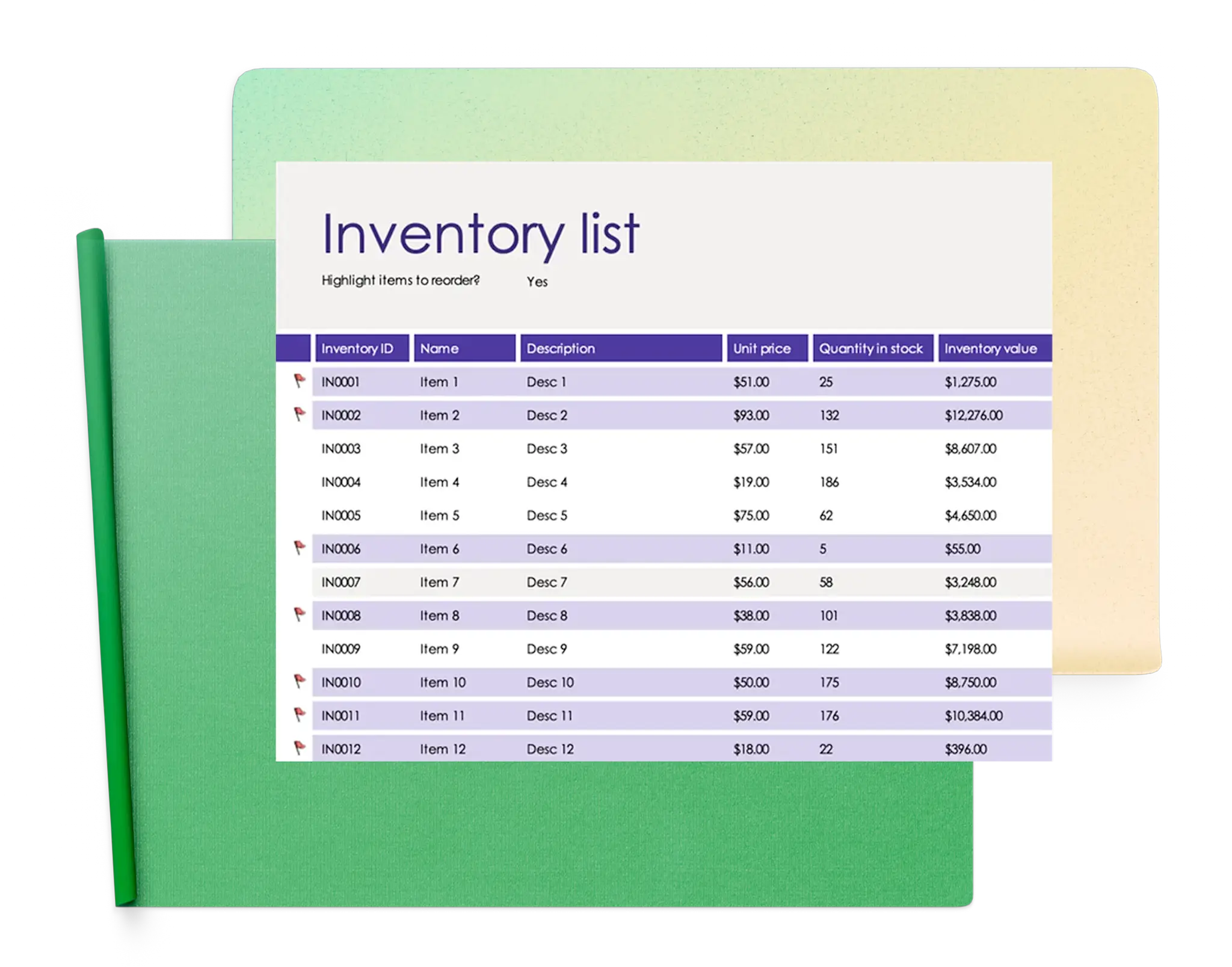
Use free Microsoft Excel inventory templates to simplify product tracking, and manage stock levels. Customize each template to support existing management processes and reduce the time spent on essential inventory tasks.
Inventory templates
Browse ready‑to‑use inventory templates that make it easier to manage items, check quantities, and maintain accurate records.

How to use inventory templates in Microsoft Excel
In your browser, explore Excel inventory templates
Double click on the inventory template you want to use
Replace the cell values and naming with the required information
Save, print, or share the inventory as a PDF
Organize products and supplies with inventory templates
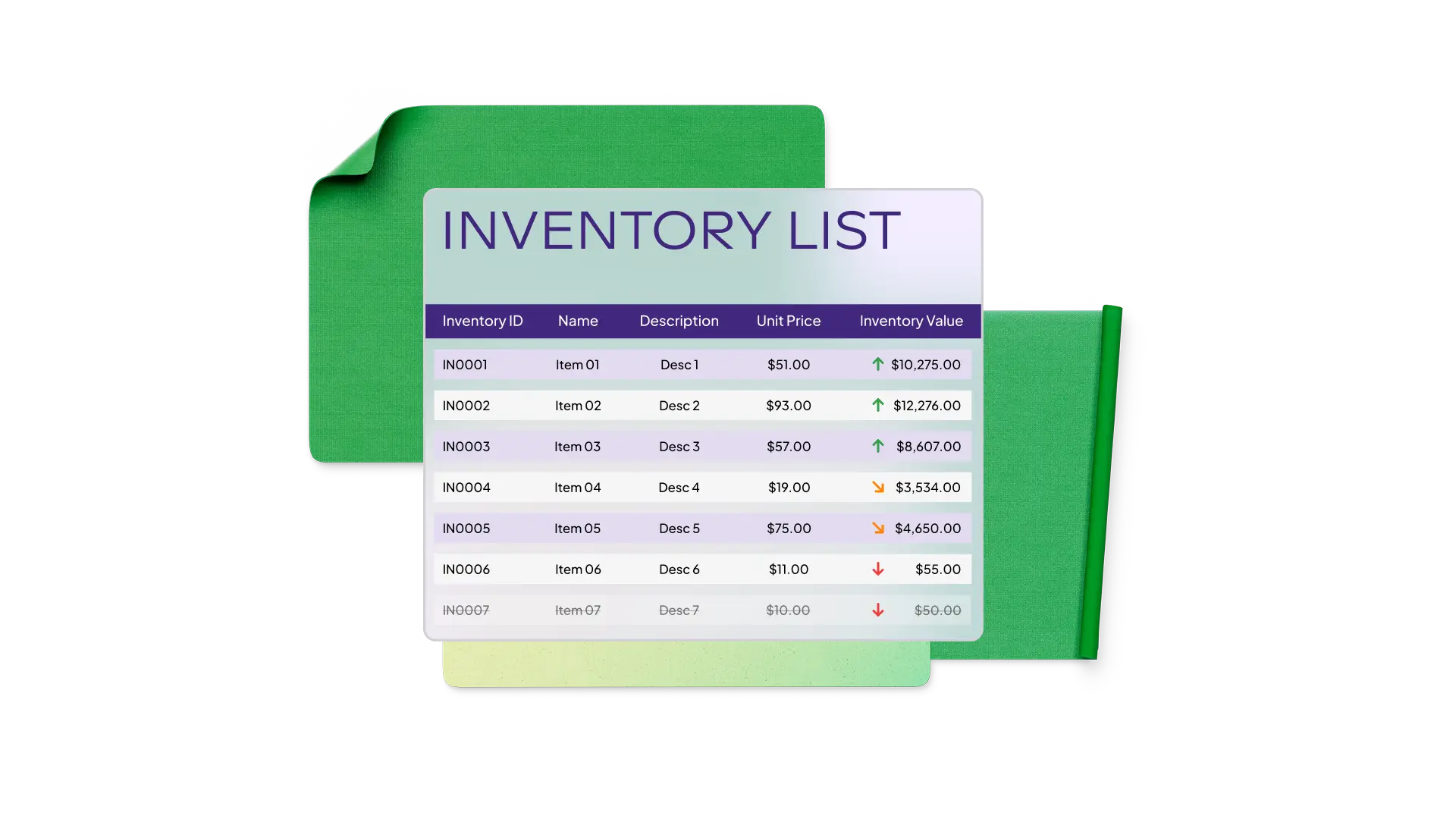
Manage your inventory with greater accuracy and efficiency using Excel templates designed to help you track products, supplies, and assets. Easily monitor quantities, understand stock levels, and plan purchases or replenishment based on real-time needs. These templates support both business and home use, including overseeing product inventories, coordinating with suppliers, and organizing items across a personal storage area. Each template is customizable to align with the required workflows and maintain clear, organized records that keeps operations running smoothly.