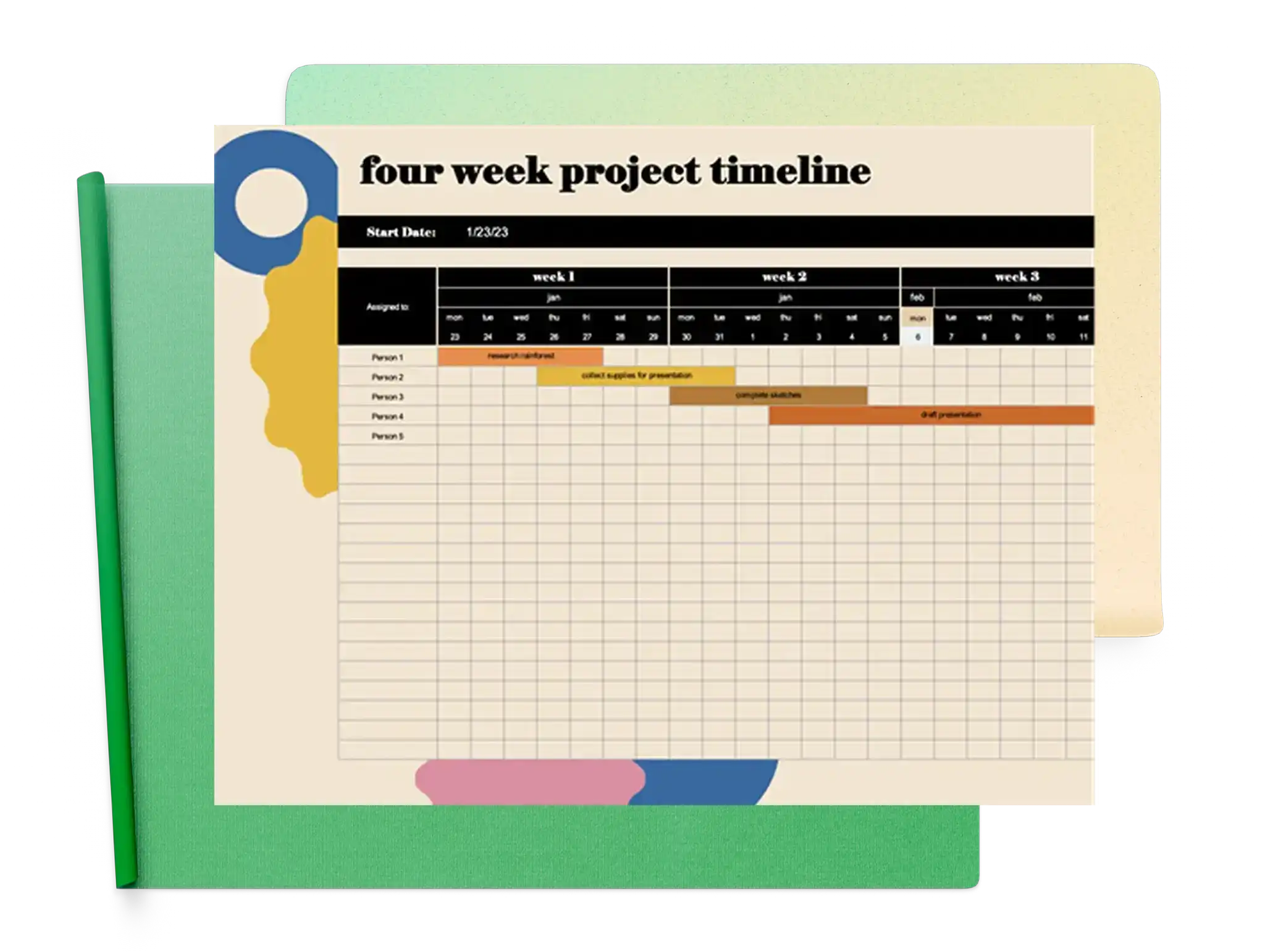
Dostosowywalne, bezpłatne szablony osi czasu
Zadbaj o terminowe realizowanie planów za pomocą przejrzystych osi czasu projektu, planów lub planów wydarzeń, korzystając z dobrze zaprojektowanych szablonów w programie Microsoft Excel.
Przeglądaj szablony osi czasu
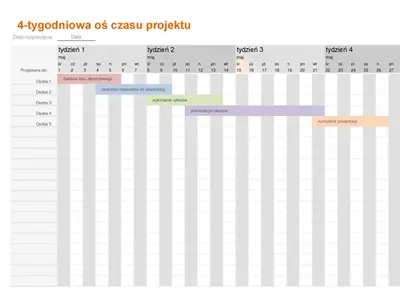
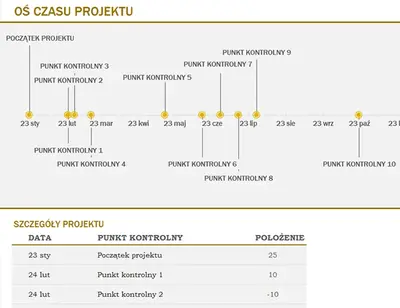
Przeglądaj gotowe do użycia szablony osi czasu, które ułatwiają określanie struktur projektów, wyróżnianie kluczowych dat i monitorowanie postępów. Śledź punkty kontrolne projektu i miej na uwadze ważne etapy.
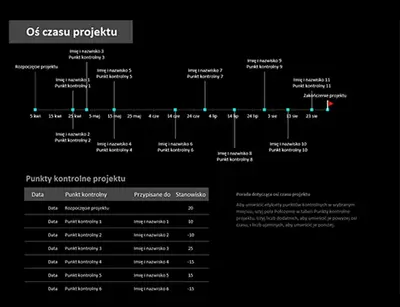
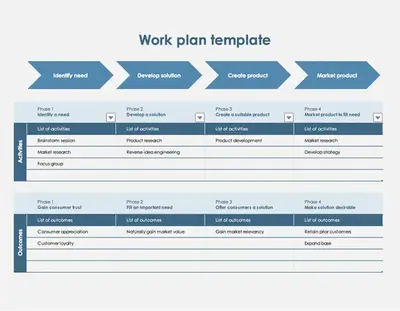
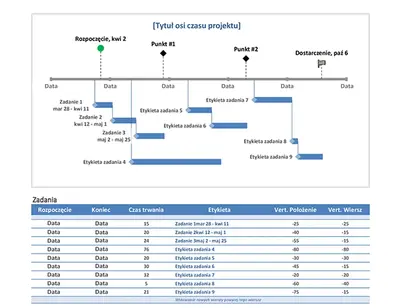
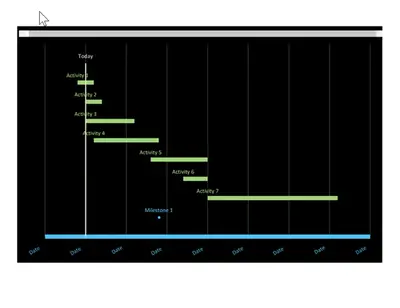
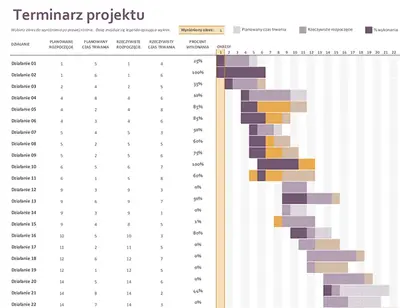
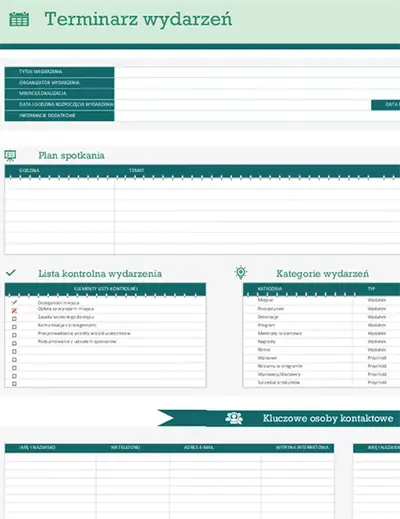
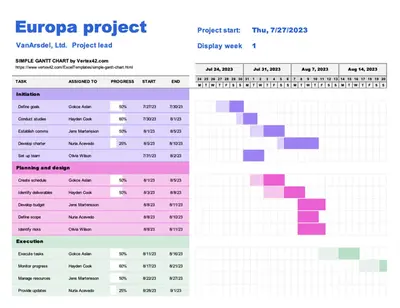
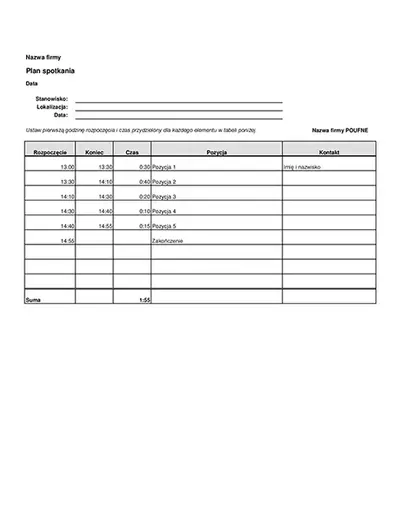
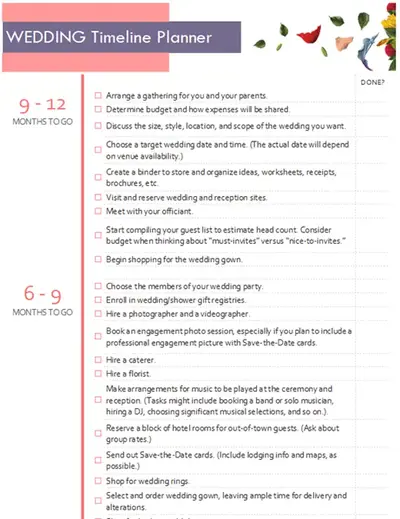
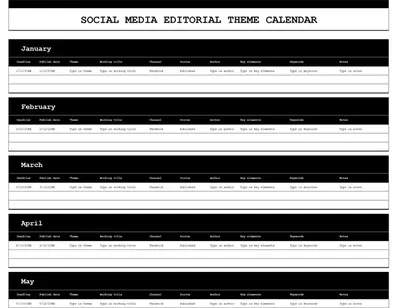
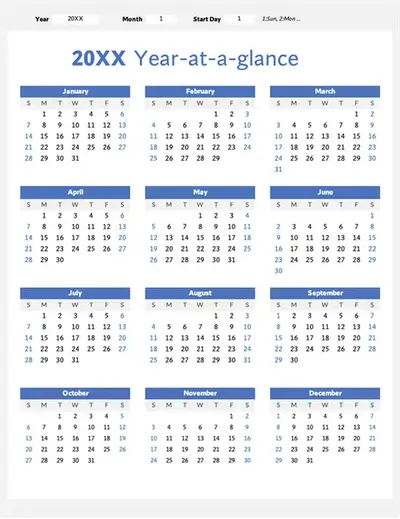
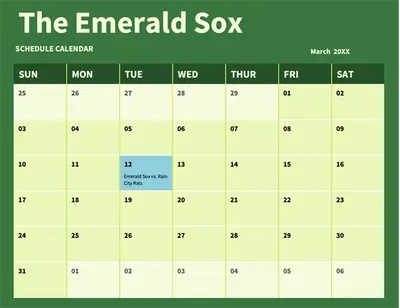
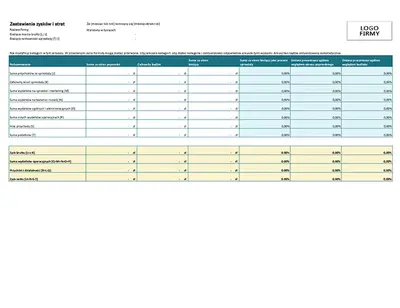
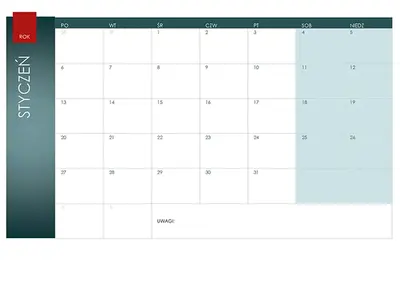
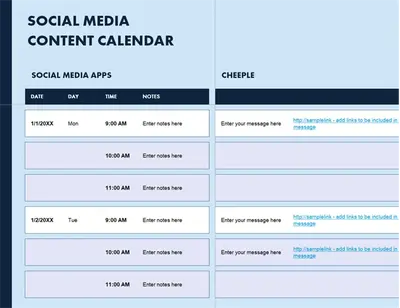
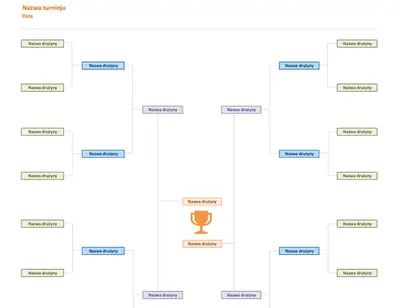
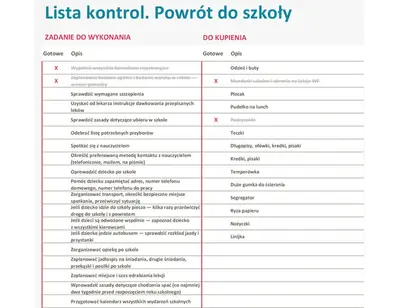
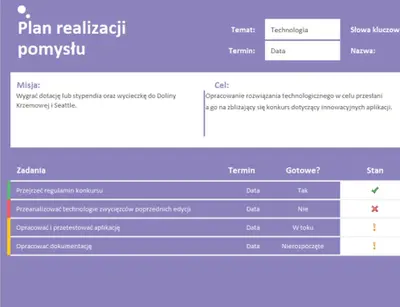

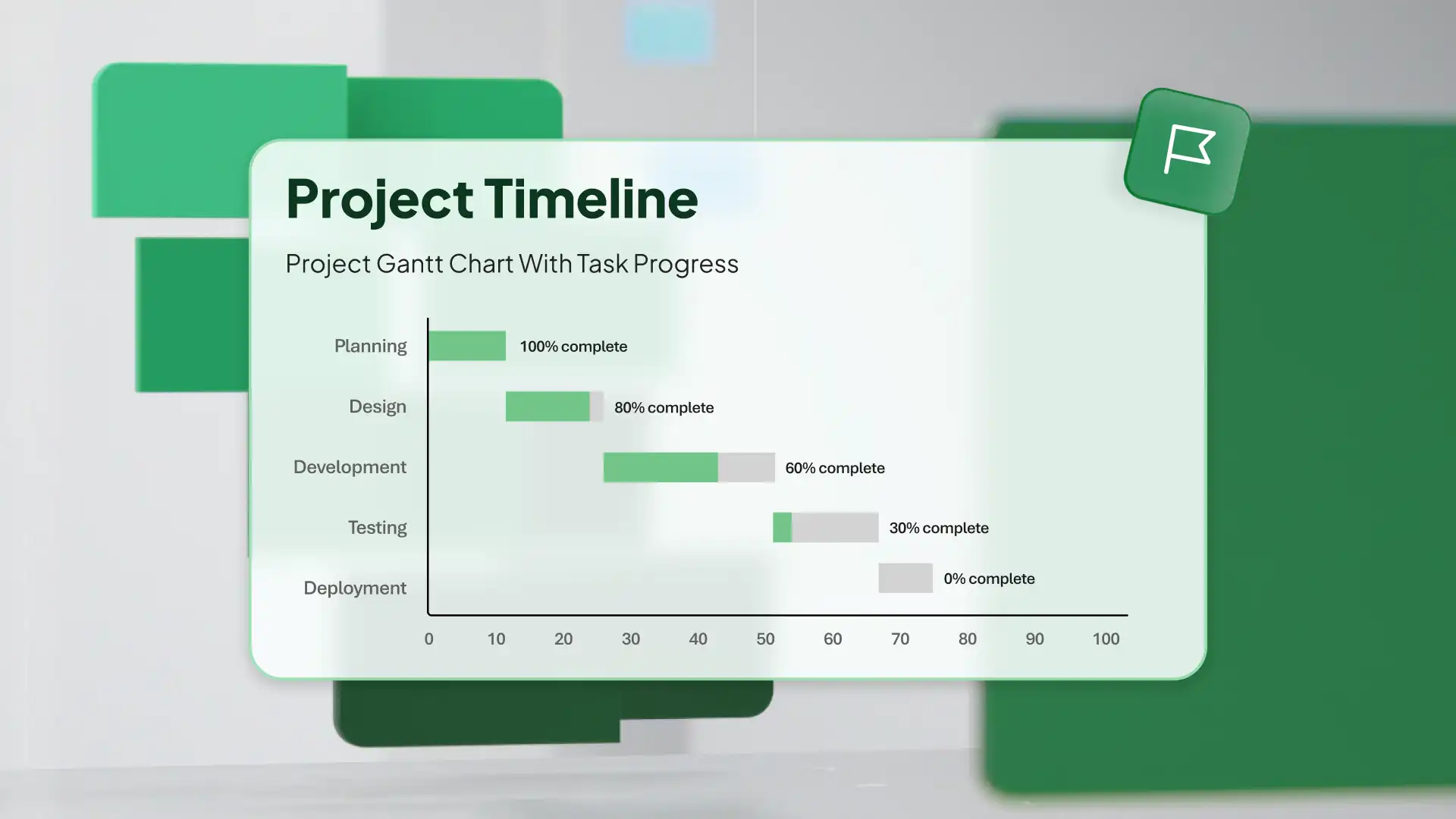
Jak używać szablonów osi czasu w programie Microsoft Excel
Dowiedz się więcej szablony osi czasu w programie Excel dla sieci Web.
Kliknij dwukrotnie szablon osi czasu, aby rozpocząć edycję.
Zamień wartości i etykiety komórek na daty projektu, punkty kontrolne i powiązane informacje.
Zapisuj, drukuj lub udostępniaj oś czasu online lub jako plik PDF.
Pokazywanie dowolnego planu z szablonami
Przekształć kamienie milowe projektu w przejrzysty plan, dzięki któremu łatwiej będzie zrozumieć postęp. Osie czasu zapewniają ustrukturyzowany sposób nakreślania każdej fazy projektu, dzięki czemu każdy krok jest uwzględniany i łatwy do śledzenia. Dostosuj każdy szablon do dowolnych potrzeb, od prognoz biznesowych po wydarzenia osobiste, i dbaj o wykonywanie pracy zgodnie z planem.