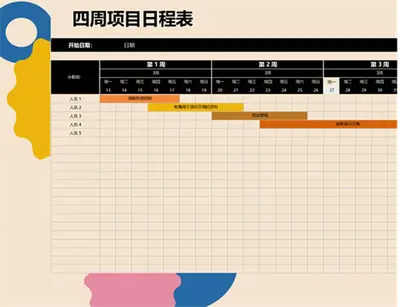
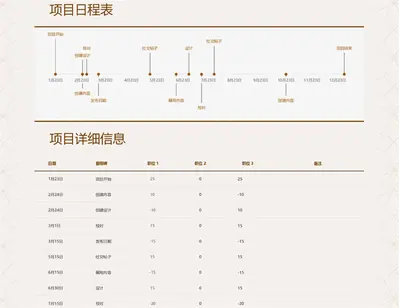
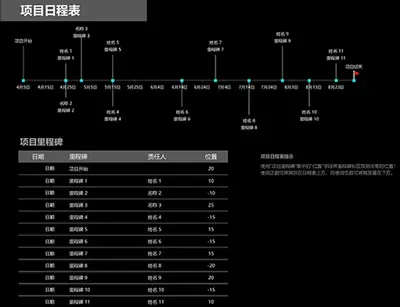
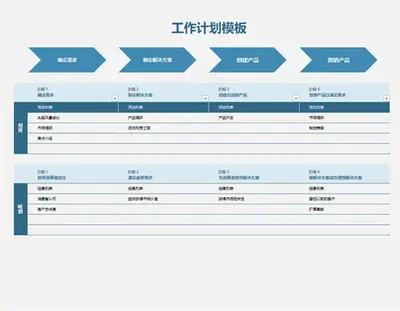
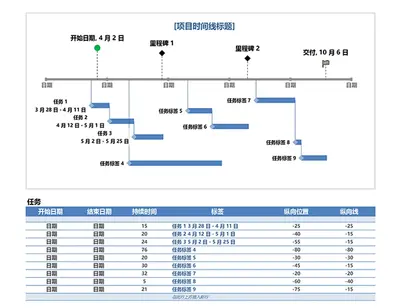
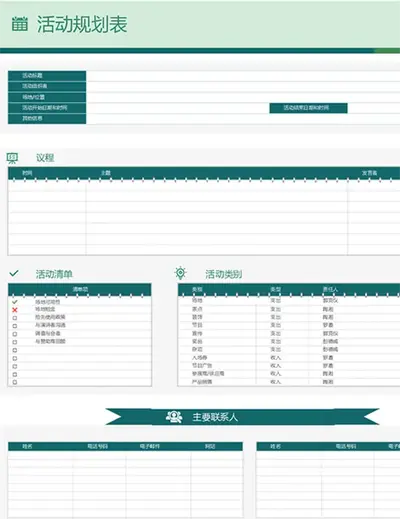
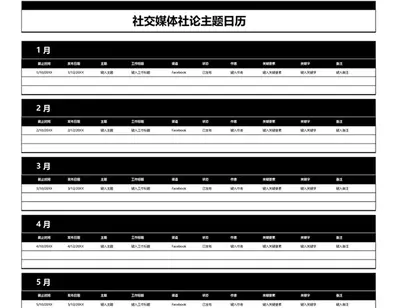
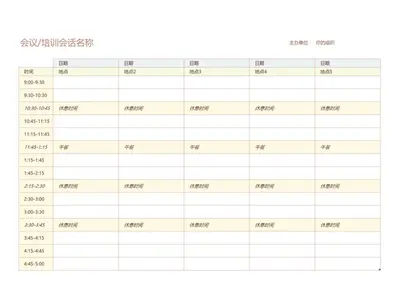
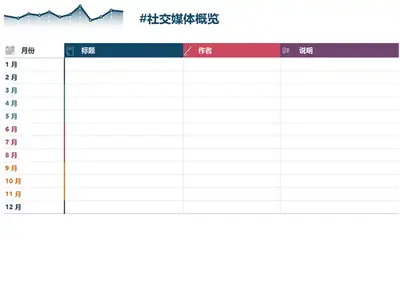
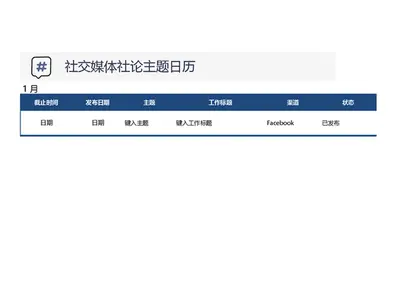
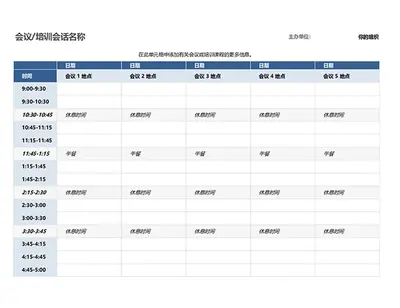
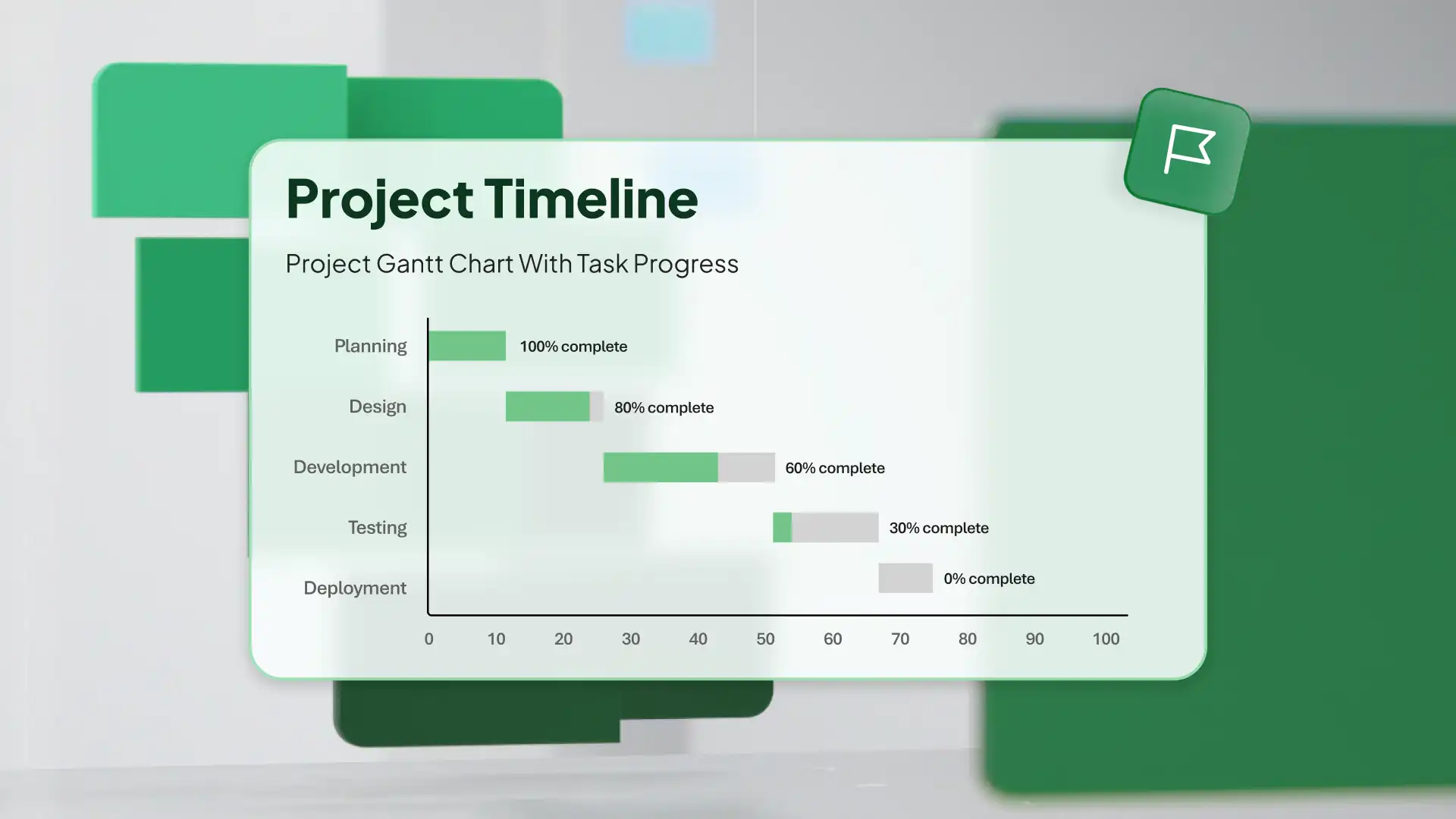
时间线模板标头

自定义时间线模板

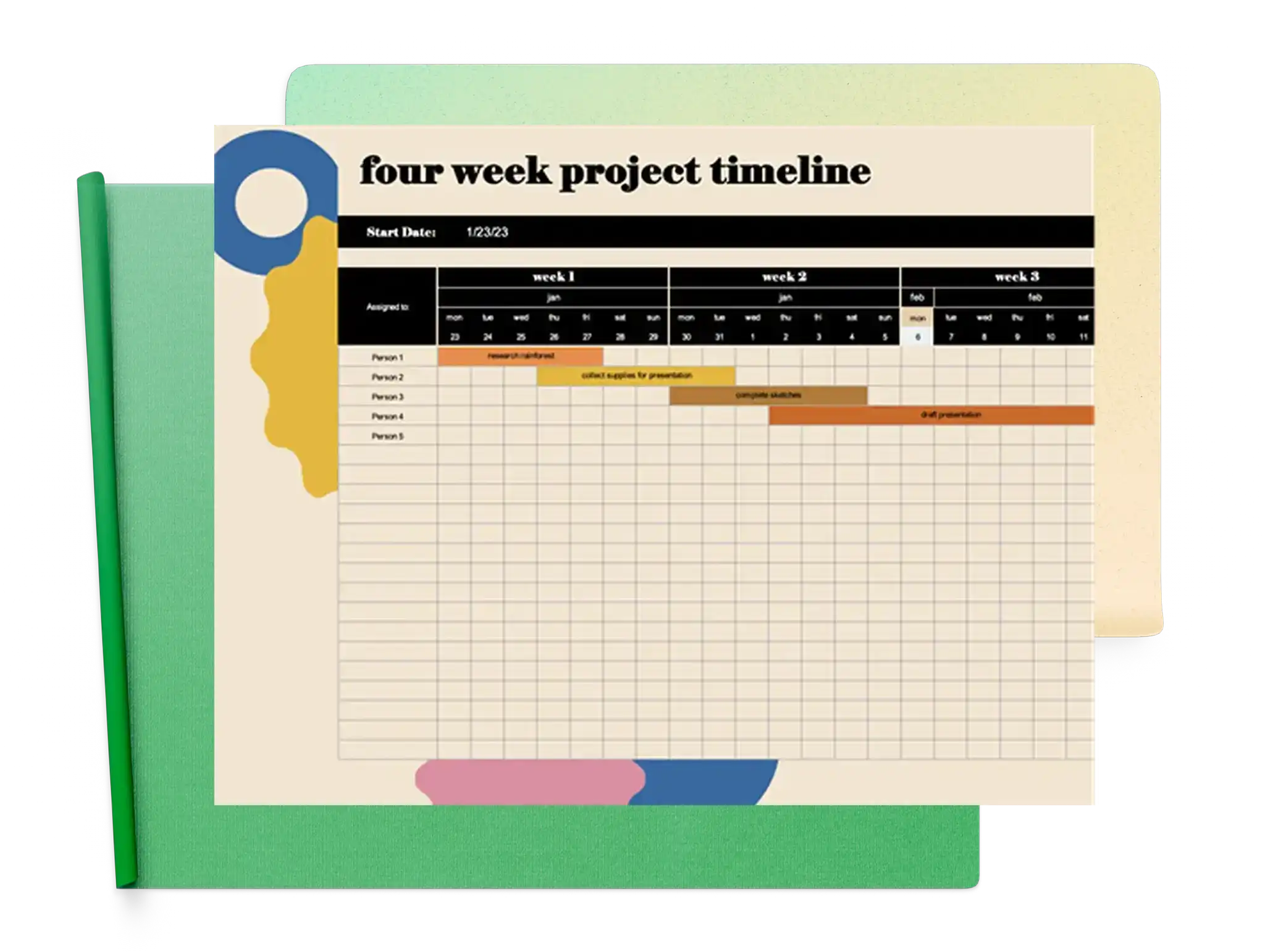
使用设计师创建的 Excel 模板生成下一个项目日程表或路线图。无论正在规划或管理哪种类型的项目,都有时间线模板可使你保持跟踪。

时间线模板

Browse ready‑to‑use timeline templates that make it easier to structure projects, highlight key dates, and monitor progress.

How to use timeline templates in Microsoft Excel

  1. In your browser, explore timeline templates

  2. Double click on the timeline template you want to use

  3. Replace the cell values and naming with the required information

  4. Save, print, or share the timeline as a PDF

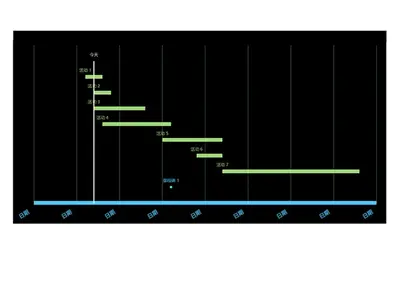
Excel 甘特图的摘要。

使用时间线模板一目了然地展示你的计划

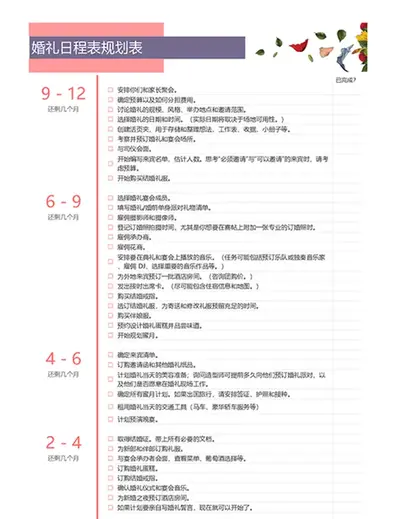
不要浪费任何时间 —— 使用 Excel 时间线模板启动下一个项目计划或生产路线图。时间线是直观整理想法的绝佳方式,让你能够规划每个步骤、跟踪项目进度,同时涵盖每个里程碑。小型企业可以在演示期间使用时间线宣传新业务,或规划新产品发布。时间线也不仅仅适用于工作场景! 你可以使用时间线让婚礼宾客了解活动流程,甚至可以将其用作简历的创意化、易读布局,让你的工作经历脱颖而出。

seo 时间线模板

Visualize milestones effectively using timeline templates by Microsoft Excel