
Calendar maker
Manage time to generate better productivity with free online calendar templates in Microsoft Excel.

Streamline schedules with calendar templates in Excel
Organize important events and deadlines with easy-to-use templates to stay on top of your commitments. Quickly create a calendar that automatically updates to the week, month, or year you select. Edit and share across devices, no download required.
Fully-customizable calendar templates
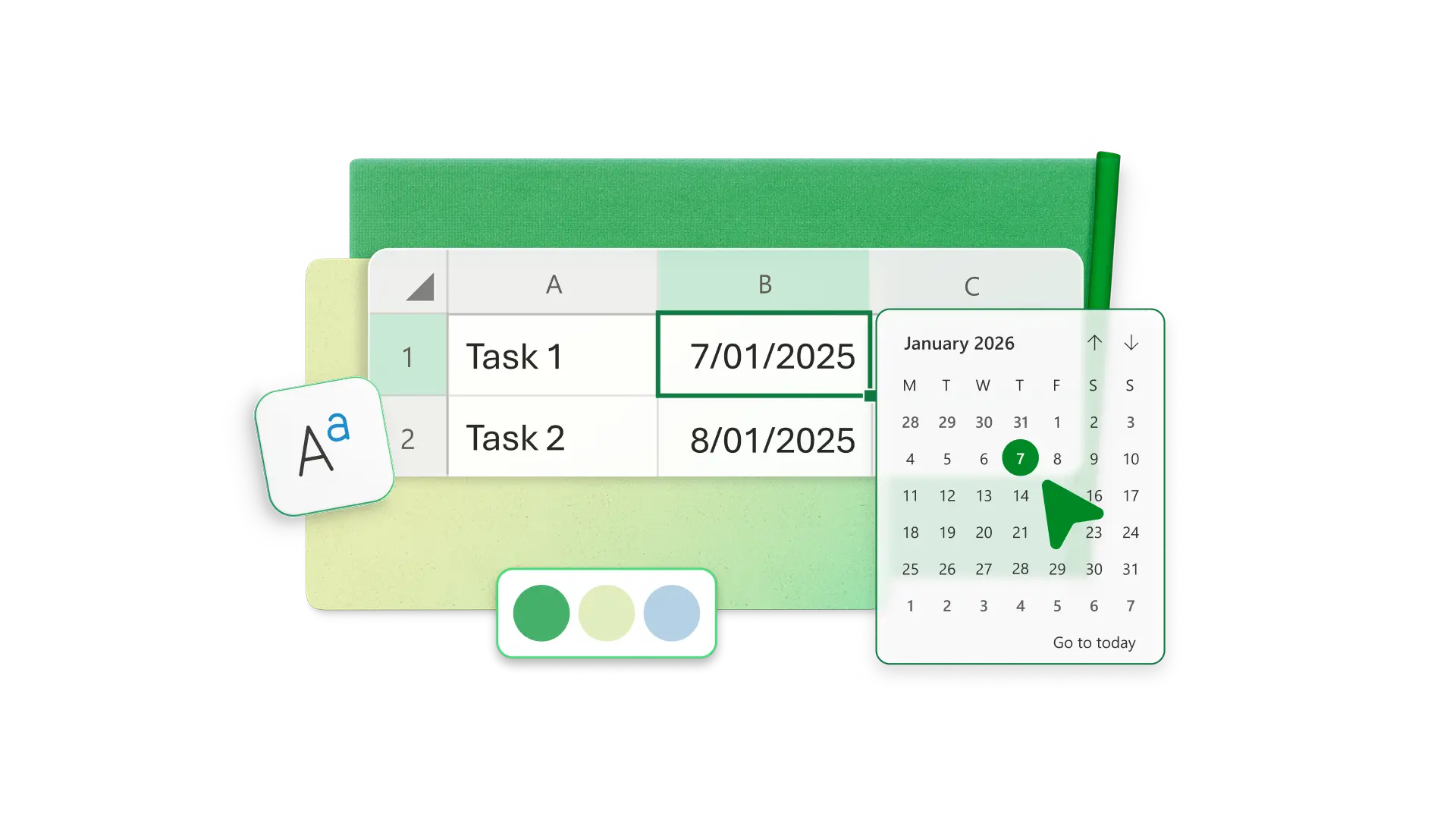
Pick colors, fonts, and images to add personal touches to a wide range of downloadable calendar templates. Set up a calendar view that makes sense to you, and use extra spreadsheet space for tracking things like project hours or freelance pay per week.
See your year, month, or week
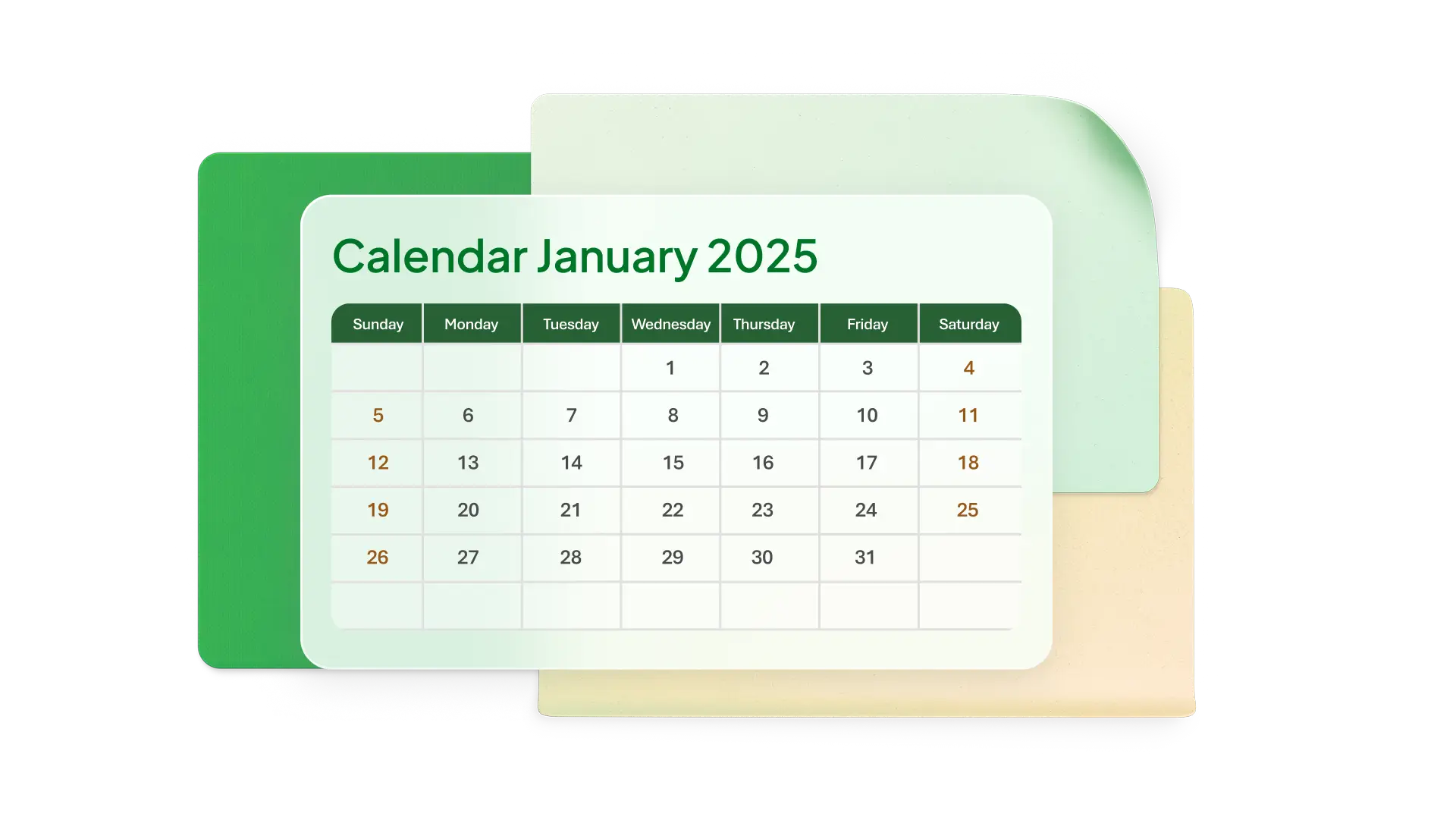
View your entire year at a glance with an annual calendar to keep track of major milestones. Choose a monthly calendar for more frequent scheduled events or a weekly view to break down obligations by day.
Enhance calendars with Copilot in Excel
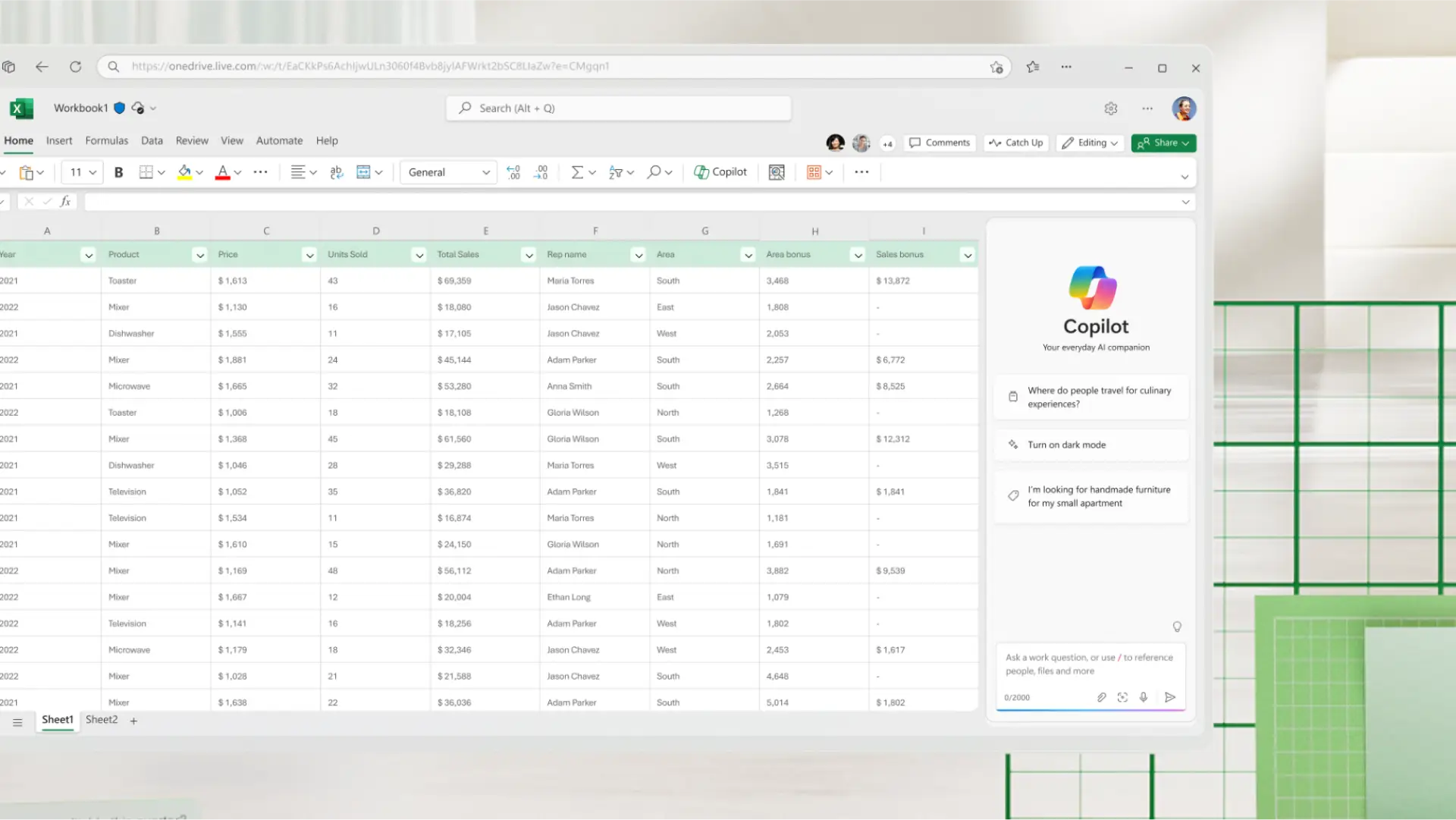
Chat with Copilot in Excel to add a weekly view to a monthly calendar or apply conditional formatting formula to highlight certain days or events. Copilot can also outline information about your busiest days, or trends in overdue items.
Share with family and friends
Collaborate with others by sharing a link to your online calendar. Let family or friends add events to your spreadsheet and use comments and tags to work together in real time. Keep everyone on the same page.

Print a custom calendar
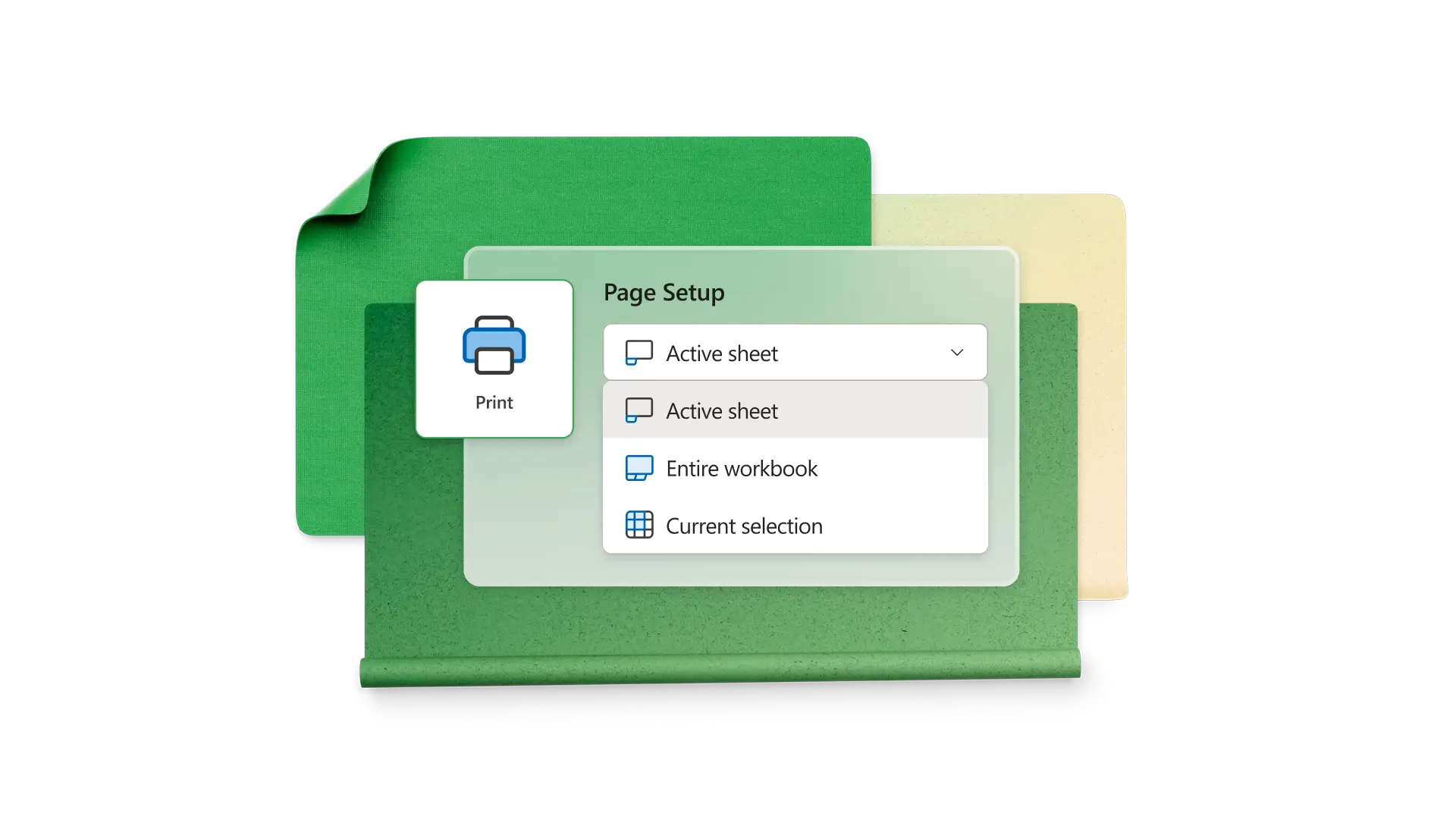
Print customized calendars for free. Print out a calendar with events as a physical reminder or print a blank calendar to pencil in your schedule without digital distractions.
How to make a calendar in Excel
Explore calendar templates and choose one for your situation
Customize the template with colors, fonts, and images matching your style
Add events in cells and insert notes for more detail
Use conditional formatting to highlight days with important events
Update your calendar online or print for a physical copy
Frequently asked questions
How to make a DIY calendar?
Using an Excel calendar template is a simple way to create a DIY calendar. You can choose from multiple templates with annual, monthly, weekly, or daily views and automatic date calculations.
How to insert a drop-down calendar into an Excel cell?
Click the cell you want to edit, then select Home and choose the short date or long date in the number group. This will insert a drop-down calendar into the cell.
Is Excel good to use for creating calendars?
Excel is a great option for making a calendar online since you can start with pre-built templates and make use of other functions in Excel for advanced customization, like conditional formatting and recurring event formulas.