Gradebook templates
Track grades, calculate weighted averages, and review student progress with templates and Copilot in Microsoft Excel.
Customizable gradebooks and grade trackers
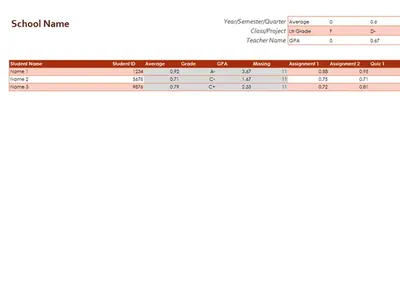
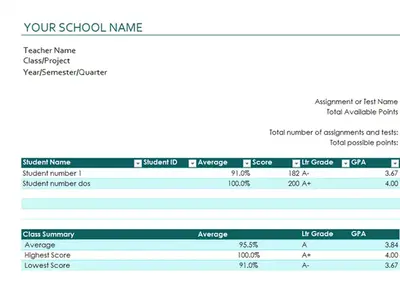
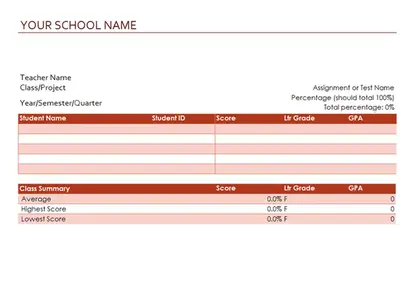
Start with a template to organize grade records, review progress, and prepare student performance summaries. Customize the spreadsheet by editing student names, assignments, grading scales, and category weights. Highlight top performers or missing work with conditional formatting.


How to edit a gradebook template in Microsoft Excel
Open Excel online and choose a gradebook template.
Replace examples with student names and assignment details.
Adjust grading scales, category weights, and formulas.
Enter scores and let built-in formulas update totals automatically.
Review summary views to create a report for students.
Create a custom gradebook with AI
Teachers with unique grading needs can chat with Copilot in Excel to make a grade tracker with AI. Structure a new gradebook with categories to suit the class, then review the calculations before finalizing grades. Save time by reusing the structure for different classes, subjects, or training programs. Pair with attendance sheet templates to track engagement using AI.