
Personal budget planner
Calculate monthly income and expenses with free customizable online personal budget planning templates from Microsoft Excel.

Manage income and expenses effectively with personal finance budget templates in Excel
Manage how money moves each month with simple online templates. Put financial strategies into practice by organizing budget categories across income, discretionary spending, and expenses such as debt payments, utilities, housing, and transportation costs.
Manage money easily with budget templates
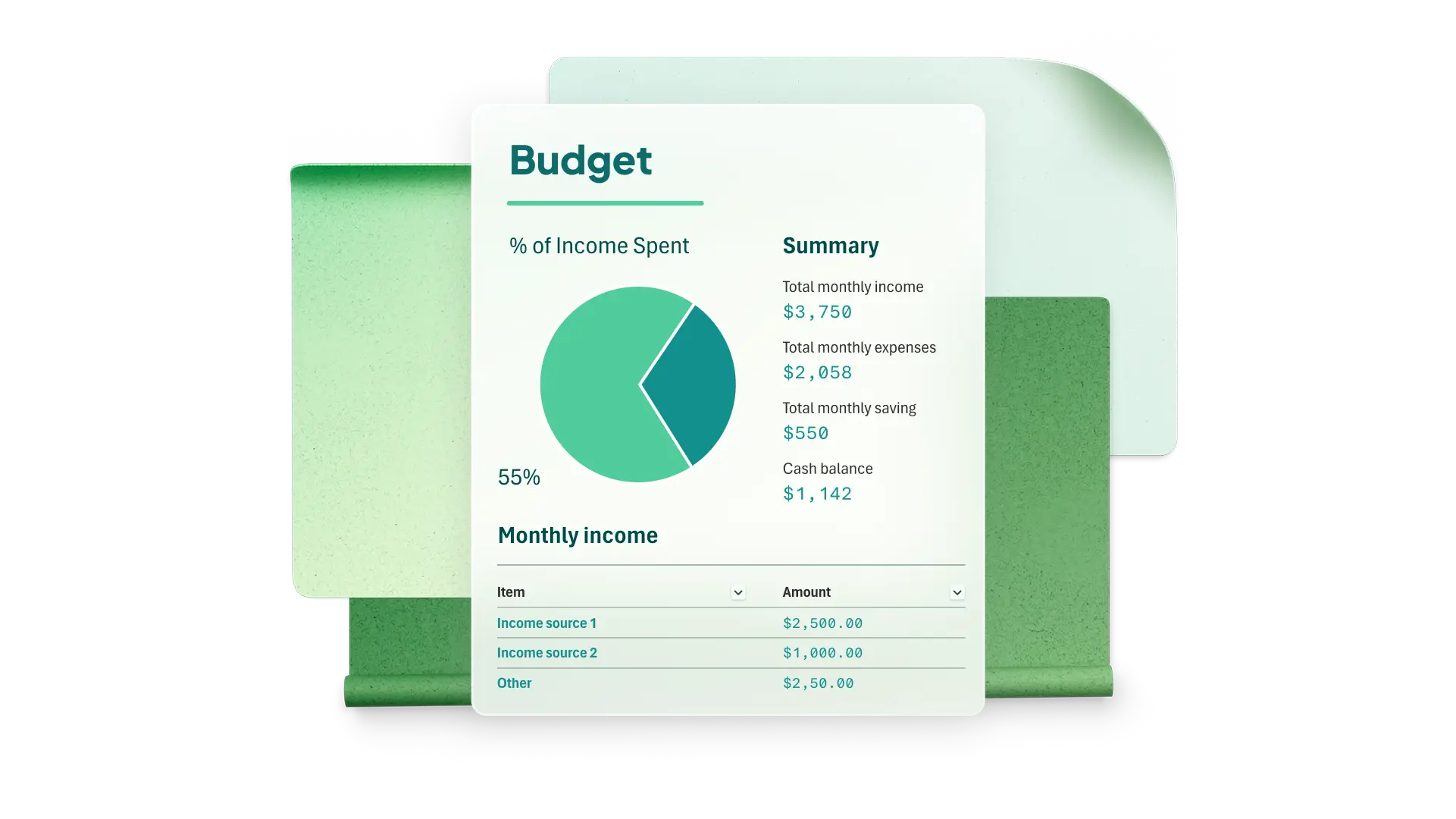
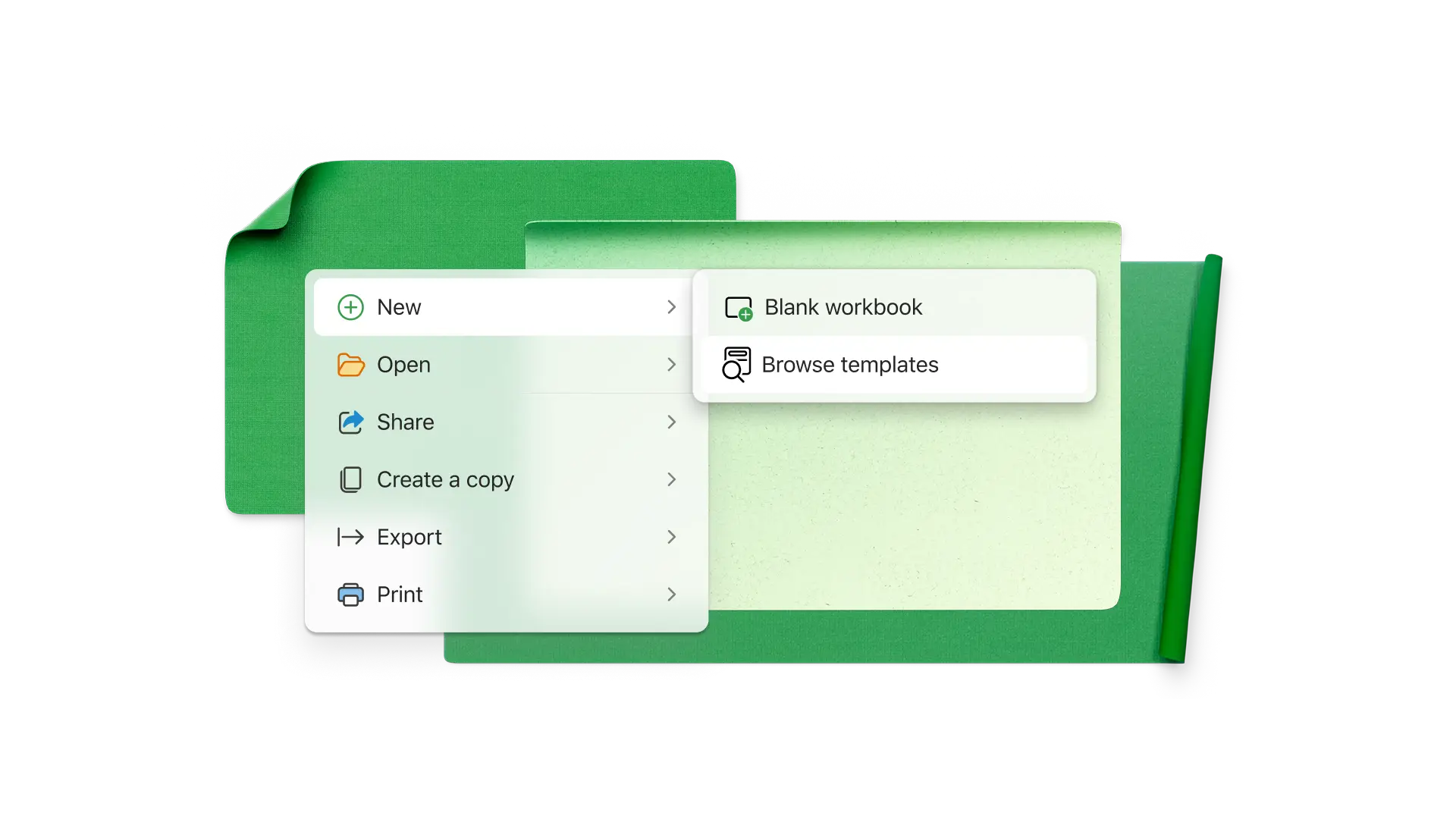
Start by customizing a personal budget template in Excel online. Save time with pre-built financial formulas that automatically calculate total income and expenses. Choose from a variety of templates for different specific needs, including family household budgeting expenses and college budgets.
Track income and expenses
Manage income from paychecks and self-employment or personal expenses like rent, utilities, insurance, and transportation. Select from a range of financial tracker templates to monitor where money goes over set time periods.

Work toward personal finance goals
Assign limits for expense categories to avoid overspending. Use a savings tracker to build an emergency fund, sinking fund, or vacation fund. Follow a payday routine to allocate money for necessities, savings, and debt.

Automate budget calculations
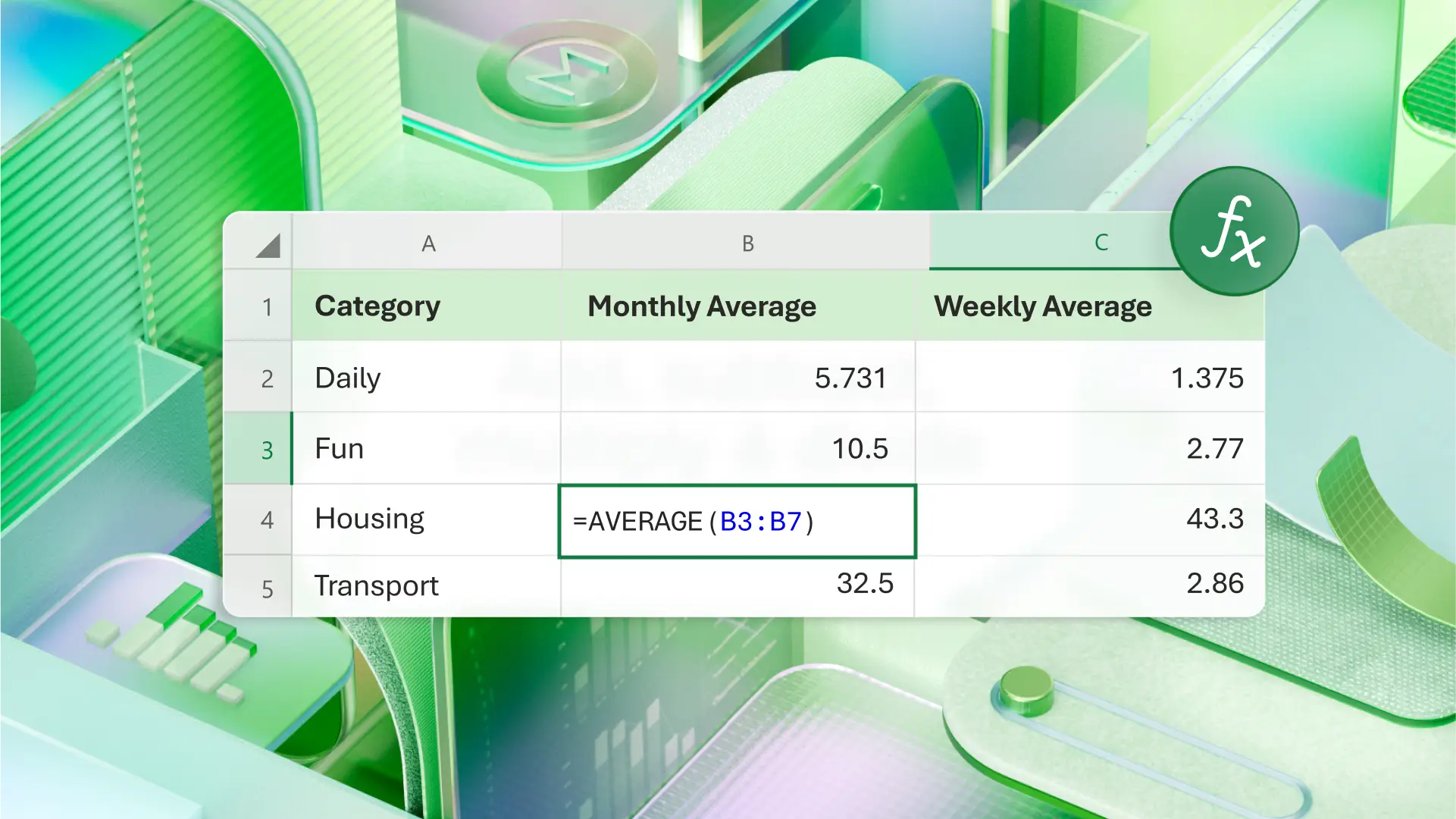
Use included income and expense tracking formulas to see projected and actual balances to minimize manual errors. Calculate average weekly or monthly spending in a specific category to calculate potential future savings and budget reallocation.
Visualize cash flow
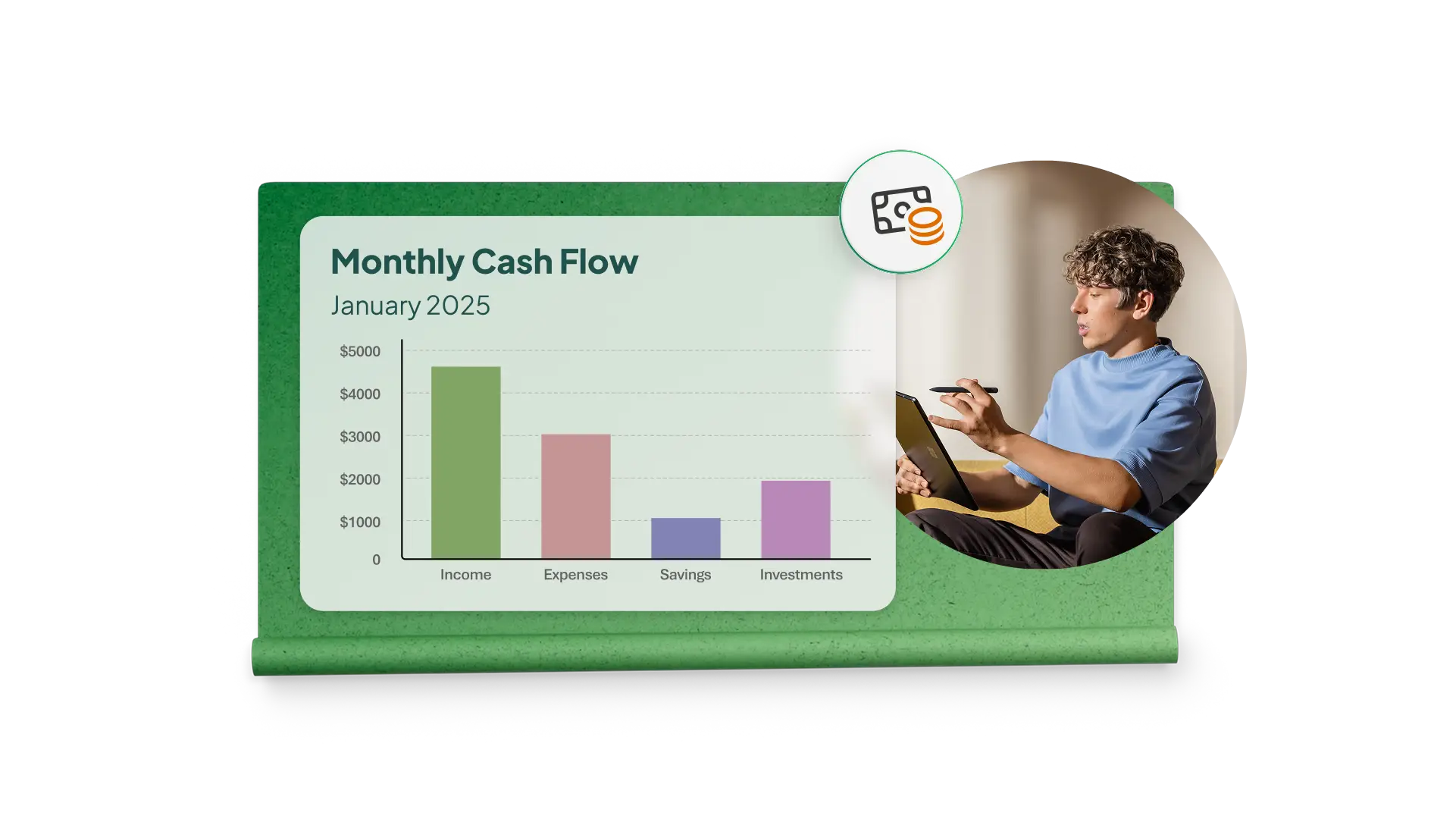
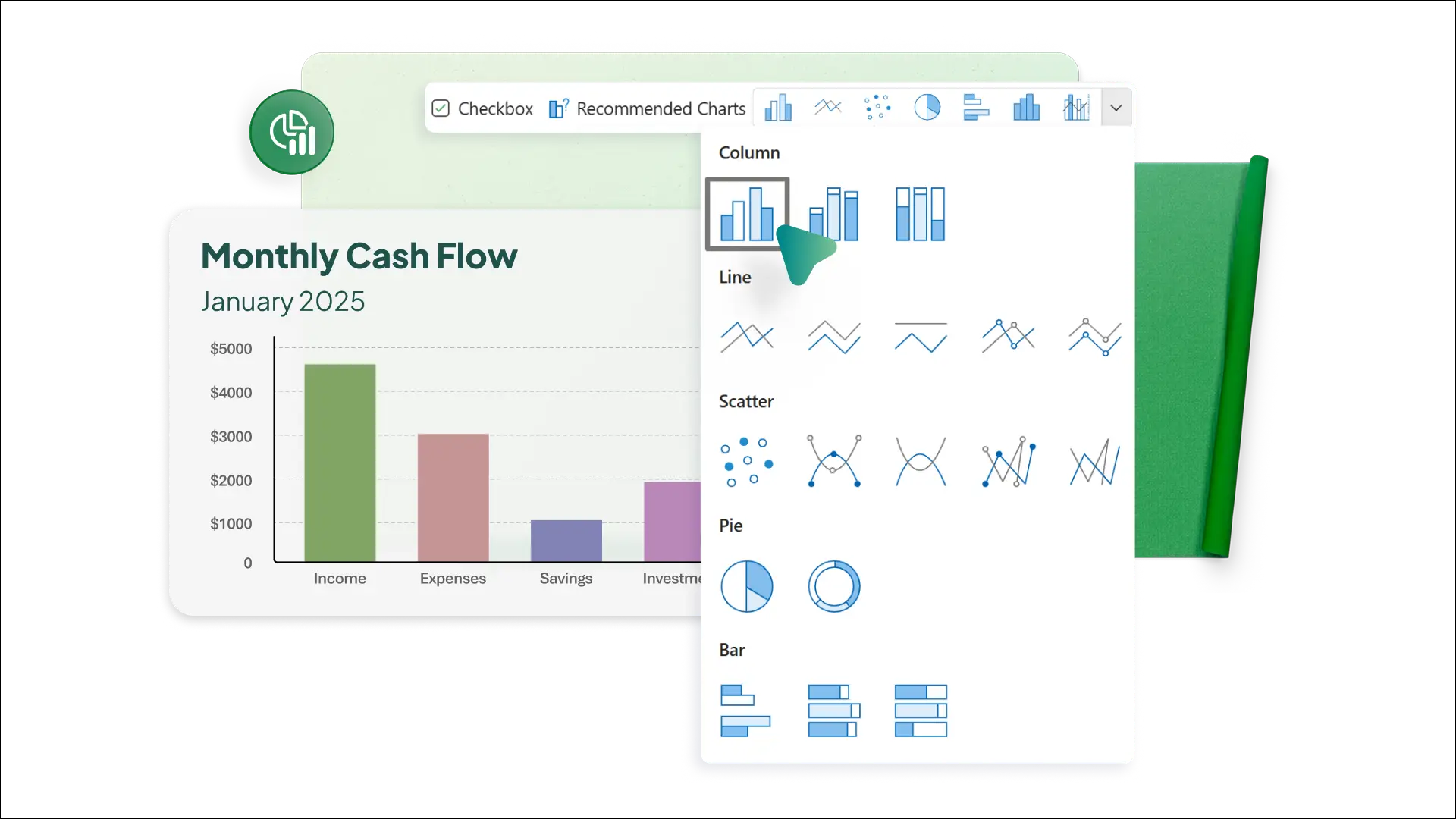
Quickly see spending trends in template dashboards. Use a mixture of charts and graphs such as pie charts, line, and bar graphs to visualize spend by category or compare projected and actual expenses. Easily customize visuals in templates to showcase preferred imagery.
Get more done with Copilot in Excel
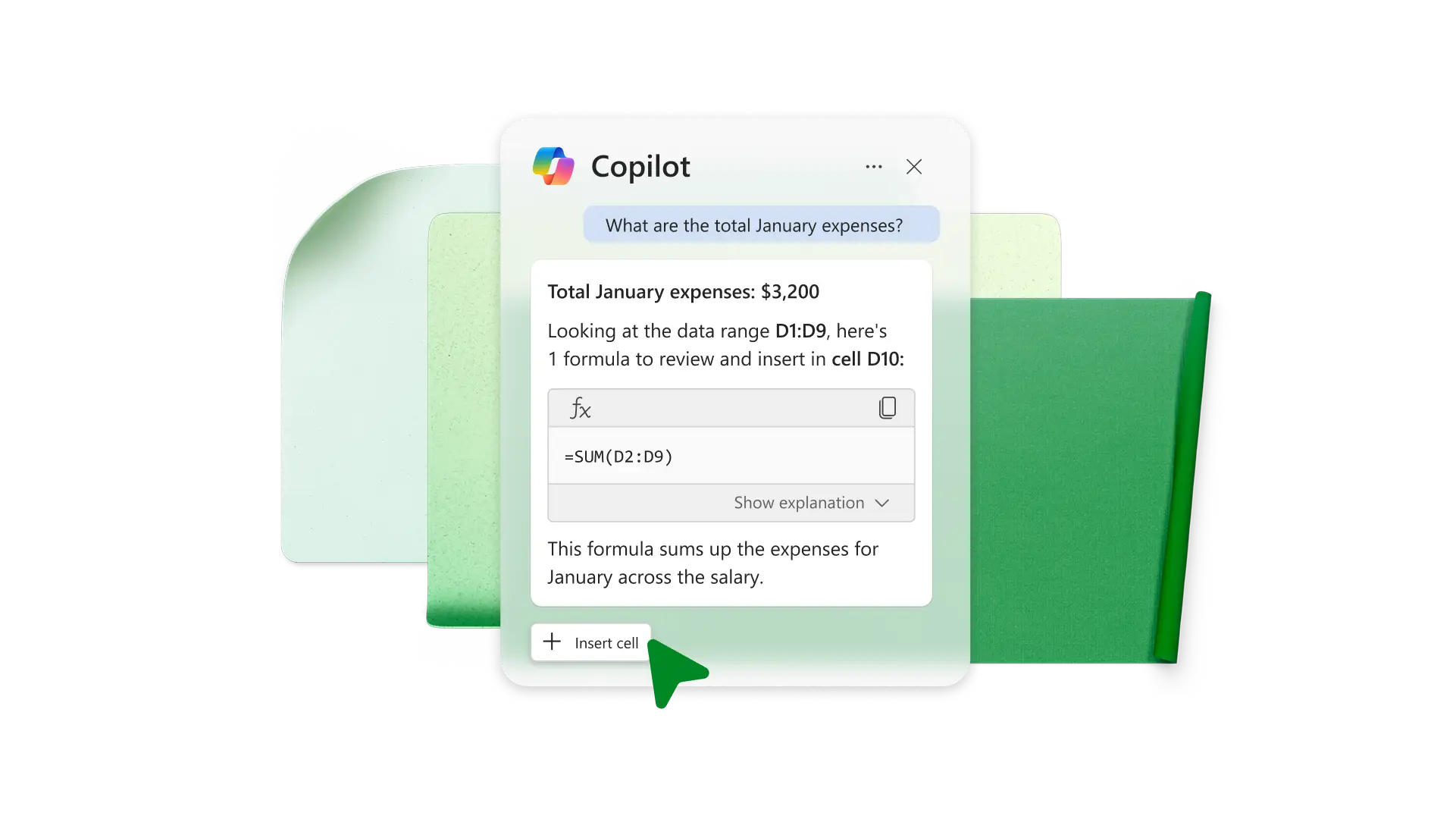
Chat with Copilot in Excel to create a pivot table or choose the right formula. Have Copilot analyze historical budget data to find expenses that increased the most. Ask Copilot to create a new column showing change over time or to provide a summarization.
Work and share across devices
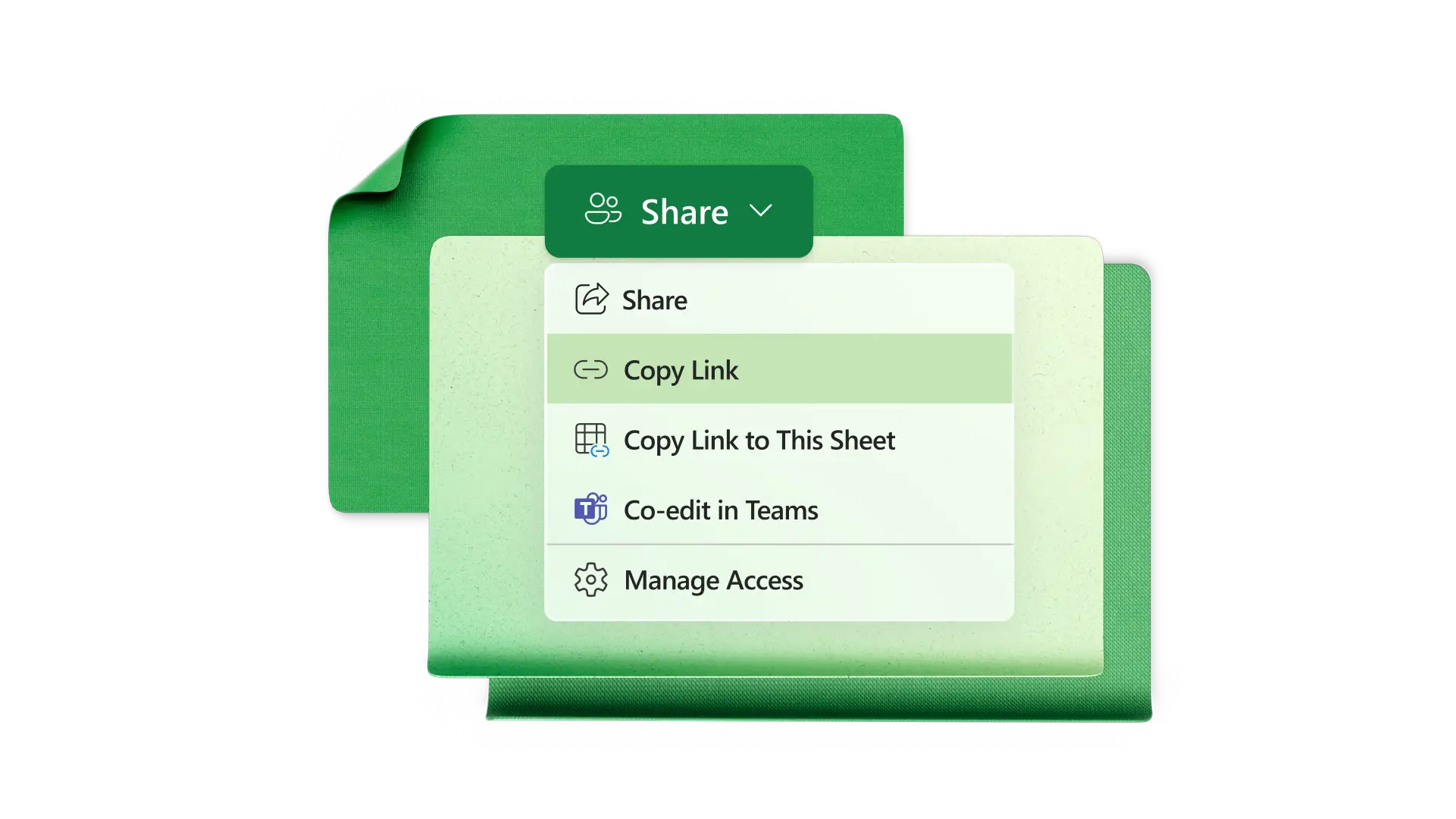
Open a budget spreadsheet on any device in Excel online. Easily share access with family members or financial planner to co-author. Make quick updates on mobile devices and lock certain cells from future editing to reduce the chance of manual errors.
How to create a personal budget in Excel
Start with a personal budget template
Edit expense categories such as food, mortgage, rent, insurance premiums, and entertainment
Input income and set spending goals by category
Enter actual expenses and analyze them at the end of the period
Visualize spend by category or planned vs actual with graphs and charts
Frequently asked questions
What is a personal budget?
A personal budget is a system that allows you to track and categorize expenses and subtract them from income for a period. Using a budget lets you clearly see where money is going, and it can help you practice better financial habits.
What is cash flow in a personal budget?
Cash flow is income after all expenses for a period, like one month. Ideally, cash flow should be positive or zero if you use a zero-based budgeting system. If you have negative cash flow, that means you’ve spent more than you’ve made in the month.
How to track my expenses in Excel?
Track expenses in Excel with a free personal budget template. Enter expenses manually or add a spreadsheet with transactions. Subtotal expenses by category and set category spending limits. Use conditional formatting to see where you’ve spent more than your goal.
How to customize a budget template in Excel?
Edit categories and subcategories to match spending habits for food, entertainment, travel, housing, insurance, and more. Then, customize planned spending limits for each category, like spending $200.00 at restaurants. You can also add columns to compare spending in categories over time or add a table tracking bills by due date.
What are budgeting strategies?
Budgeting strategies can give you more control over finances. The 50/30/20 rule is one example, which states 50% of your income should go to necessities, 30% to wants, and 20% to saving and debt payoff. According to the zero-based budgeting strategy, you intentionally spend every dollar to have zero left over after subtracting expenses from income. Expenses can include savings and debt payments.