
Personal finance tracker
Confidently manage cash flow by tracking budgets in Microsoft Excel with Copilot or ready-to-use template.

Keep household budgets organized and up to date in Excel

Group spending by category
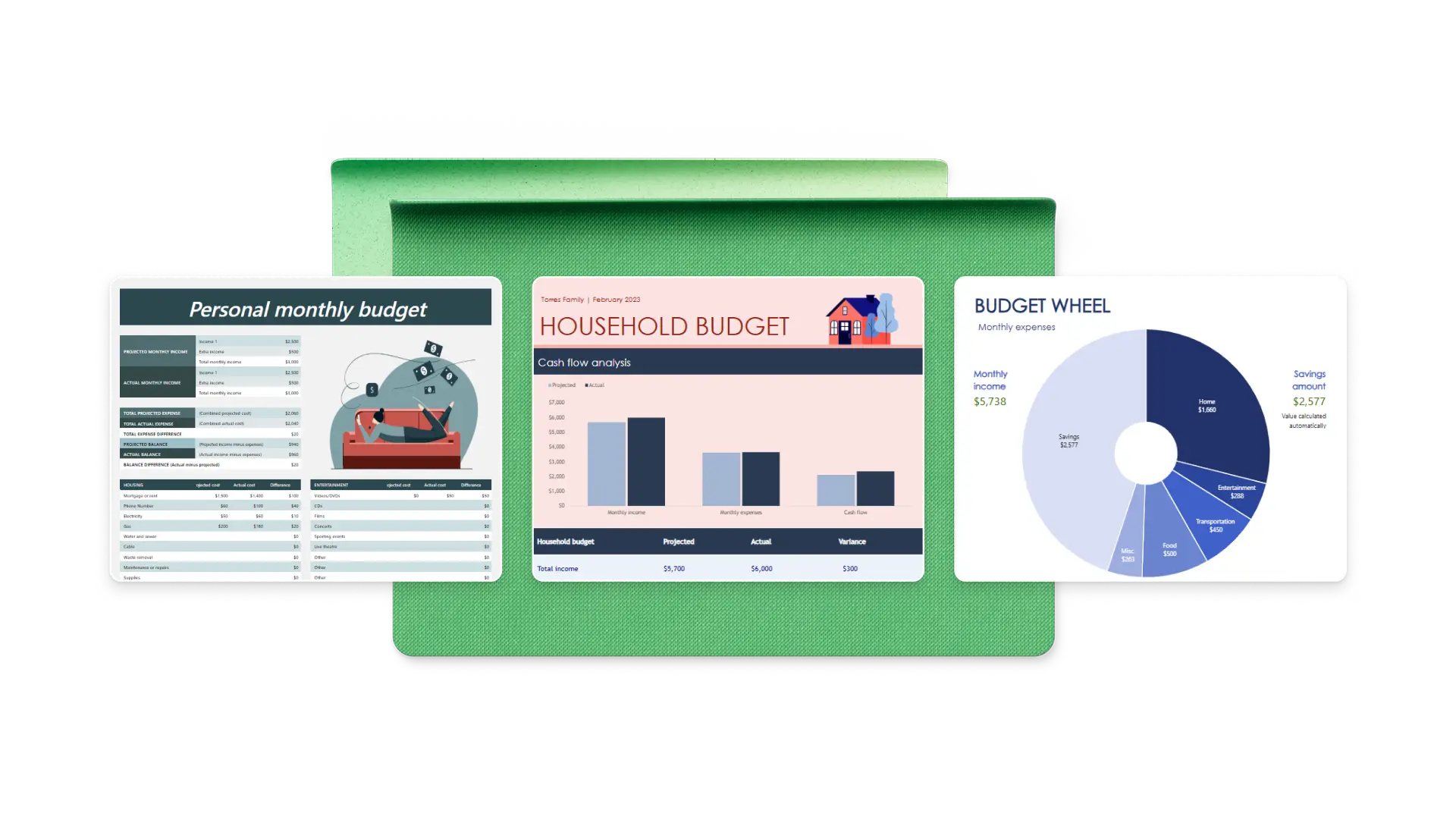
Organize income and expenses in one place using clear spending categories. Review household spending to understand patterns, compare categories over time, and keep budgets on track as costs change.

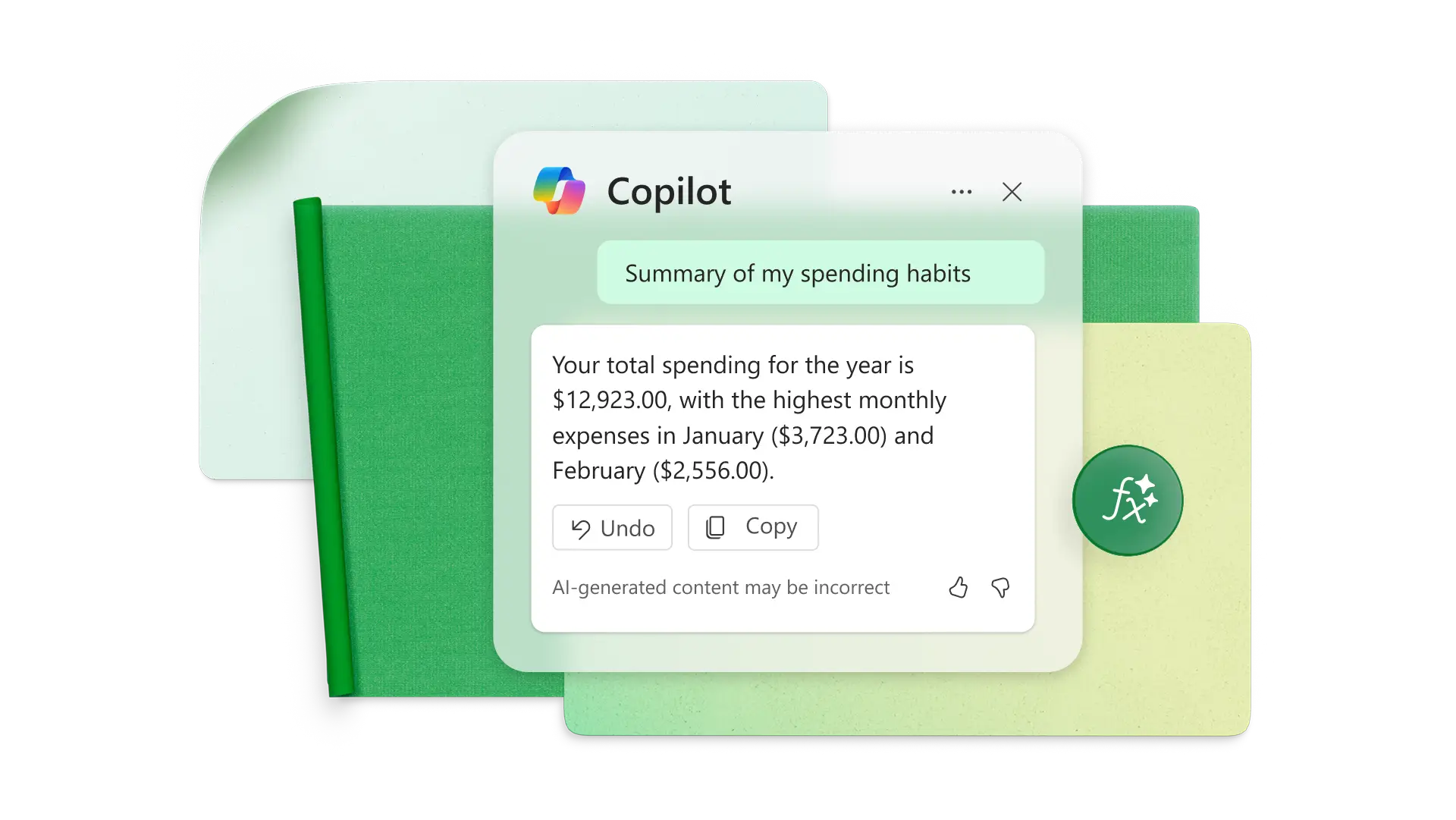
Summarize budget data with Copilot
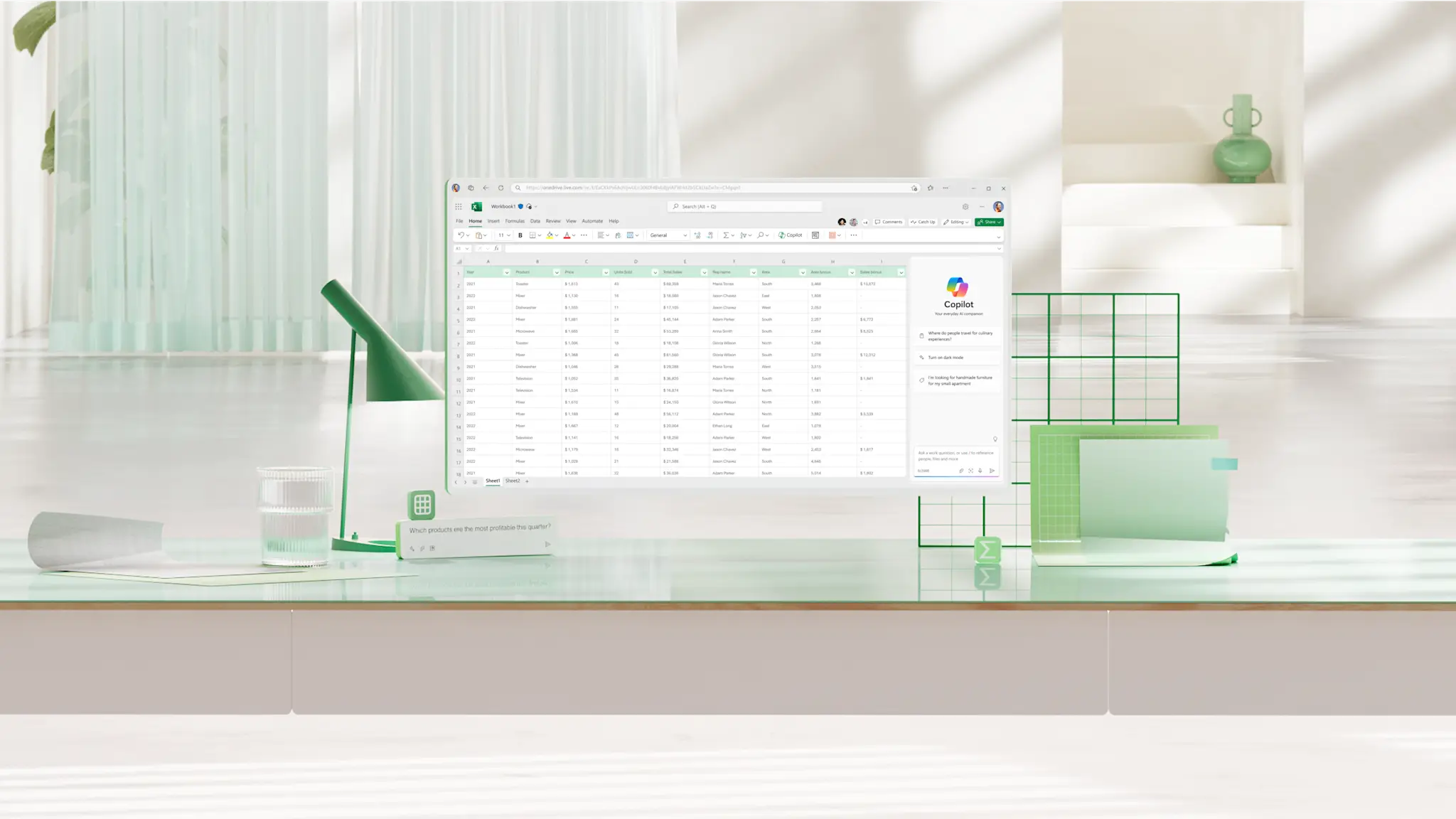
Ask Copilot in Excel to explain formulas and summarize budget data by spending category in language that's easy to follow. Get a clearer view of totals and changes as spending grows, without manually reviewing calculations.

Adjust budget templates as expenses change
Built‑in formulas automatically adjust as spending changes, allowing categories or rows to update as new entries are added. Keep budgets up to date as costs change, helping plans stay accurate without rebuilding calculations.
Create a personal budget spreadsheet using Excel templates
Start with a budget template to organize household income, expenses, and categories into one structured spreadsheet.
Add and manage financial data
Bring bank or card statement data together to see where money is being spent. Structured tables expand automatically as new entries are added, making it easier to review spending by category, date, or amount and stay in control as lists grow.
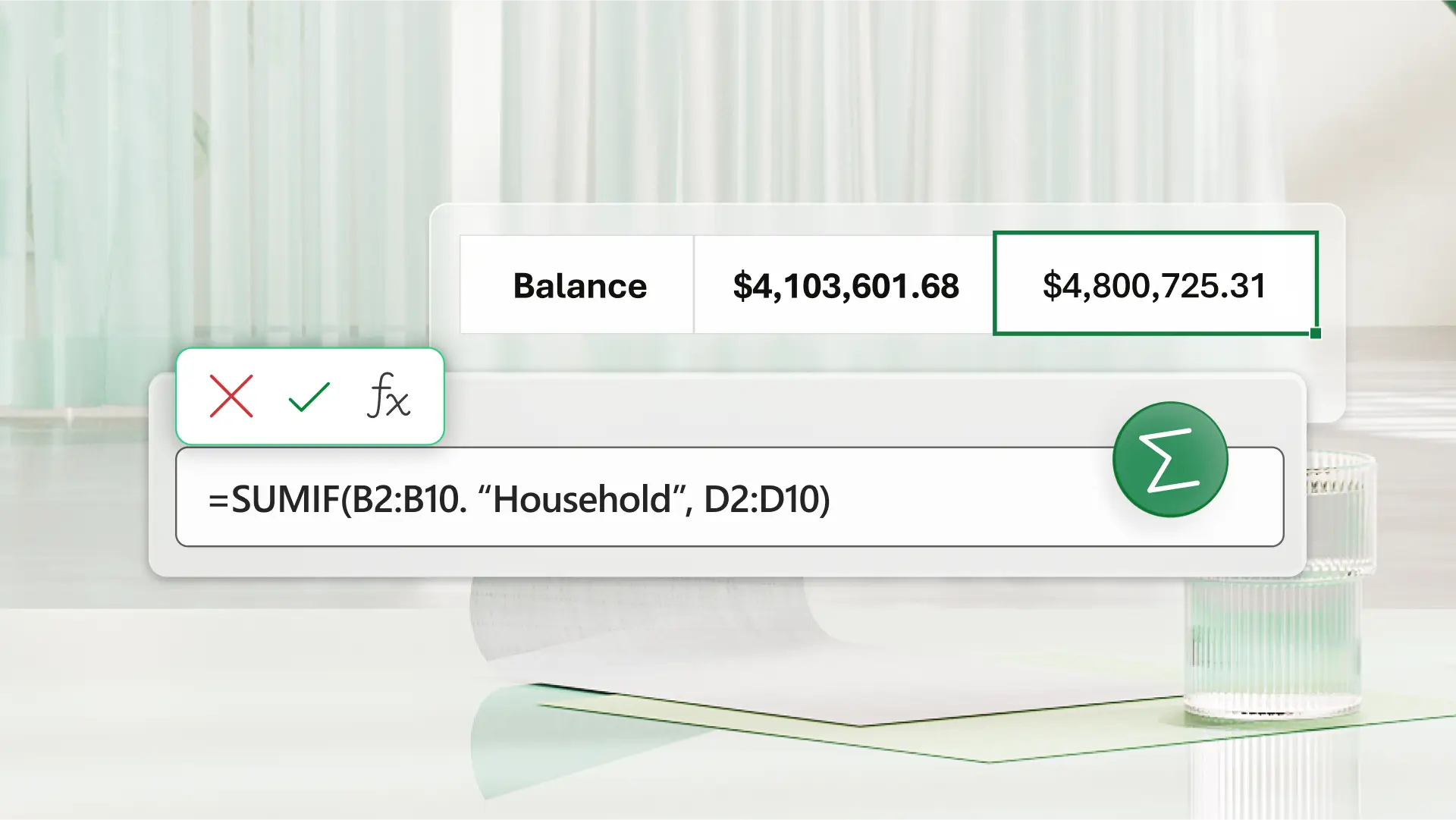
Track a budget by month or year
Follow how spending changes over time to understand when costs start to shift. View spending by month, quarter, or year using connected worksheets that keep totals in sync as new entries are added. Stay aware of changes over time without rebuilding the budget.

Review spending patterns
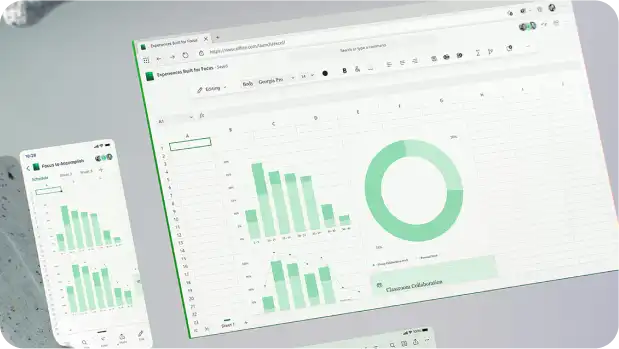
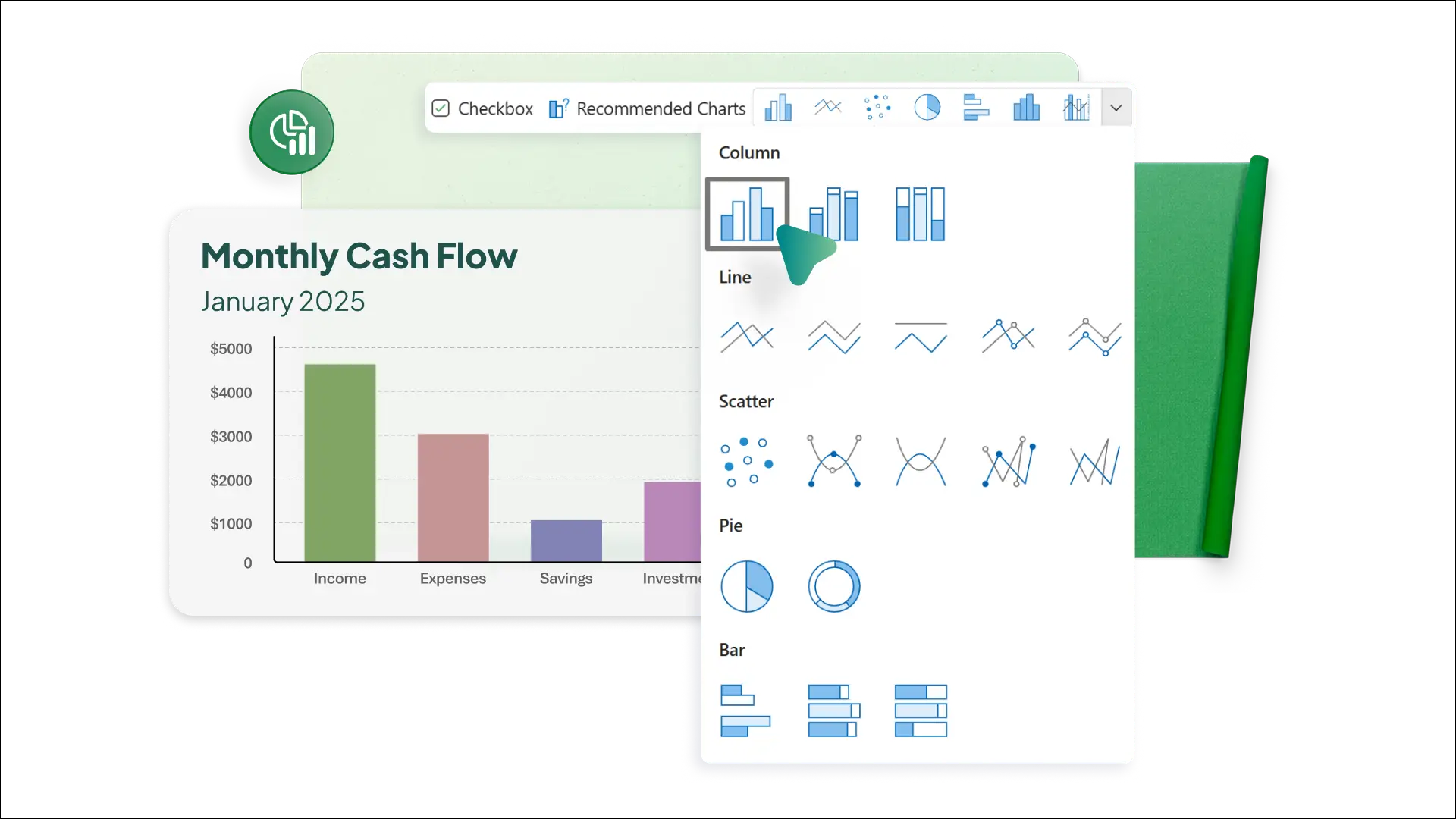
Identify changes in spending early to understand when habits start to shift. Summaries, charts and graphs update automatically as new entries are added, while conditional formatting highlights differences that need attention at a glance.
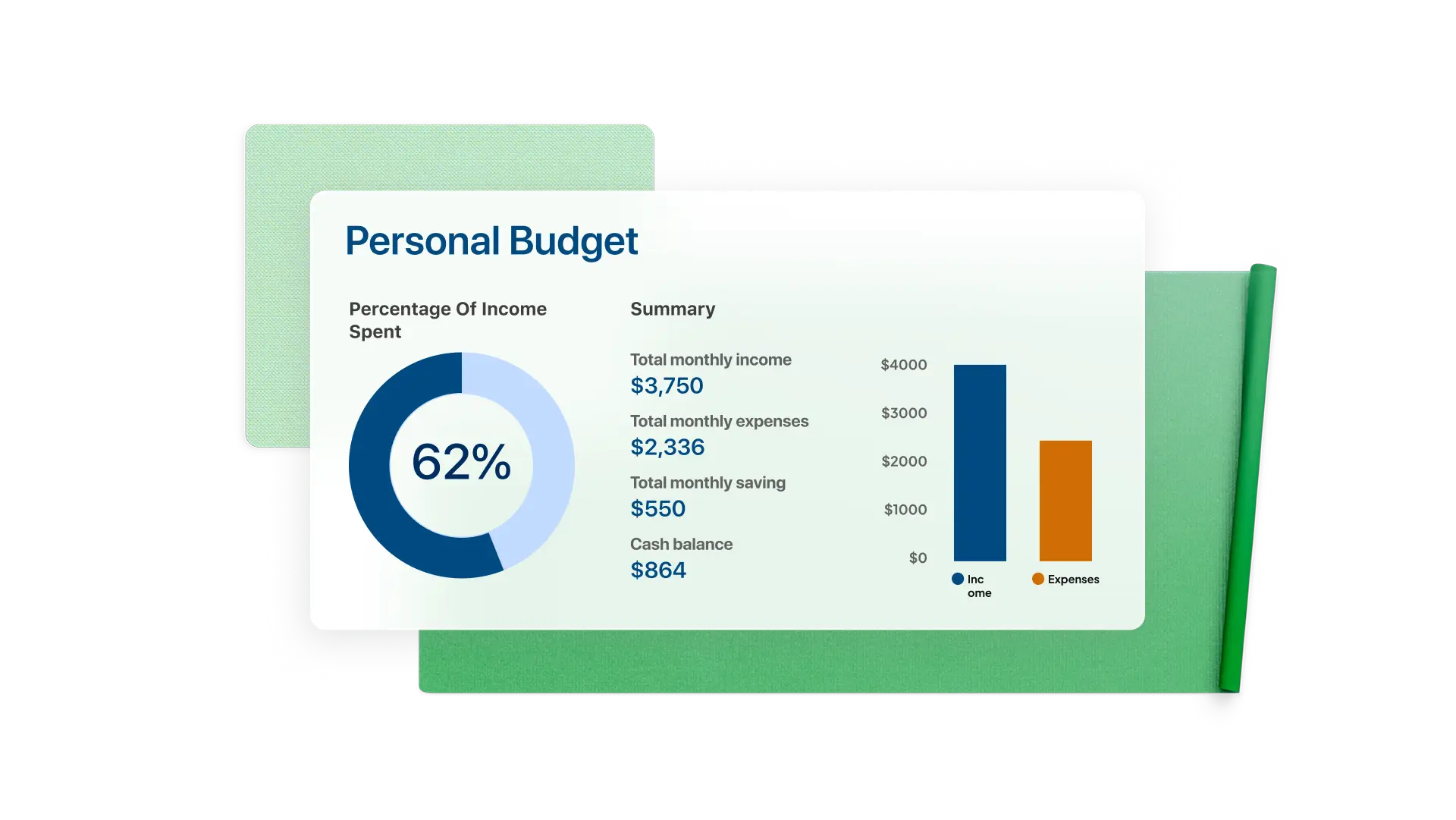
Clarify budget data with Copilot in Excel
Check whether spending is tracking as planned across categories. Ask Copilot in Excel to summarize budget data and compare planned vs actual amounts so differences surface early.
Share and update a household budget
Invite others to edit a budget spreadsheet at the same time without overwriting changes. Comments and version history make it easier to explain updates and see how changes were made over time.
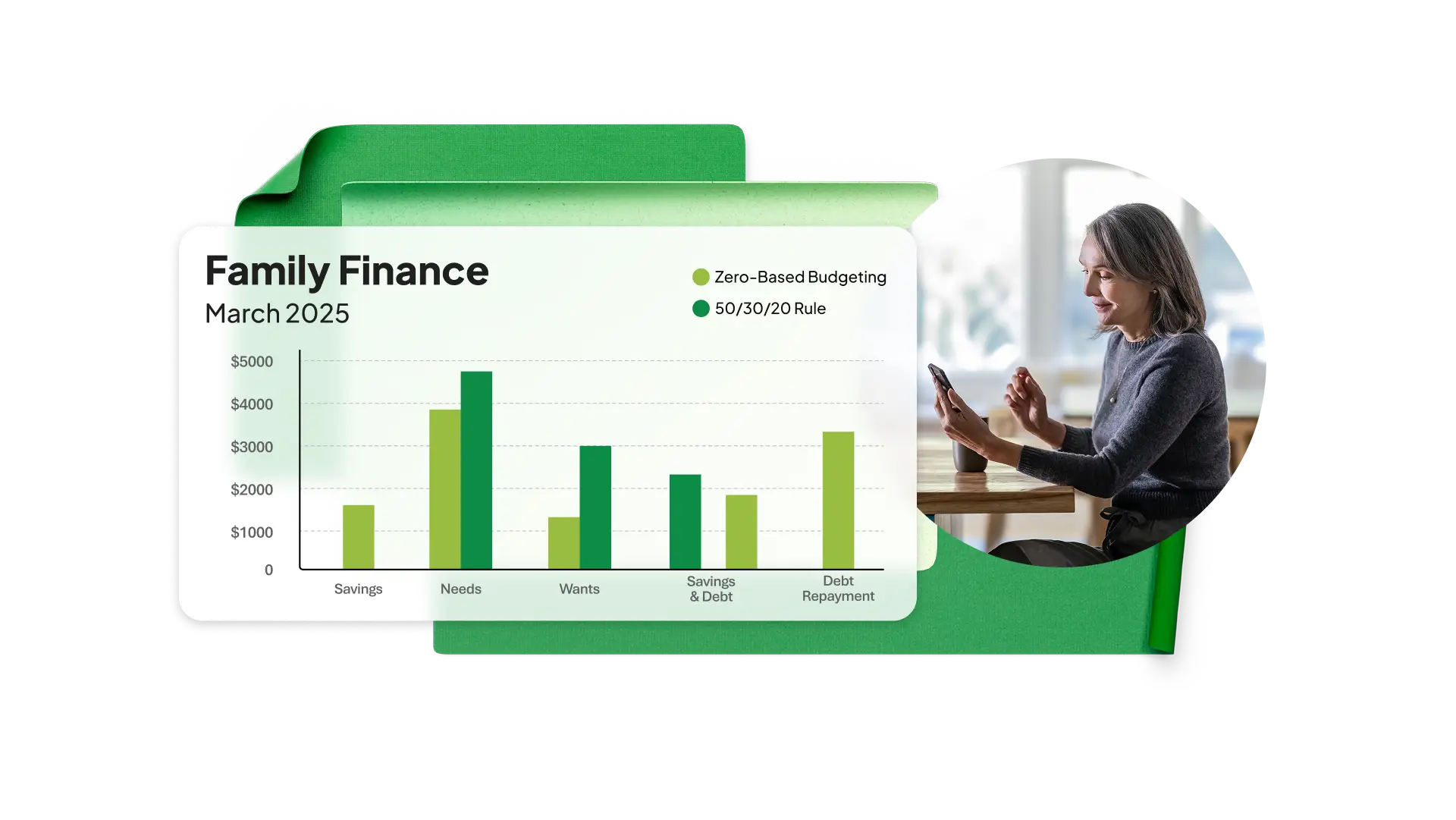
How to set up a personal budget with a free template in Excel
Start with a blank spreadsheet or search for a personal budget template.
Edit category labels and column headings to match income and expense types.
Enter planned amounts in the designated columns for each category and let formulas update totals automatically.
Save online, export as a PDF, or print a hard copy to share.
Read more
Frequently asked questions
How do personal finance templates help with budgeting in Excel?
Personal finance templates provide a ready-made structure for tracking income and expenses without building a spreadsheet from scratch. Starting with a template saves setup time and ensures formulas and layouts are consistent from the first entry.
Can transaction data from bank or card statements be added to an Excel budget?
Statement data from banking apps can be added to a personal finance worksheet by copying and pasting it into a structured table. Formulas stay connected and update automatically as new entries are added.
How can Excel display spending patterns?
Excel displays spending patterns using charts and summary tables that update as budget data changes over time. Visual formatting can help make changes in amounts easier to notice as spending entries are added.
What can Copilot do in a personal finance tracker?
Copilot can explain formulas and summarize what a personal finance tracker shows in plain language when prompted. This can help make calculations and category totals easier to understand without manually reviewing every formula.