
Free Excel scheduling templates
Plan daily tasks, weekly routines, and work shifts with customizable schedule templates that simplify planning in Microsoft Excel.
Flexible schedule templates for work, school, and personal planning
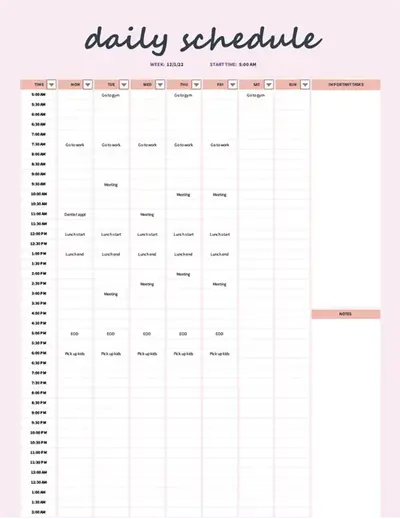
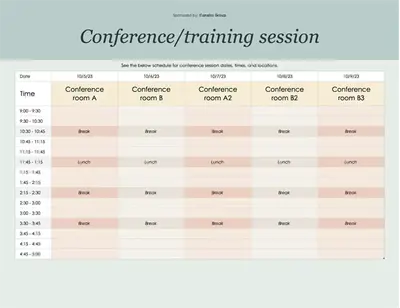
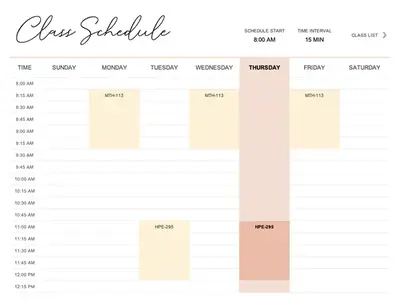
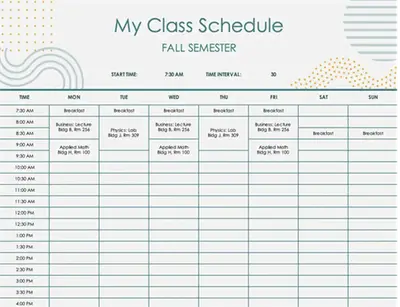
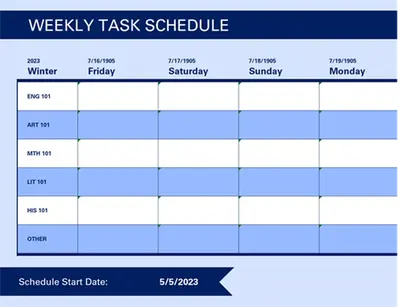
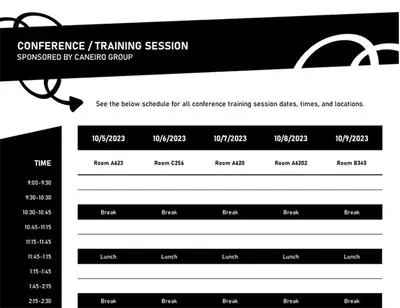
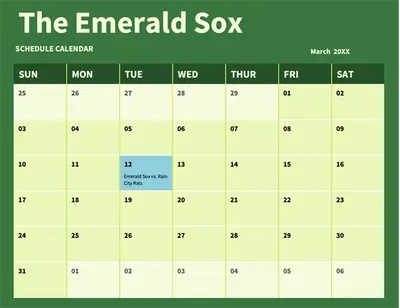
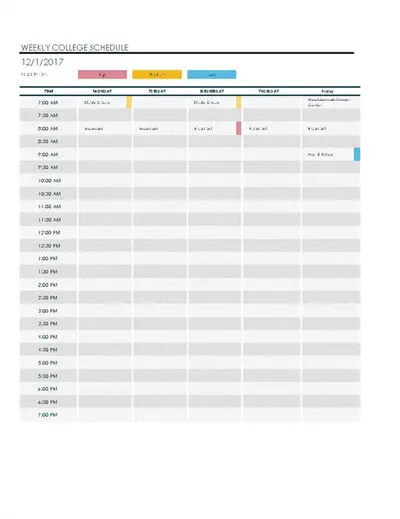
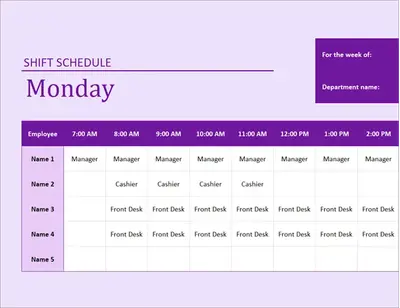
Find daily schedule templates for personal routines, weekly schedule templates for class planning, and employee schedule templates for shift tracking. Customize layouts with color coding and structured columns to clearly organize tasks, deadlines, and appointments.

How to use schedule templates in Microsoft Excel
Open Excel for the web and choose a schedule template that matches the planning goal.
Edit the template with dates, time slots, task names, deadlines, or team assignments.
Customize the layout by adding or removing rows and columns, and creating sections for projects, teams, or events.
Track and update the schedule as plans change to keep plans and deadlines accurate.
Reuse the template each period by refreshing dates and assignments, or export as a PDF to share with team members, classmates, or collaborators.
Adapt schedules for daily, weekly, or monthly planning
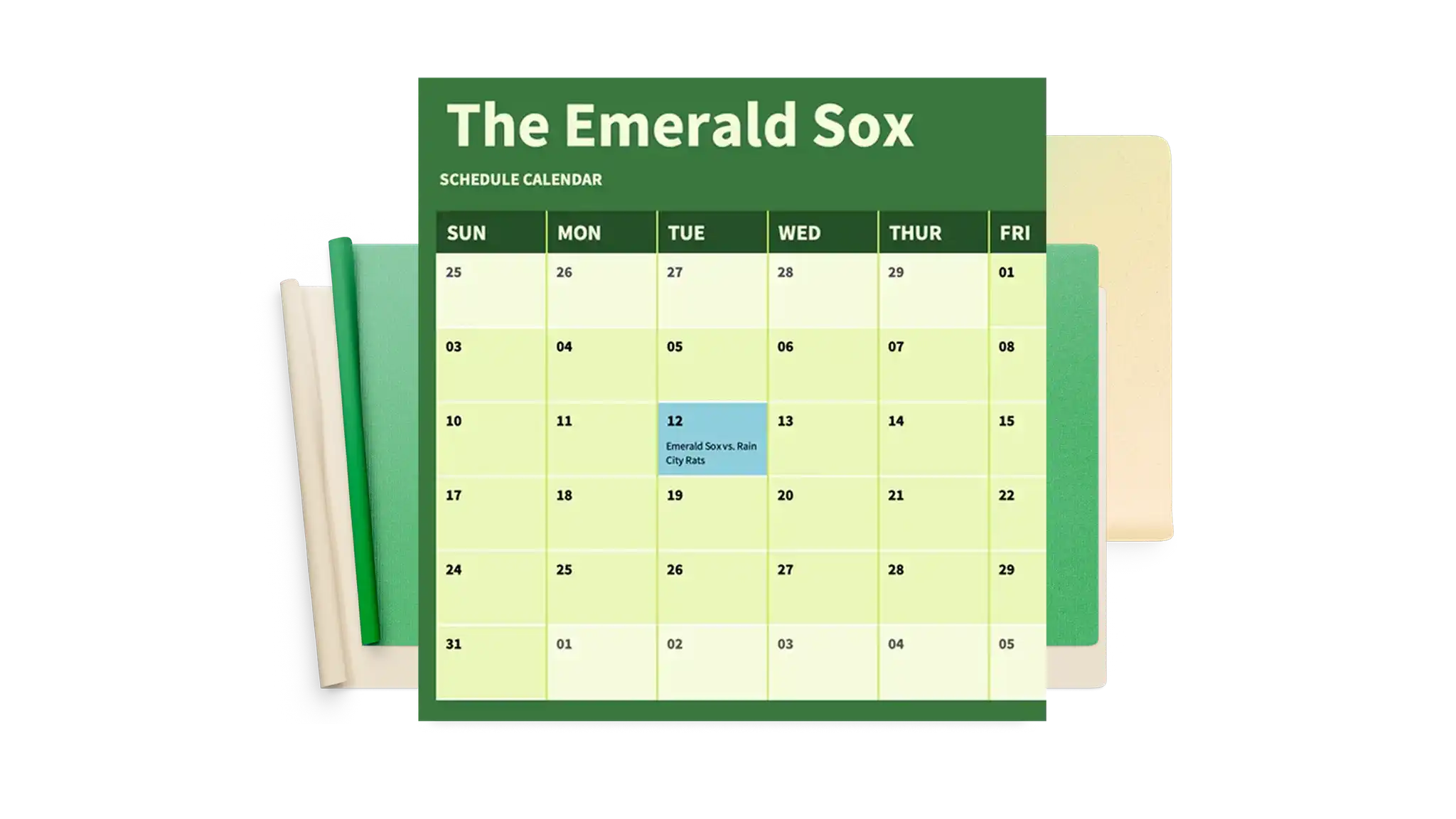
Stay organized across daily tasks, weekly appointments, and monthly project plans with employee schedule templates. Update dates and assignments as plans change without rebuilding the layout, and reuse schedule for work shifts, study schedules, or personal routines.

Format schedules for easy scanning
Color-code shift schedule templates to highlight priorities, deadlines, and assignments at a glance. Keep dates, tasks, and statuses organized in clear columns, and easily update attendance sheets, study plans, or daily to-do lists as plans change.
Update schedules quickly as plans change
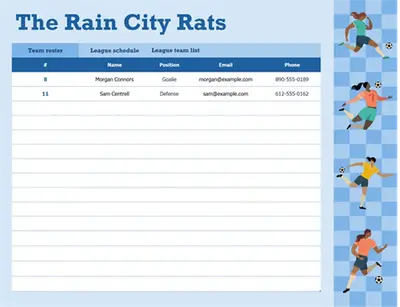
Make quick updates to dates, tasks, appointments, and shifts as plans change. Use shift schedule and roster templates to adjust assignments or deadlines without reworking an entire sheet. Invite editors to create a group project schedule so teams or families can plan and schedule together.