
Free Excel scheduling templates
Plan daily tasks, weekly routines, and work shifts with customizable schedule templates that simplify planning in Microsoft Excel.
Flexible schedule templates for work, school, and personal planning
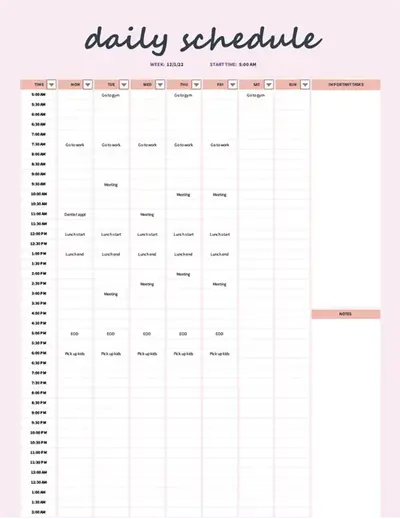
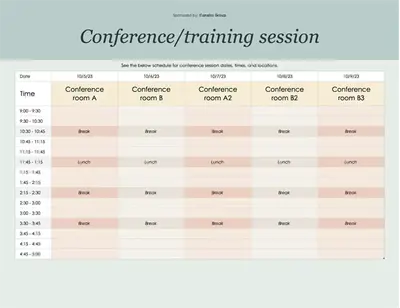
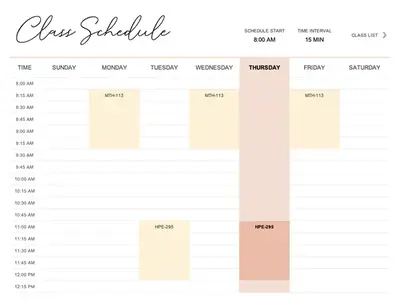
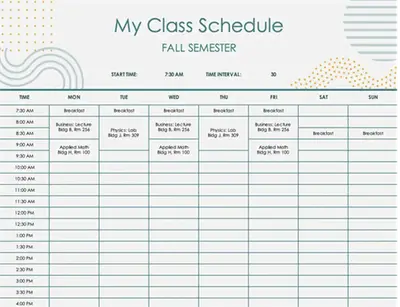
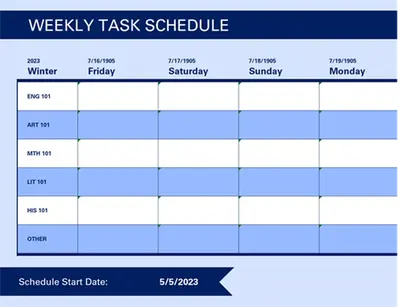
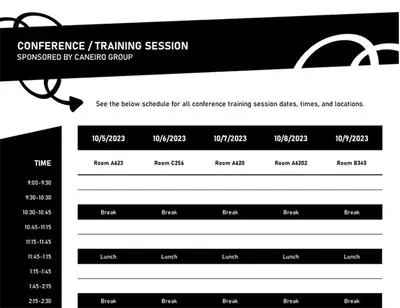
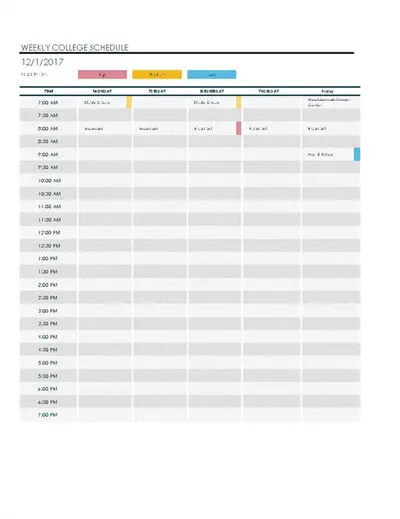
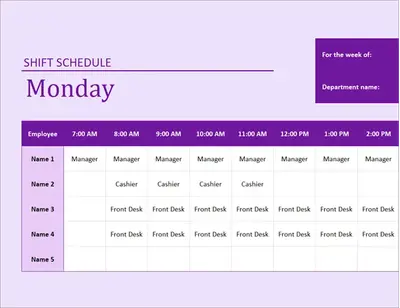
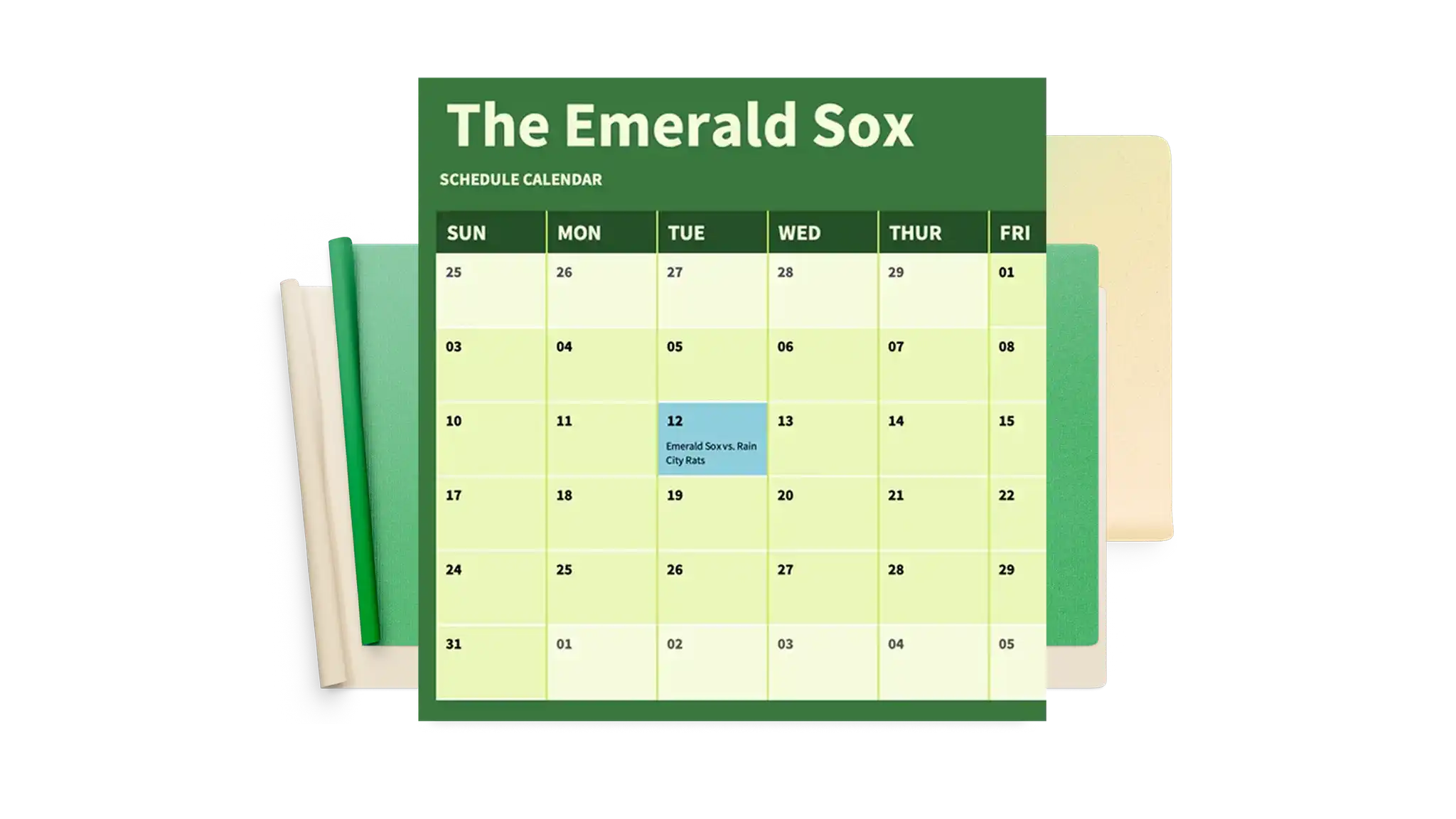
Find daily schedule templates for personal routines, weekly schedule templates for class planning, and employee schedule templates for shift tracking. Customize layouts with color coding and structured columns to clearly organize tasks, deadlines, and appointments.

How to use schedule templates in Microsoft Excel
Open Excel for the web and choose a schedule template that matches the planning goal.
Edit the template with dates, time slots, task names, deadlines, or team assignments.
Customize the layout by adding or removing rows and columns, and creating sections for projects, teams, or events.
Track and update the schedule as plans change to keep plans and deadlines accurate.
Reuse the template each period by refreshing dates and assignments, or export as a PDF to share with team members, classmates, or collaborators.
Adapt schedules for daily, weekly, or monthly planning
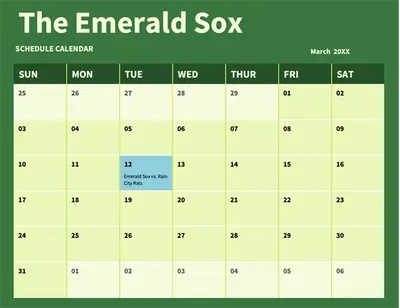
Organize daily to-do lists, weekly appointments, or monthly project plans with templates available in different timeframes. Update dates, tasks, and assignments for each period without rebuilding the layout. Keep on track, complete tasks, and save time with a reusable system for work shifts, study schedules, or personal routines.

Format schedules for easy scanning
Apply color coding to highlight priorities, deadlines, or shift assignments, so important details stand out. Use structured layouts with clear columns for dates, tasks, and status to keep schedules organized and easy to scan. Manage attendance sheets, study plans, or daily to-do lists with formatting that makes updates simple.
Update schedules quickly as plans change
Make quick updates to dates, tasks, appointments, and shifts as plans evolve. Highlight new priorities or reschedule deadlines in just a few clicks without rebuilding the layout. Invite editors to create a group project schedule for teams or a family schedule for household planning.