
無料の Excel のスケジュール テンプレート
カスタマイズ可能で使いやすい Excel スケジュール テンプレートを使用すると、時間を味方につけることができます。稼働日のタスクから個人のプロジェクトまで、すべてを簡単にスケジュールできます。
スケジュール テンプレート
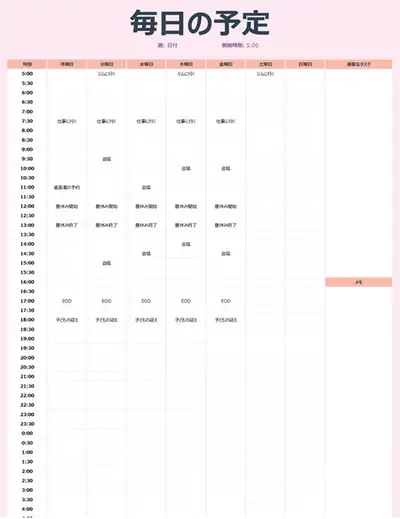
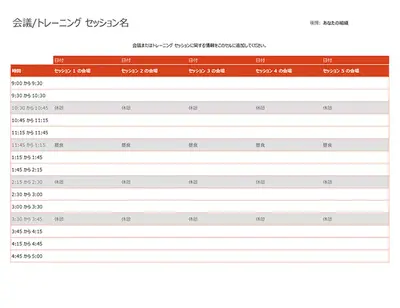
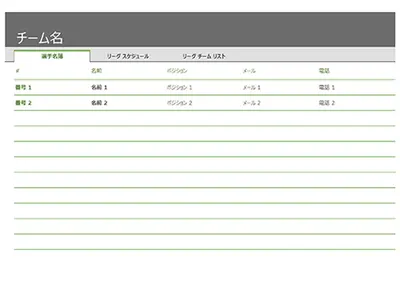
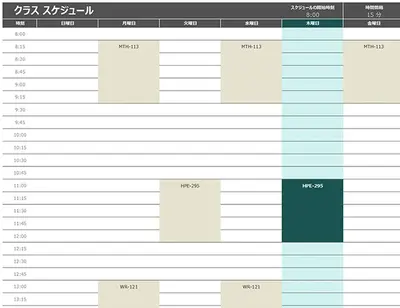
職場、学校、個人のルーティンの計画を簡素化する、すぐに使えるスケジュール テンプレートを参照してください。
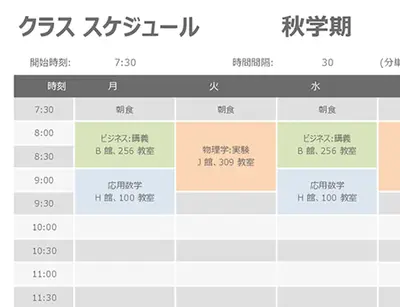
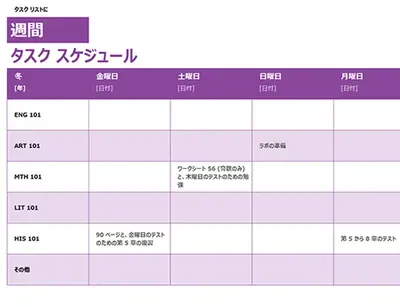
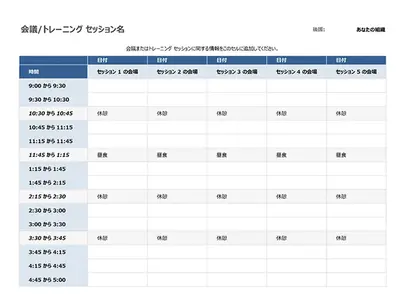
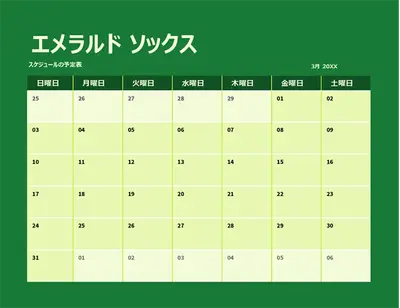
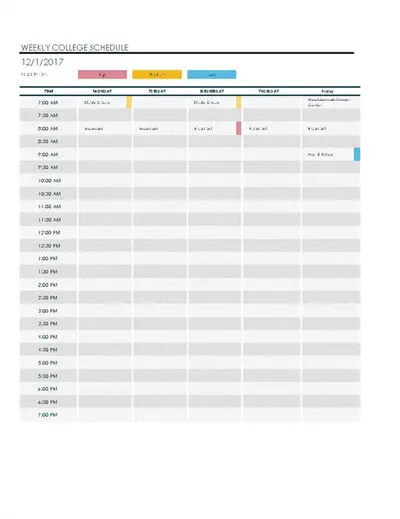
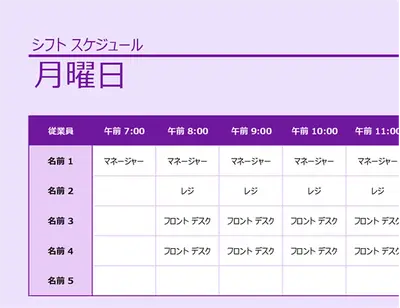

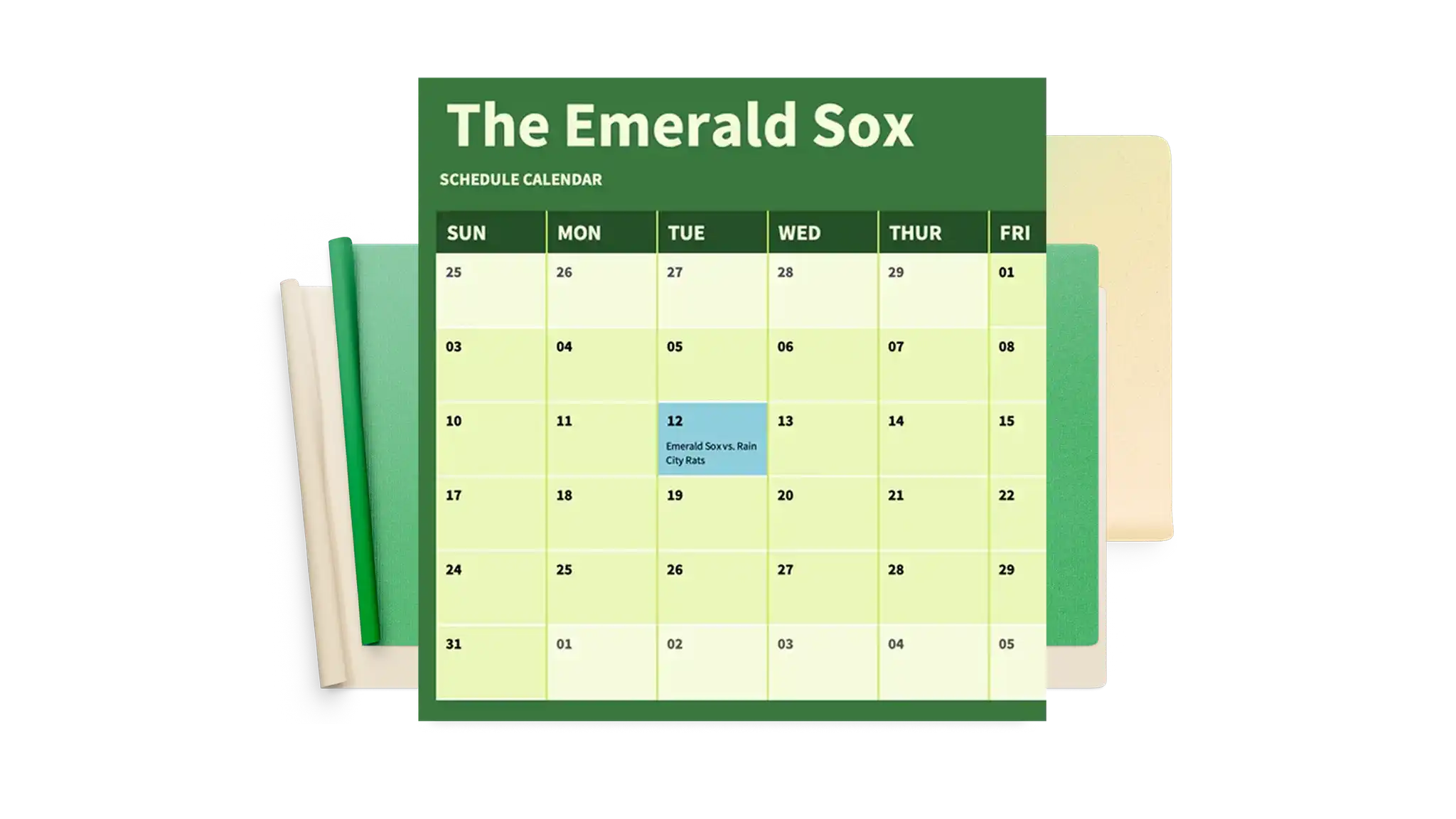
Microsoft Excel でスケジュール テンプレートを使用する方法
Excel for the web を開き、計画の目標に適したスケジュール テンプレートを選択します。
テンプレートの日付、時間帯、タスク名、期限、チームの割り当てを入力します。
行や列を追加または削除してレイアウトをカスタマイズし、プロジェクト、チーム、またはイベントごとにセクションを作成します。
計画と期限を正確に保つために、計画の変更に応じてスケジュールを追跡して更新します。
テンプレートの日付と割り当てを変更して各期間用に再利用するか、PDF としてエクスポートして、チーム メンバー、クラスメート、共同作業者と共有します。
Excel スケジュール テンプレートを使用して整理する
Microsoft Excel 用に設計されたカスタマイズ可能なスケジュール テンプレートを使用して、ビジネス プロジェクトとイベント プロジェクトを効果的に管理します。タスクの詳細とタイムラインの専用フィールドを使用して、月、日、または時間別のチーム スケジュールを作成し、出席シートとペアリングします。これらのテンプレートは共同作業をサポートしているため、同僚やパートナーが計画を簡単に更新し、可用性に合わせて調整できます。年次イベント、休日のプロモーション、コンテンツ カレンダーなどの繁忙期の調整に最適です。各テンプレートは、組織のブランドとロゴに合わせて調整および編集し、一貫したドキュメントを作成できます。

Format schedules for easy scanning
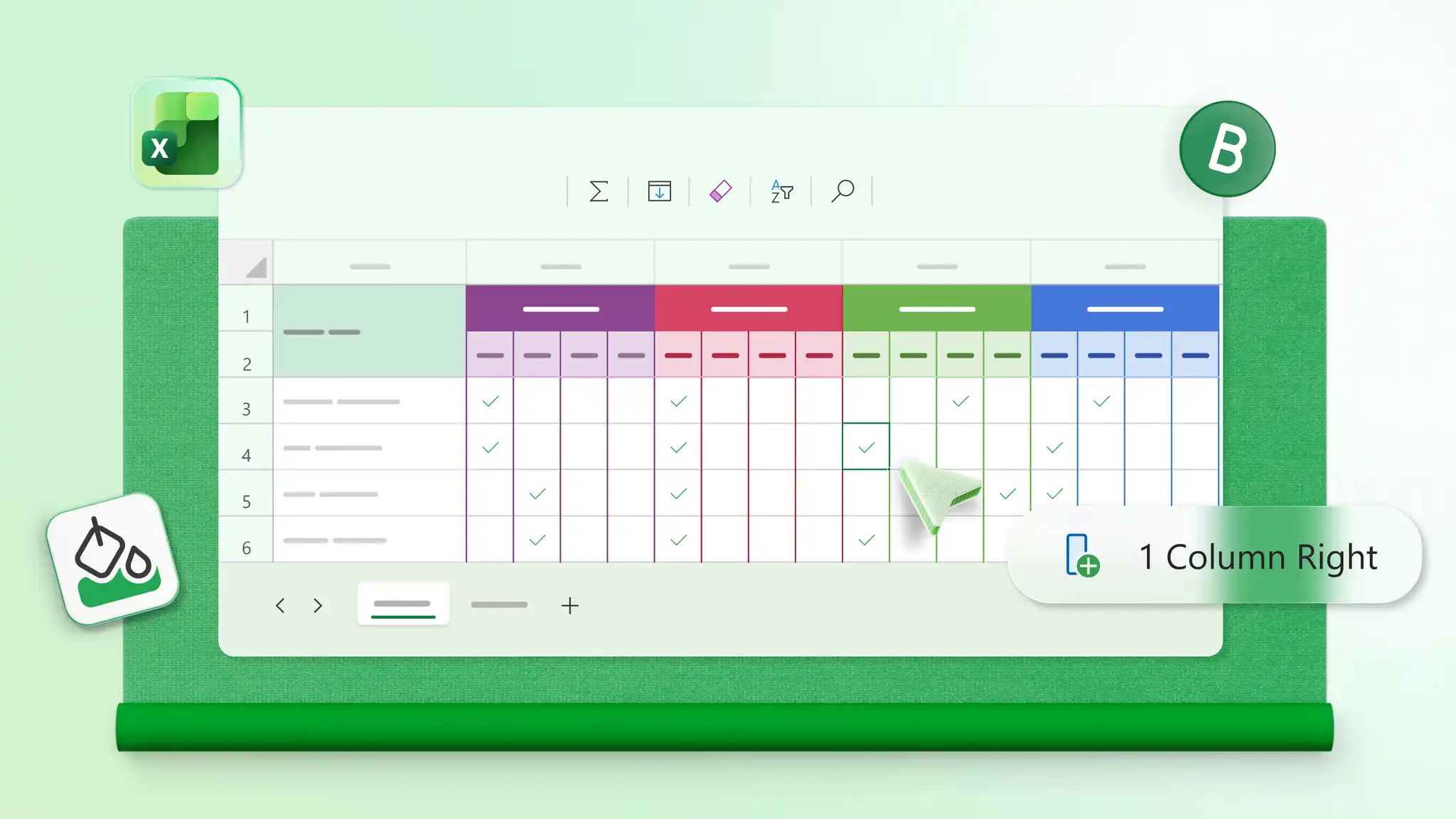
Apply color coding to highlight priorities, deadlines, or shift assignments, so important details stand out. Use structured layouts with clear columns for dates, tasks, and status to keep schedules organized and easy to scan. Manage attendance sheets, study plans, or daily to-do lists with formatting that makes updates simple.
Update schedules quickly as plans change
Make quick updates to dates, tasks, appointments, and shifts as plans evolve. Highlight new priorities or reschedule deadlines in just a few clicks without rebuilding the layout. Invite editors to create a group project schedule for teams or a family schedule for household planning.