
Expense report templates
Track business expenses with customizable expense calculator templates with built-in formulas and Copilot in Microsoft Excel.
Explore expense report templates
Use editable travel expense report templates and employee expense report forms to simplify reporting. Built-in expense calculator formulas track totals, while brand themes polish submissions for PDF or secure online link sharing.
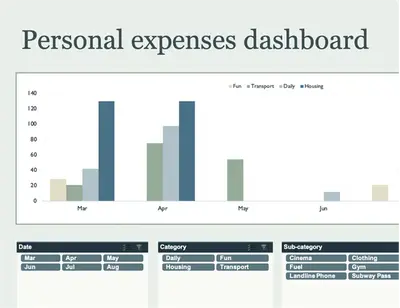
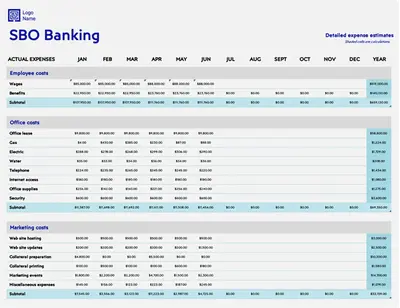
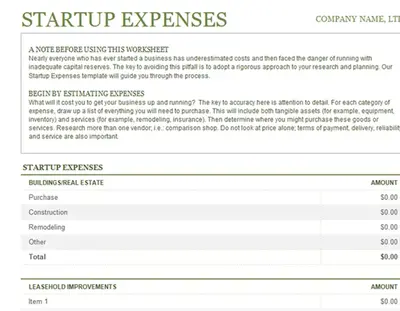
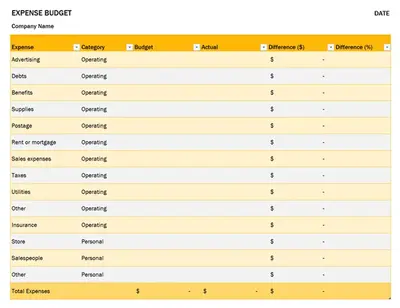
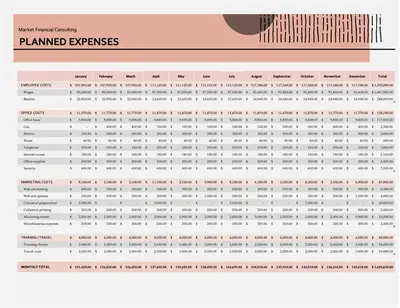

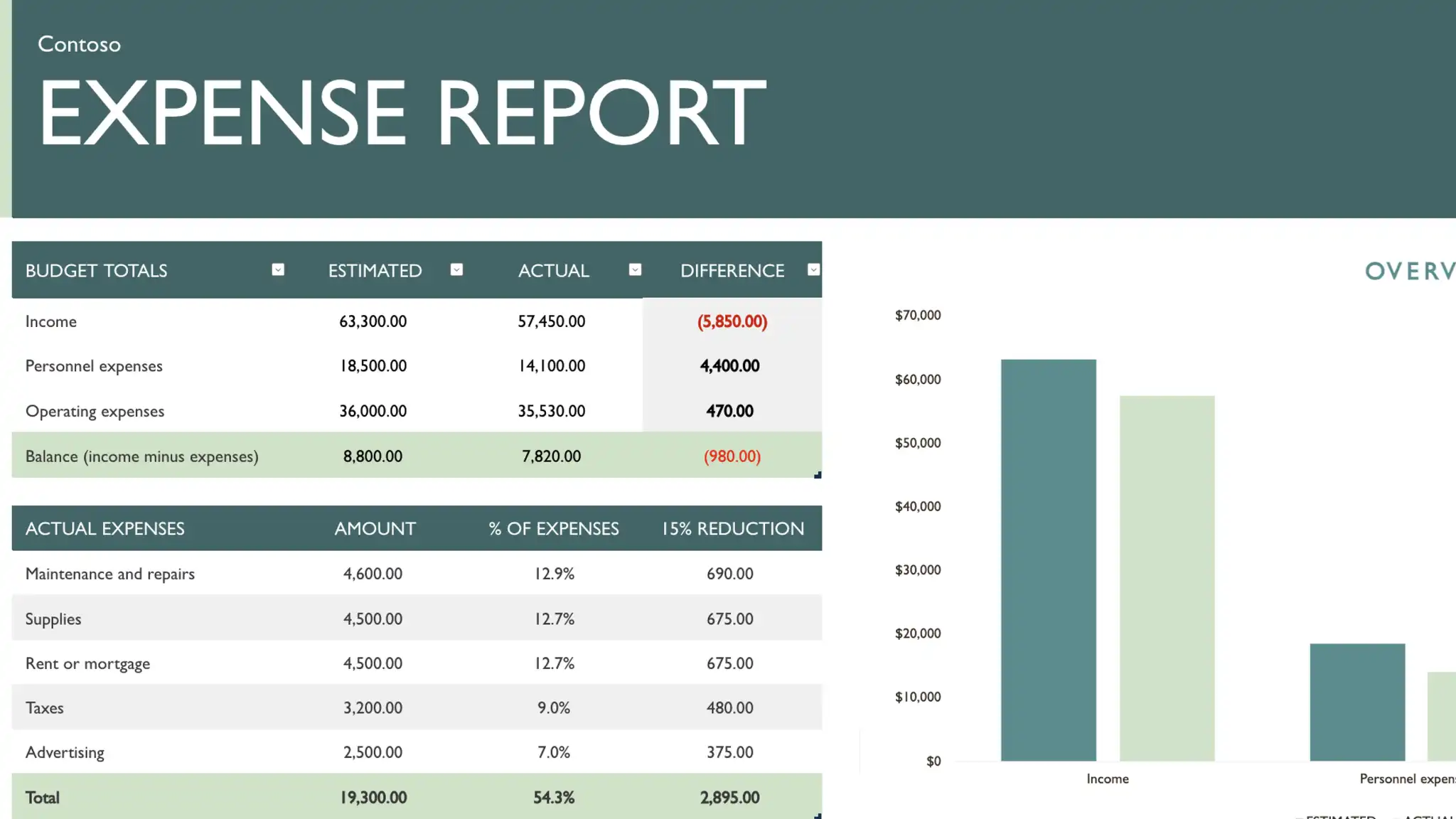
How to make expense reports in Microsoft Excel
Select an expense report template in Excel for the web to start editing or browse other financial management templates.
Replace placeholder values with expense amounts, categories, dates, and receipts.
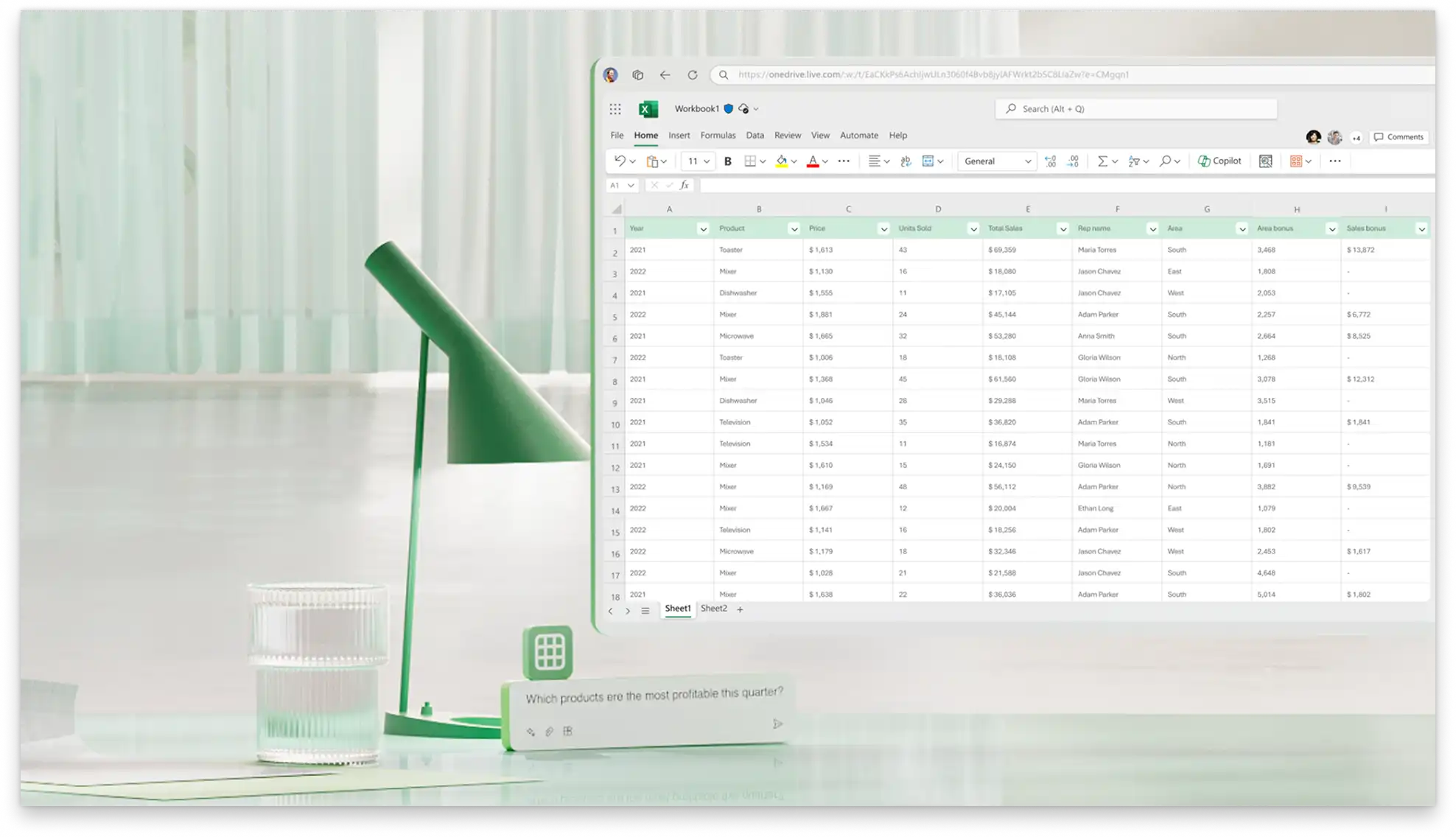
Chat with Copilot in Excel to calculate reimbursements, summarize spending, or clean up entries.
Save, print, or share the file via secure link or save as a PDF for submission.
Build a master expense template for efficiency
Finance teams can refine one master expense calculator template with categories, formulas, and policy rules for consistency. Make a copy from OneDrive or SharePoint to reuse the scalable format across teams, tracking travel, meals, and office expenses easily. Built-in logos and layout standards keep submissions approval-ready, ideal for enterprises and startups managing budget cycles.

Save, submit, and share expense reports
Share completed expense reports with finance teams using the share button in Excel for the web, attach to emails, or export to PDF for consistent record keeping. Print-ready formats handle physical filing while link sharing allows others to view and edit the latest draft based on permissions. Pair with a daily schedule template to capture activities to link back to reports, or with an invoice template to share expenses with clients.