
Invoice generator
Create and export free invoices online to customers with tailored, fully customized templates by Microsoft Excel.

Generate easy-to-read invoices with customizable templates
Create clear invoices in minutes with free Excel templates. Explore fully customizable professional designs and simple invoice templates focused on clarity and accuracy.
Write accurate invoices online
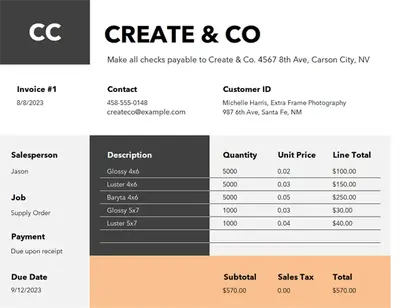
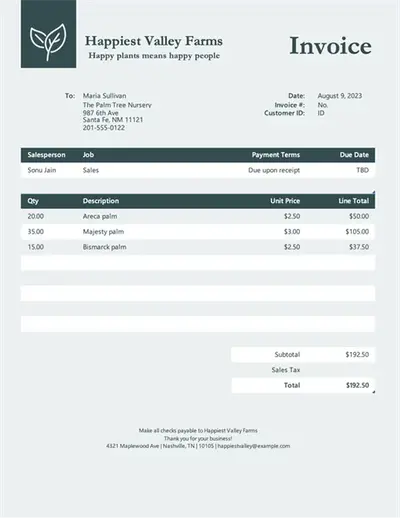
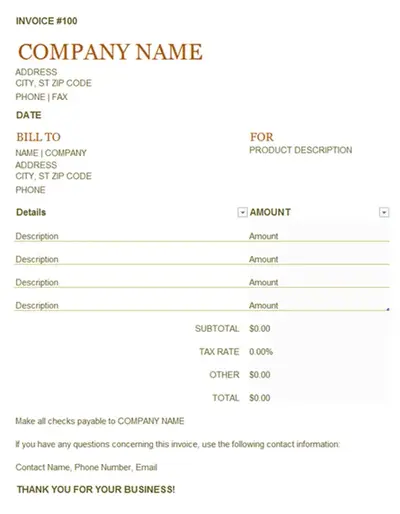
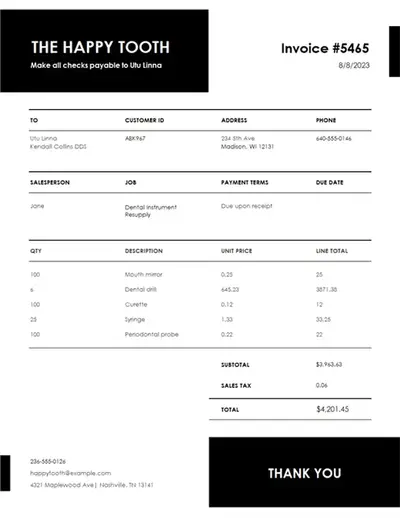
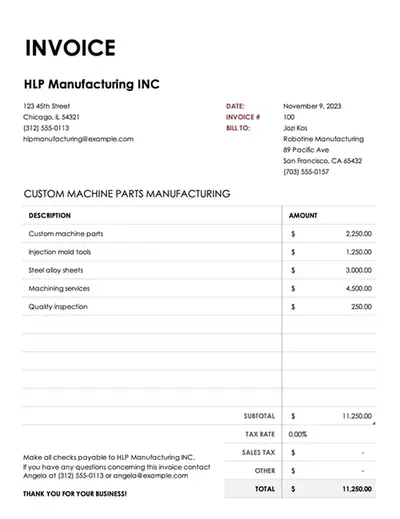
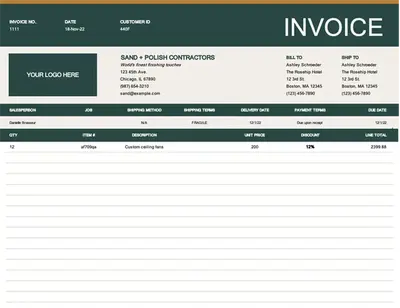
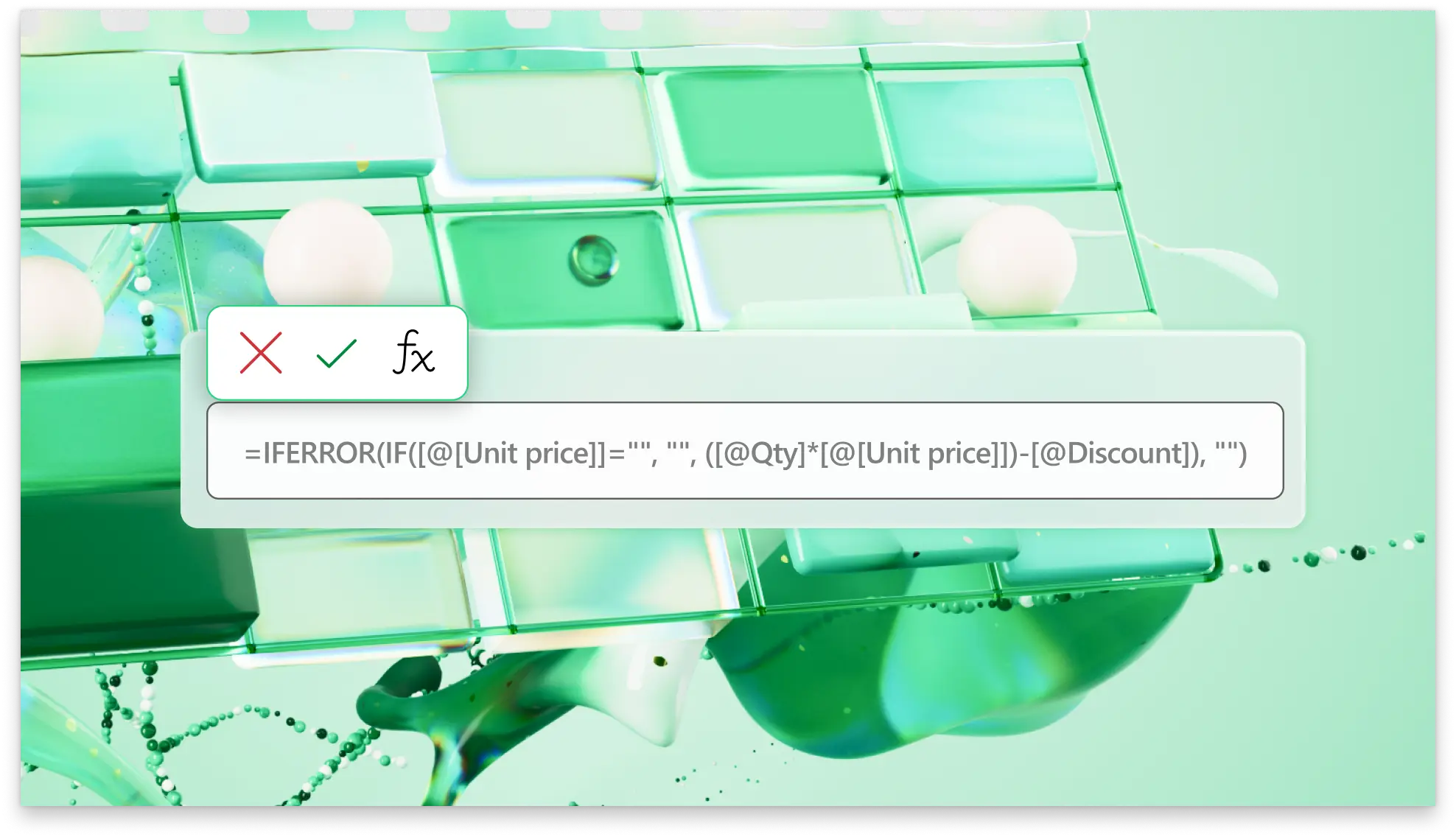
Create business invoices fast in Excel from your browser. Use preformatted templates populated with accountancy formulas to automatically calculate the required totals based on your inputs for products and services. Include sales tax additions, and payment terms with secure payment links when shared as a PDF for effective sharing and invoice processing.
Format professional invoices with templates
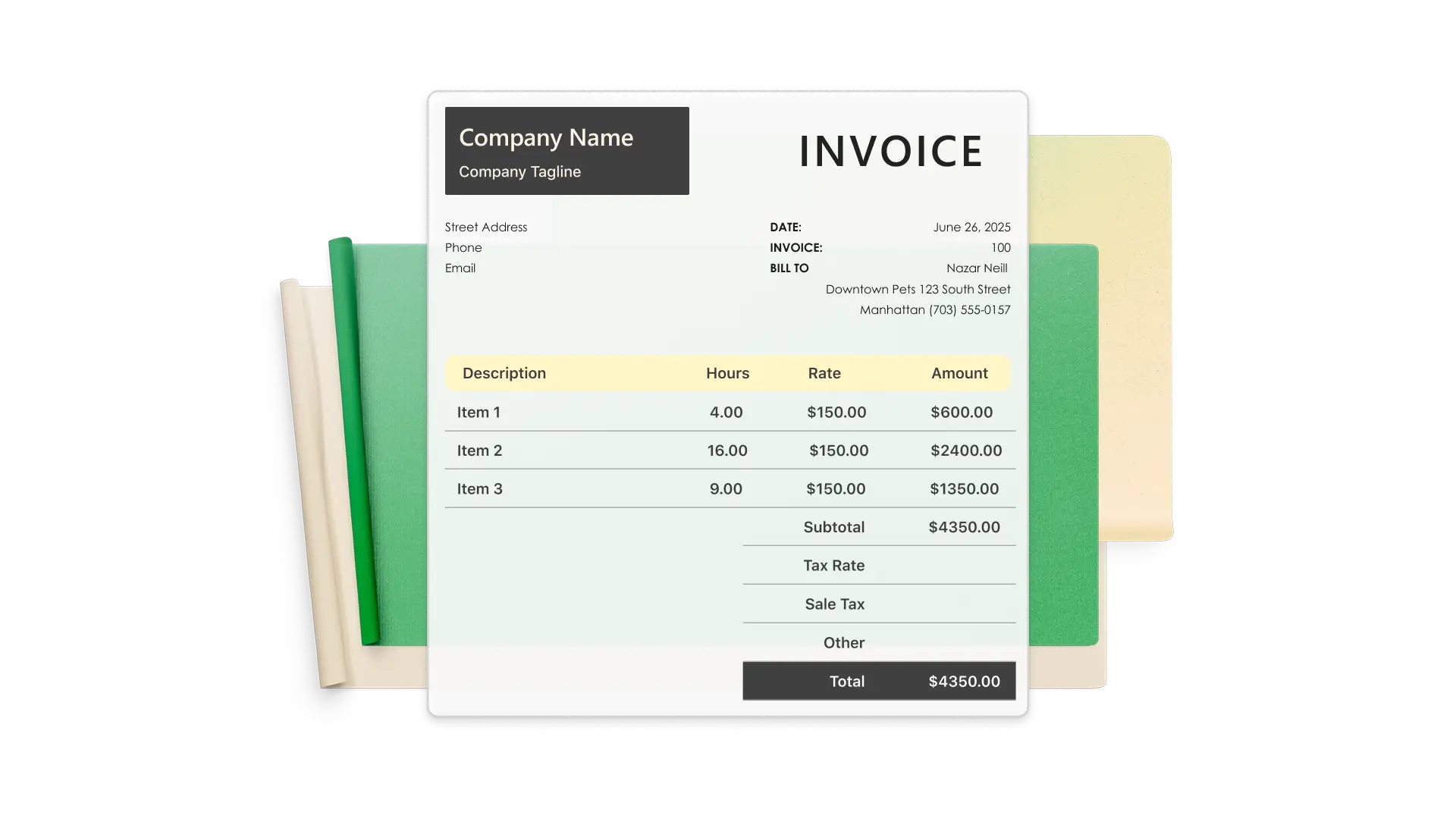
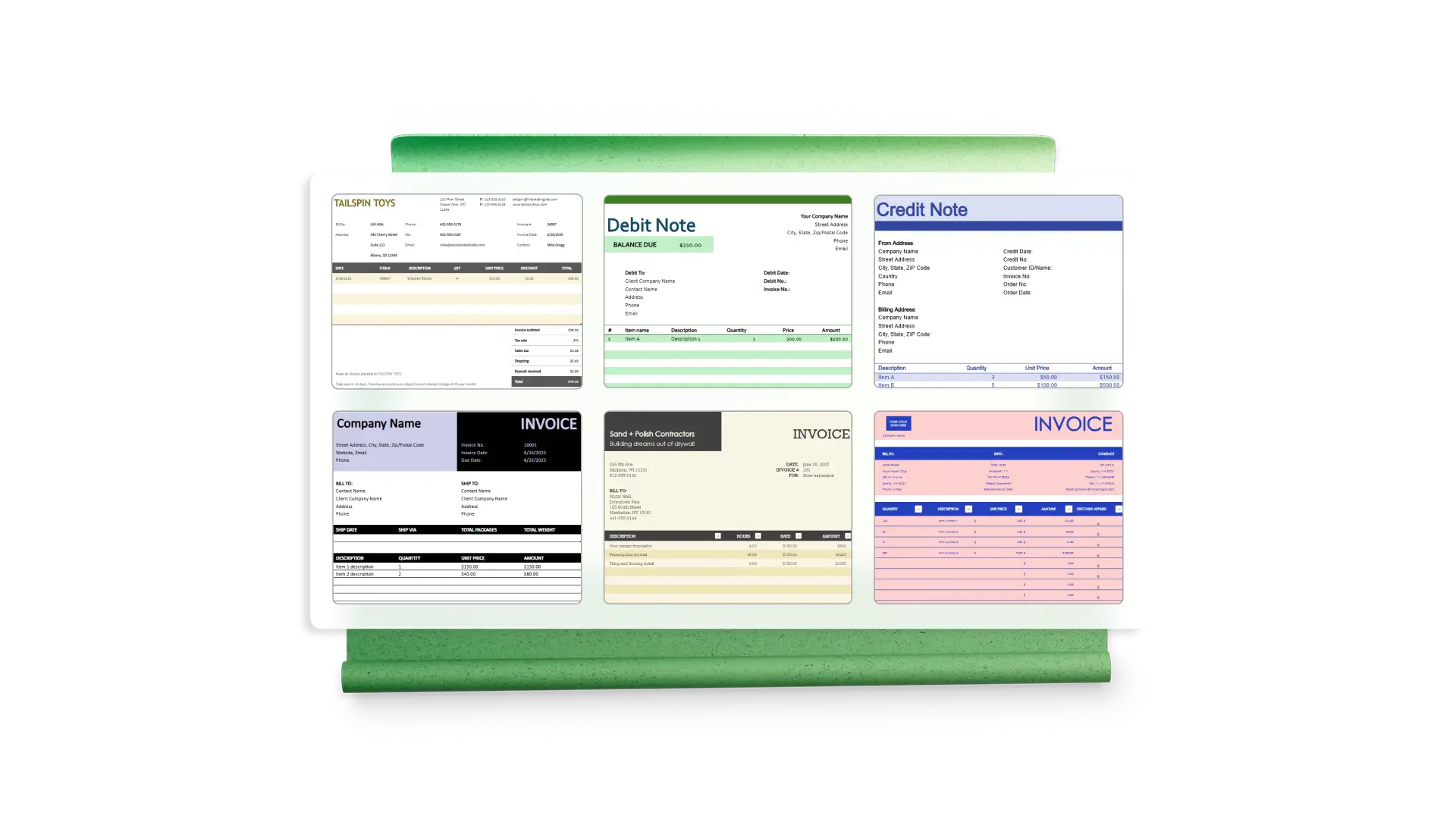
Browse templates for generic invoices as well as examples for specific business use cases including for contractors, designers, manufacturers, and agencies. Pick professional designs that come in a range of colors, styles, layouts, and fonts that can be fully customized to better match your brand's identity.
Record invoice payments
Include a payment column to record customer transactions on the invoice. Use formulas in Excel to display amount paid and balance due to update customers on partial payments. Use extra tabs to easily manage additional customer information such as payment logs and specific notes on the customer's account.
Edit invoices from any device
Access Excel invoice templates online from your desktop computer or anywhere from a mobile device. Changes to your invoice are saved automatically with the Autosave feature. Therefore, you can pick up wherever you left off ensuring no changes in your invoice are lost between edits.

Send printable PDF invoices
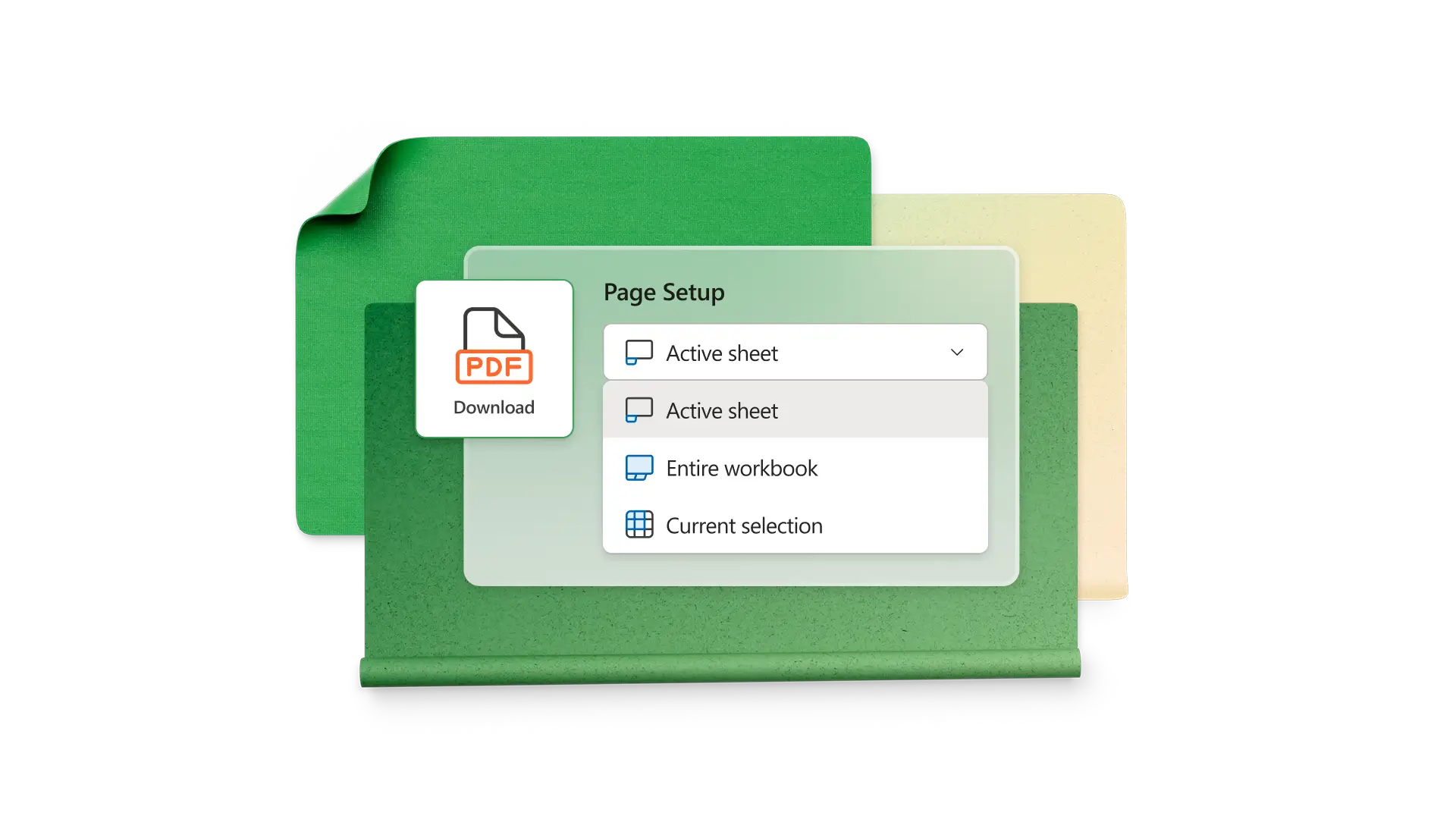
Share invoices from screen to the printed page with a PDF conversion. Appease clients who prefer paper invoices while keeping your business branding and layout intact by syndicating a printable PDF of your invoice spreadsheet. Each invoice template utilizes dedicated free space that can be used to accommodate signatures that are needed for any quote approvals or change orders.
Explore more insights with Copilot
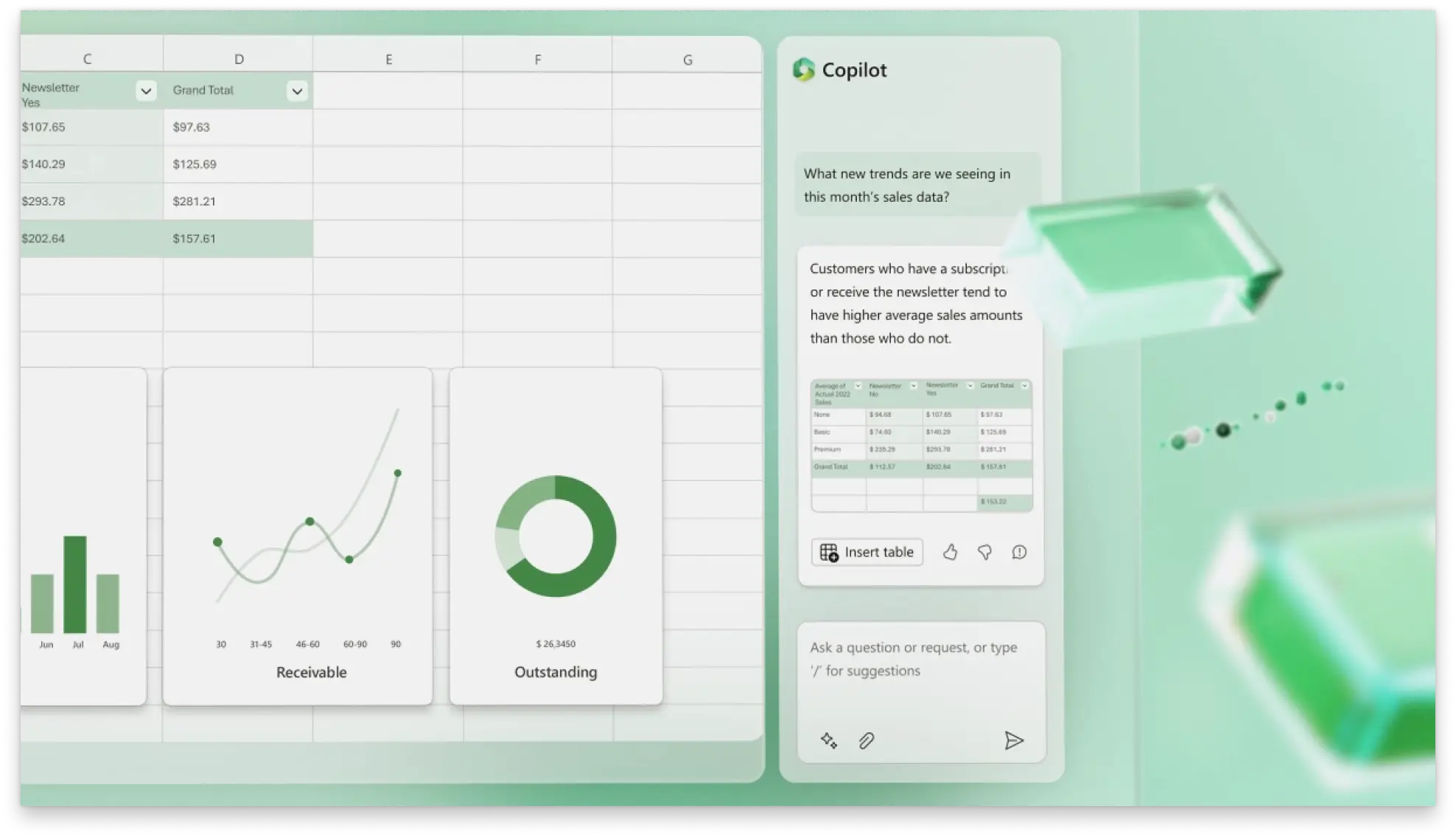
Use Copilot in Excel to create charts and PivotTables based on invoice data. Gain data insights quickly with Copilot as it analyzes the data inputted and returns an insightful summary on key actions and learnings. Have Copilot perform quick edits like changing currency alignment or adding a row for total number of products.
Collaborate on invoices with team members
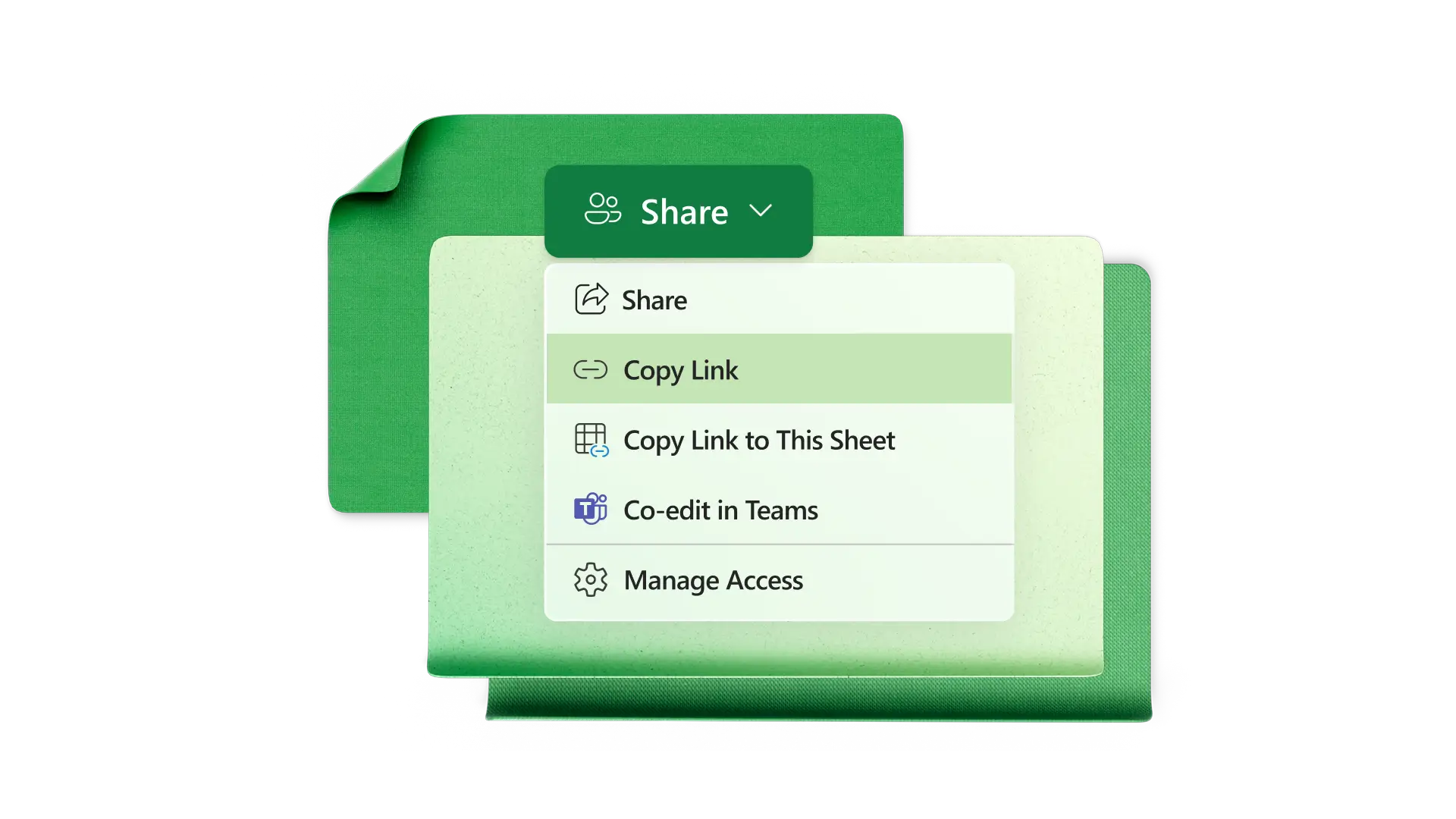
Share invoices in Excel online with anyone. Tag team members and key stakeholders in comments to review the figures before sharing with the customer. Organize multiple invoices into dedicated OneDrive folders accessible to your team or specific individuals.
When to use the invoice generator
Small businesses: charge for recurring monthly services.
Freelancers: bill clients by the hour or project.
Enterprises: while using Power Automate to integrate invoices with ERP systems.
Local businesses: to invoice customers for home services.
Wholesalers: to invoice retailers when shipping products.

How to create an invoice in Excel online
Choose an invoice template that matches your requirements
Customize the template with your business colors, contact information, and logo
Add the customer’s company and contact information
Enter products and services with descriptions and costs
Set the payment terms and accepted payment methods
Download a PDF to print/sign and send to the customer
Read more



Frequently asked questions
What is an invoice number?
An invoice number is a unique ID that lets you (and your customers) track invoices. Invoice numbers are usually sequential, and they often have letters that stand for the company. You can also use dates or client codes in your invoice numbers.
What should be included in an invoice?
Include the invoice date, payment terms, payment method, issuing company name and address, receiving company name and address, itemized charges, subtotal, taxes, and total amount owed.
How to create an invoice template in Excel?
Start by opening a blank workbook and removing grid lines for a clean look. Create a header section with your business information, logo, invoice number, and payment terms, then add your customer’s information. Insert a table for services and products, then add a total line with the SUM function. Format the invoice with separator lines and your business colors.
How to calculate a due date for an invoice in Excel?
Calculating a due date requires an issue date in one cell and the number of payment term days in another cell (30 days for example). If the issue date is in cell A1 and the term in A2, insert the function =A1+A2 in a new cell to calculate calendar days. Excel will add the payment term to the issue date. To exclude weekends, use the function =WORKDAY(A1,A2).