
Spreadsheet maker
Create spreadsheets to plan tasks, track projects, and analyze data. Save time with customizable templates and AI-assisted tools in Microsoft Excel.

Transform data into insight with Excel spreadsheets


Analyze patterns in large datasets
Organize and summarize data with PivotTables to uncover trends quickly. Group data in different ways to compare values clearly and use sorting and filtering to highlight meaningful patterns.

Design presentation-ready spreadsheets
Create clear and consistent business spreadsheets with theme colors, cell styles and conditional formatting. Highlight key values before printing and sharing.
Start quickly with free Excel spreadsheet templates
Save time with Excel templates that include built‑in formulas and clean layouts. Customize designs to match brand style and use AI assistance for helpful suggestions.
Build Excel spreadsheets at any skill level
Use Excel with intuitive tools and AI assistance to handle both simple and advanced spreadsheets. Start with a personal budget tracker or a calendar, or set up project management spreadsheets to organize information and summarize data. Copilot can recommend formulas and clarify calculations as spreadsheet work expands.

Build and analyze spreadsheets with Copilot in Excel
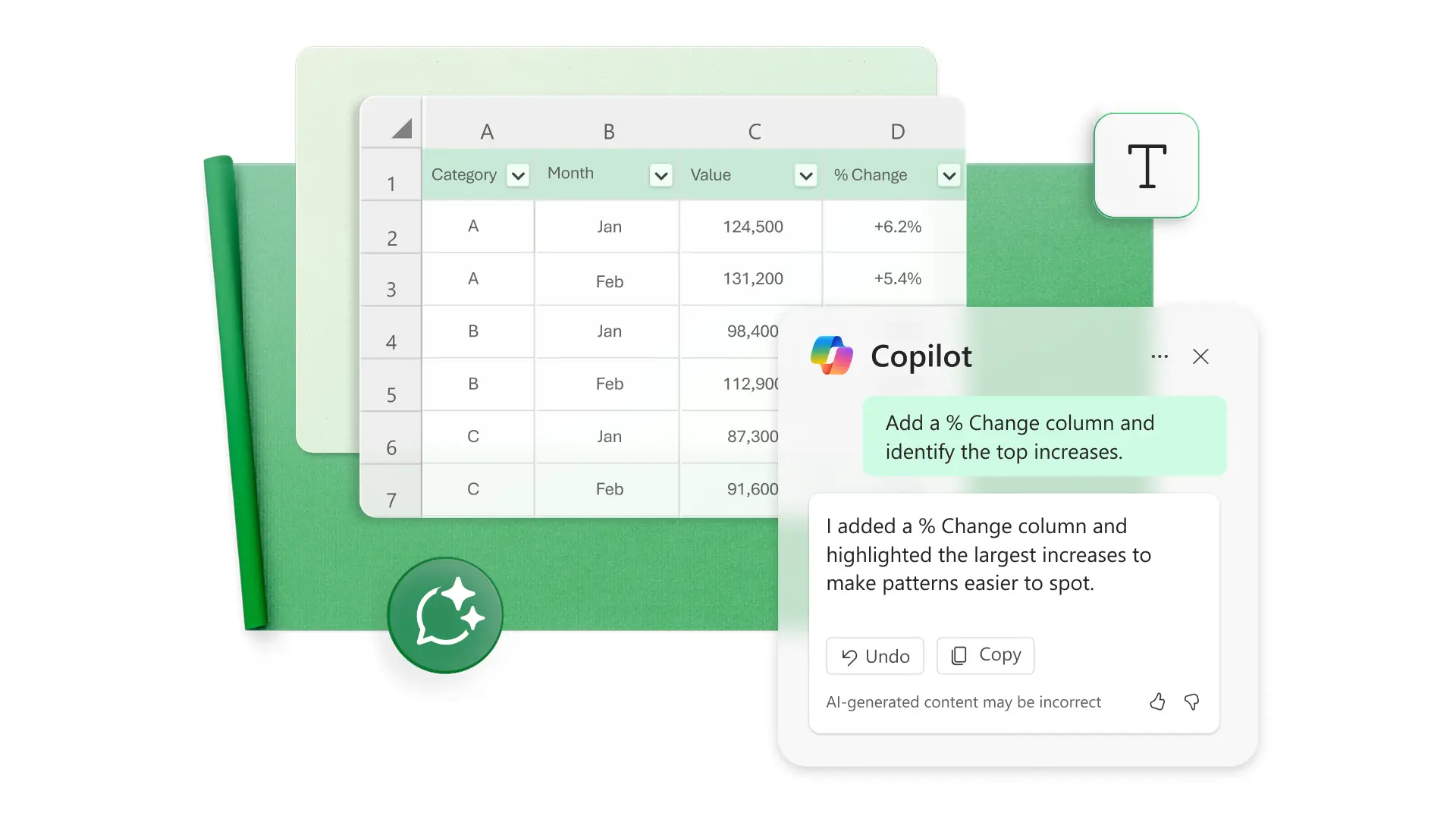
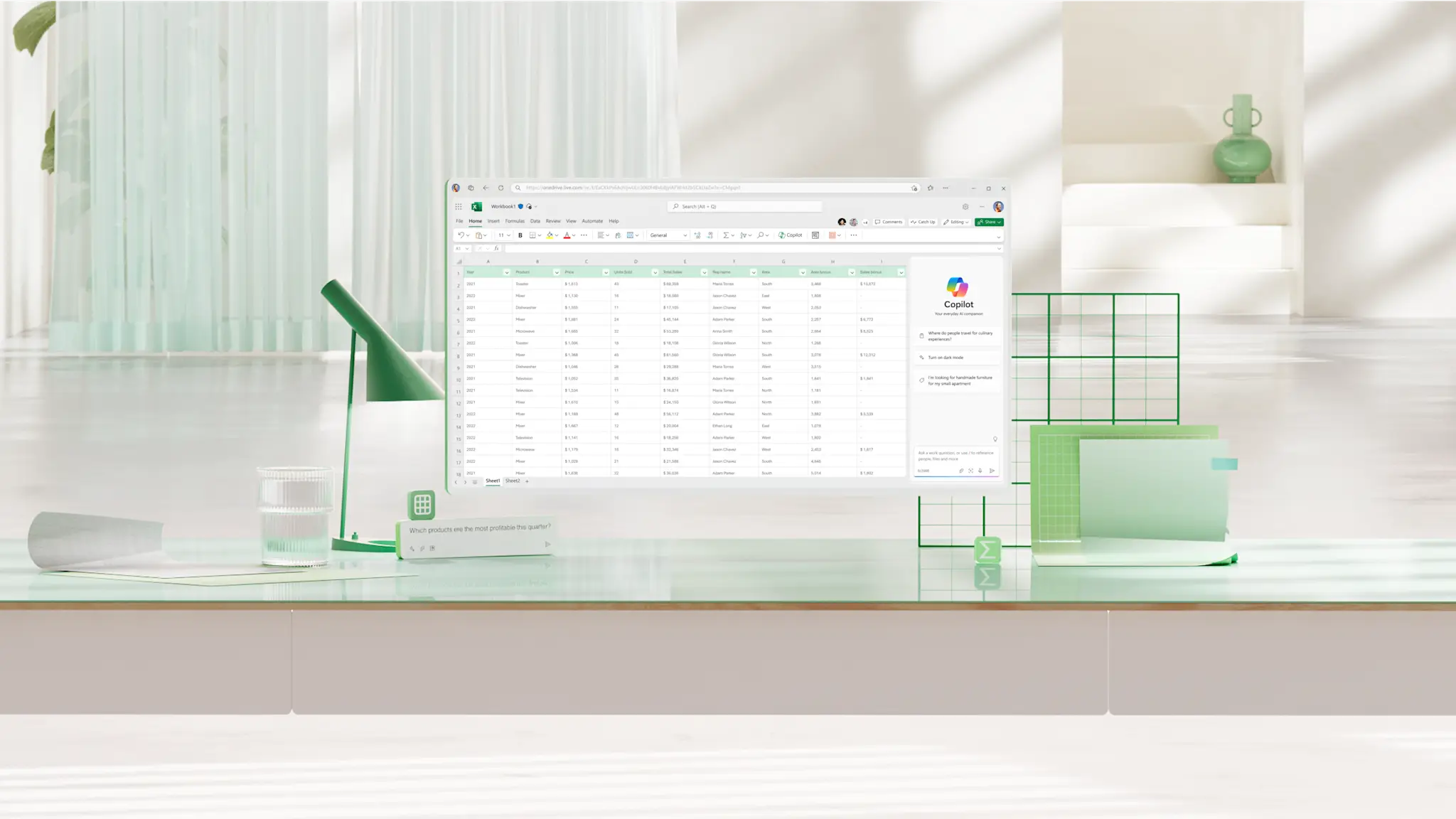
Use Copilot in Excel to make building and reviewing spreadsheets easier. It can suggest formulas, help add or adjust columns, and explain what different cells or sections are doing. Copilot also supports data cleanup by spotting extra spaces, formatting issues, and patterns that may need attention.
Customize spreadsheet style, layout, and more
Format spreadsheets clearly using cell styles, conditional formatting, and page layout tools. Apply brand colors to cells, charts, and text, and adjust spacing and scaling to fit tables into online presentations or printed documents. Create polished business spreadsheets that align with visual brand standards every time.

Collaborate in a seamless workflow
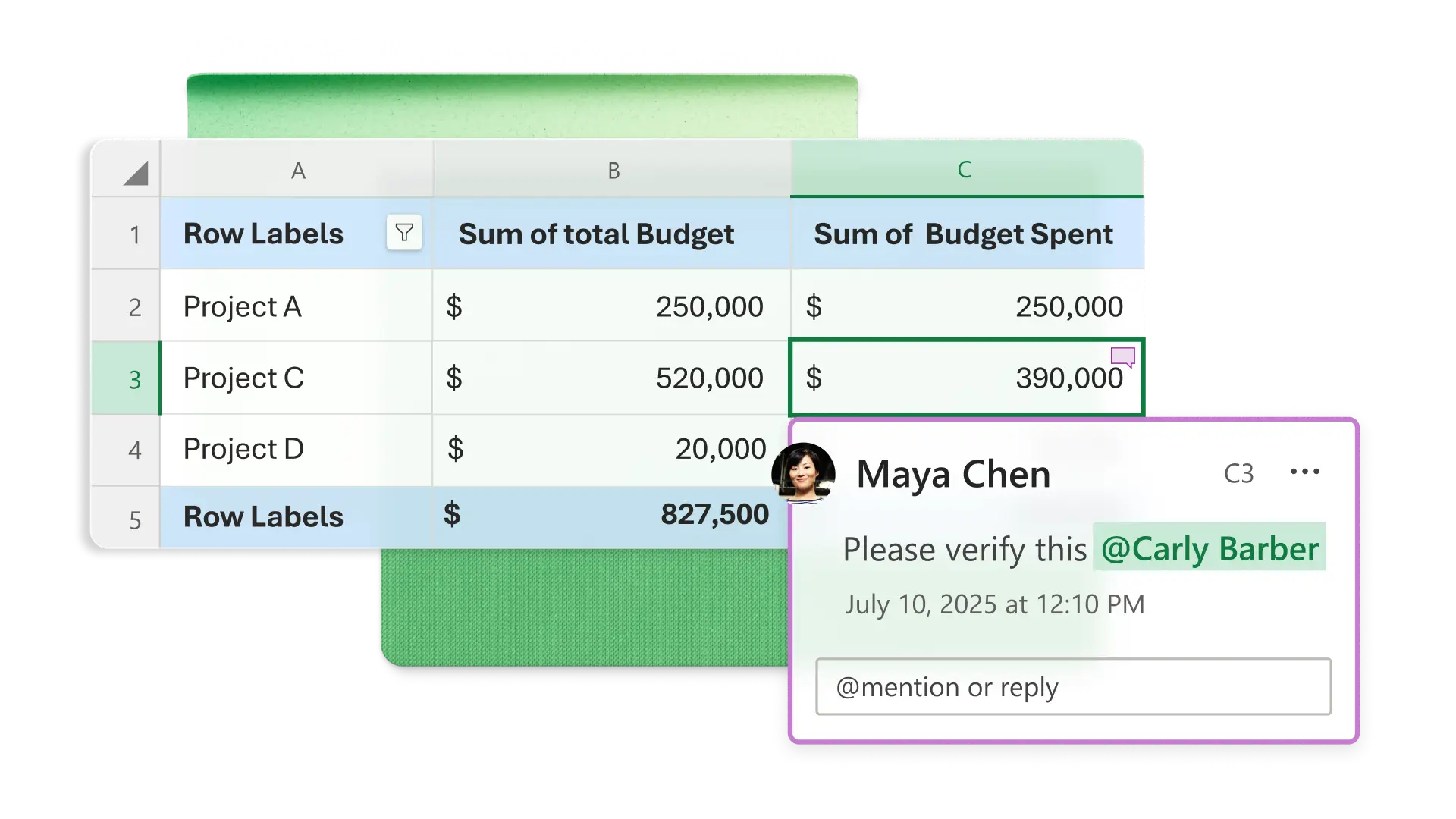
Share spreadsheets with a link and choose whether others can view or edit. Add protection to key cells to keep important information unchanged during updates. Use comments and tags to coordinate edits so everyone stays aligned on the same version.
Download spreadsheets and reuse templates
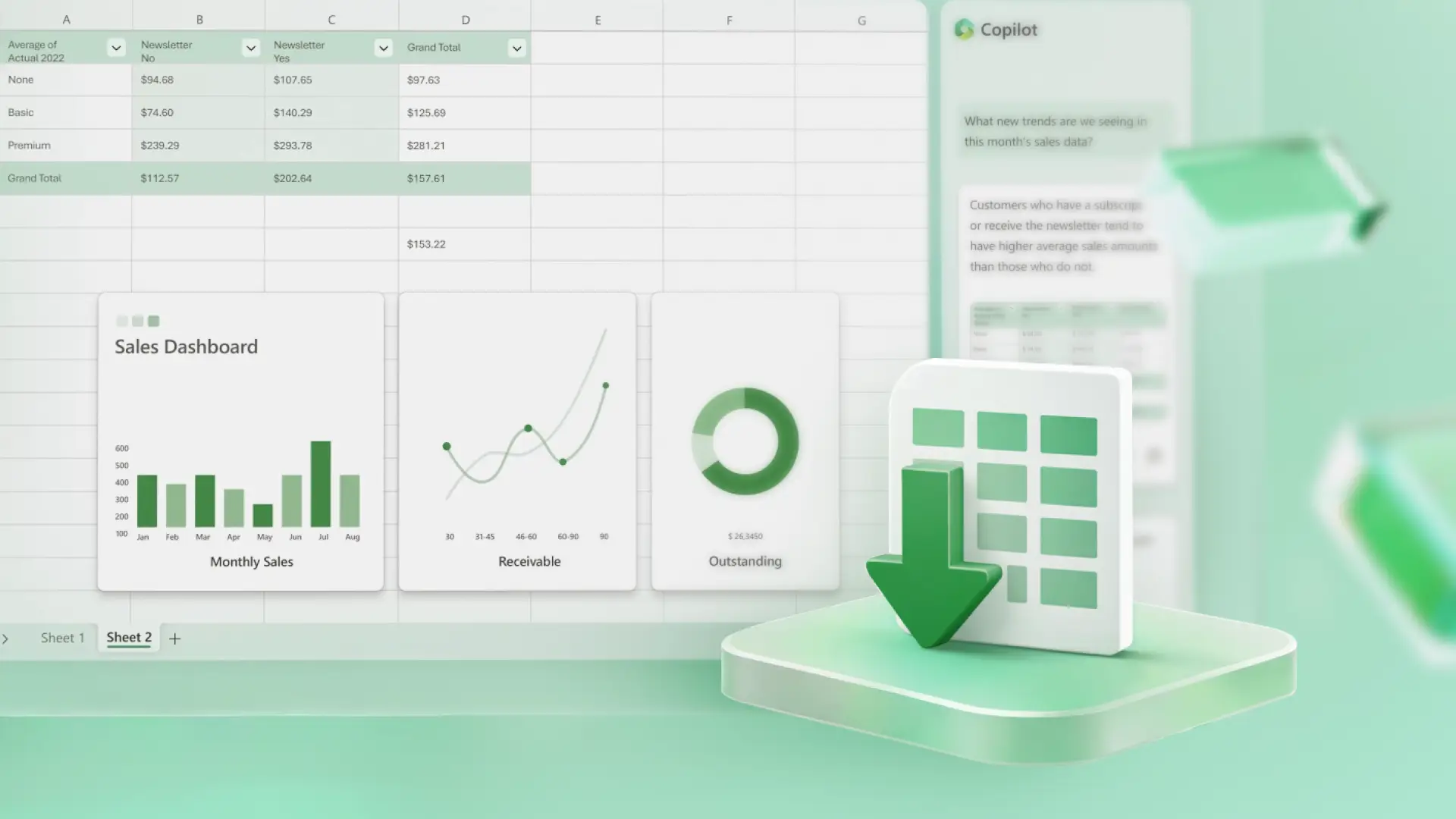
Save spreadsheets online or download as PDFs for flexible sharing. Print using available page layout options, and save files in OneDrive to reuse layouts when creating future reports or dashboards.
How to create a spreadsheet in Microsoft Excel
Start a new spreadsheet or select a customizable template.
Add data in columns and rows and make sure date and currency formatting is consistent.
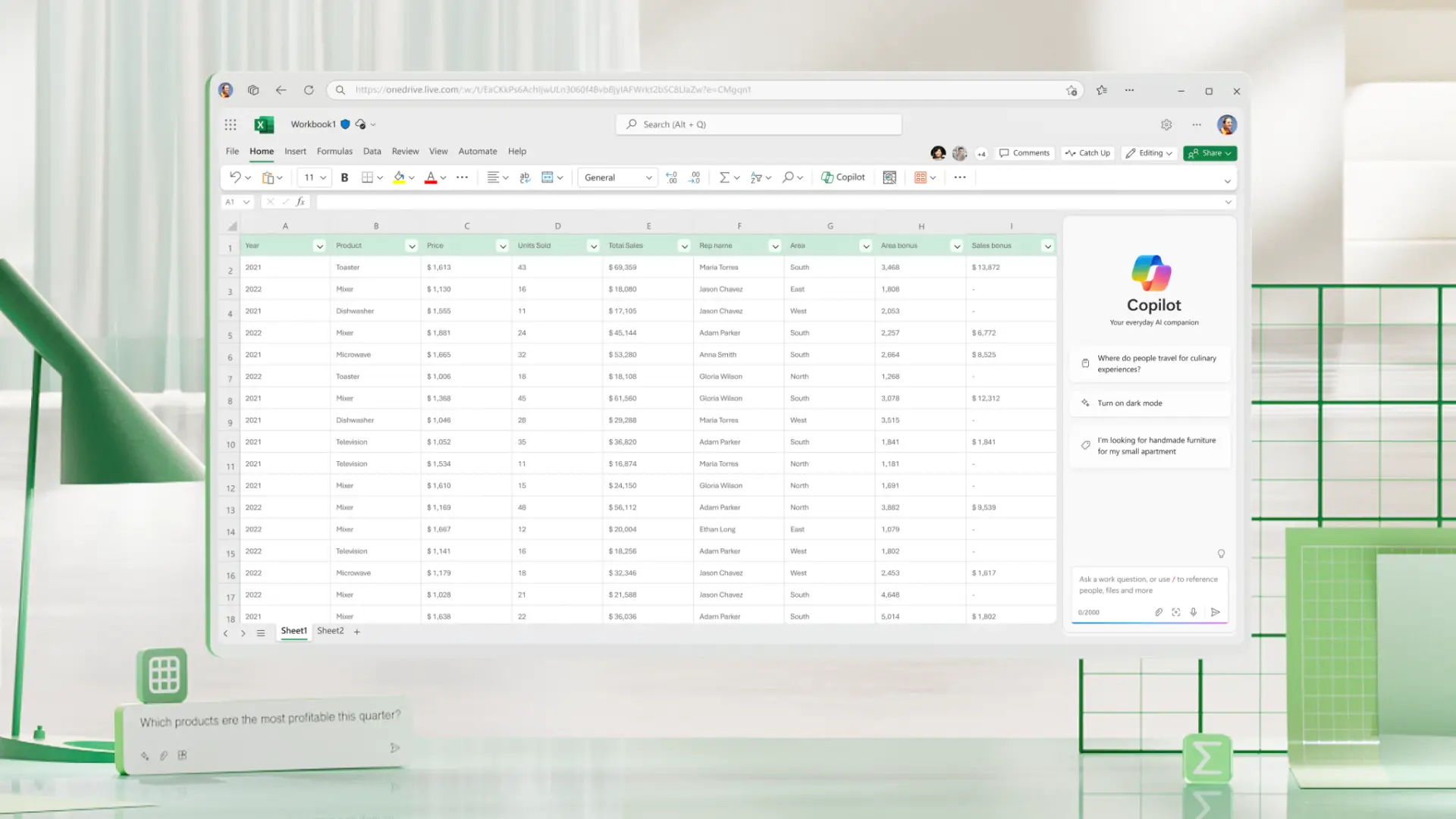
Ask Copilot for formula suggestions or quick explanations of the data.
Collaborate with others and download or print the spreadsheet to distribute.


Frequently asked questions
How to print an Excel spreadsheet?
Use the Page Layout menu to set scaling, margins, print area, and page breaks. Then go to File > Print to preview and print the active sheet, a selected range, or the defined print area.
How to lock an Excel spreadsheet?
Enable sheet protection from the Review menu to prevent unwanted editing. Adjust permissions for shared spreadsheets through the Share menu by changing link settings or removing editing access.
How to unprotect an Excel spreadsheet?
Use the Review menu to unprotect a sheet and enter the password if required. Adjust shared permissions from the Share menu to change or remove editing access.