30 Excel formulas and functions with examples and Copilot prompts
Explore 30 Excel formulas for cleaning data, calculations, lookups, and analysis...

Create and export free invoices online to customers with tailored, fully customized templates by Microsoft Excel.

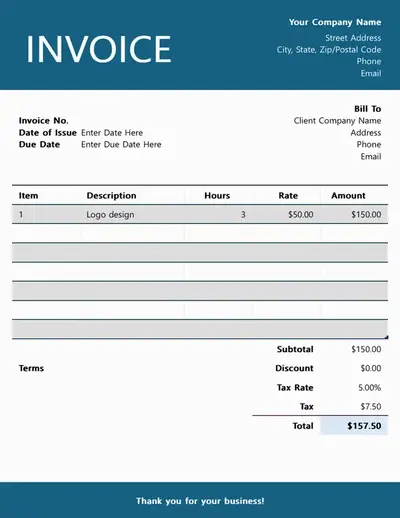
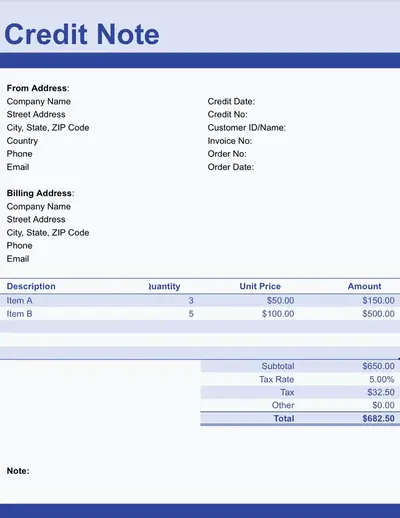
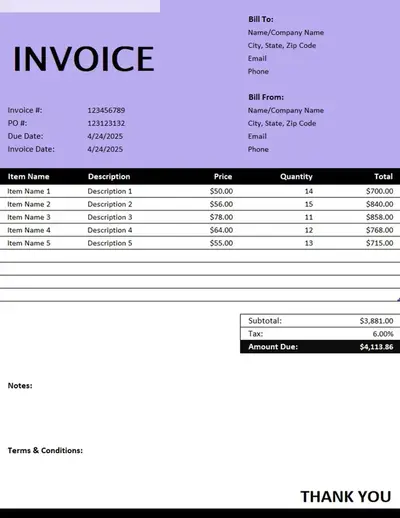
Use built-in formulas to generate subtotals, taxes, and total balance. Add line items to the invoice and the total updates automatically, with no manual calculation needed.

Record partial or full payments to know what's outstanding at all times. Save invoice workbooks with formulas to keep the total balance up to date for easy cash flow tracking.

Make recurring invoice management easy with reusable invoice templates. Update values every month without rebuilding calculations and send invoices on schedule.

Create clear invoices to suit any need with free Excel templates. Explore professional designs and simple invoice templates focused on clarity and accuracy.
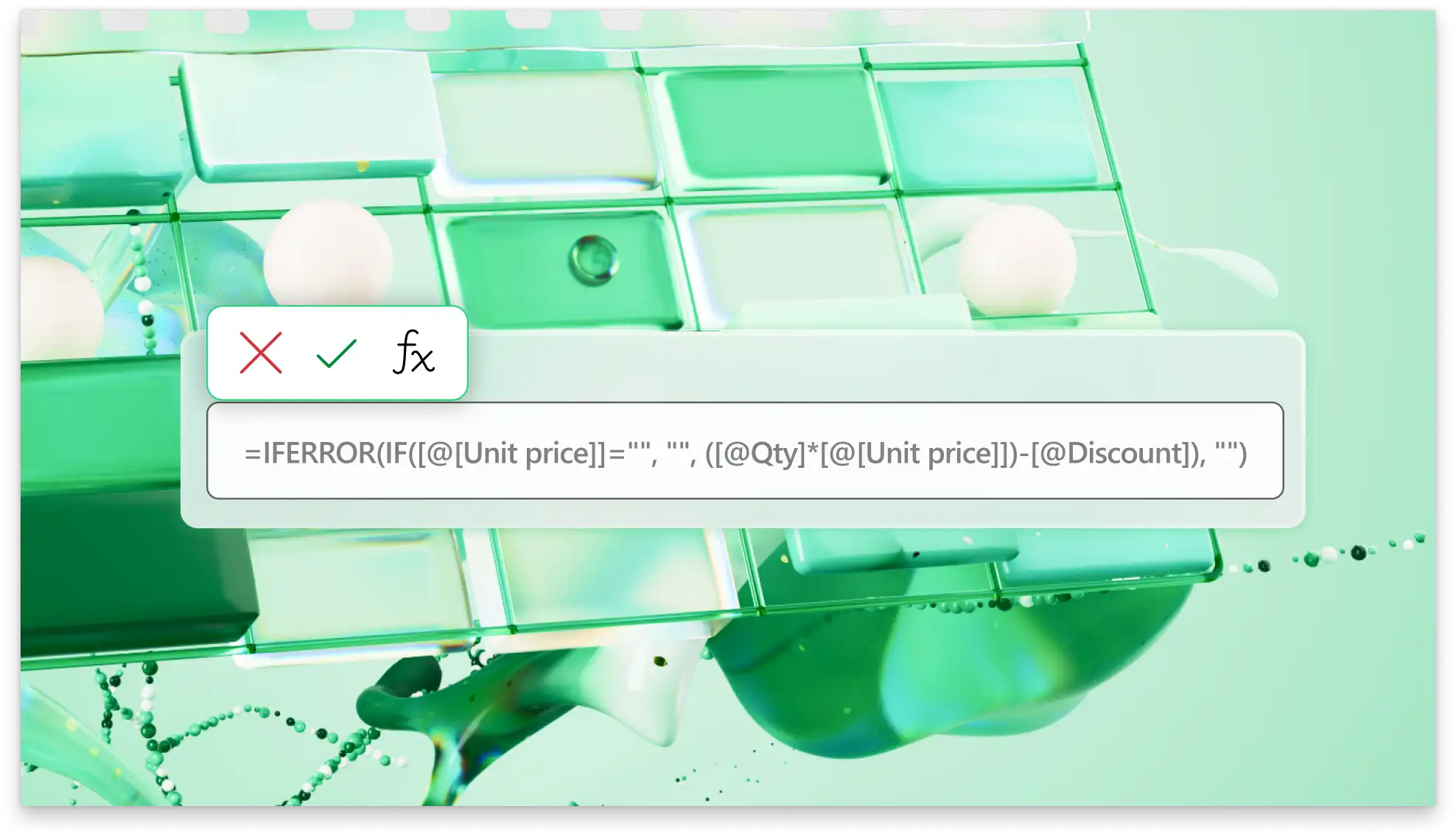
Create invoices with Excel formulas that instantly calculate totals, including taxes. Reduce errors from manual calculations with product charges, quantities, previous payments, and discounts automatically filled. Keep invoices easy to scan for sharing and fast approval.
Use structured spreadsheets with payment columns and rows to record transactions. Quickly see outstanding balances across invoices to save time forecasting cash flow. Maintain accurate invoice data for easy analysis and to answer questions clients may have about past balances.
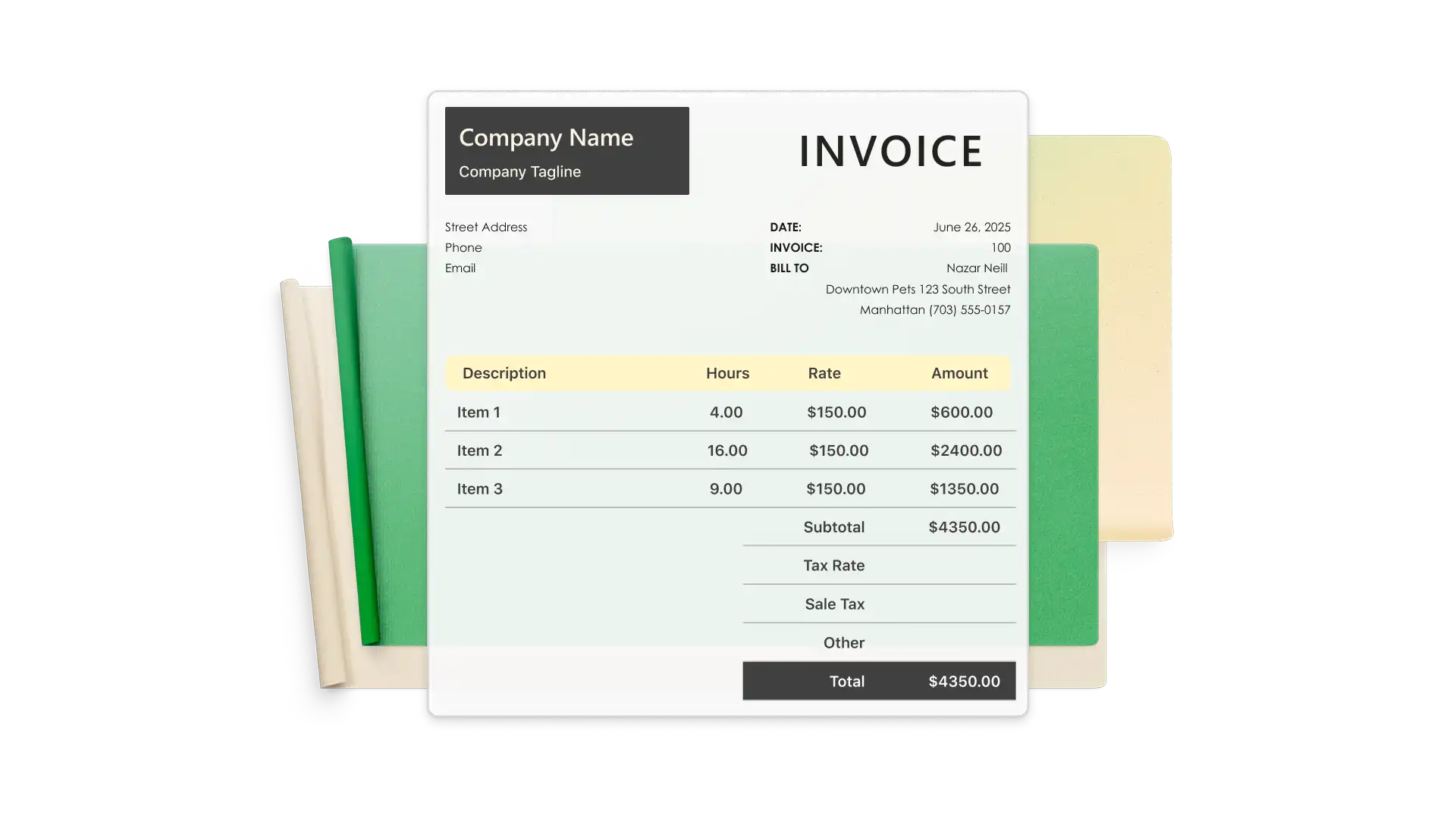
Reuse invoices to send bills month after month by duplicating and editing sheets in one structured workbook. Store past invoices on spreadsheet tabs to stay organized and incorporate payment history into dashboard overviews. Keep customer information alongside invoices to make sending reminders easy.
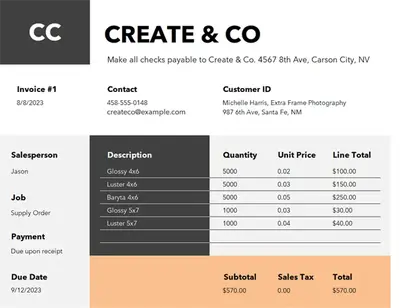
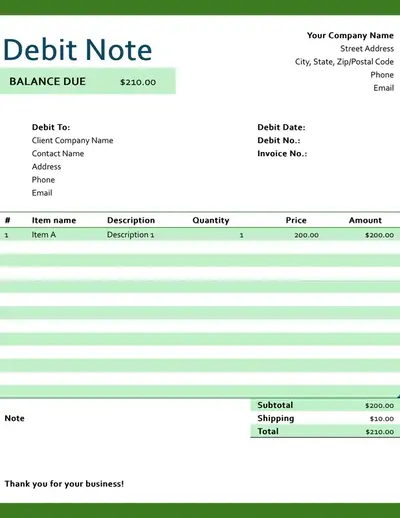
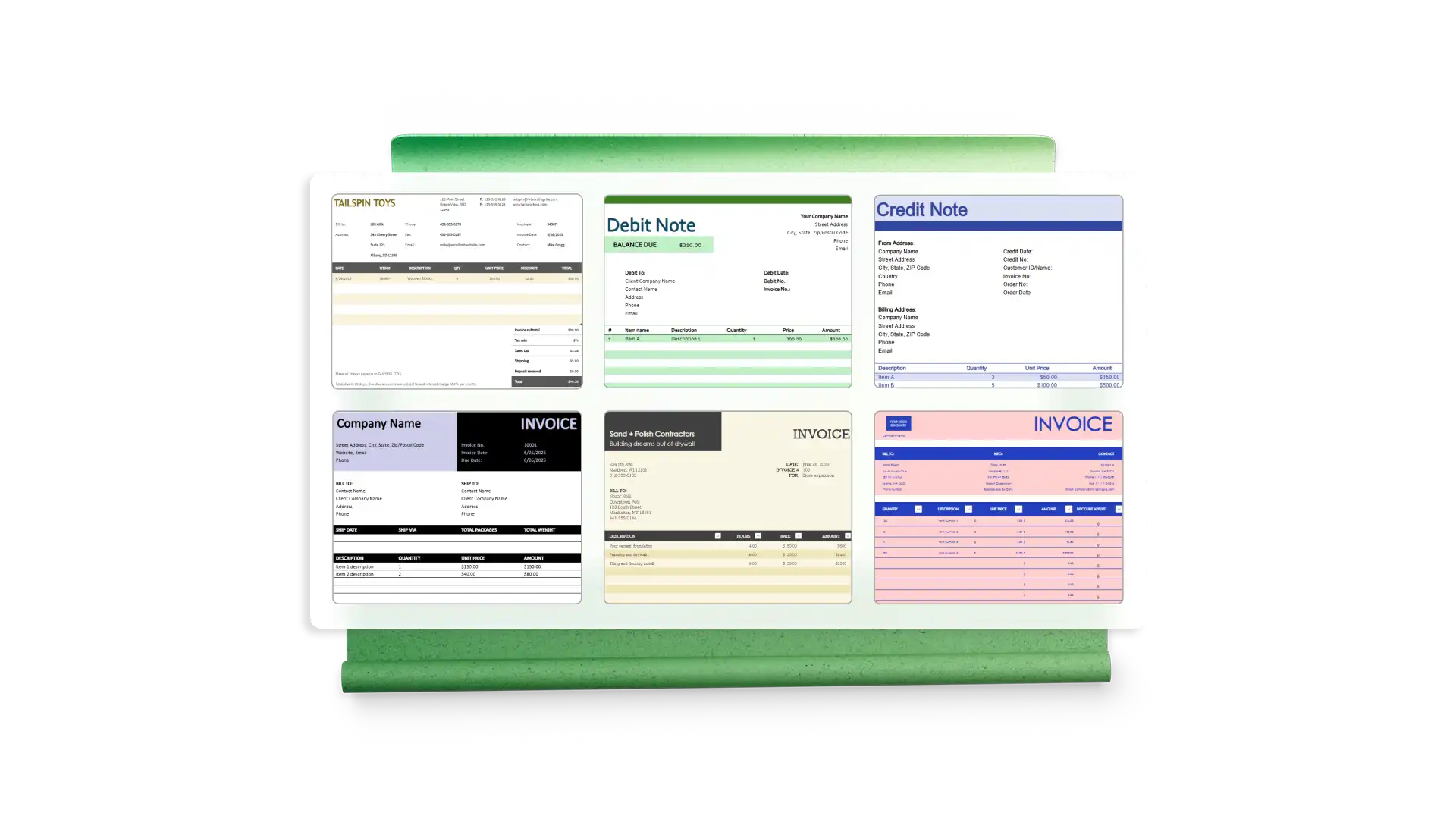
Start with a flexible template and save time creating a polished invoice. Excel invoices come in a range of colors, styles, layouts, and fonts that can be fully customized to match a style guide. Once customized, templates can be saved and reused over time.
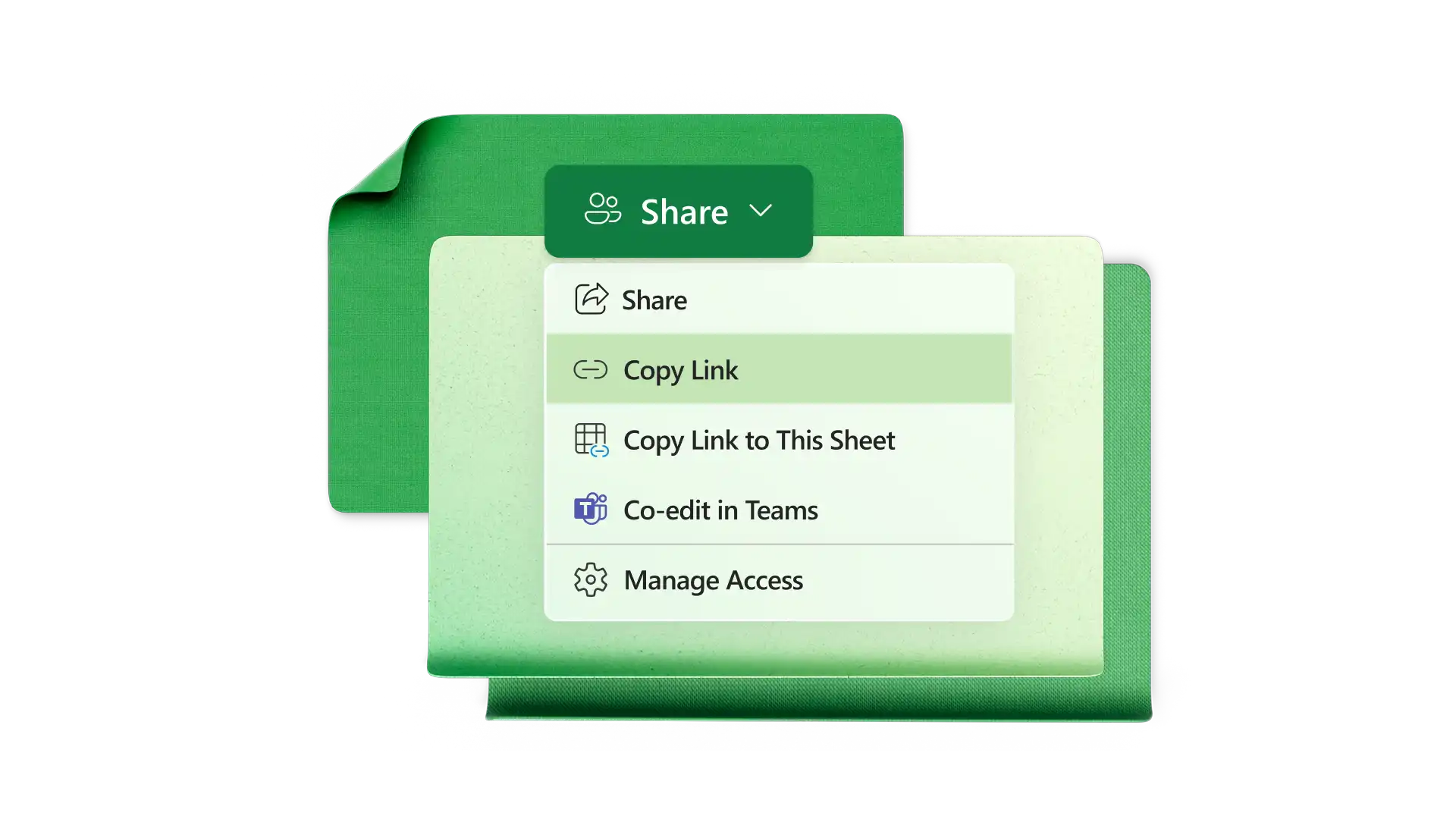
Share Excel invoices through OneDrive and grant access to collaborate online. Use comments and @mentions to manage invoice preparation across teams with full control over version history. Easily export print-ready invoices as PDFs, ready for sharing.
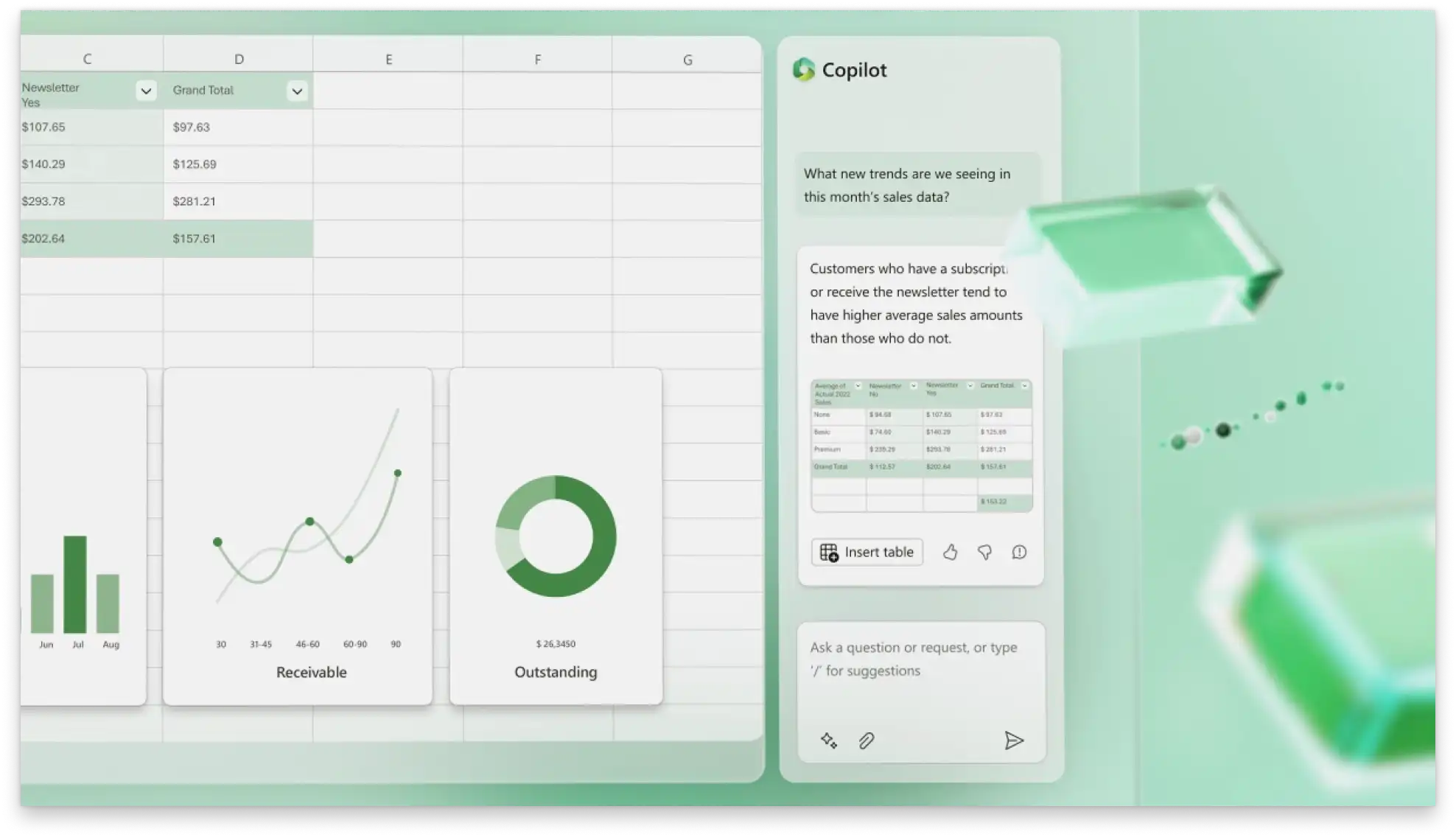
Summarize invoice line items by category or cost type with Copilot in Excel for insights into charges. For easier analysis, ask Copilot to help with basic formatting or create charts to help visualize data.
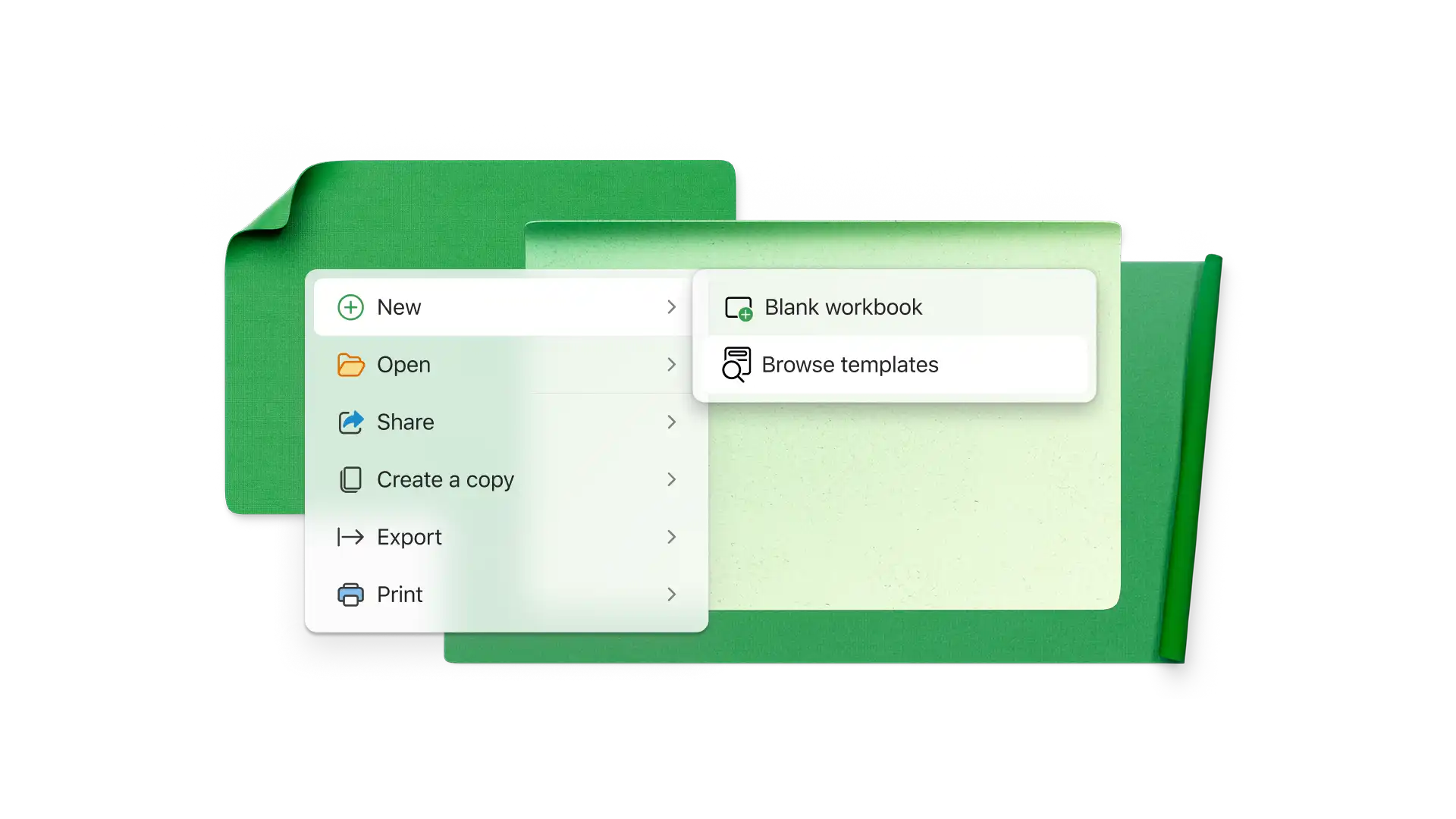
Select an invoice template in Excel online.
Customize templates with business colors, contact information, and logos.
Add customer details like a company name and contact information.
Enter products and services with descriptions and costs.
Set the payment terms and accepted payment methods.
Download a PDF invoice to print, sign, and share.
An invoice number is a unique ID that lets you and customers track invoices. Invoice numbers are usually sequential, and they often have letters that stand for the company. Also use dates or client codes in invoice numbers.
Include the invoice date, payment terms, payment method, issuing company name and address, receiving company name and address, itemized charges, subtotal, taxes, and total amount owed.
Start by opening a blank workbook and removing grid lines for a clean look. Create a header section with business information, logo, invoice number, and payment terms, then add customer information. Insert a table for services and products, then add a total line with the SUM function. Format the invoice with separator lines and business colors.
Calculating a due date requires an issue date in one cell and the number of payment term days in another cell (30 days for example). If the issue date is in cell A1 and the term in A2, insert the function =A1+A2 in a new cell to calculate calendar days. Excel will add the payment term to the issue date. To exclude weekends, use the function =WORKDAY(A1,A2).