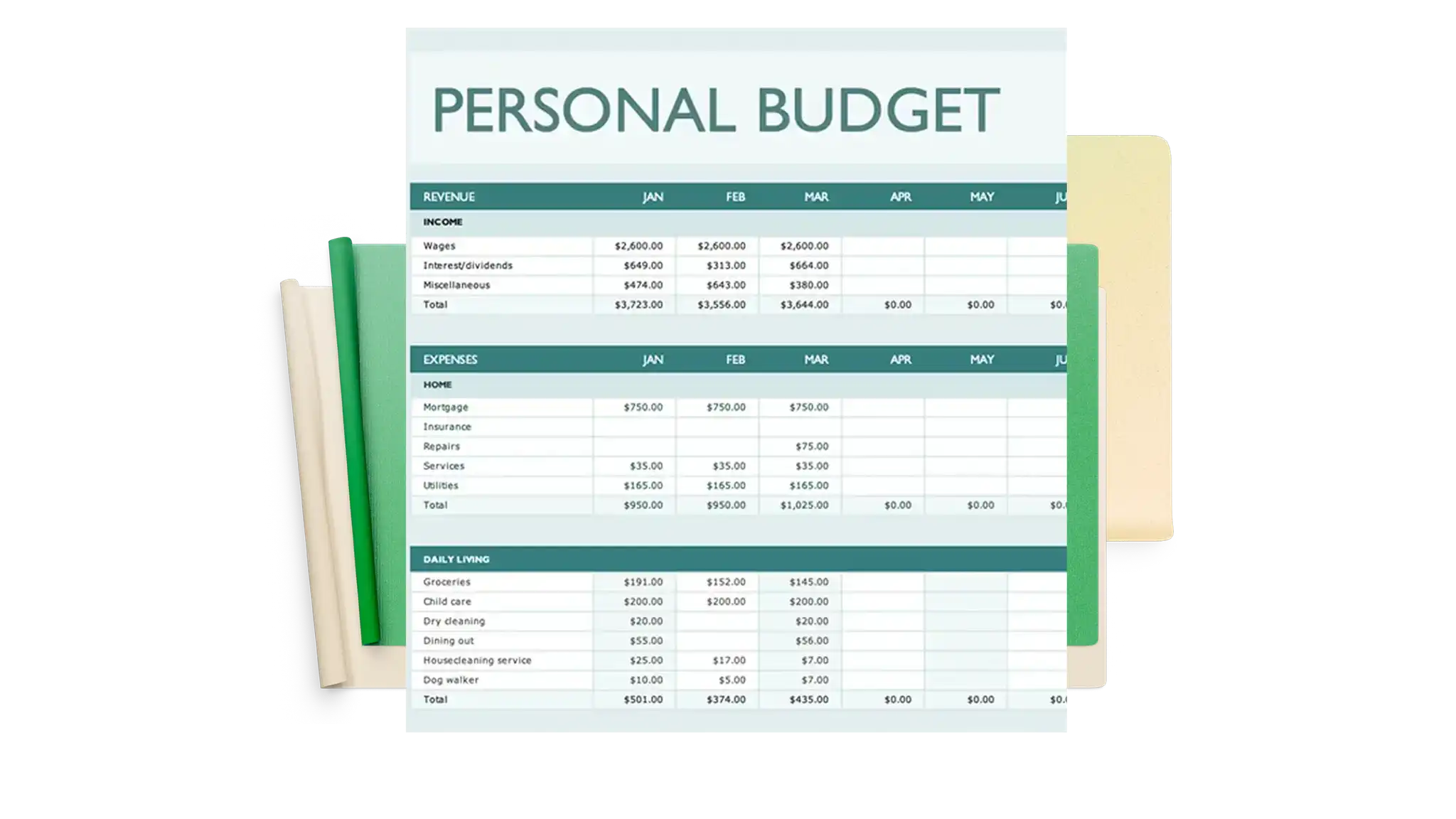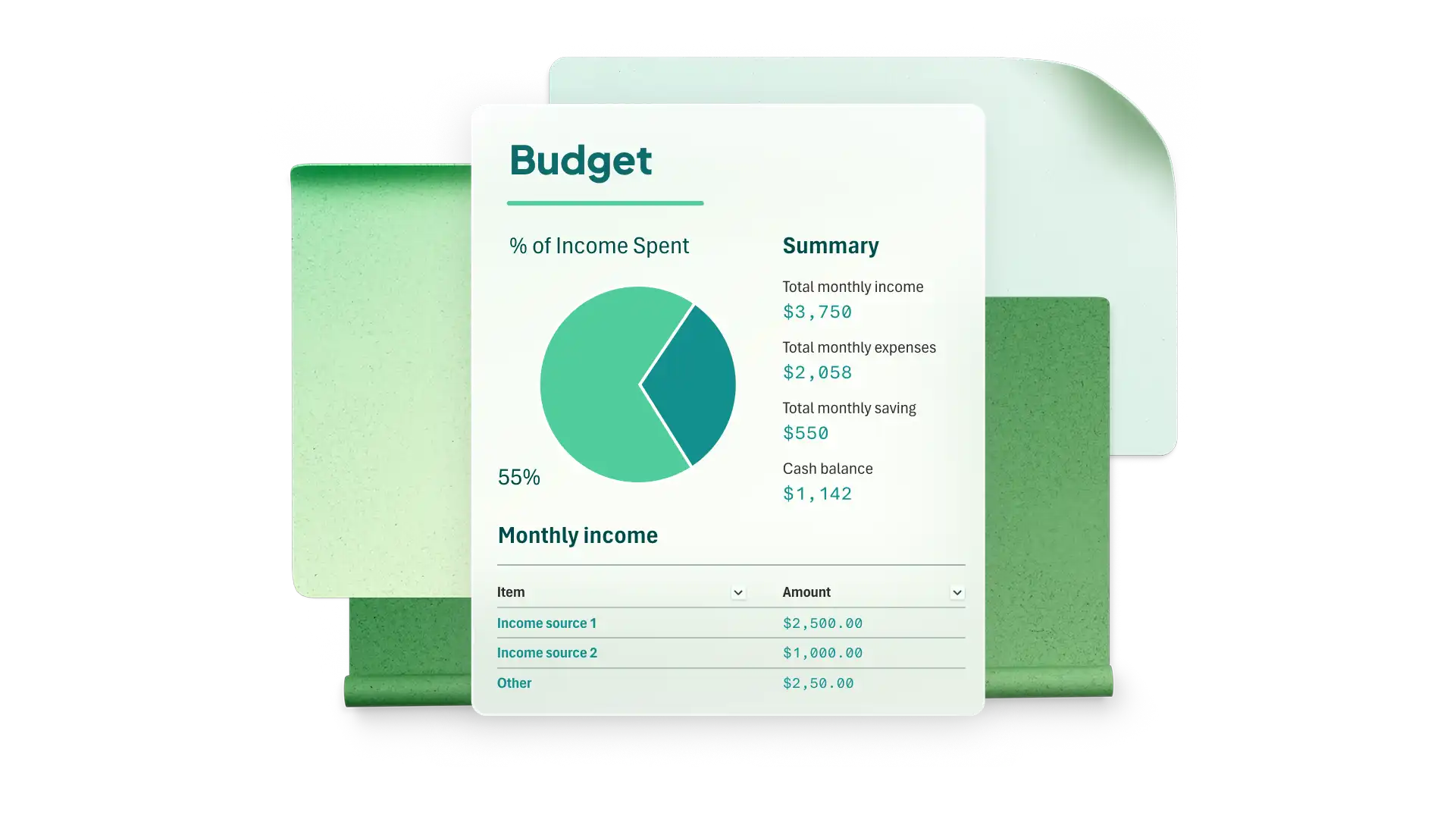
A budget spreadsheet in Microsoft Excel makes spending patterns easier to see and creates a clear basis for planning. Different goals need different layouts, so daily spending, loan repayments, one-off events, travel savings, and monthly household costs each need their own structure.
Learn how to create five budget spreadsheets, each built around a budgeting method that suits the goal. Review the elements to add, how to build the layout, and examples for Copilot in Excel that can draft a structure to review and customize. Open a spreadsheet in Microsoft Excel to follow along and modify the examples to match a budgeting goal.
Create a daily budget spreadsheet
Daily tracking suits anyone whose spending shifts from week to week, such as a household on variable hours or freelance income. Logging costs when they occur shows where the money is going within the first week, which leaves time to adjust before the month ends.
The method behind it is 50/30/20 budgeting, which splits take-home income into three shares. Half covers needs such as rent, groceries, transport, and minimum debt payments. Thirty percent covers wants, such as dining out, subscriptions, or hobbies. Twenty percent goes to savings or extra repayments. Each entry in a daily log sits in one of those three shares, so a single line records both the cost and its category.
What to add to a daily budget planner
Daily income entries, so irregular earnings sit alongside regular pay
An expense log with a category column for every entry
Needs, wants, and savings groupings mapped to those categories
A running daily balance that carries forward automatically
Weekly subtotals that identify heavy spending periods
A monthly summary that compares spending against the 50/30/20 split
Percentage of income allocated to each bucket
Build a daily budget planner in Excel
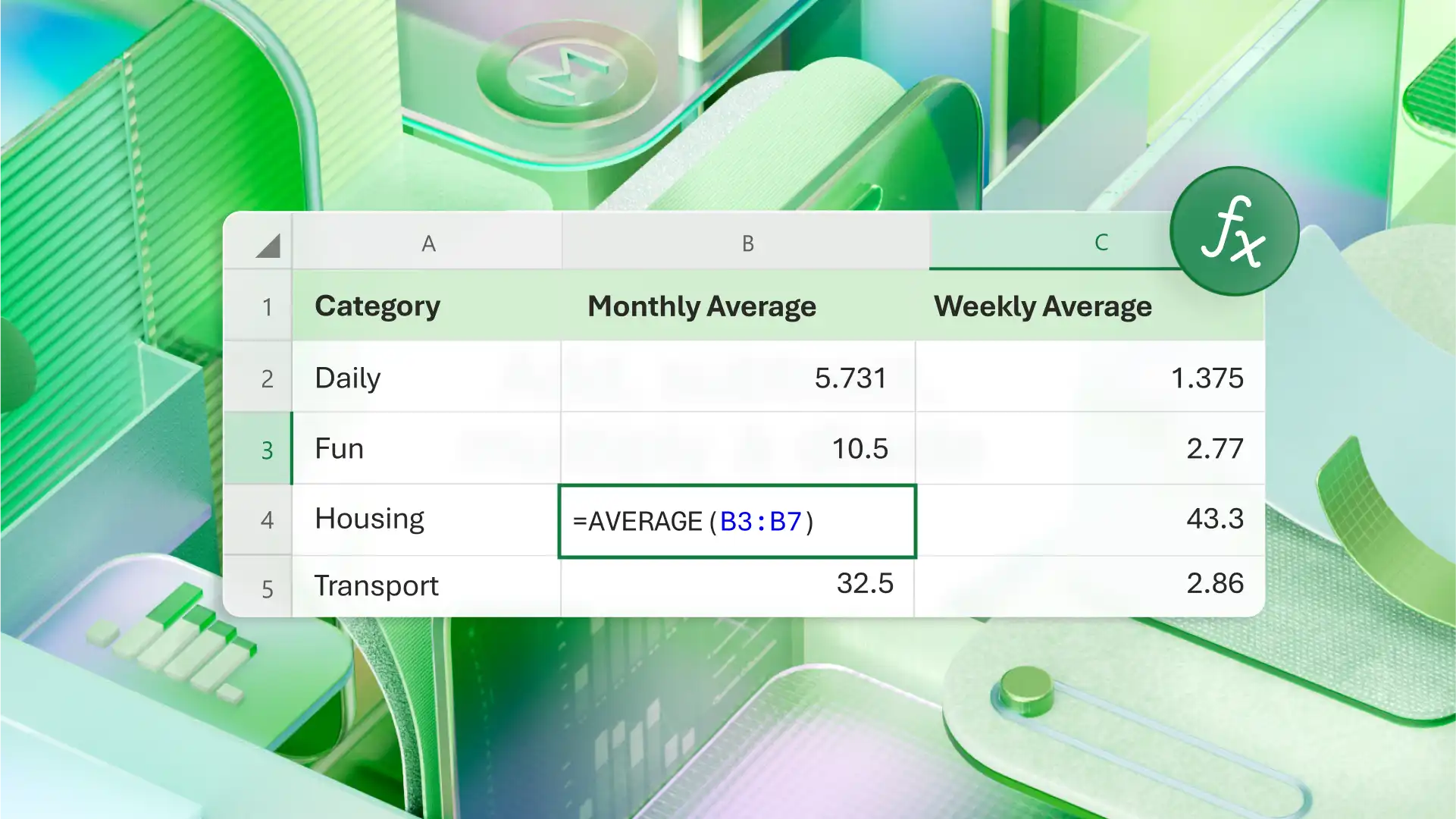
Format the expense log as a table so new rows apply existing formulas without extra setup. Group spending with SUMIF so each category feeds its bucket, then add a running balance column that adds the day’s net amount to the previous total. Conditional formatting can highlight a bucket total once it passes its target, which makes overspending easier to spot on the day it happens. Copilot can draft the same structure from a prompt, so use the result as a first version to review before real figures go in.
Set up a loan budget spreadsheet
A loan spreadsheet tracks the amount paid toward each debt and shows the effect of paying more than the minimum. Paying extra usually shortens the timeline, though the exact difference depends on the balance, the interest rate, and the repayment terms. The sheet makes that difference visible before the payment goes ahead.
Repayment fits neatly into zero-based budgeting. Assign each dollar of income to a category before the month begins, so every amount has a purpose. Anything left after the bills goes to a chosen category, such as savings or an extra debt repayment.
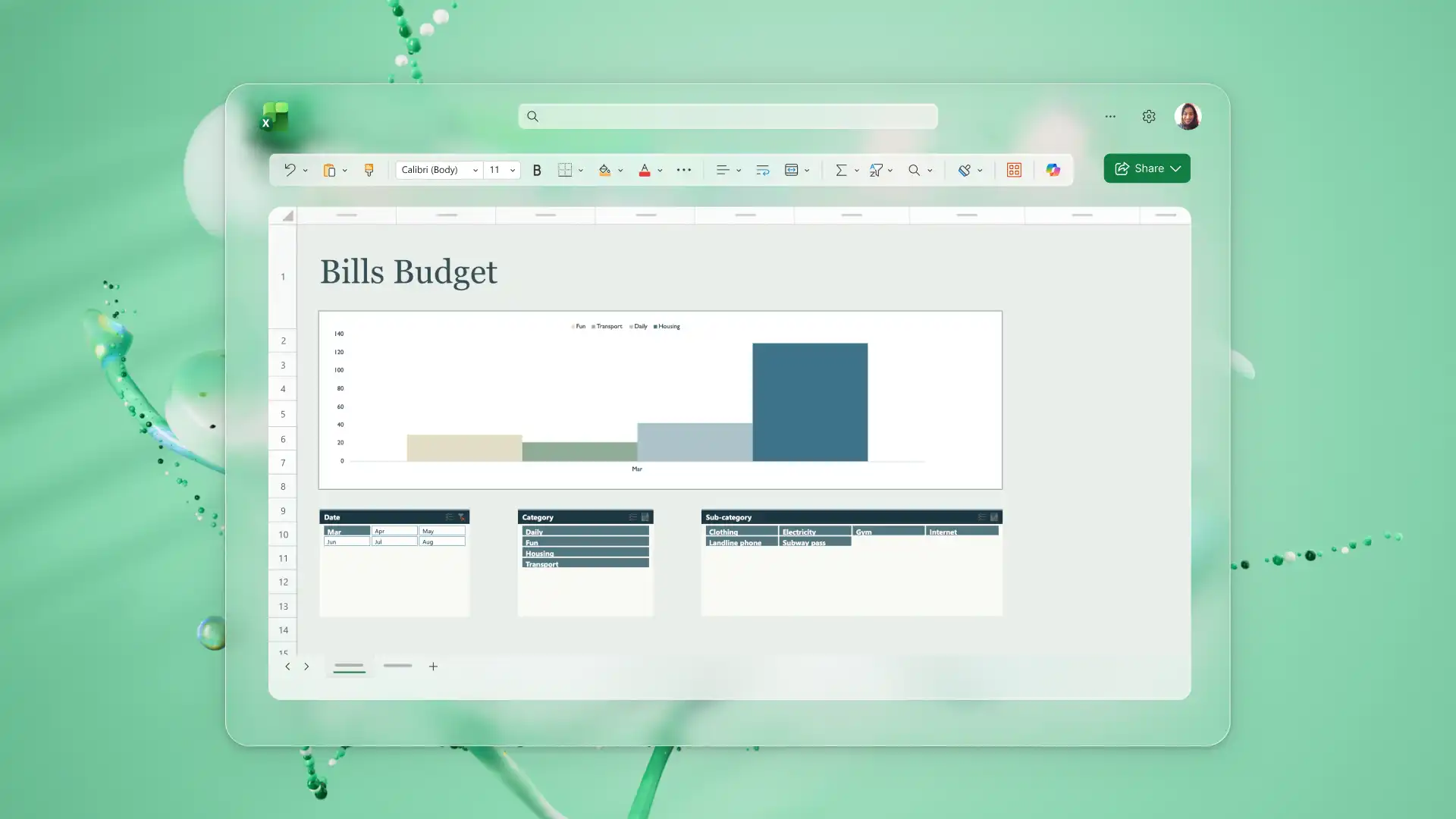
What to add to a loan budget planner
Starting balance for each loan
Interest rate and payment frequency
Minimum payment amount
A separate column for extra payments
Payment due dates
Remaining balance after each payment
Total interest paid to date
Payoff target date
Build a loan budget planner in Excel
Allocate each payment period its own row. Subtract the payment from the balance, add the interest charged for that period, and carry the result down to the next row. A line chart against the balance column then traces the debt reducing over time, which is the quickest way to see progress.
For a vehicle loan, the calculator templates offer a ready-made structure to adapt, and for a home loan, the mortgage calculator templates do the same. The Excel formula generator is a good starting point for the interest and balance formulas for beginners. Copilot can also help build the same repayment rows from a balance, a rate, and a payment amount.
Create a special event budget spreadsheet in Excel
An event budget spreadsheet tracks one-off costs for a wedding, milestone birthday, baby shower, graduation, reunion, or fundraiser. These events share a pattern as costs come as single payments at different intervals and deposits can be due months before the event. Cost estimates can also change between the first quote and the final invoice.
Contingency budgeting absorbs those changes. A small share of the total sits aside from the start and counts as already spent, so a final cost above the estimate is deducted from that share rather than the overall budget.
A wedding budget shows the pattern clearly, with vendors usually covering venue and catering, attire, photography and videography, flowers and decorations, music, ceremony fees, stationery, and transport. Guest numbers drive several of those lines, so the per-guest cost belongs next to the total where both stay in view.
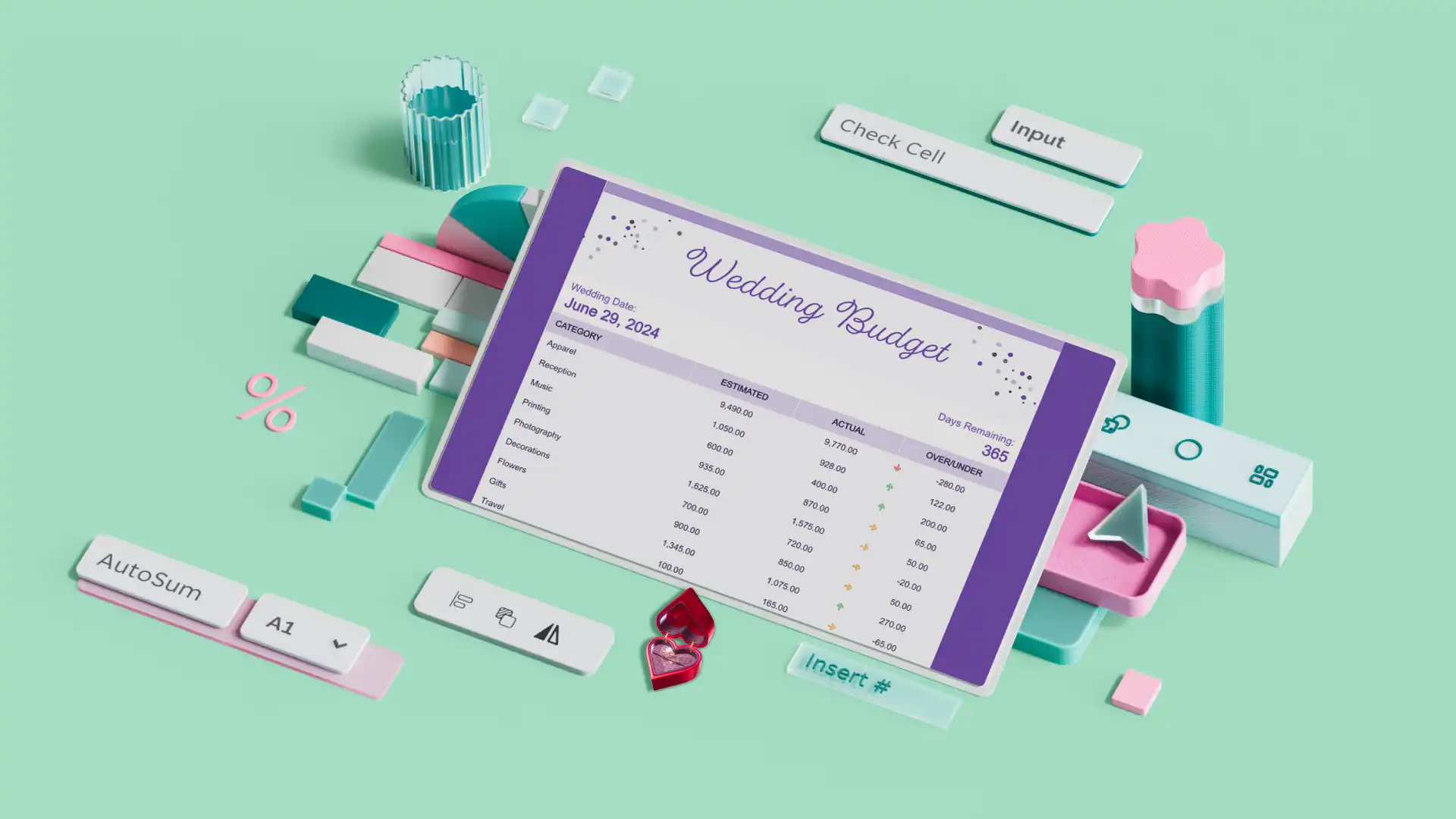
What to add to a special event budget planner
Total event budget as a maximum amount
Vendor or supplier categories
Estimated cost against actual cost for each line
Deposit paid and balance owing
Payment deadlines for every vendor
Guest count feeding the per-guest lines
Contingency fund held as a percentage of the total
Build a special event budget spreadsheet in Excel
Add a column that subtracts the estimate from the actual cost, then add a second showing how much of the budget each vendor has used. Conditional formatting on the deadline column can flag anything due in the next two weeks. Once the event is over, a pie chart breaks down how much of the total each category used, which gives a reference point when planning the next event.
For an unfamiliar event type, Copilot can suggest the vendor categories before the first quote arrives, and the venue contract then confirms which of them apply.
Start a travel budget spreadsheet
A travel budget spreadsheet handles two jobs, saving a target amount in the months before departure and tracking spending against that amount once the trip begins. A long trip needs more detail than a weekend away, though the same structure applies to both, with bookings and daily costs on separate sheets, so both totals stay easy to read.
The saving phase uses sinking funds, where the target divided by the number of months before departure gives a monthly contribution. That contribution then sits in the budget as a fixed line, in the same way as a regular bill.
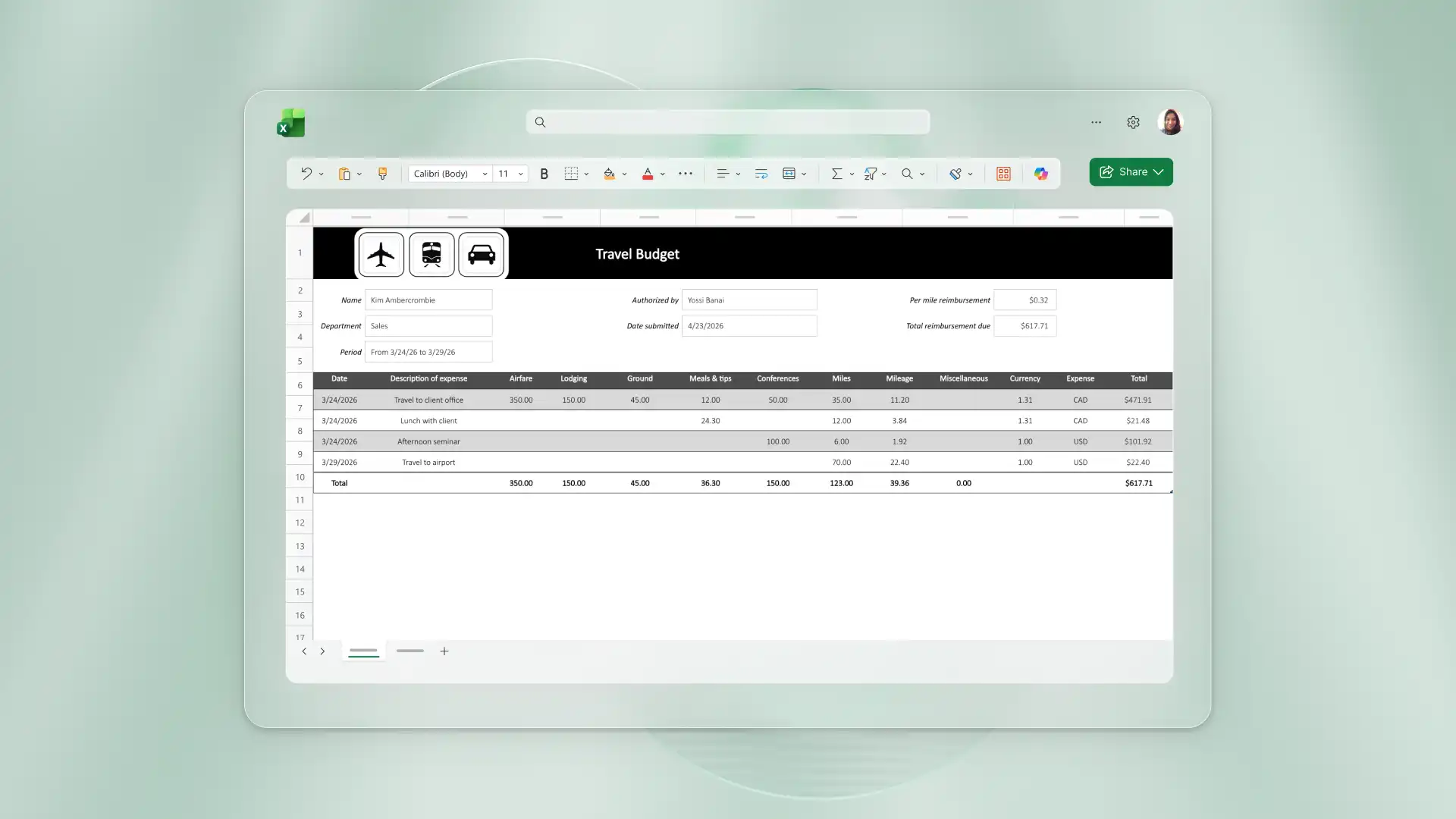
What to add to a travel budget planner
Savings goal and departure date
Monthly contribution needed to reach the goal
Transport costs, including connections and transfers
Accommodation costs by night or by stay
A daily spending allowance for food and local transport
Activities, excursions, and entry fees
Travel insurance and visa costs
A separate emergency buffer
Planned against actual spending for each category
Build a travel budget planner in Excel
Create one row for the savings target and one row for contributions so far, then calculate the gap and the months left before departure. Use the graph maker as a starting point to make a chart comparing contributions with the savings target, then check the labels and source data. During the trip, each day’s spending goes against the allowance on a second sheet, which keeps the running total current and the booking figures untouched.
Use Copilot to help estimate daily costs for a destination and work out a monthly contribution from a target and a date, treating those cost figures as estimates until current prices confirm them.
Organize a monthly household budget planner
A household monthly planner covers the income and costs that repeat every month, such as rent or mortgage, utilities, groceries, insurance, transport, subscriptions, and maintenance. Some costs don't repeat often, such as an annual insurance renewal or a quarterly service charge, and setting aside a monthly share keeps the full sum ready.
The method here is monthly cash-flow budgeting, which subtracts the month’s expenses from the month’s income. A result of zero or more means income covers the planned expenses. Income arriving every two weeks rather than monthly changes which bills fall in which period, so ordering expenses by due date keeps the timing clear. In a shared house, add a column for who pays what, which keeps an uneven split clear when one person covers the rent and another covers groceries and utilities.
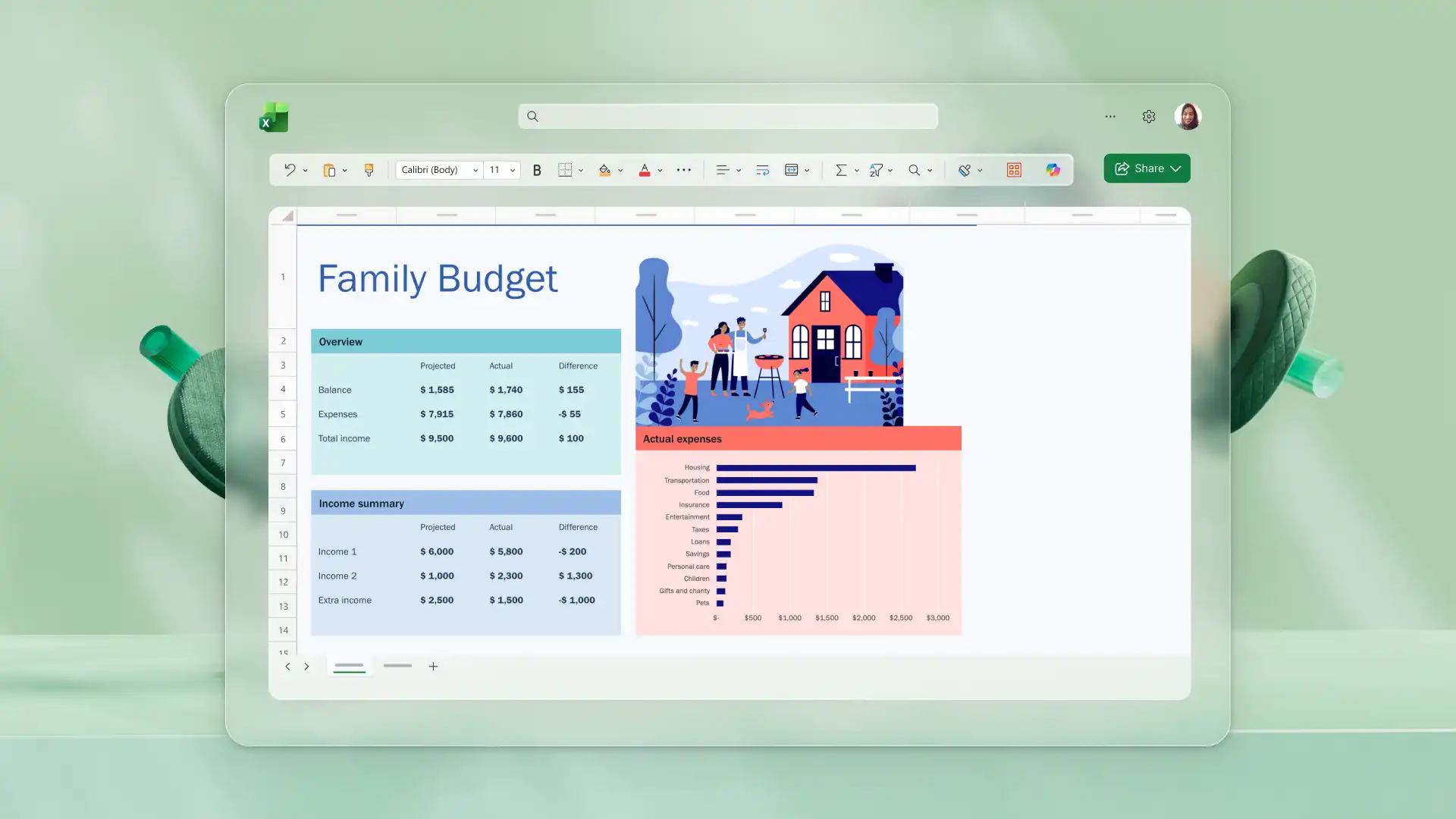
What to add to a monthly household budget planner
Income by source, including irregular earnings
Fixed expenses with their due dates
Variable expenses such as groceries and fuel
Irregular annual and quarterly costs, divided across twelve months
Savings goals listed before discretionary spending
A column showing who pays each expense
Planned against actual amounts by category
Month-to-month comparison to surface trends
A buffer for unexpected bills
Build a monthly household budget spreadsheet in Excel
Subtotal each group, then keep total income, total expenses, and the difference at the top of the sheet where they stay in view. Copy the month across twelve columns to build the full year. Save the file to OneDrive so a partner or housemate opens the same workbook, and both see the same totals.
For a ready-made version of this structure, the household budget planner sets out the recurring categories. Copilot can suggest category groupings across the twelve-month layout, providing a draft structure to review and adjust.
For example, a budget built from scratch often starts with five or six obvious categories such as rent, groceries, and utilities. Asking Copilot to review what is missing can expand the same sheet to cover insurance renewals, subscriptions, maintenance reserves, and seasonal costs. The AI data visualization tools can help turn the category totals into a chart to for a visual summary. Follow this with a forecast sheet for more help with planning.
Every one of these five spreadsheets starts the same way, with an empty spreadsheet and a clear goal. Open Microsoft Excel, pick the budget needed, and build the first version today. Copilot can help draft the categories and formulas, and the personal finance template collection has more layouts ready to adapt.
To learn more about building spreadsheets with AI, read five ways to create and analyze an Excel spreadsheet with AI.
Frequently asked questions
- How to create a budget planner template in Excel?
Open Excel and start from a blank spreadsheet or an existing budget template. Add income and expense categories as rows, then add formulas for the subtotals and for the difference between income and spending. Save the finished sheet as a personal template to reuse in future months.
- Which budgeting method suits irregular income?
Zero-based budgeting is a good fit for irregular income, because the money is allocated after each payment arrives rather than estimated in advance. Sinking funds work alongside it, spreading big or seasonal costs across months when income is higher. Both appear in the sections above, on loan repayment and travel savings.
- How can Copilot in Excel help create a budget planner?
Copilot in Excel can draft expense categories, suggest the formulas behind totals and balances, and summarize spending as a starting point to review. It can also identify items that an existing sheet is missing. Every suggestion arrives as a draft to check, so the numbers stay with the person building the budget.
- How to share a budget planner created in Excel?
Save the workbook to OneDrive or SharePoint, then share a link with view or edit permission. Everyone then opens the same file, which keeps the totals consistent across the household. For a fixed snapshot, download a copy as an .xlsx file or export it as a PDF.