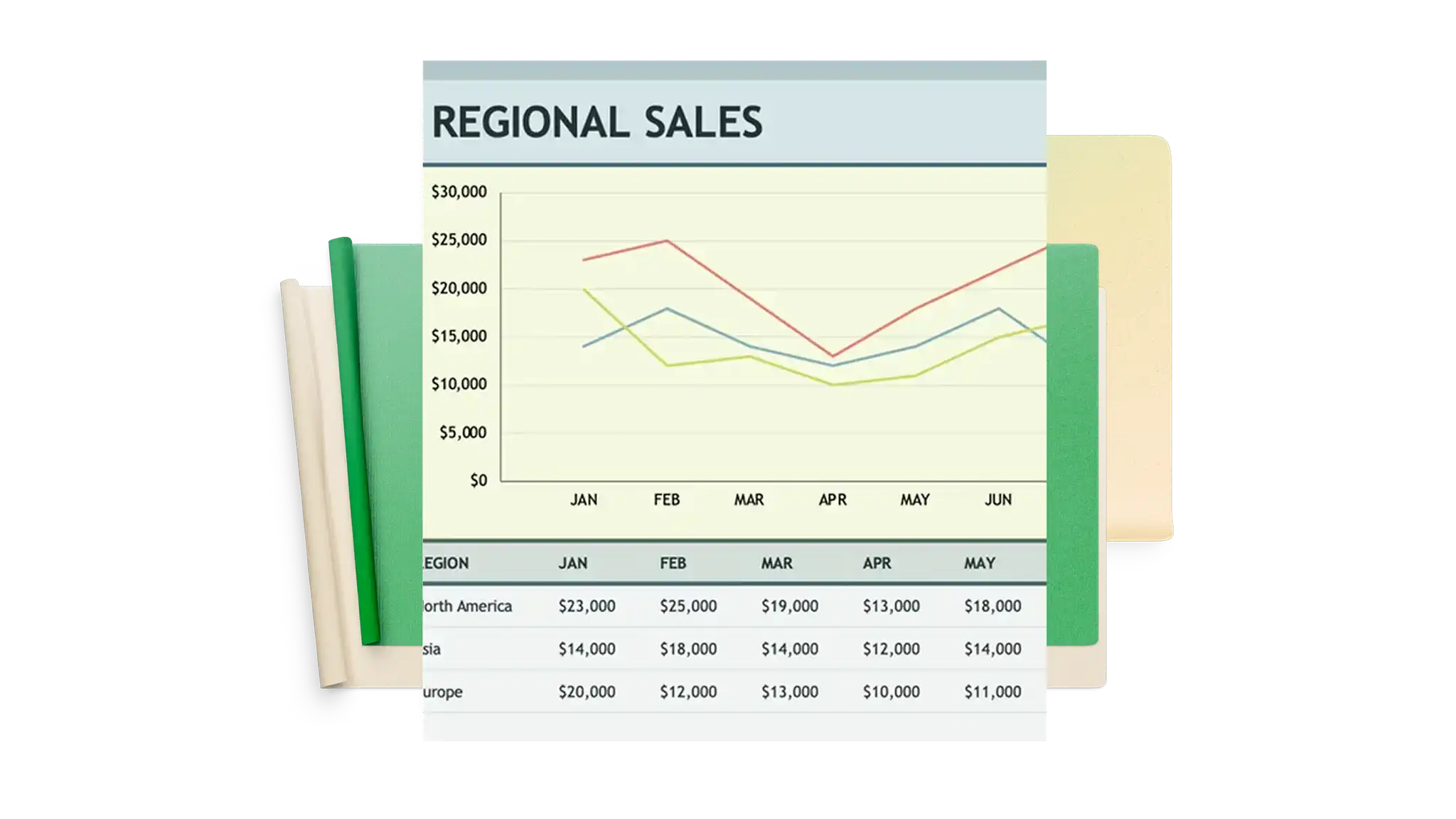
Excel 用のカスタマイズ可能なチャートおよびグラフ テンプレート
これらの無料のカスタマイズ可能な Excel チャートとグラフ テンプレートを使用して、データを共有し、ビジュアルを次のレベルに引き上げる、興味深く、新しい方法を見つけましょう。
グラフ テンプレート
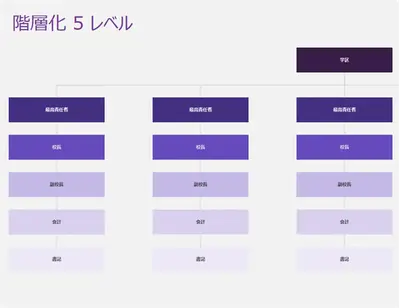
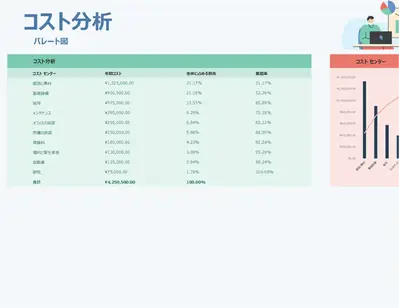
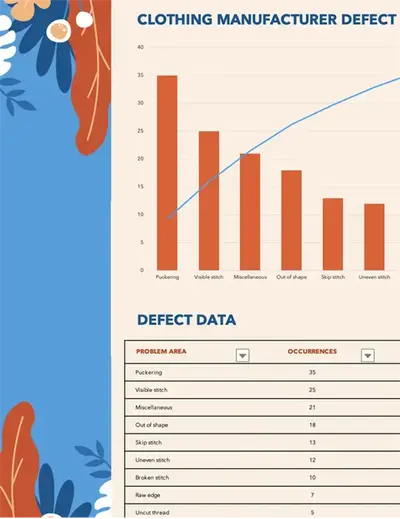
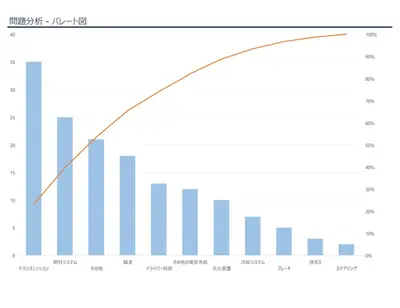
カスタマイズ可能なグラフ テンプレートを参照して、レポート、プレゼンテーション、計画のための明確で説得力のあるビジュアルにデータを簡単に変換できます。
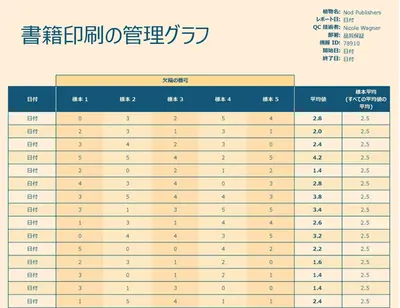
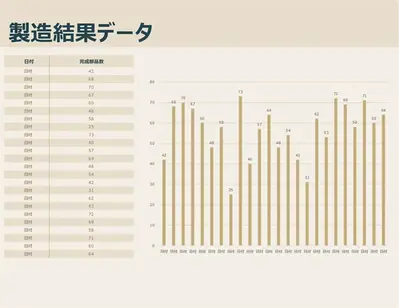
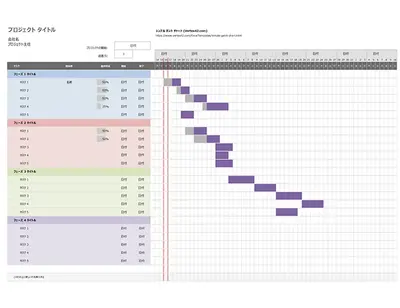

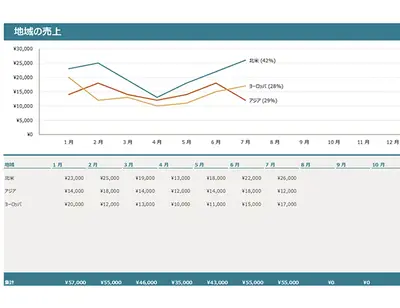
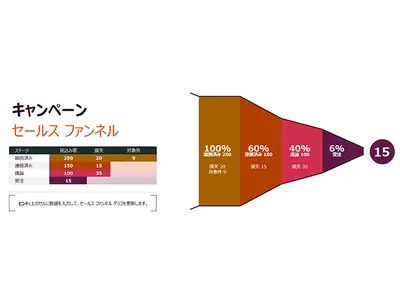
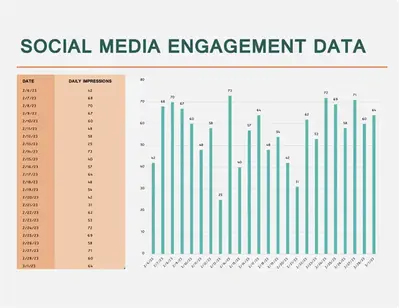
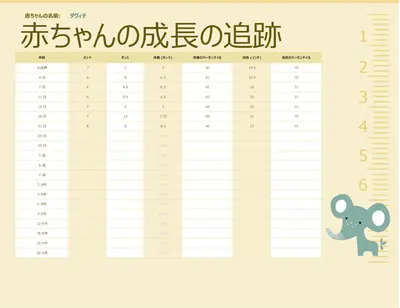
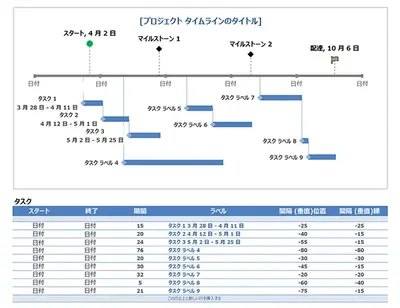
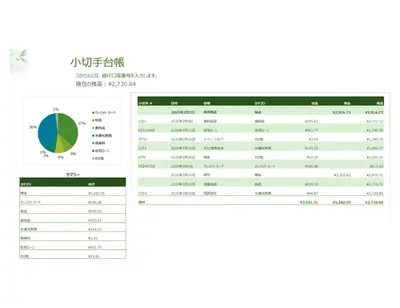
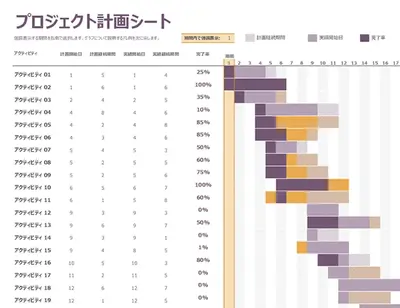
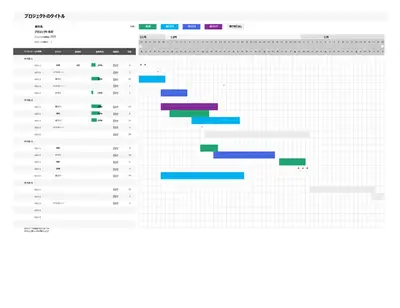
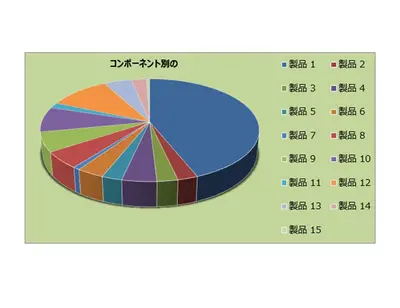
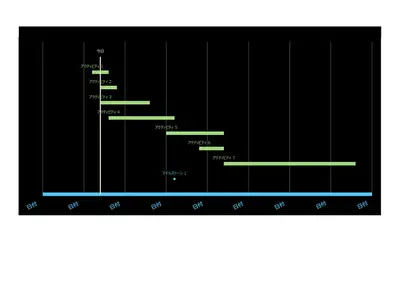
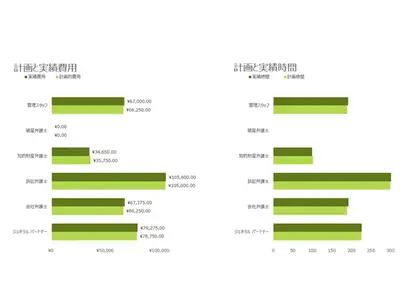
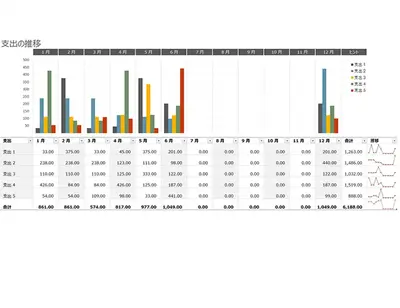
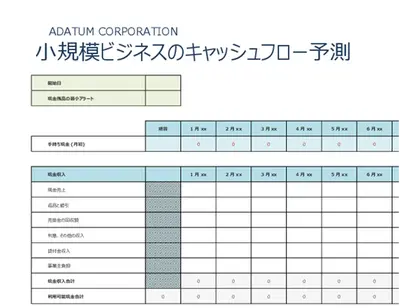
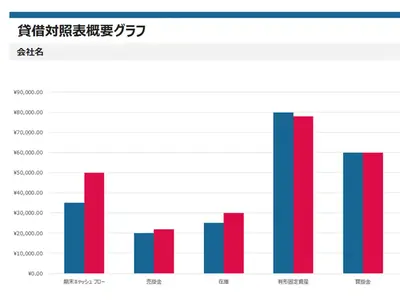
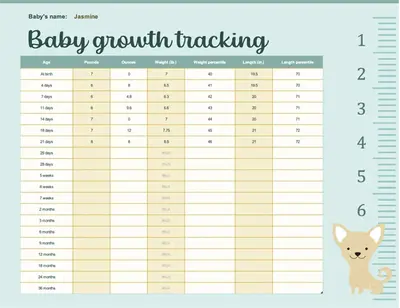
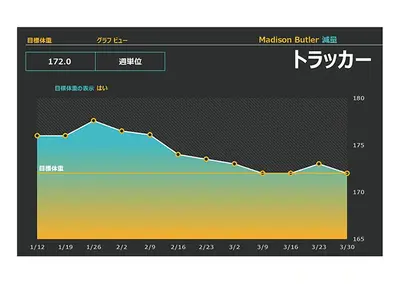
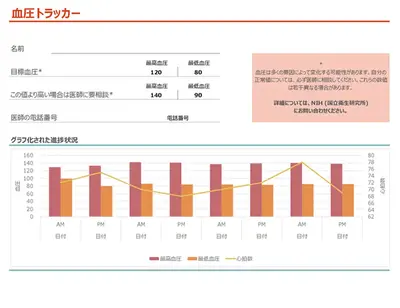
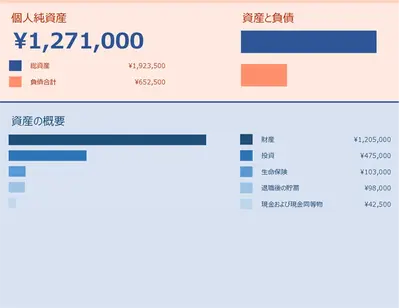
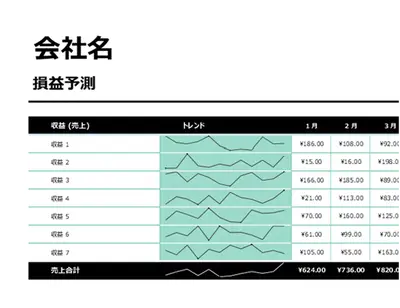
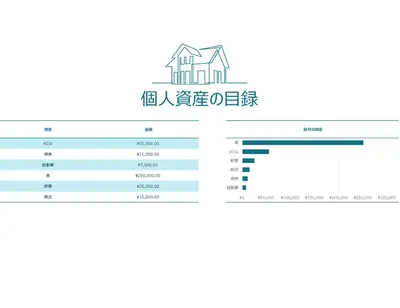
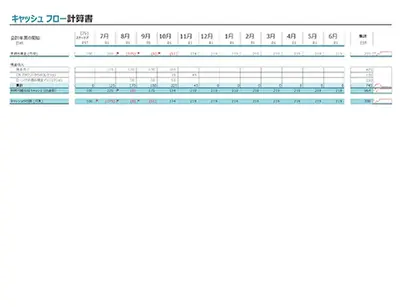
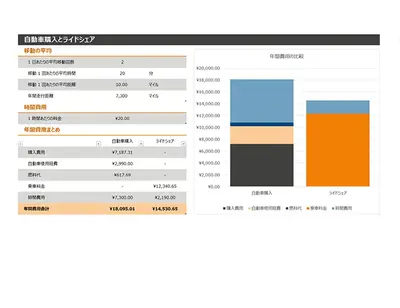

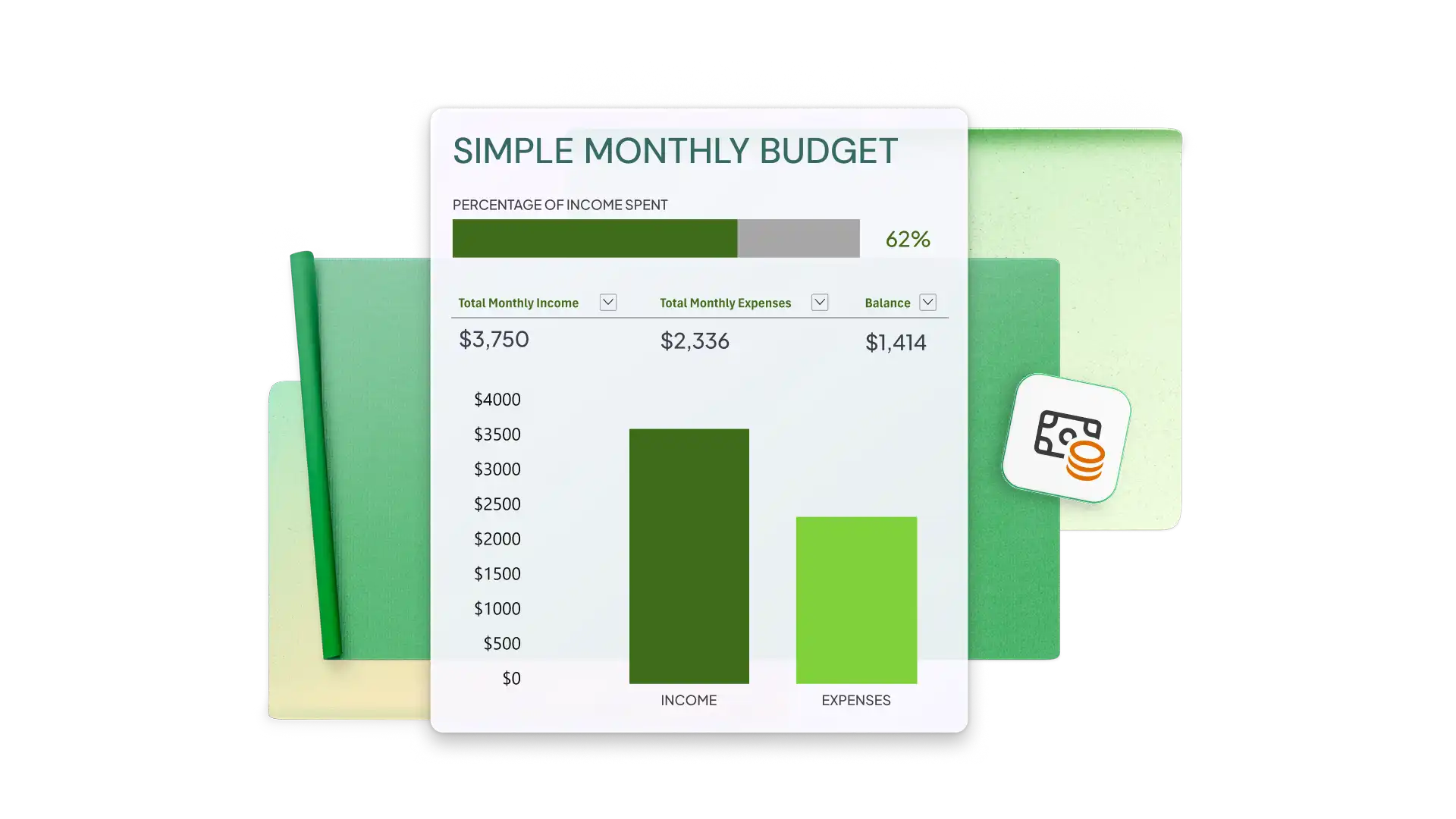
Microsoft Excel でグラフ テンプレートを使用する方法
ご使用のブラウザーで、Excel のグラフ テンプレートを探します
使用するグラフ テンプレートをダブルクリックします
付属のデータ テーブルのセル値を置き換えて、グラフを自動的に更新します
スプレッドシートを保存、印刷、または PDF として共有します
カスタマイズ可能な Excel グラフ テンプレートを使用してデータを視覚化する
チャートは、データをわかりやすく示し、目標を追跡し、情報を効果的に伝えるうえで重要な役割を果たします。プロがデザインしたカスタマイズ可能な Excel テンプレートを使うと、洗練されたチャートを作成し、財務および予算レポート、プレゼンテーション、戦略的計画をサポートできます。パフォーマンス メトリックの可視化、営業資料の準備、重要なインサイトの強調など、どのような用途でも、これらのテンプレートは、明確で効果的に上位レベルのデータを整理し、提示するためのすぐに使える基盤を提供します。