
無料の家庭用および業務用の在庫テンプレート
無料の Microsoft Excel 在庫テンプレートを使って、製品の追跡を簡単にし、在庫レベルを管理します。各テンプレートは、既存の管理プロセスをサポートし、重要な在庫タスクにかかる時間を短縮できるようにカスタマイズできます。
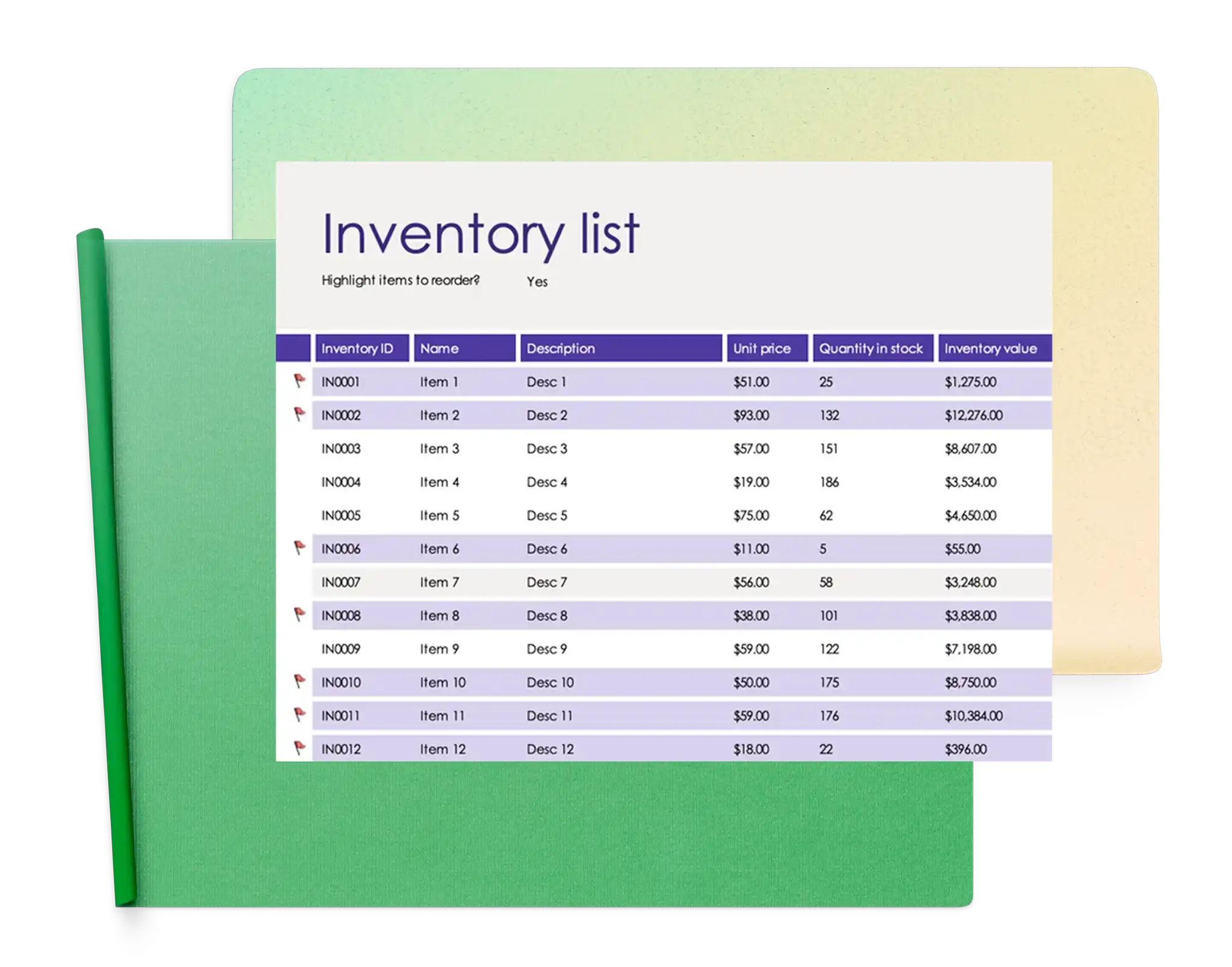
在庫管理テンプレート
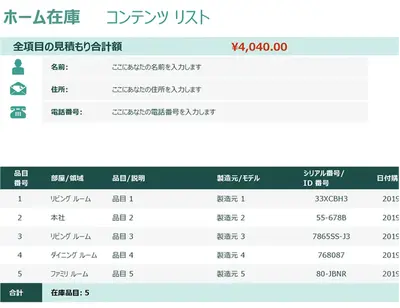
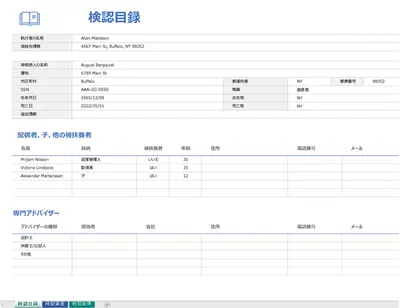
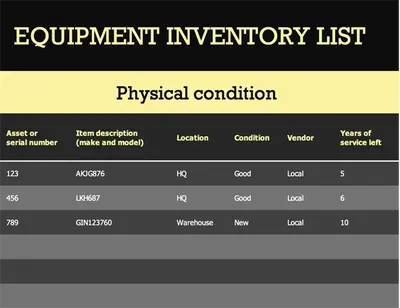
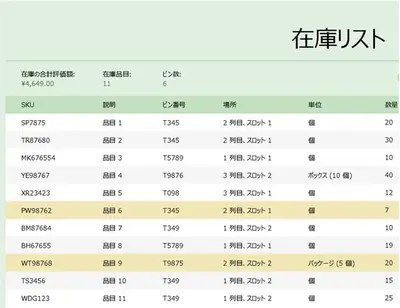
すぐに使える在庫管理テンプレートを参照すると、アイテムの管理、数量の確認、正確な記録の維持を簡単に行えます。
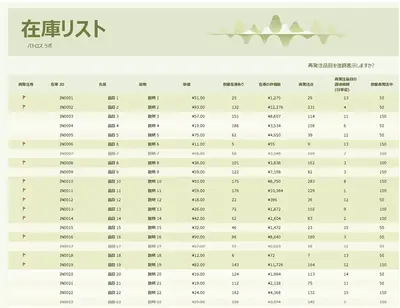
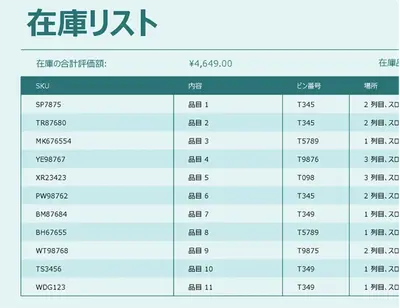
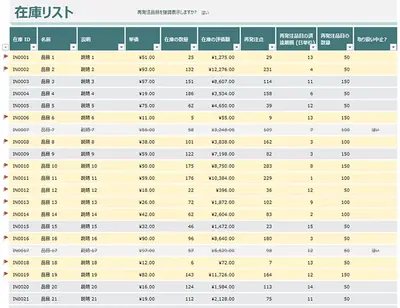
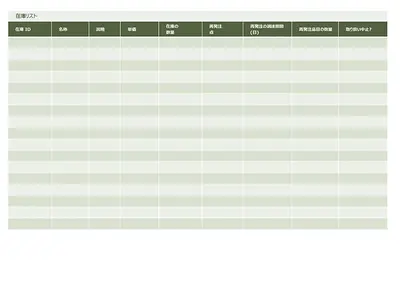
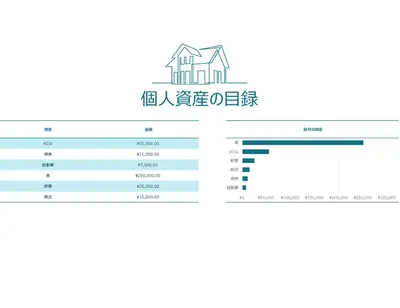
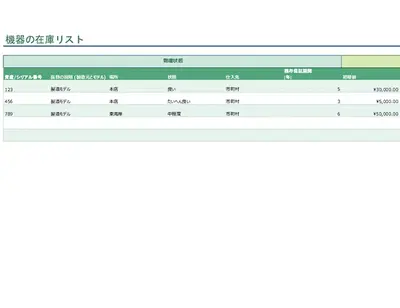
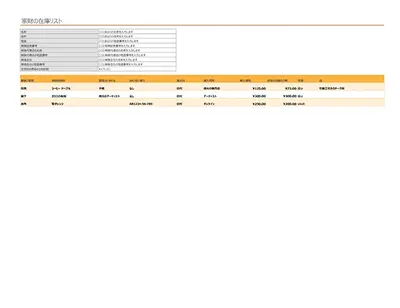
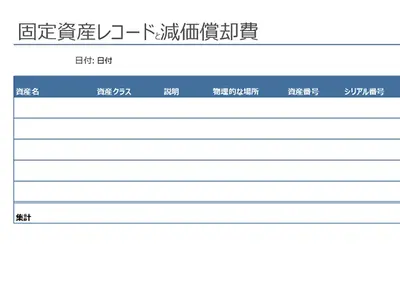
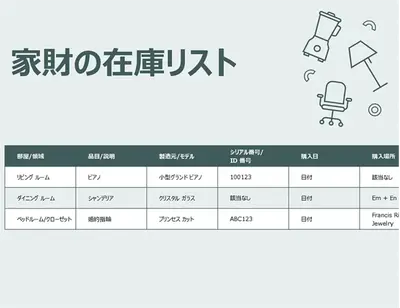
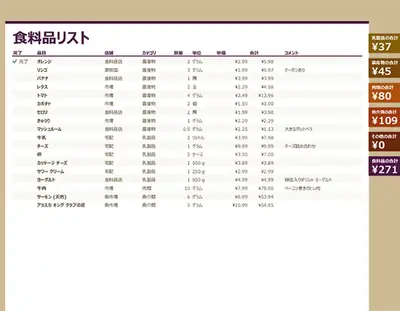
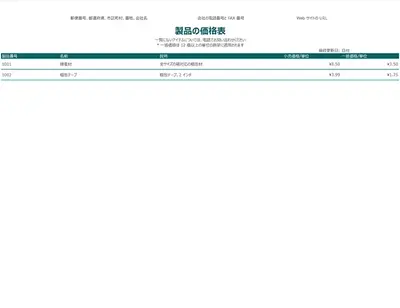

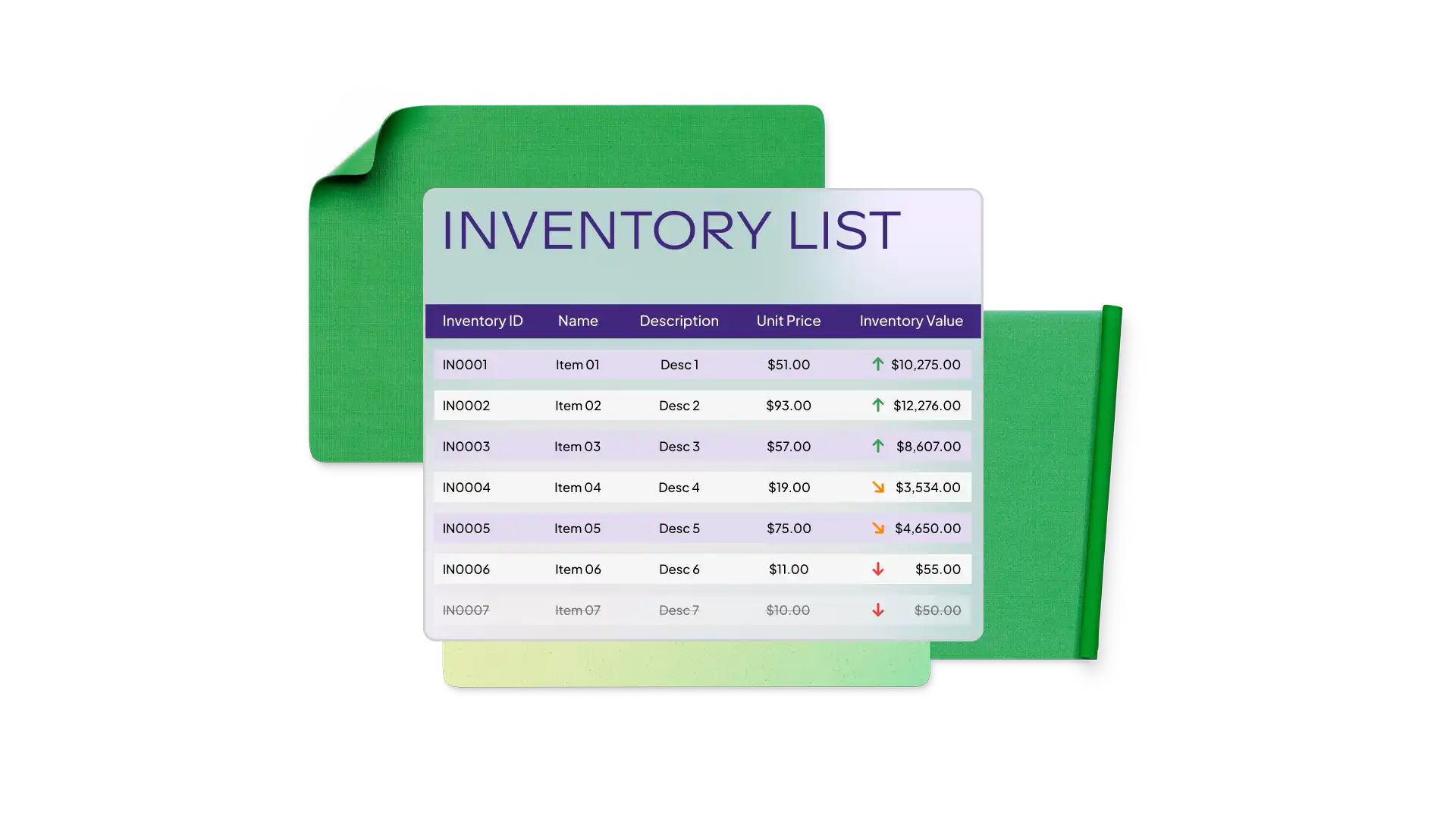
Microsoft Excel でインベントリ テンプレートを使用する方法
ご使用のブラウザーで、Excel のインベントリ テンプレートを探します
使用するインベントリ テンプレートをダブルクリックします
セルの値と名前を必要な情報に置き換えます
インベントリを保存、印刷、または PDF として共有します
在庫テンプレートで製品と用品を整理する
製品、用品、資産の追跡を支援するよう設計された Excel テンプレートを使って、より正確かつ効率的に在庫を管理します。数量を簡単に監視し、在庫レベルを把握し、リアルタイムのニーズに基づいて購入や補充を計画します。これらのテンプレートは、ビジネス用途と家庭用途の両方に対応しており、製品在庫の管理、サプライヤーとの調整、個人の保管スペース全体にわたるアイテムの整理に役立ちます。各テンプレートは、必要なワークフローに合わせてカスタマイズでき、運用を円滑に進めるために、明確で整理された記録を維持します。
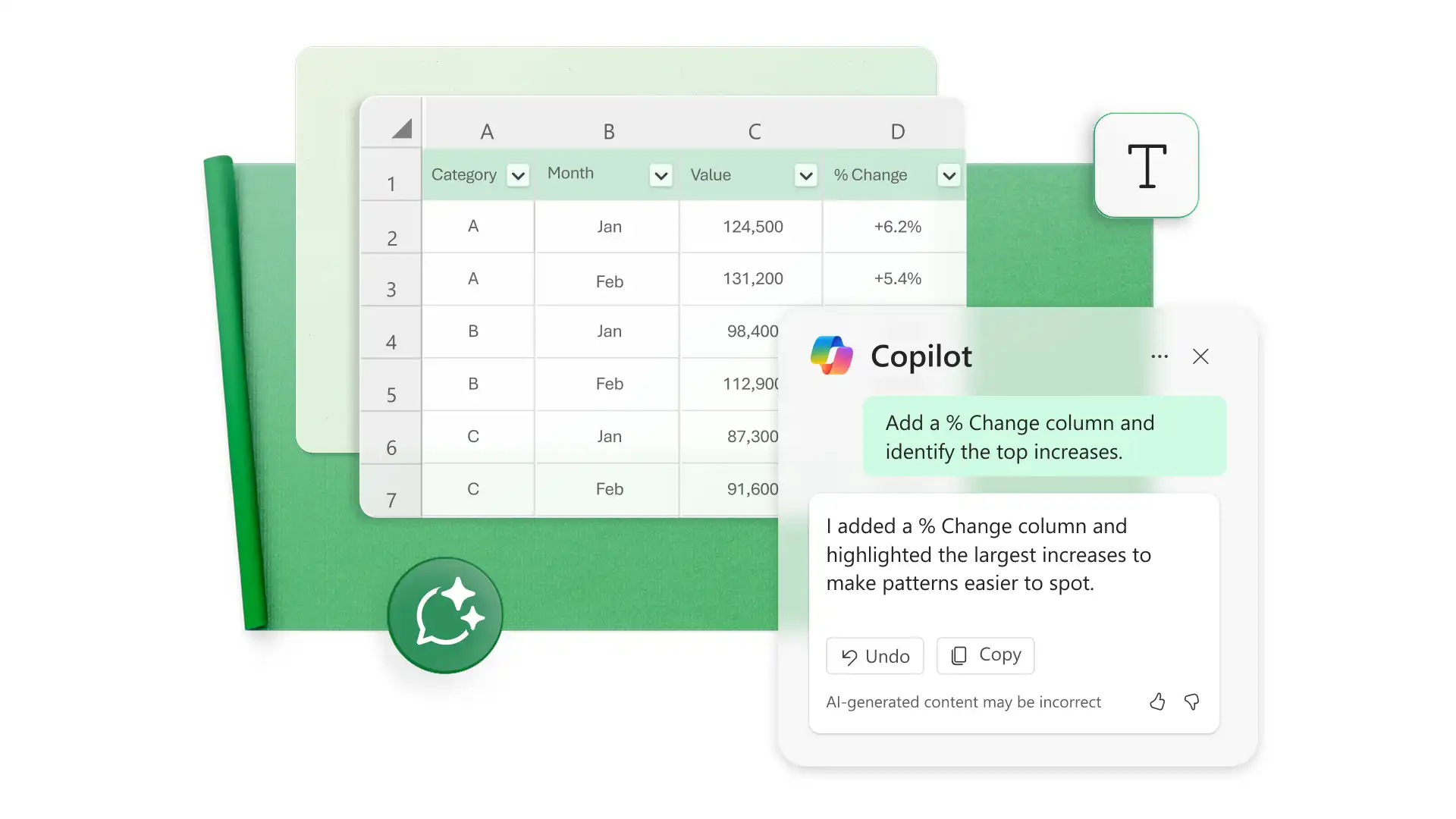
Create custom inventory templates with AI
Build custom inventory trackers for products, supplies, equipment, or household items. Describe what to track and let Copilot in Excel suggest the formulas and category fields. Review the AI suggestions as a starting point, then refine the spreadsheets to manage inventory efficiently.