
免费的 Excel 日程安排模板
可自定义、易于使用的 Excel 日程安排模板让你能够轻松掌控时间。无论是工作日任务还是个人项目,都能轻松安排妥当。
日程安排模板
浏览现成的日程安排模板,该模板可简化工作、学习和个人日常安排的规划。
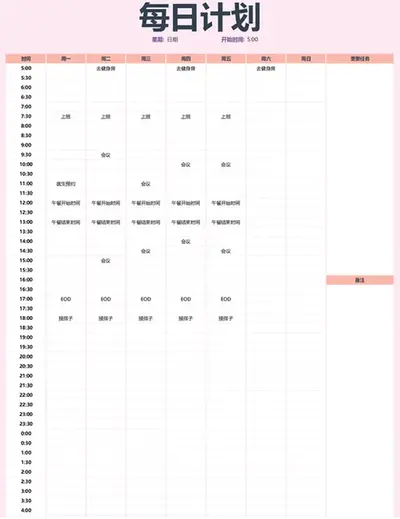
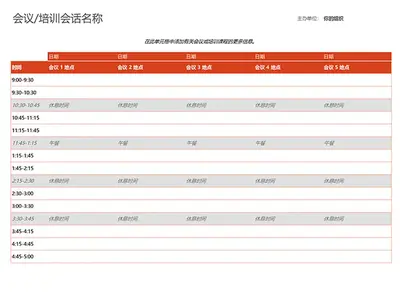
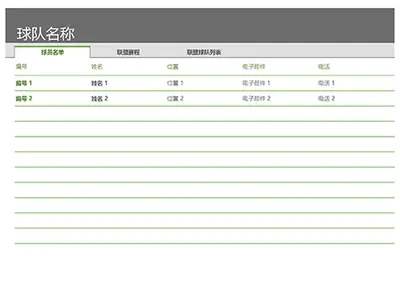
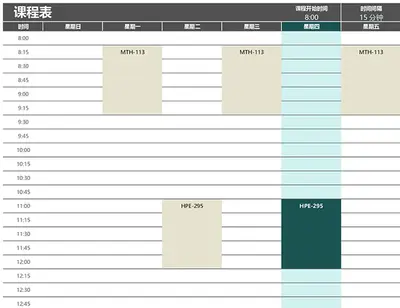
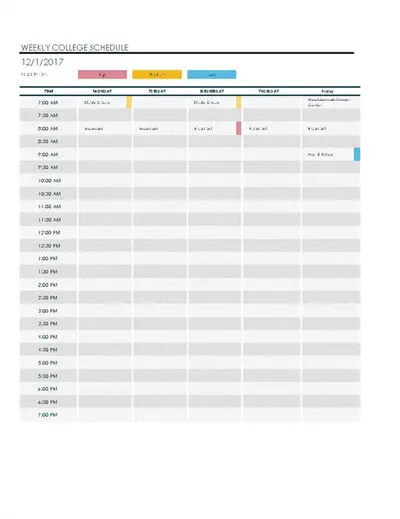
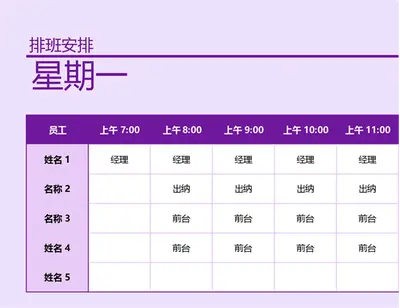

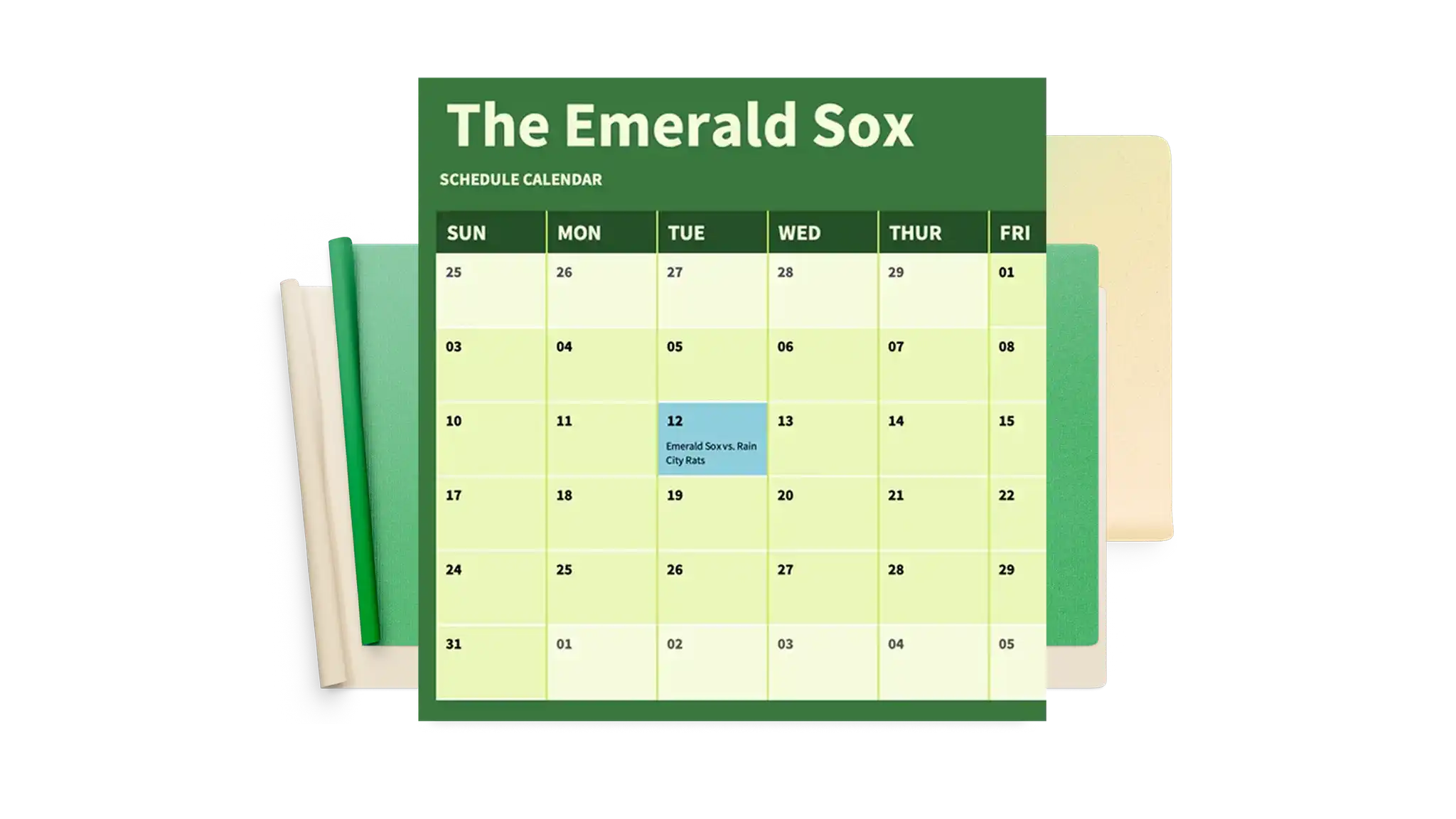
使用 Excel 日程安排模板保持井然有序
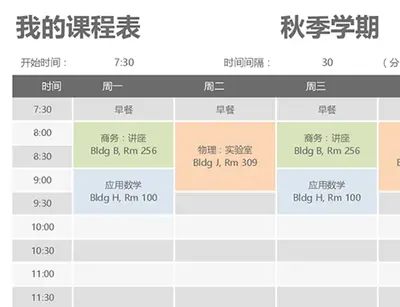
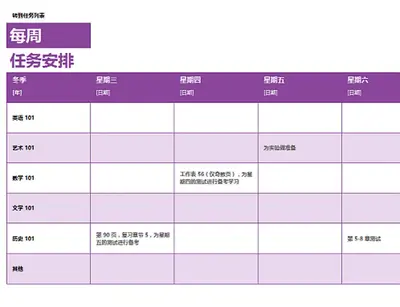
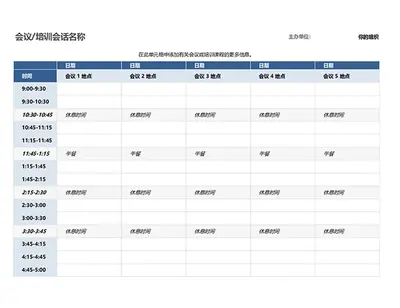
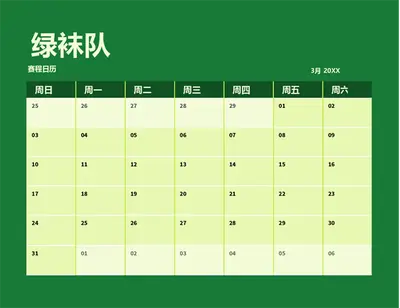
使用专为 Microsoft Excel 设计的可自定义日程安排模板有效管理业务和活动项目。按月、日或小时创建团队日程安排,其中包含任务详细信息和日程表的专用字段,并将其与出勤表配对。这些模板支持协作用途,可支持同事或合作伙伴轻松地更新计划并调整可用性。它们非常适合协调忙碌时段,如年度活动、假日促销或内容日历。每个模板都可以定制和编辑,以与组织品牌和徽标保持一致,以制作一致的文档。

Format schedules for easy scanning
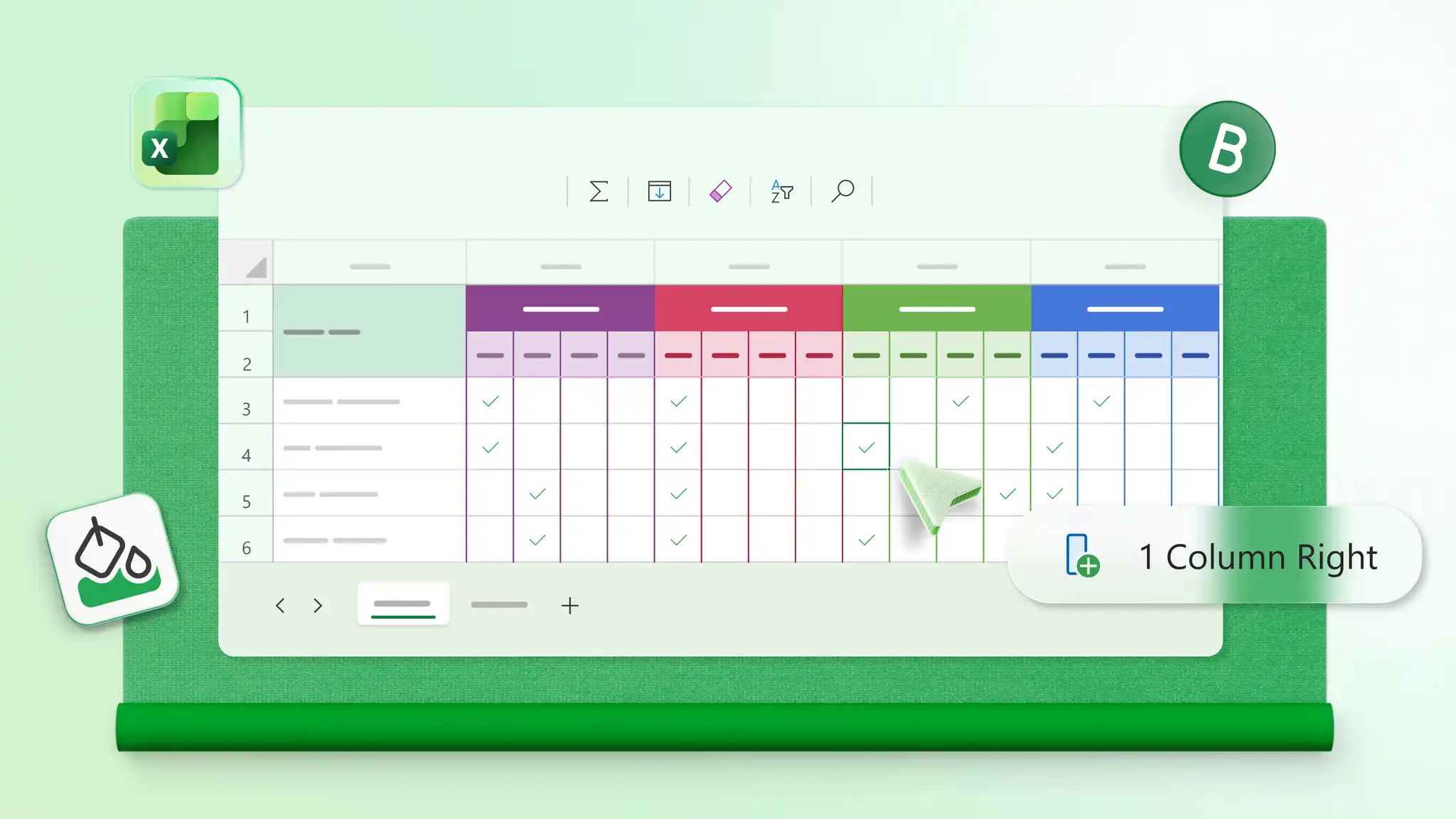
Apply color coding to highlight priorities, deadlines, or shift assignments, so important details stand out. Use structured layouts with clear columns for dates, tasks, and status to keep schedules organized and easy to scan. Manage attendance sheets, study plans, or daily to-do lists with formatting that makes updates simple.
Update schedules quickly as plans change
Make quick updates to dates, tasks, appointments, and shifts as plans evolve. Highlight new priorities or reschedule deadlines in just a few clicks without rebuilding the layout. Invite editors to create a group project schedule for teams or a family schedule for household planning.