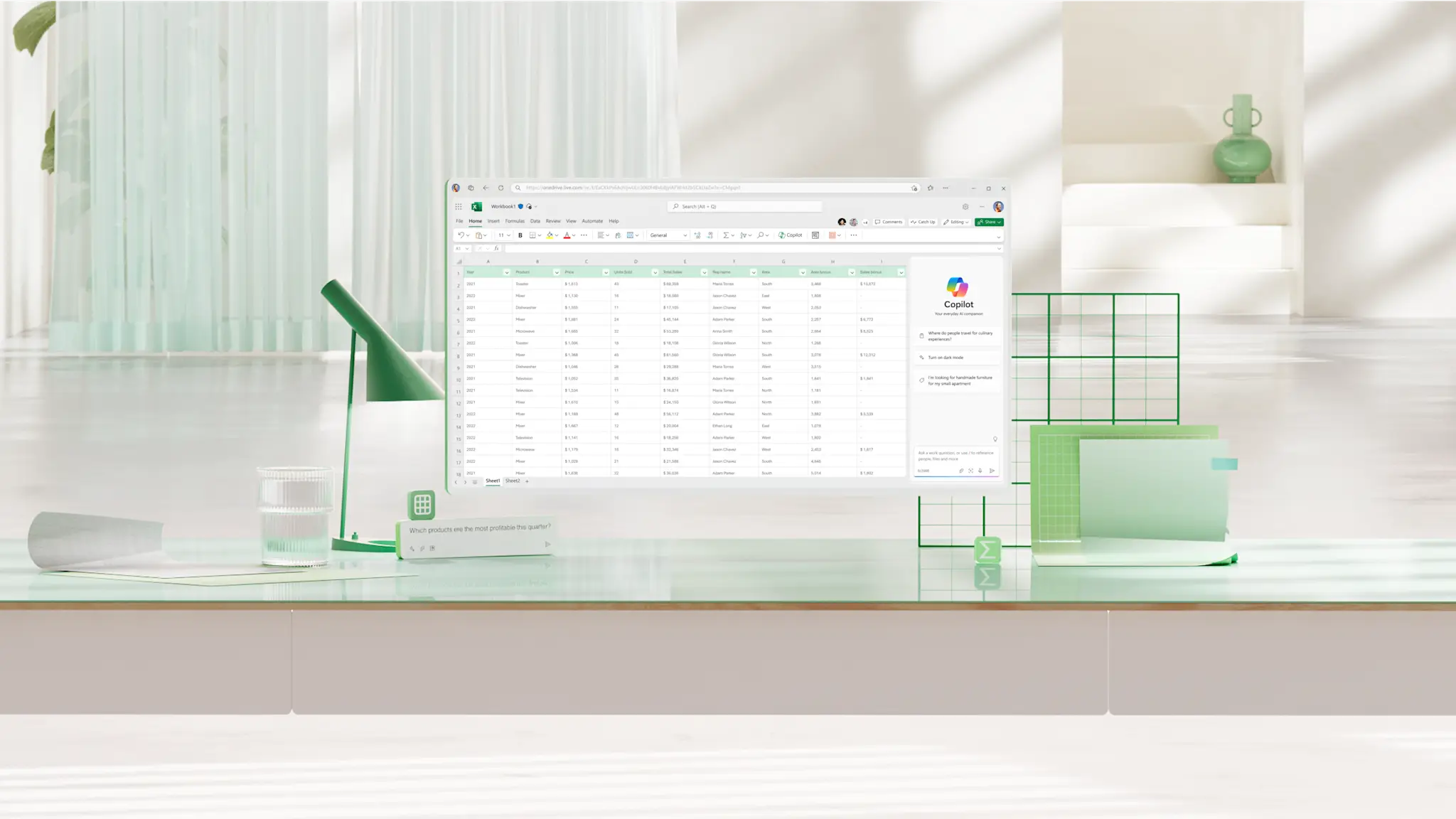
Balance sheets
Create a free customized balance sheet online from a range of customizable templates...

Stay on plan with clear, accurate business budgets using Excel templates and Copilot support.


Start with a business budget template to record figures without setting up formulas or categories. Built‑in totals keep calculations accurate as values change, supporting monthly planning and operating cost tracking.

Compare expected figures with actual spending across monthly columns as costs shift. Totals roll up each month in a summary row, making it easier to spot rising operating or departmental costs early and adjust before overruns take hold.

Use charts to see which categories shifted as cost totals change across periods. Ask Copilot in Excel to summarize what changed and explain key differences, making it easier to update cash flow plans or sales and revenue targets with confidence.
Use templates to structure monthly budgets, operating costs, and cash flow checks, with clear totals that stay consistent as figures change.
Bring figures from multiple budget worksheets into a single summary view to review totals in one place. Linked formulas keep totals consistent as cash flow lines or departmental costs change over time.

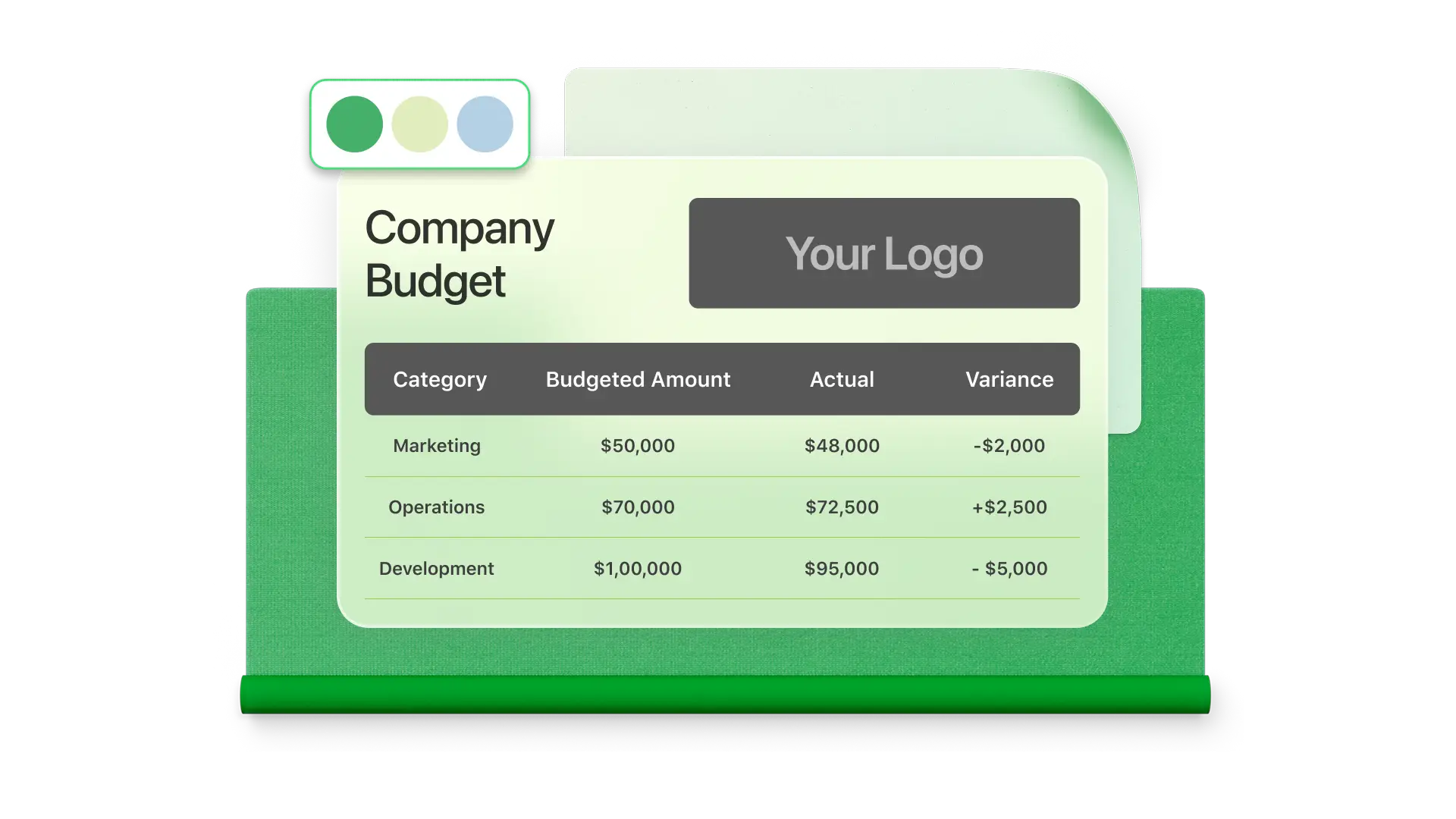
Compare expected figures with actual spending to see where costs no longer align. Conditional formatting highlights categories that exceed targets amounts, helping teams manage overheads or staffing costs before small gaps become larger overruns.

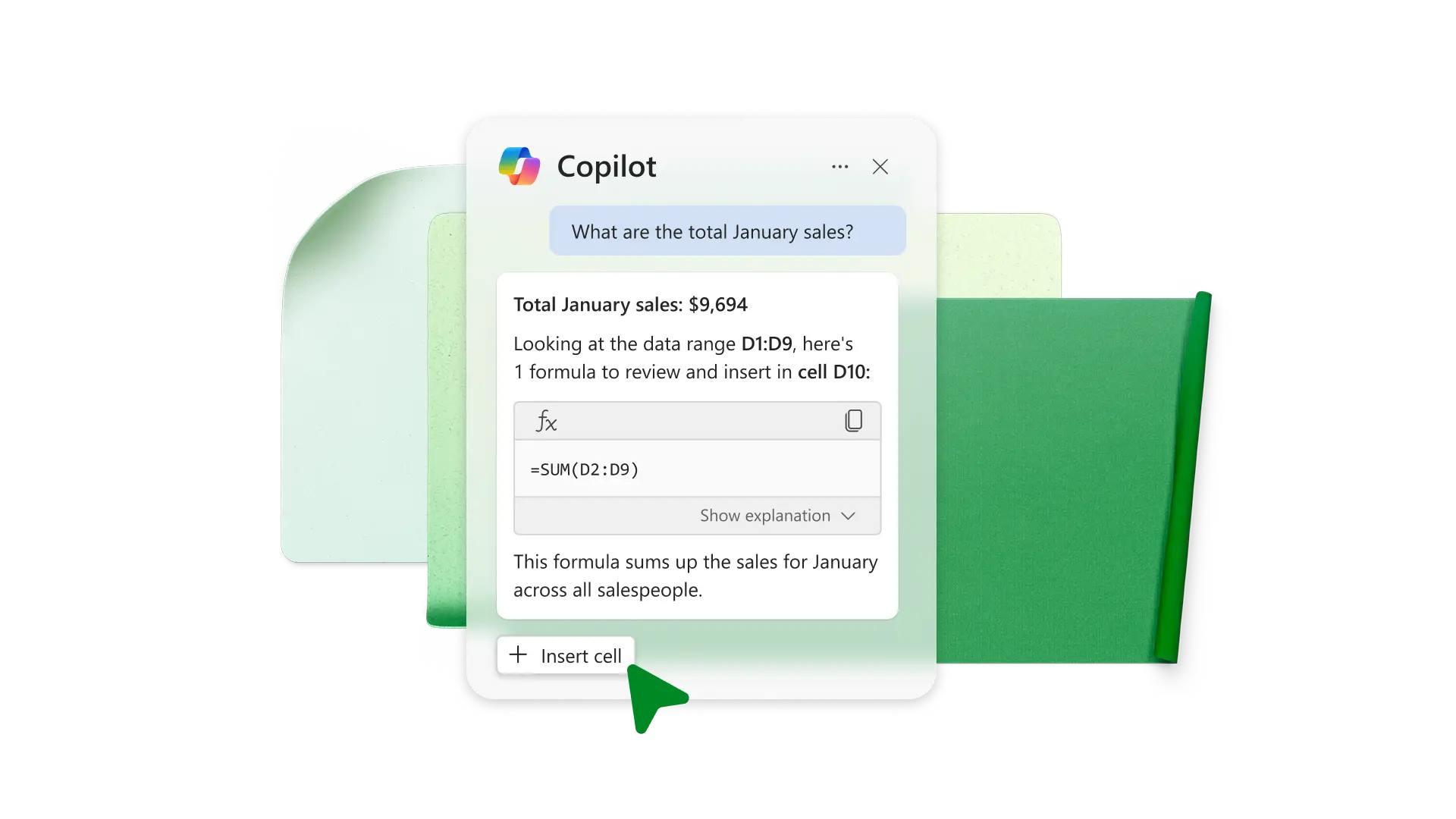
Use Copilot in Excel to compare periods, call out categories that changed, or break down formulas in language that's easy to follow. This reduces manual checking and helps review cost management calculations with confidence during monthly reviews.
Use filters and categories in Excel to narrow views to the costs that matter most. Large budget spreadsheets stay manageable as more expense lines are added (i.e. Project costs or recurring overheads) without extra sorting or cleanup.
Share a budget workbook online so others can review or update figures in real time. Export a formatted budget sheet as a PDF for reporting or paste charts as images into Word or PowerPoint to keep formatting consistent.

Start with a blank spreadsheet or search for a business budget template.
Add the categories and time periods needed to track income and spending as the budget grows.
Enter planned figures and review totals over time to see where budgets stay on track or begin to shift.
Share or export the budget spreadsheet to review progress with others or report results.
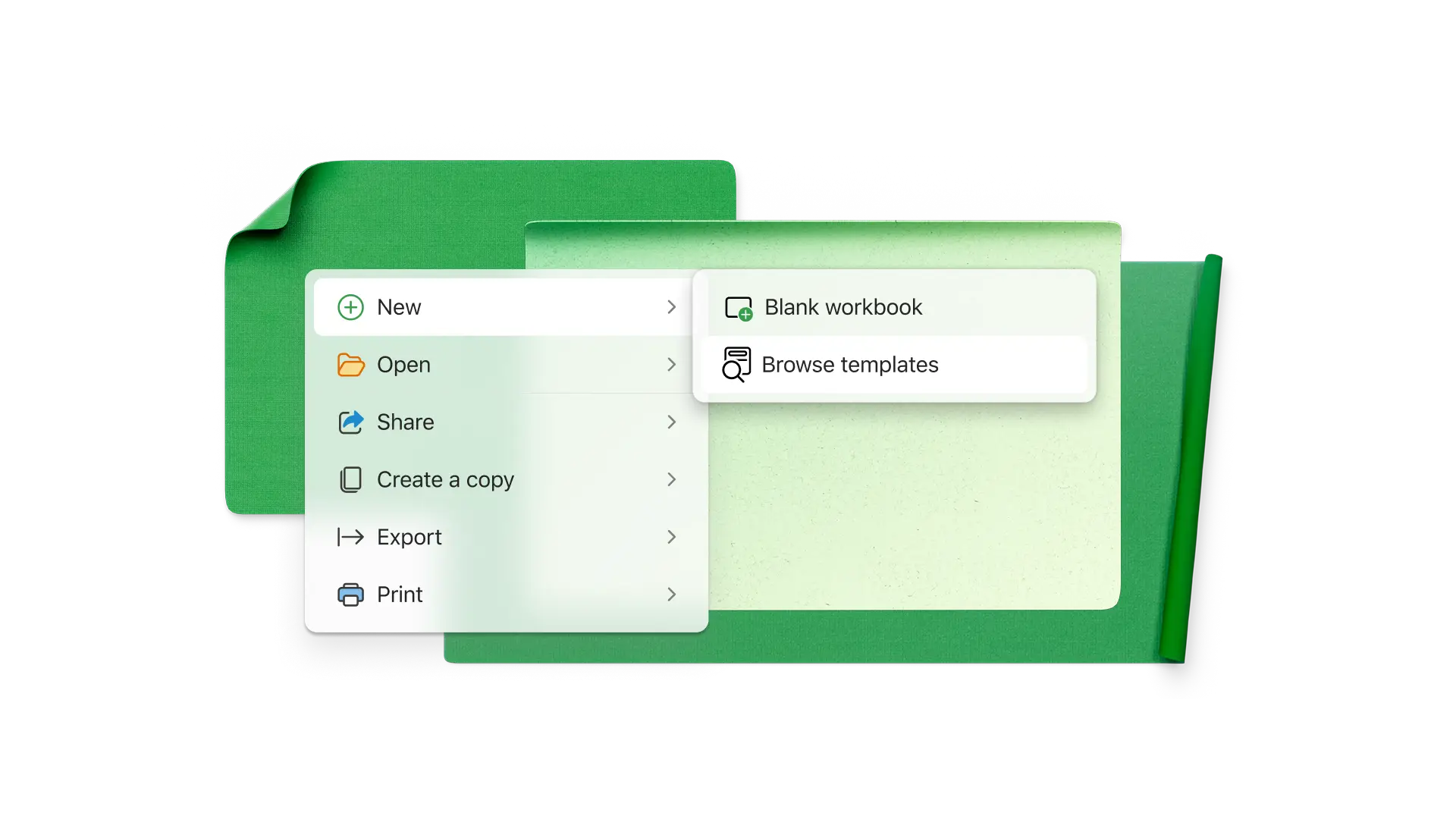
Start with a business budget template and set up categories for monthly planning, operating costs, or cash flow tracking. Enter expected figures and review totals in one place as spending changes over time.
Record expenses by category in a budget spreadsheet and review totals regularly to understand where money is being spent, including overheads or staffing costs. Categories and filters help focus on specific costs as more entries are added.
Set up columns for planned and actual values in a business financials spreadsheet and use formulas to calculate the difference. Apply conditional formatting to highlight entries where actual spending exceeds the planned amount.
Multiple budget worksheets can be linked to a single summary sheet using formulas that pull figures from each source. When values change in a linked worksheet, the summary totals reflect those updates without manual copying.
Copilot in Excel can explain budget calculations in plain language and summarize figures by category. This helps review changes more quickly and understand how totals were calculated without manually checking formulas.