

Balance sheets
Create a free customized balance sheet online from a range of customizable templates...

Easily create business spreadsheets to track budgets, expenses, accounting and more with fully customizable templates online for free from Microsoft Excel.

Track everything from budgeting, invoices, and work hours to balance sheets and financial forecasting with Excel spreadsheets. Select from a wide range of free customizable spreadsheet templates and collaborate with teams online.
Track your inventory to know what items you have stocked. Stay organized, optimize stock, and keep operations running smoothly with effortless inventory tracking for smarter business decisions.

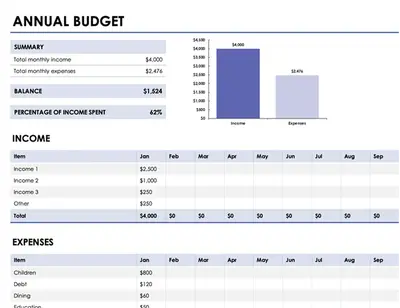
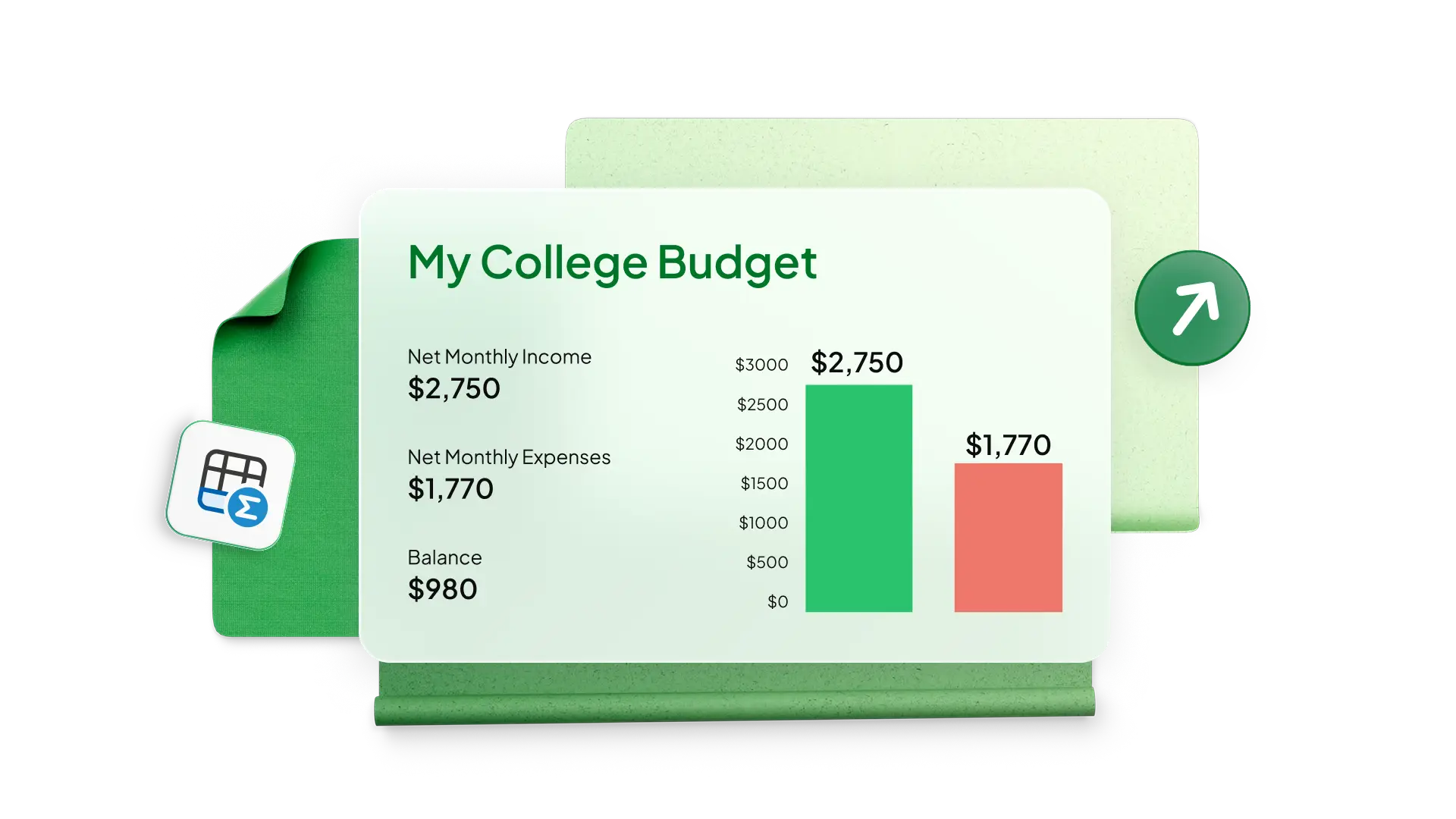
Create budget spreadsheets for any sized business with simple templates in Excel. Monitor your expenses to track profitability and reach your company revenue and sales growth targets. Use a business budget for specialized department teams such as channel marketing or production spend and add charts to analyze spend over time.
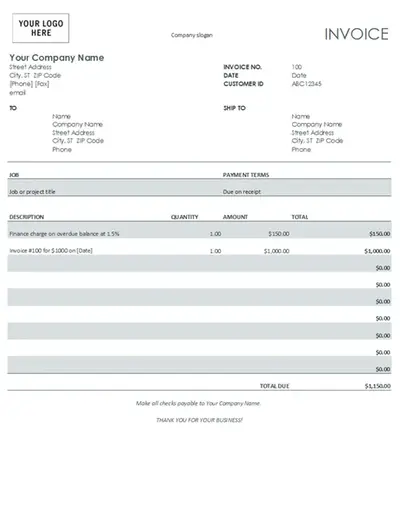
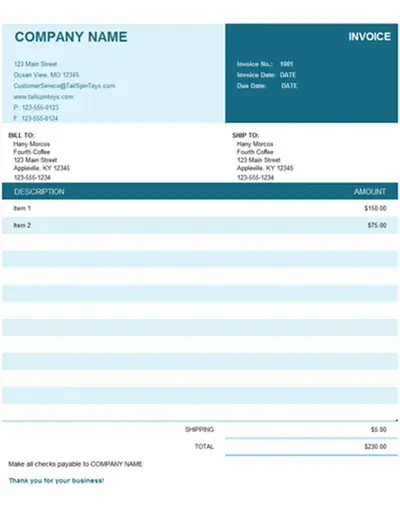
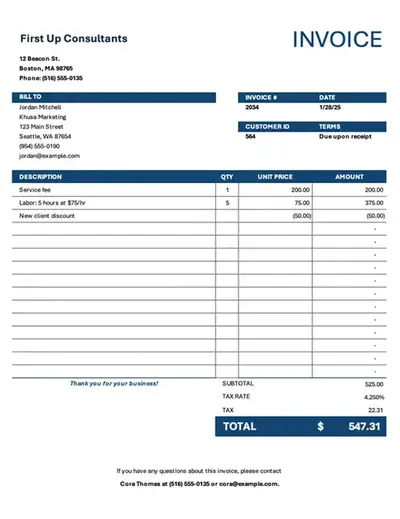
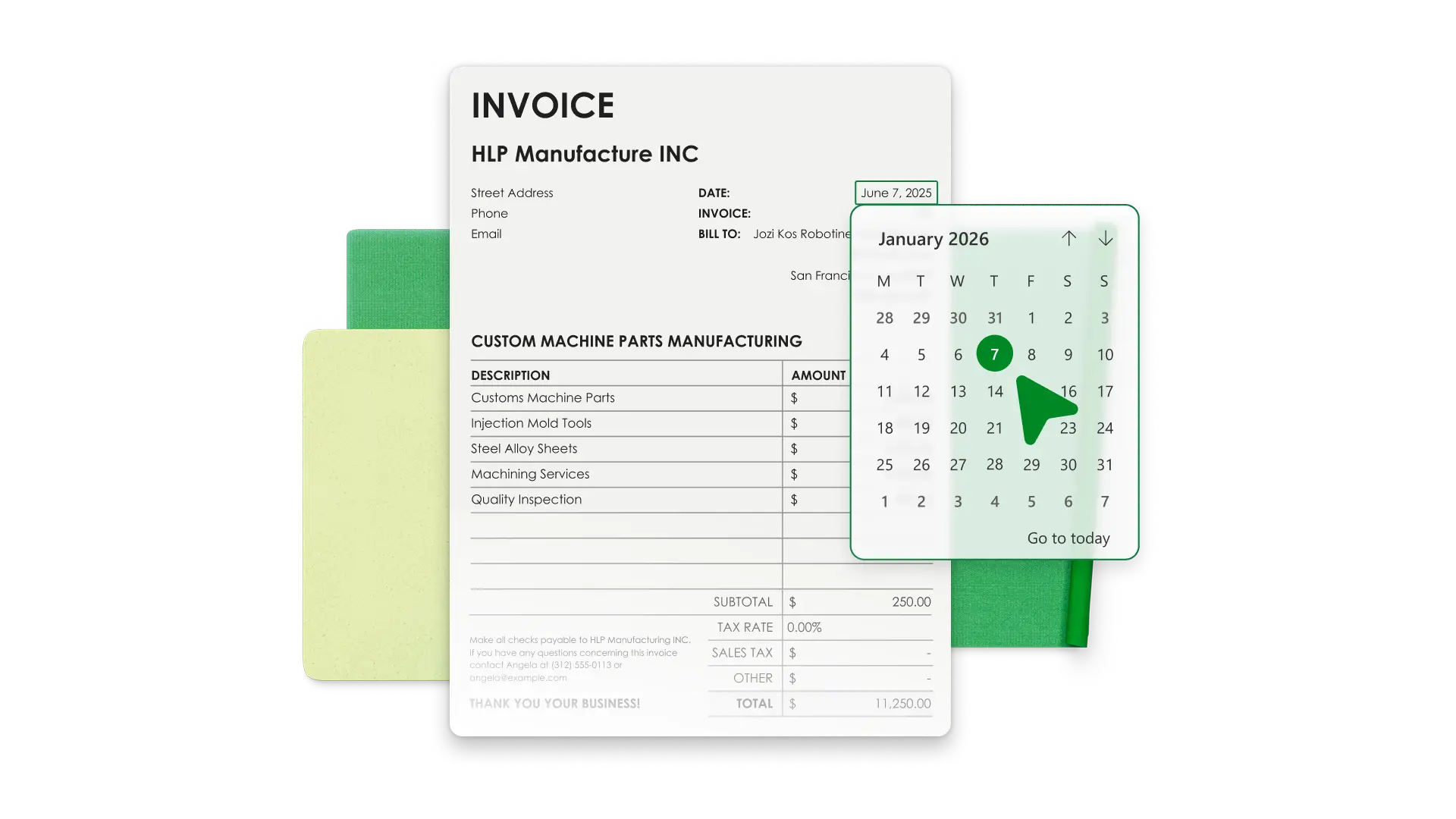
Save time with invoice templates that look professional and align with your business identity. Add your brand’s colors, logo, and payment information to make it your own. Generate invoices with accurate totals and export PDFs to send to customers.
Simplify team timekeeping with timesheet templates in Excel. Modify a favorite timesheet example to calculate payroll and analyze monthly data with Copilot in Excel to manage productivity and overtime.

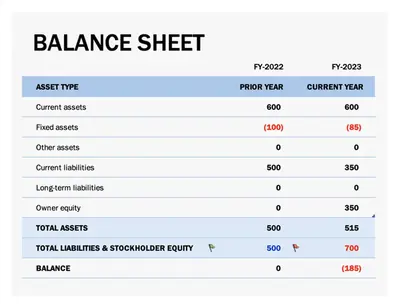
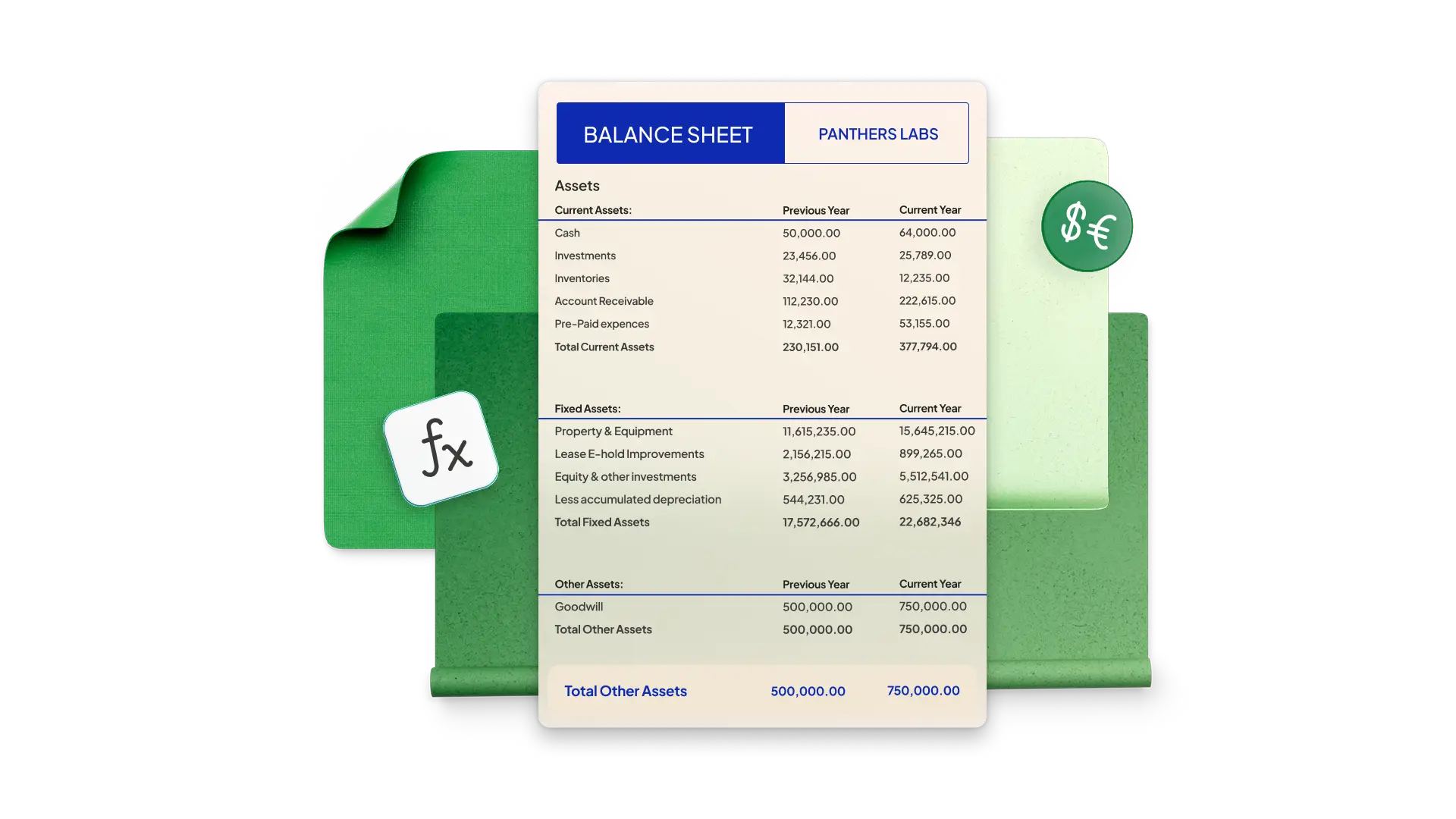
Build a balance sheet in Excel to see your company’s financial health at a specific point in time. Start with a simple template and modify it with your company’s assets, liability, and equity. Pre-formatted cells use formulas to calculate totals and generate accurate figures every time.
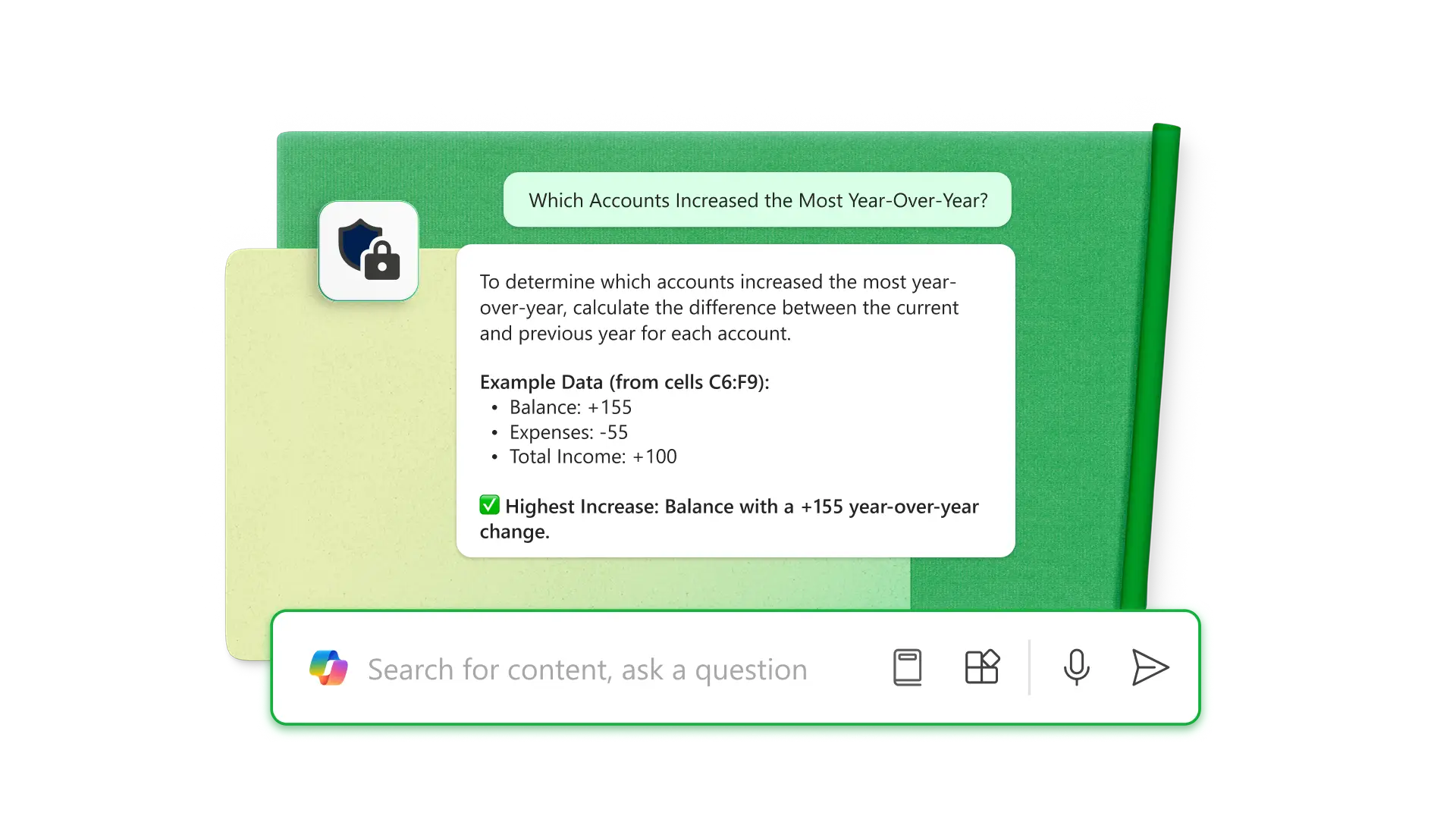
Use Copilot in Excel to analyze and organize raw data directly within the spreadsheet. Use AI to format tables for specific purposes like balance sheets and budgets. Get deeper insights like which accounts increased the most year-over-year or how to optimize business overhead costs.
Share spreadsheet editing or viewing permissions with anyone online with no Microsoft account required. Editors can make changes in real time, allowing team collaboration through comments and tagging individuals by email for task updates.

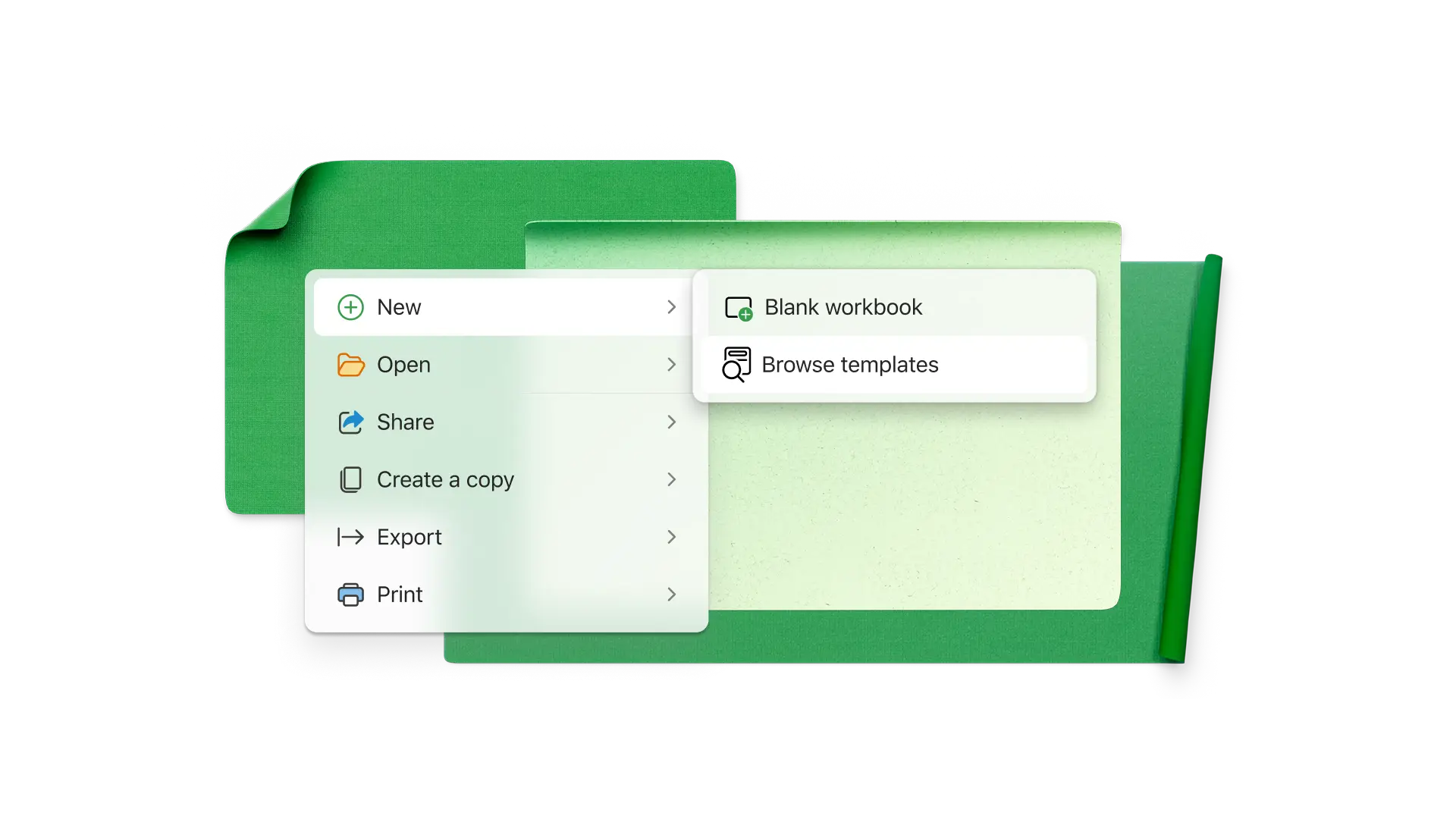
Choose a spreadsheet template that best aligns with your business needs.
Customize the data for the business categories you’re analyzing.
Use formulas to calculate the required totals and compare data with graphs and charts.
Use Copilot in Excel to analyze financials or organize new data.
Share the spreadsheet with specific teams or individuals with sharing links for further collaboration.
Small businesses vary greatly, but common spreadsheets track revenue, expenses, invoices sent, payroll, timekeeping, project status, inventory, leads, growth metrics, and marketing initiatives.
To protect an online Excel spreadsheet, select the Review tab and click Manage protection. In the sidebar, protect the sheet to lock all cells. You can unlock specific cells and ranges and allow users to do specific tasks like sorting. For more security, set passwords to open the spreadsheet or edit cells.
Create your business budgets, invoices, balance sheets, among others in Excel, then utilize Copilot to automate calculations, suggest optimizations, and refine budgets, making financial management faster and more efficient.