
Financial management templates for Excel
Simplify personal and business financial planning with customizable templates, built-in formulas, and AI in Microsoft Excel.
Versatile financial management templates
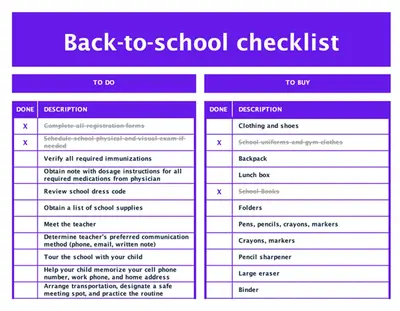
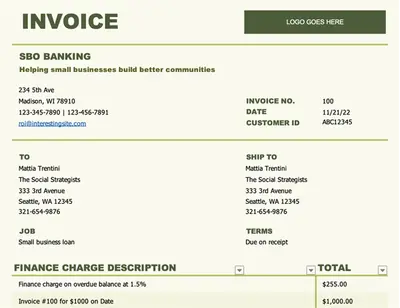
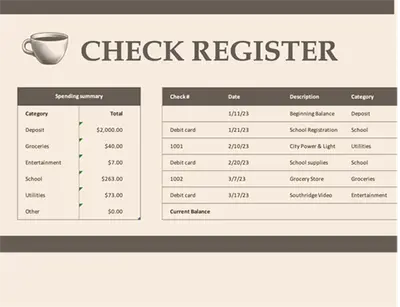
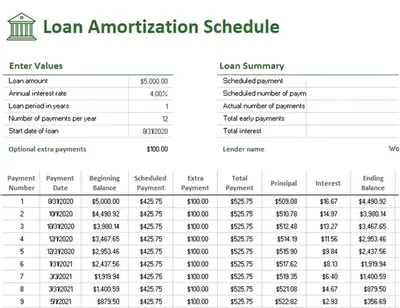
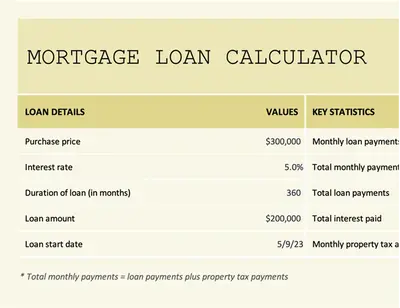
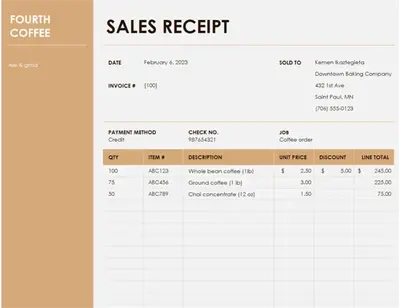
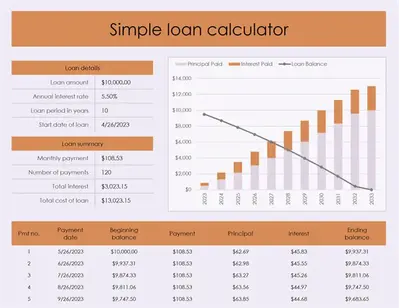
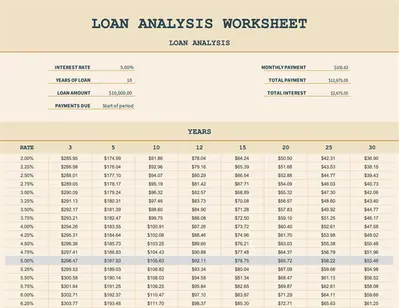
Browse customizable templates that support budgeting, forecasting, and everyday financial decision‑making.
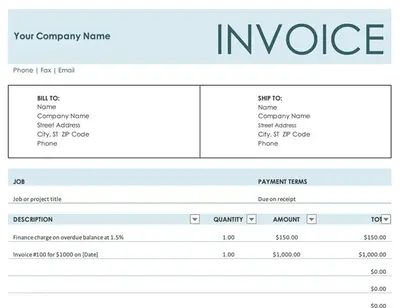
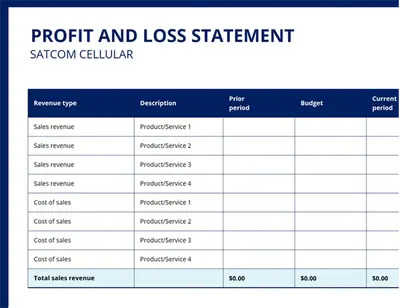
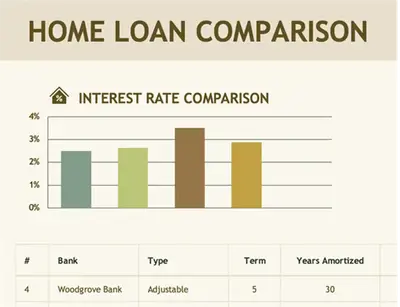
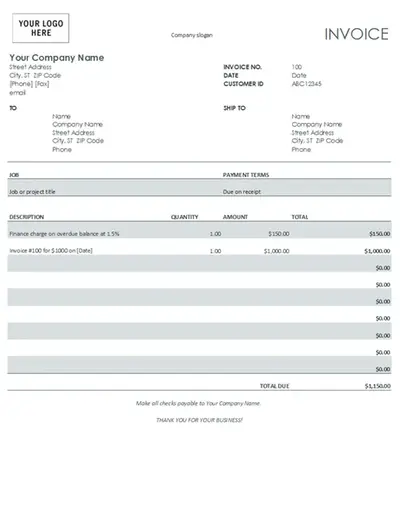
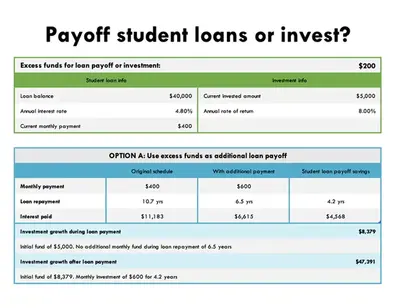
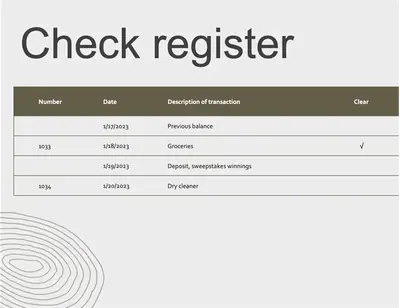
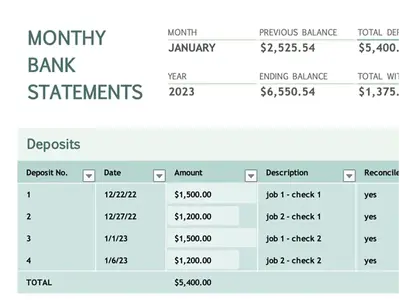
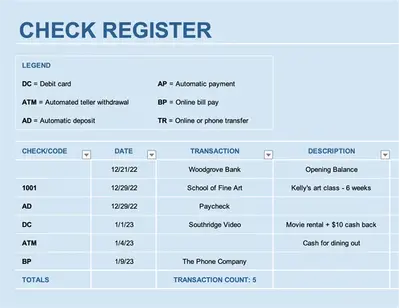
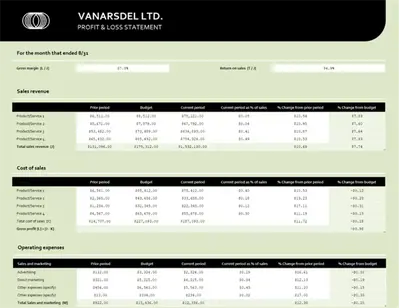
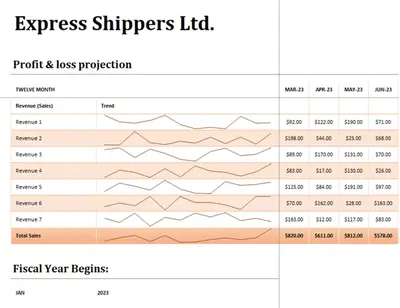
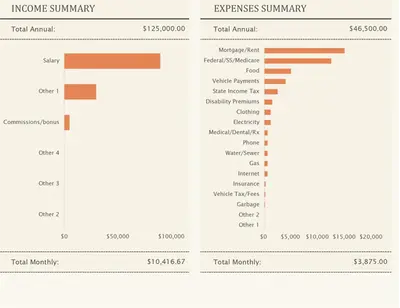
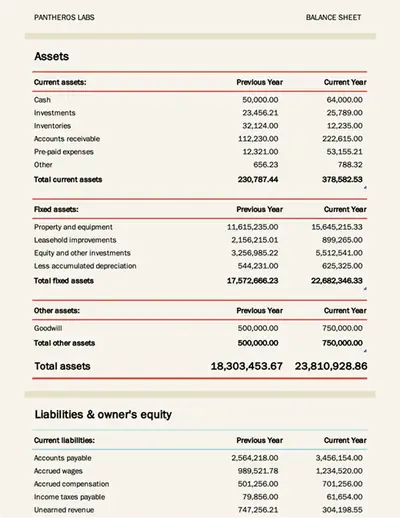
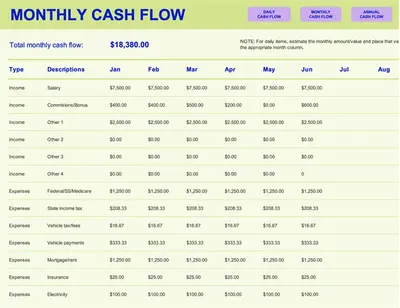
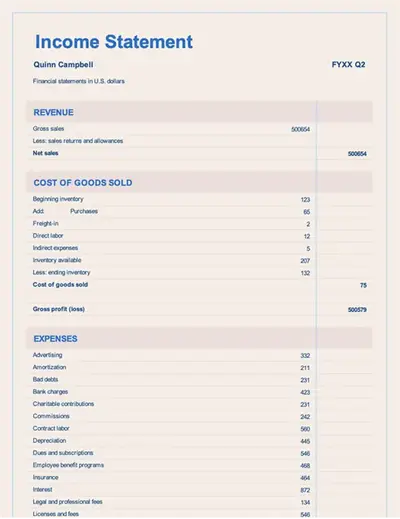
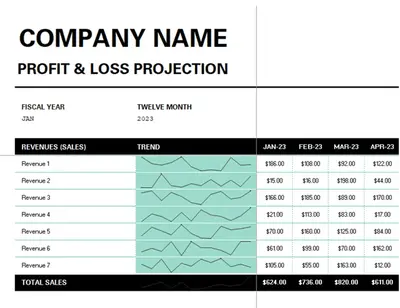
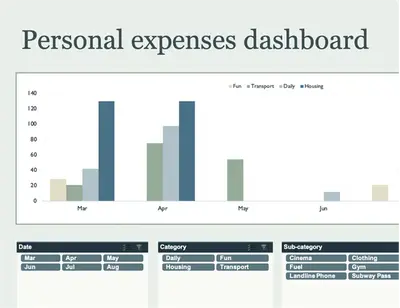
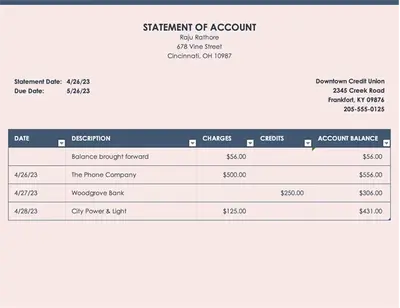
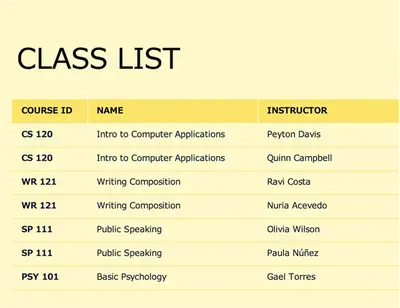

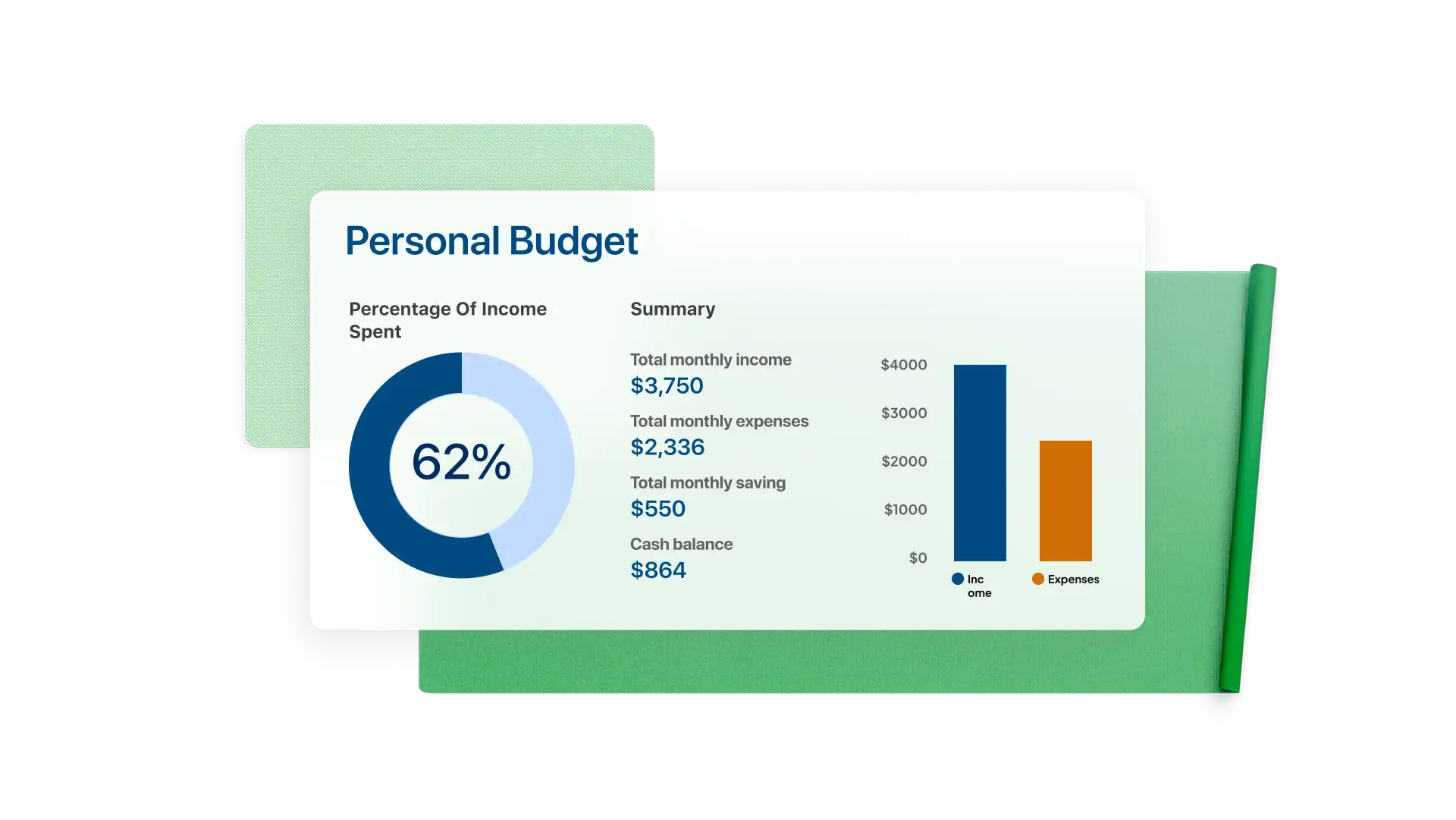
How to use financial management templates in Microsoft Excel
Explore financial management templates in Excel for the web and select one that fits personal or business needs.
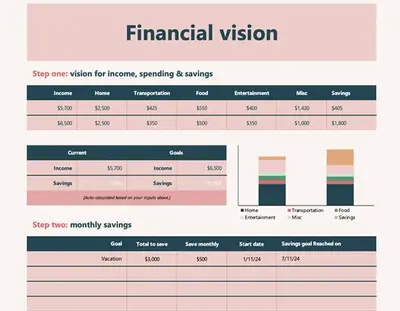
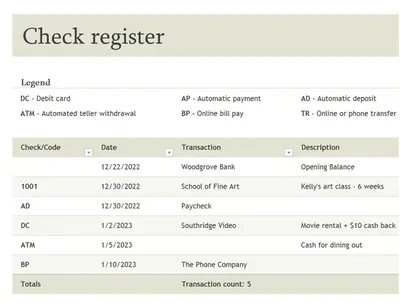
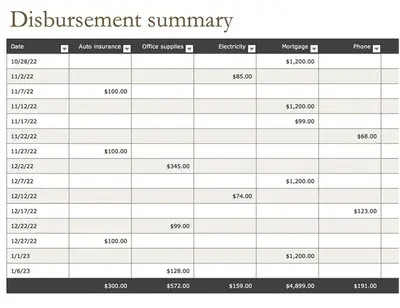
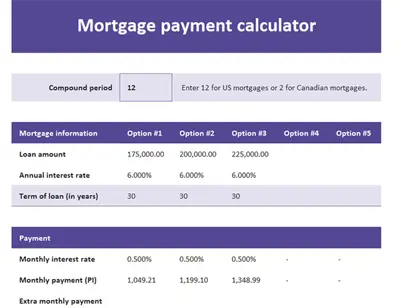
Add values like income, expenses, savings goals, and other financial details to the pre-formatted fields.
Use built-in formulas to calculate totals, compare figures, and create estimates.
Review financial plans and make adjustments as needed.
Save, export as PDF, or share spreadsheet via secure OneDrive links.
Personal and business finance planning templates for Excel
Manage finances effectively with Excel templates designed to help calculate loans, track expenses, and plan savings and support both personal finance and business goals. Create meaningful data visualizations to prepare for evolving financial needs and spot opportunities to adjust expenses or increase savings.
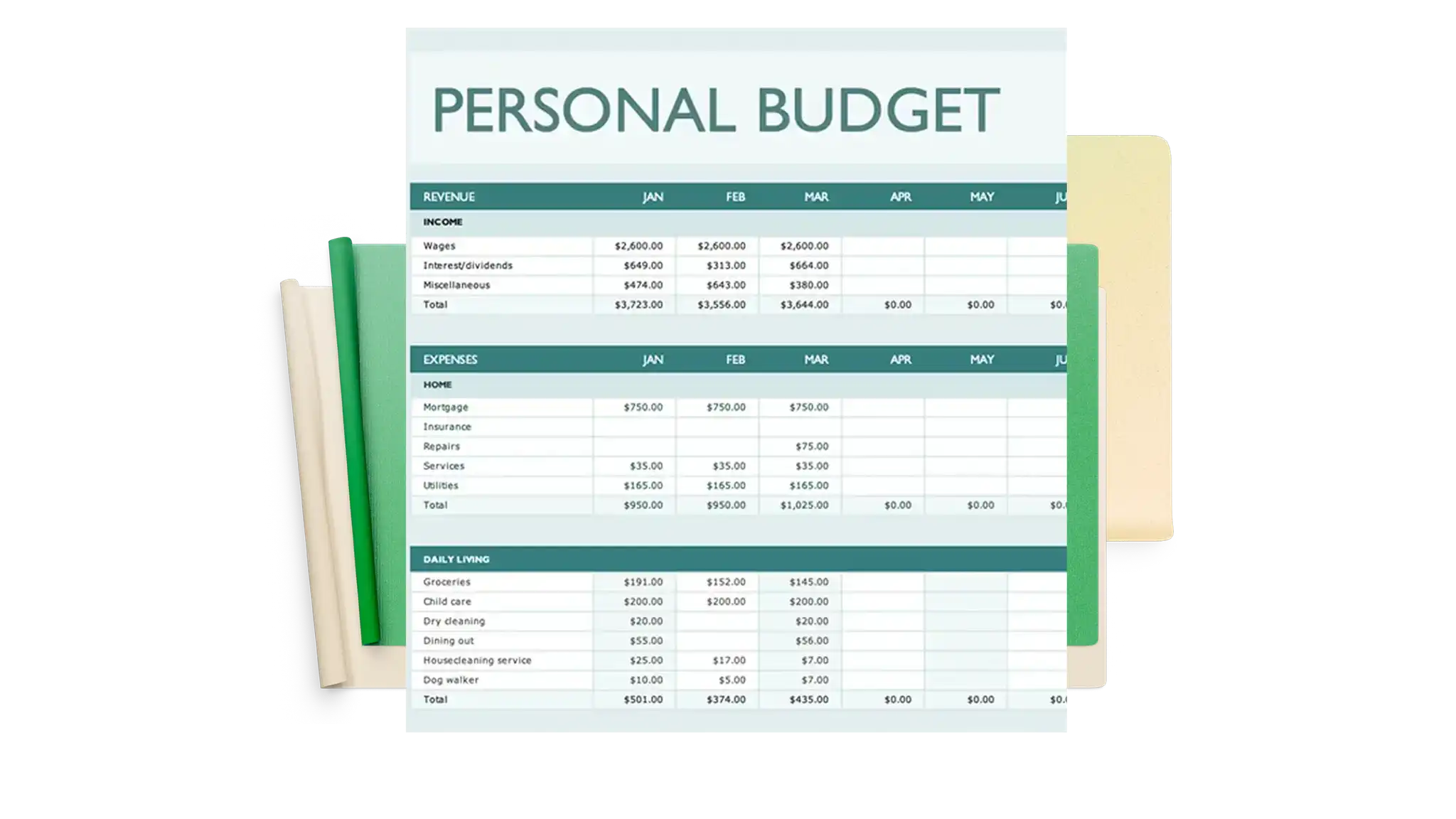

Find insights with AI
Ask Copilot in Excel to assist with analyzing financial data, track spending patterns, or explaining formula errors using simple descriptions of what to find or fix. AI can also help generate summaries of financial sheets in an easy-to-share format to provide an overview of trends that may affect future savings.