
Free home and business inventory templates
Track product stock or manage household items with ease using inventory templates, built-in formulas, and AI in Microsoft Excel.
Explore editable inventory templates
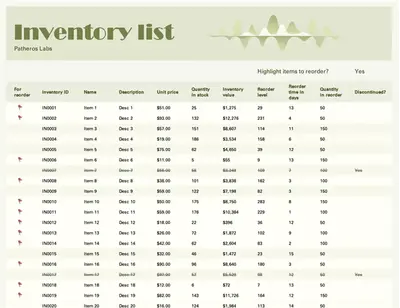
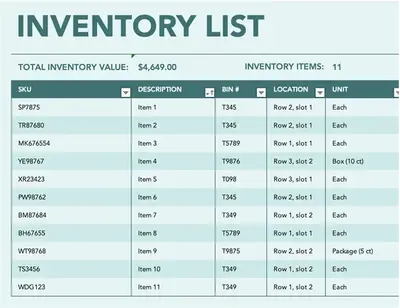
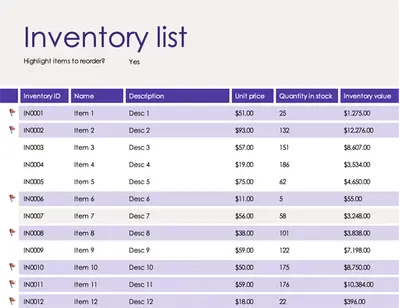
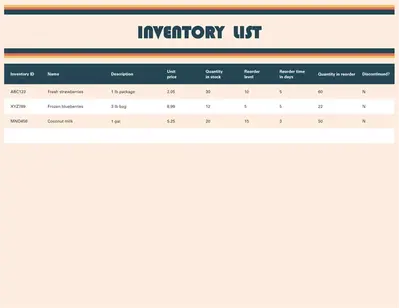
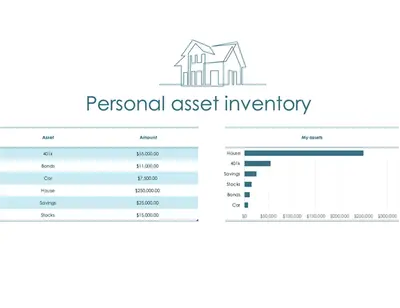
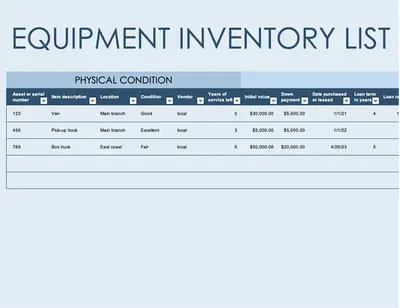
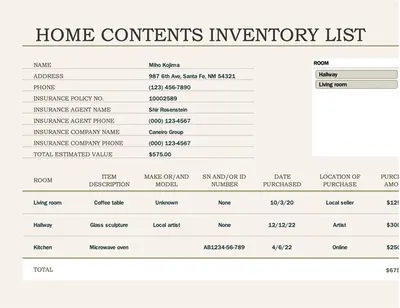
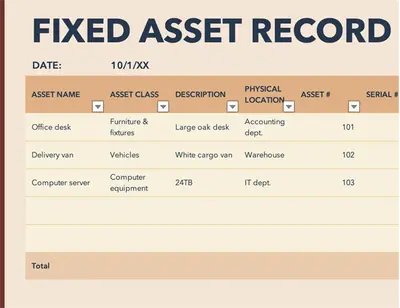
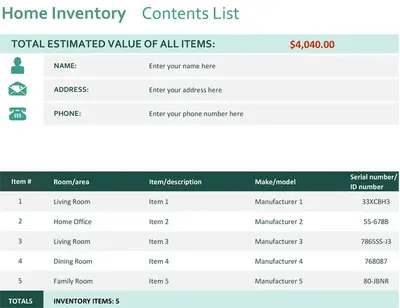
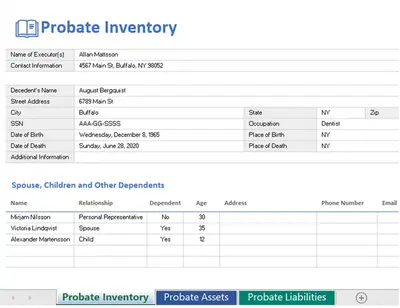
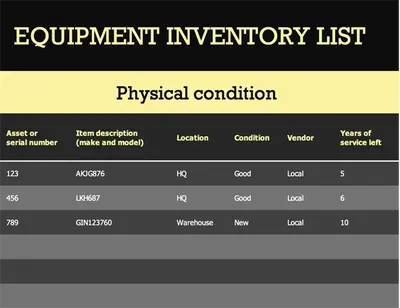
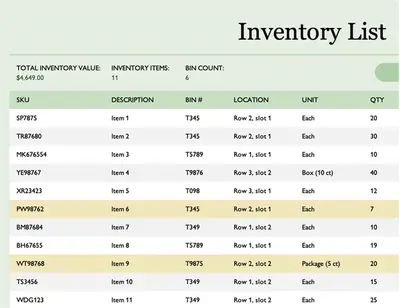
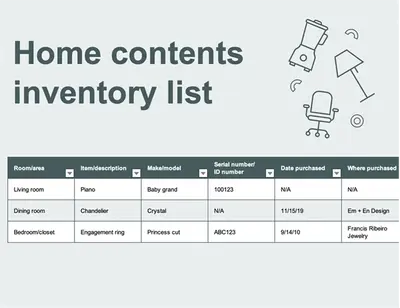
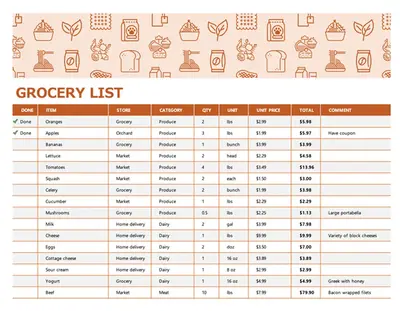
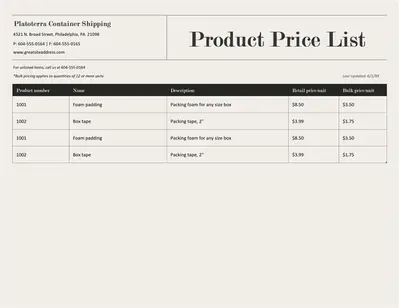
Browse ready‑to‑use inventory templates that make it simple to maintain accurate records. Manage product supply with business inventory templates for clear record-keeping, or organize assets with home inventory templates.

How to use inventory templates in Microsoft Excel
Open Excel online and browse Excel inventory templates.
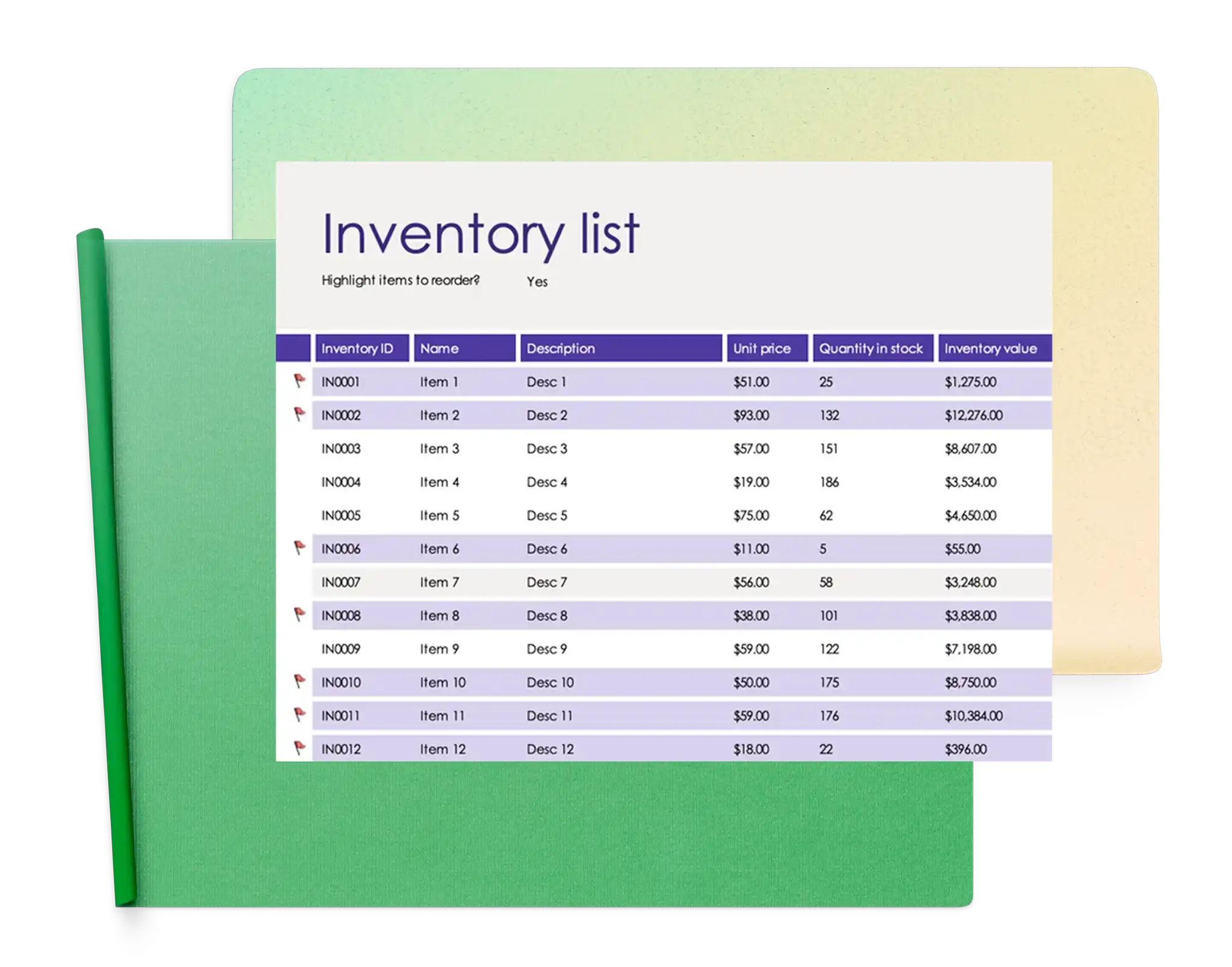
Edit and add inventory items, quantities, costs, and other details to the pre-formatted fields.
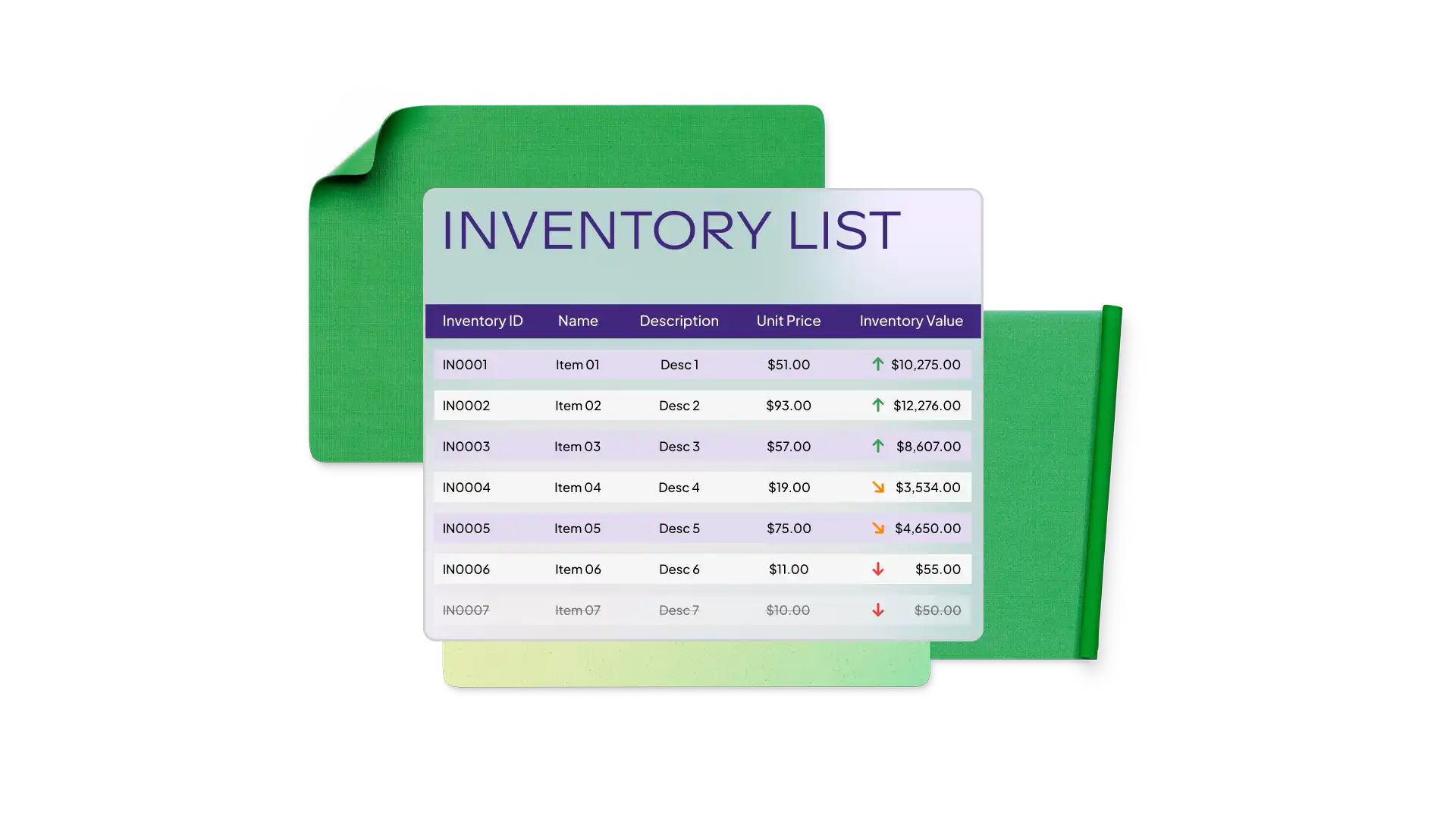
Track values and stock levels using the built-in formulas that calculate totals automatically.
Save the inventory spreadsheet, share via secure online link, or export as PDF.
Organize products and stock efficiently
Bring inventory records together in a single spreadsheet to track stock levels, summarize tables, and manage product categories. Sort by category, filter by location, and review inventory values to stay on top of what is in stock. Maintain organized records in Excel to support informed decisions on stocking and inventory planning.
Create custom inventory templates with AI
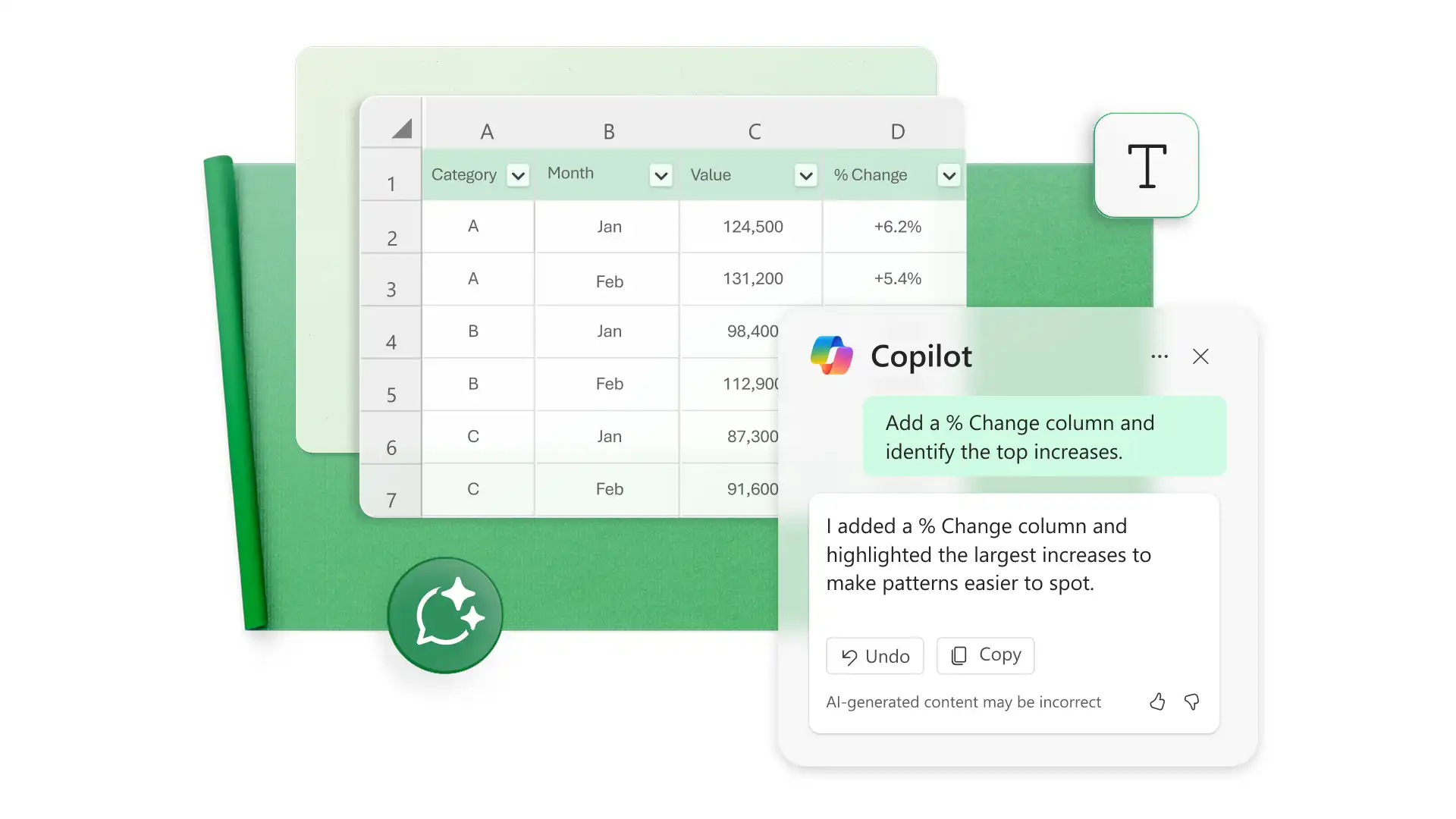
Build custom inventory trackers for products, supplies, equipment, or household items. Describe what to track and let Copilot in Excel suggest the formulas and category fields. Review the AI suggestions as a starting point, then refine the spreadsheets to manage inventory efficiently.