Prosty bilans
Użyj tego szablonu

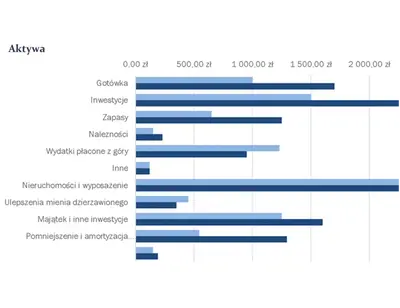
Utwórz bezpłatny bilans online, aby wyświetlać przejrzyste podsumowania finansowe firmy w programie Microsoft Excel.

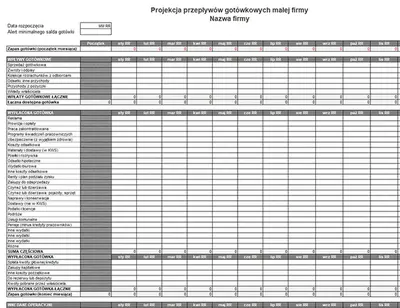
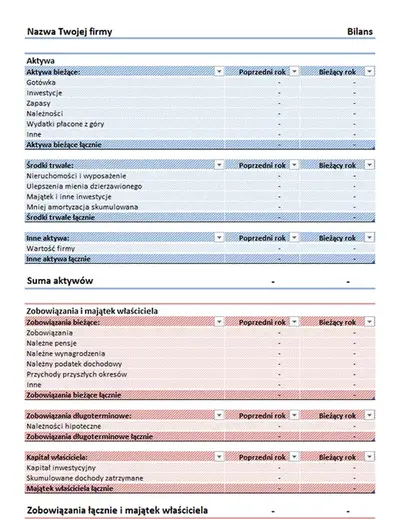
Konfigurowalne szablony bilansów odzwierciedlające rachunki firmy. Dzięki łatwym w użyciu przykładom każdy z nich zawiera dostosowane formuły do błyskawicznych obliczeń budżetu i wymagane formatowanie.
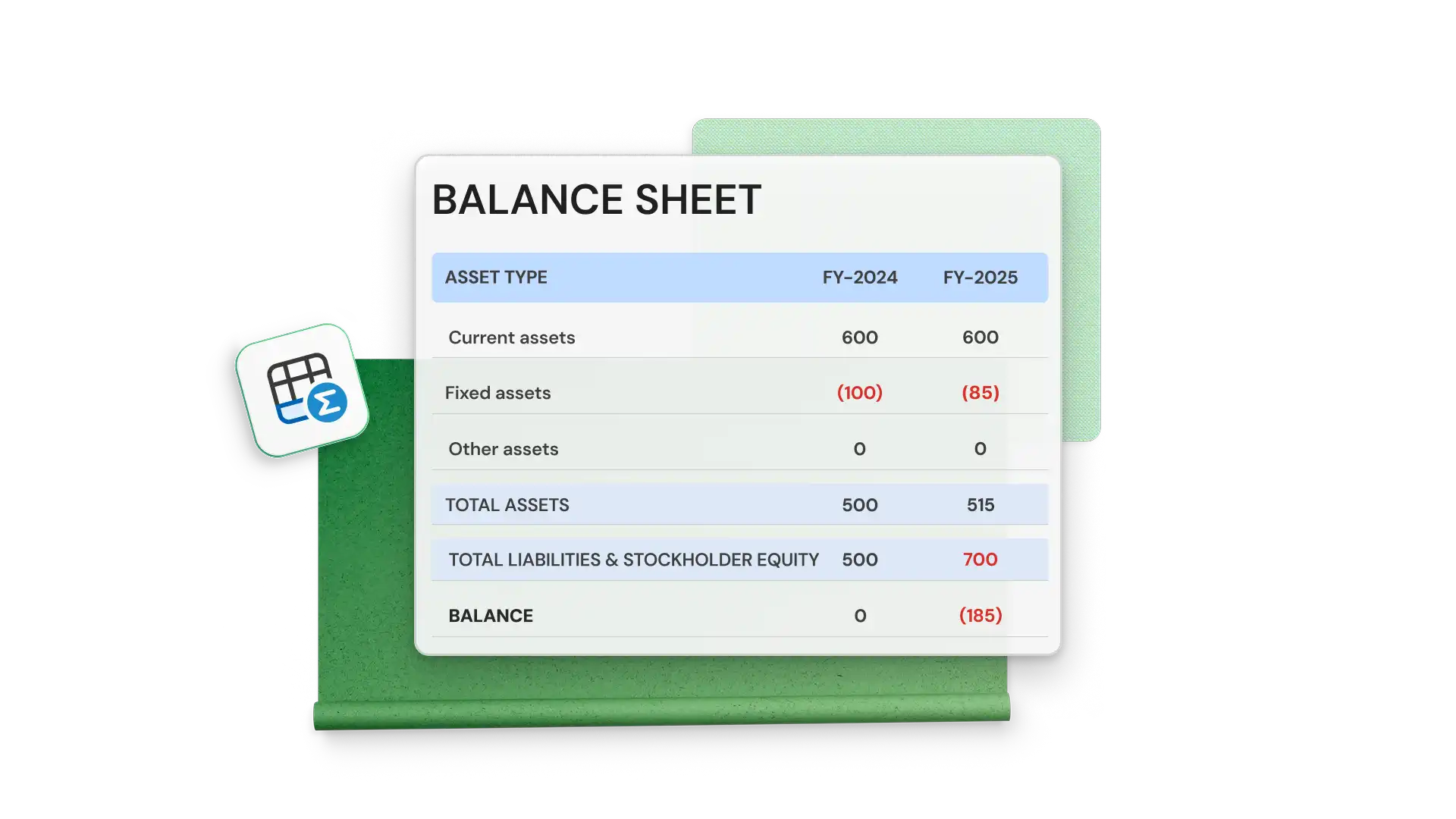
Don’t spend hours creating a complicated balance sheet from scratch. Get ahead by customizing an Excel balance sheet templates with your business financials. Save time with inventory templates or accounting templates that automatically include accountancy formulas to calculate total assets and liabilities.
Add up assets and liabilities to see an overview of your company’s financials. Measure company stability against business targets while tracking these changes in a balance sheet over periods of time to assist with future performance projections and forecasting.

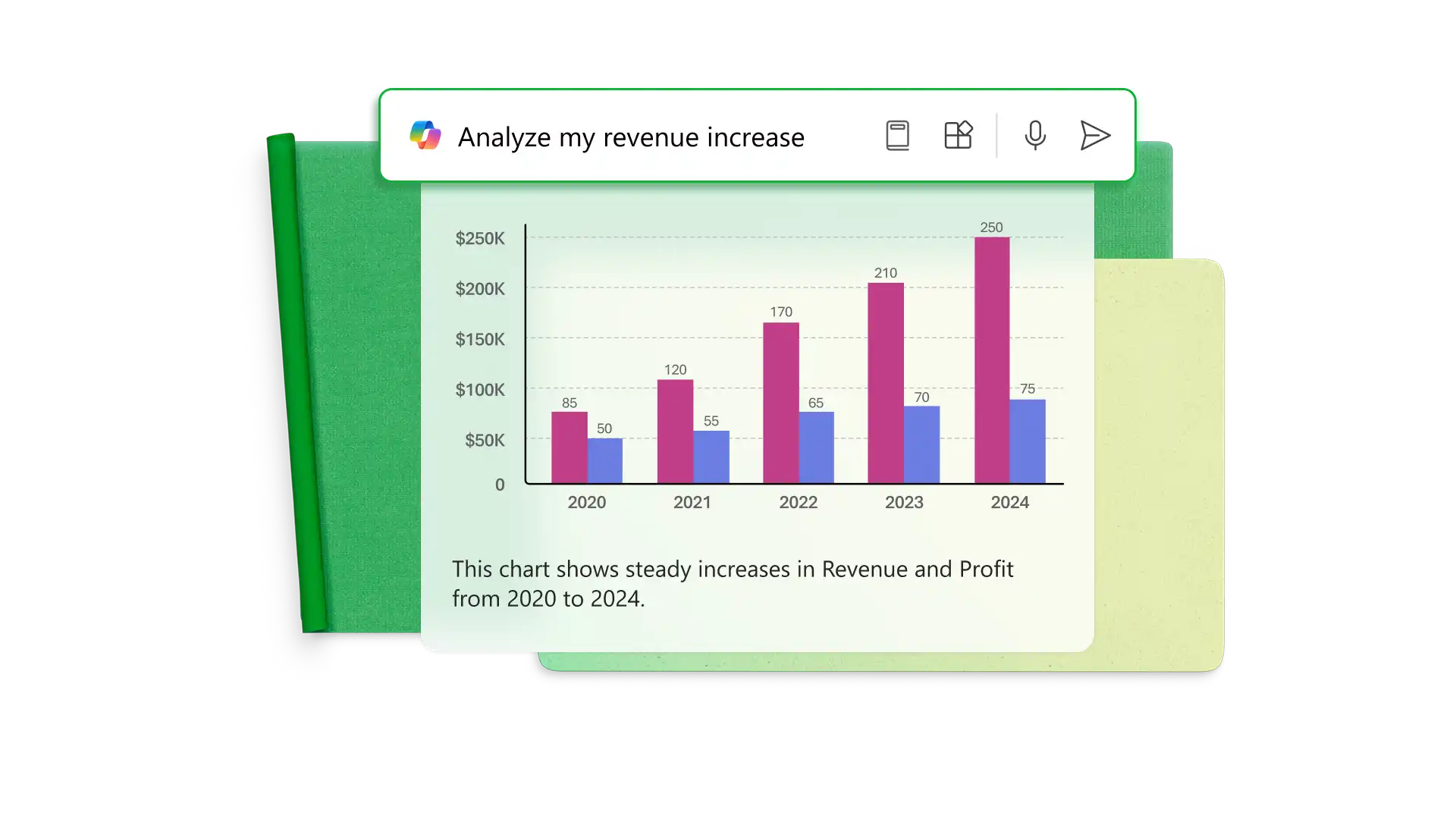
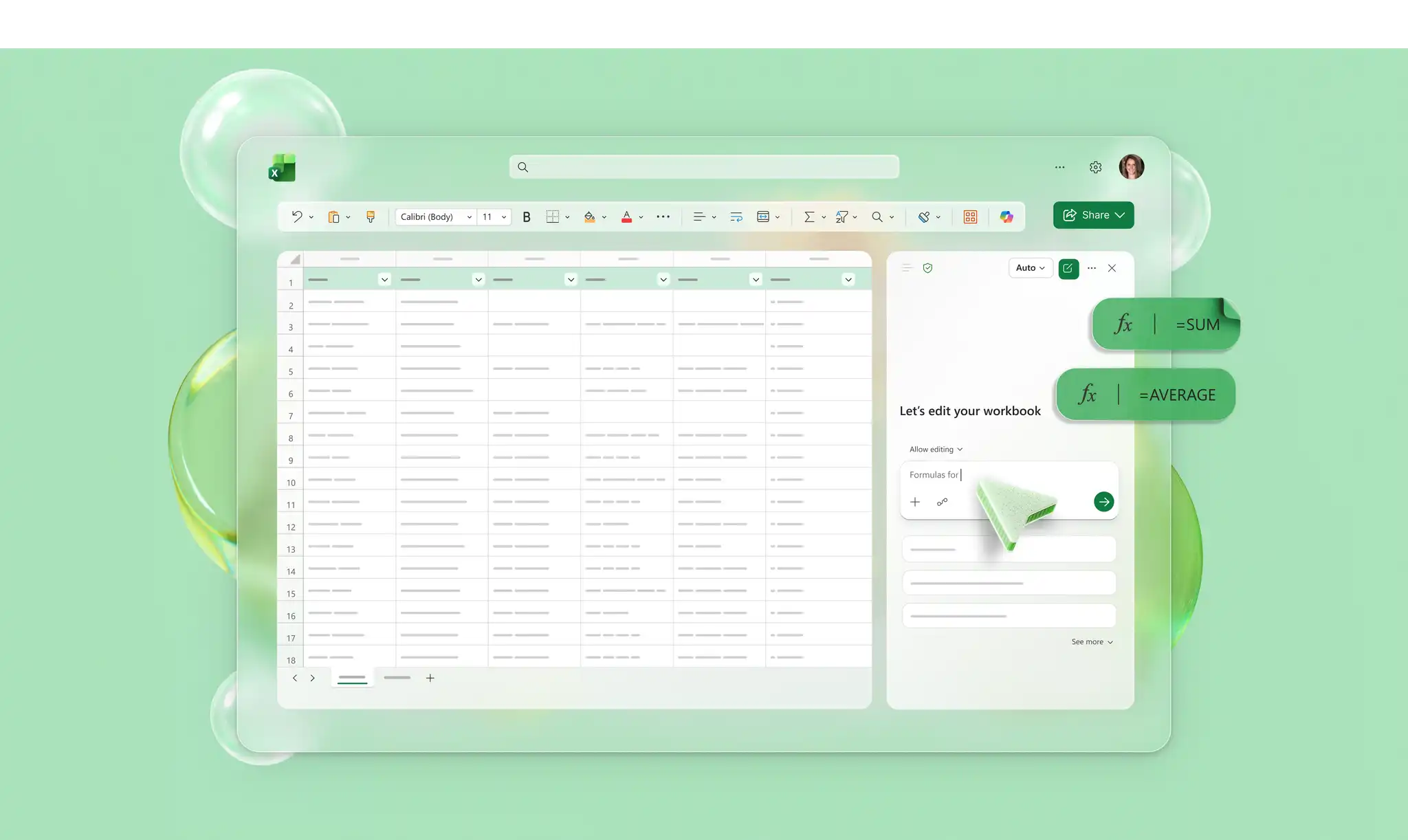
Ask Copilot in Excel to generate graphs and charts to visualize year-over-year financial performance linked to data. Let Copilot analyze data for future trends and forecasting or create new formula columns for further data-based insights.
Szybko zbuduj prosty bilans za pomocą sztucznej inteligencji, nawet bez szablonu, korzystając z funkcji Copilot w programie Excel (opens in a new tab). Uporządkuj różne salda kont w aktywa i pasywa, a następnie postępuj zgodnie z instrukcjami funkcji Copilot, aby wstawić formuły i zbilansować konta.

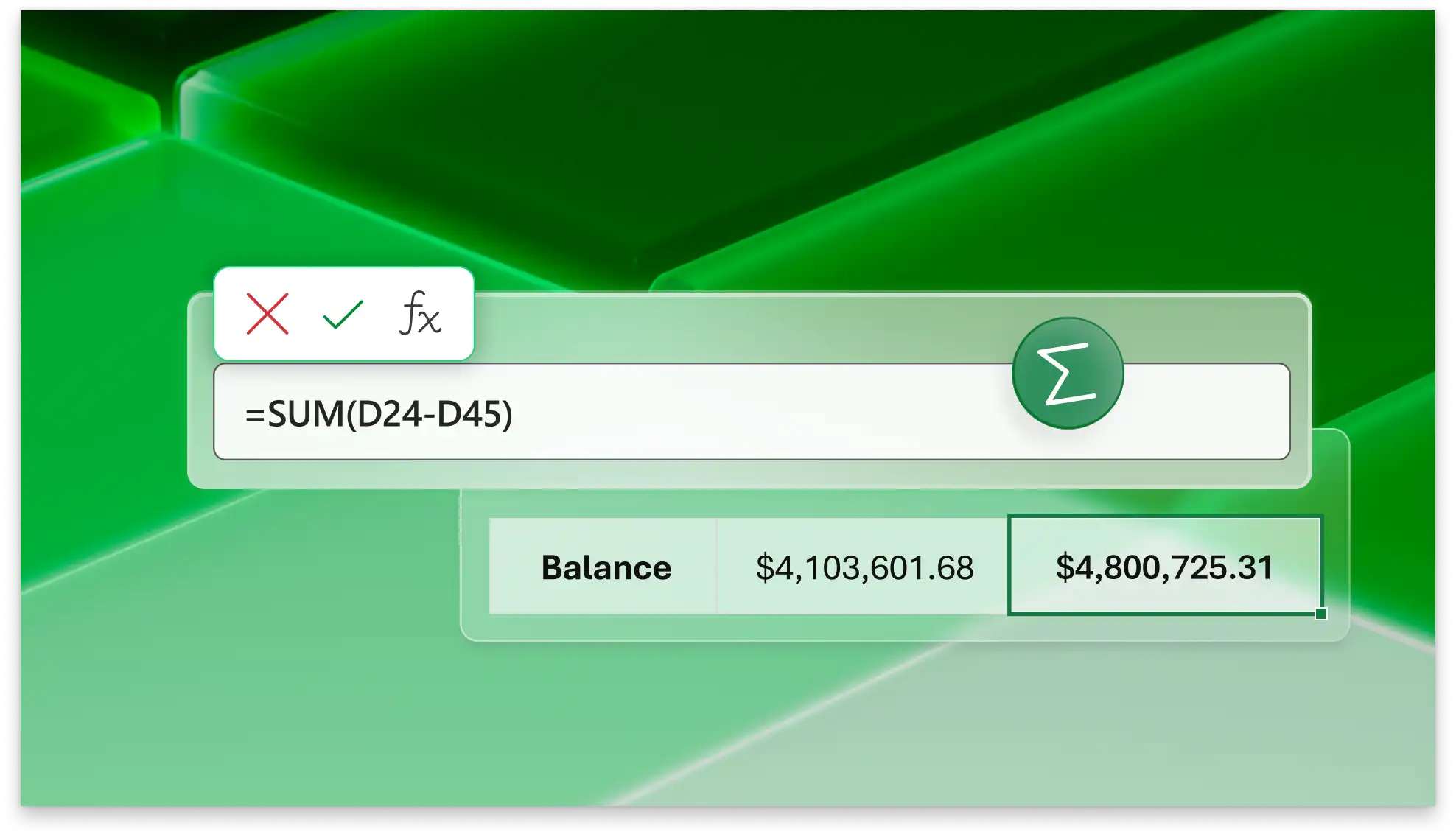
Zsumuj wartość aktywów ogółem, zobowiązań i kapitału własnego za pomocą formuł obliczeniowych w programie Excel. Ogranicz ryzyko błędów ludzkich i zadbaj o to, by salda na kontach były zawsze aktualne i dokładne. Po zmianie wartości w komórce źródłowej pozostała część skoroszytu aktualizuje się automatycznie.
Invite anyone by email to view and edit a balance sheet in real time with easy to apply controls. When you’re ready, quickly and easily share balance sheets with financial partners for review and feedback as a spreadsheet file or through shareable OneDrive links.


See how different financial decisions like adding more debt or buying new inventory could change your company’s balance sheet. Easily duplicate your current balance sheet to create alternate business scenarios for gauging the potential impacts on financial performance.
Business owners and CFOs: analyzing financial health.
Lenders: assessing repayment ability for a loan application.
Entrepreneurs and MBA students: creating business plans.
Companies: providing transparency to investors and board members.
Financial teams: keeping compliance with regular reports.
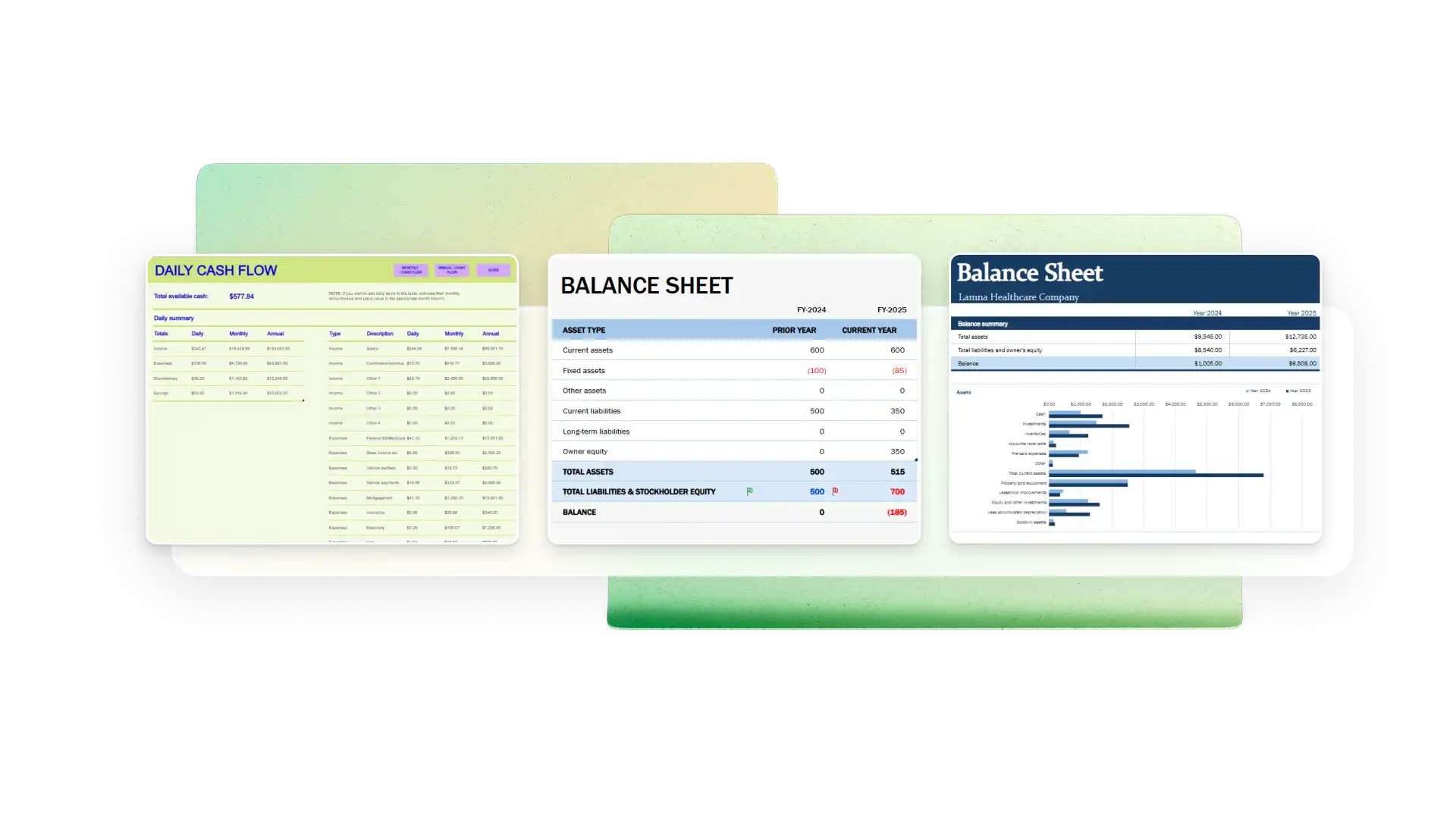
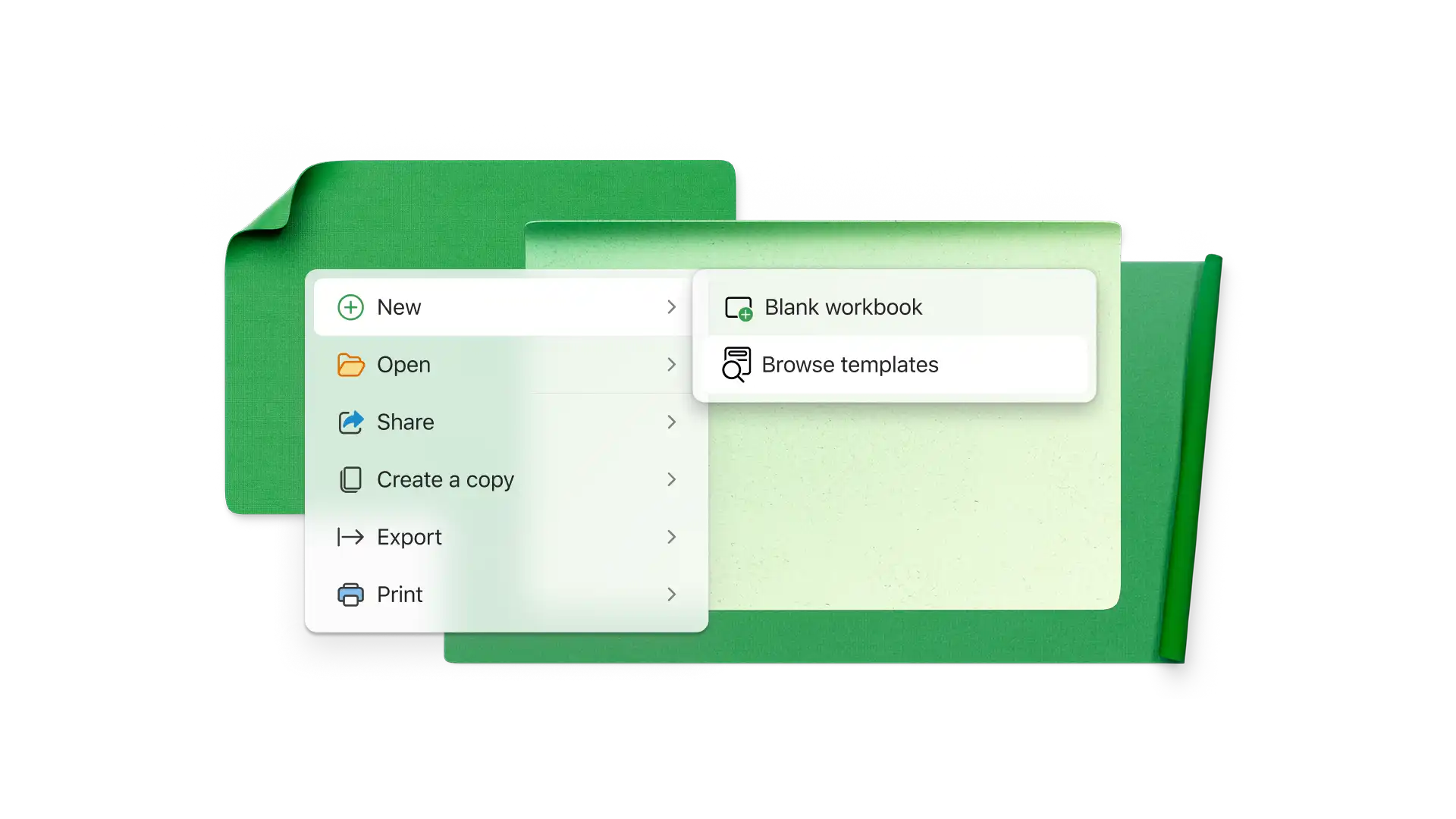
Choose a balance sheet template as a starting point
Add or subtract rows in the assets, liabilities, and equity tables to reflect your accounts
Enter balances for all accounts on corresponding rows
View the summary table to verify total assets equals total liabilities and equity
Add columns to track balance sheets at different points in time
A balance sheet displays total assets, liabilities, and equity. These stand for what the business owns, what it owes, and the owner’s stake in the company.
The balance sheet equation is assets = liabilities + equity, so assets must balance with liabilities and equity. If a company has more assets than liabilities, it has positive equity. If there are more liabilities than assets, it has negative equity.
A balance sheet helps owners, shareholders, lenders, and other stakeholders evaluate a company’s financial health at a specific point in time. A company with too much debt could have cash flow problems, and lenders may hesitate extending credit.
A classified balance sheet breaks assets, liabilities, and equity into separate categories. For example, the main types of assets are usually current assets, fixed assets, and intangible assets. Balance sheet templates in Excel use common categories.