Планувальник проєктів Ганта
Використовувати цей шаблон

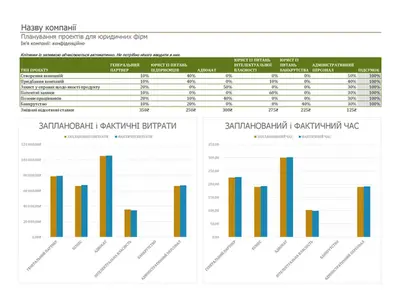
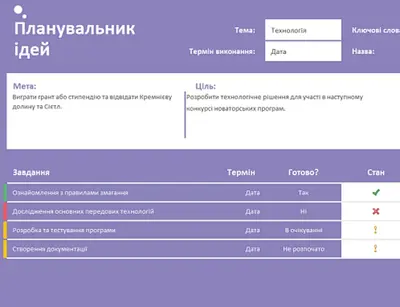
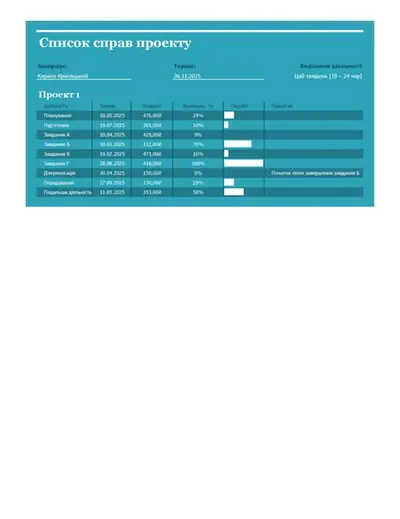
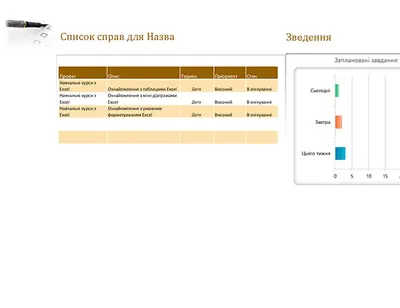
Виконуйте завдання та тримайте свій проєкт у графіку за допомогою безкоштовних шаблонів планування проєктів і списків справ, які можна завантажити, у Microsoft Excel.

Розбивайте проєкти на простіші керовані завдання і ефективно відстежуйте перебіг виконання. Легко налаштовуйте безкоштовні шаблони планування проєктів і списків справ в Excel і керуйте складними діловими чи особистими проєктами за допомогою співпраці онлайн.

Break down large projects into smaller tasks and key delivery milestones to achieve the final delivery date. Accurately forecast the time and resources a project will take and assign priority, status, and due dates.
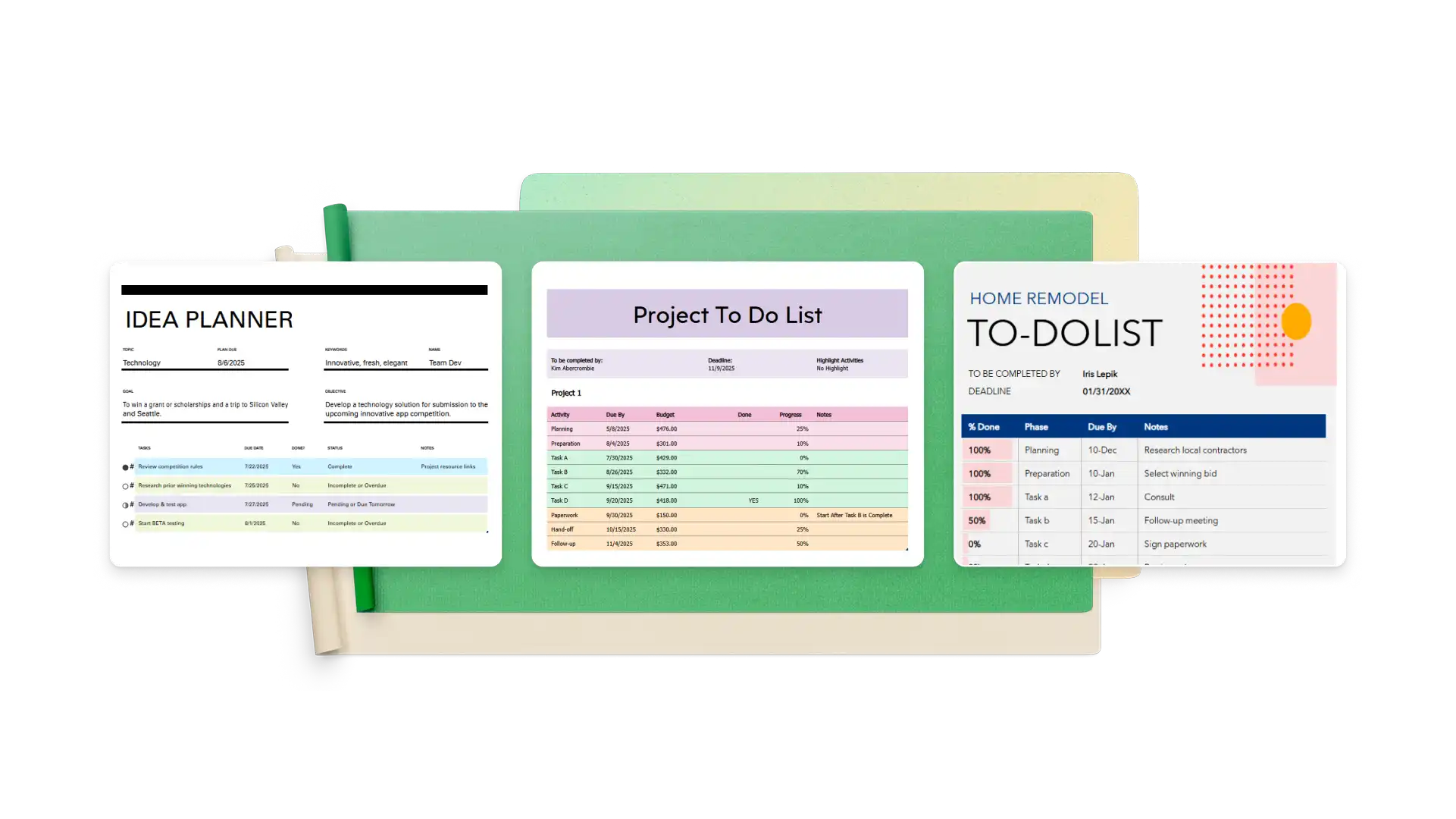
Start with pre-formatted templates that have dropdown status selections and progress bar visuals. Customize column types to track project specifics such as dependencies, meeting notes, or document links.
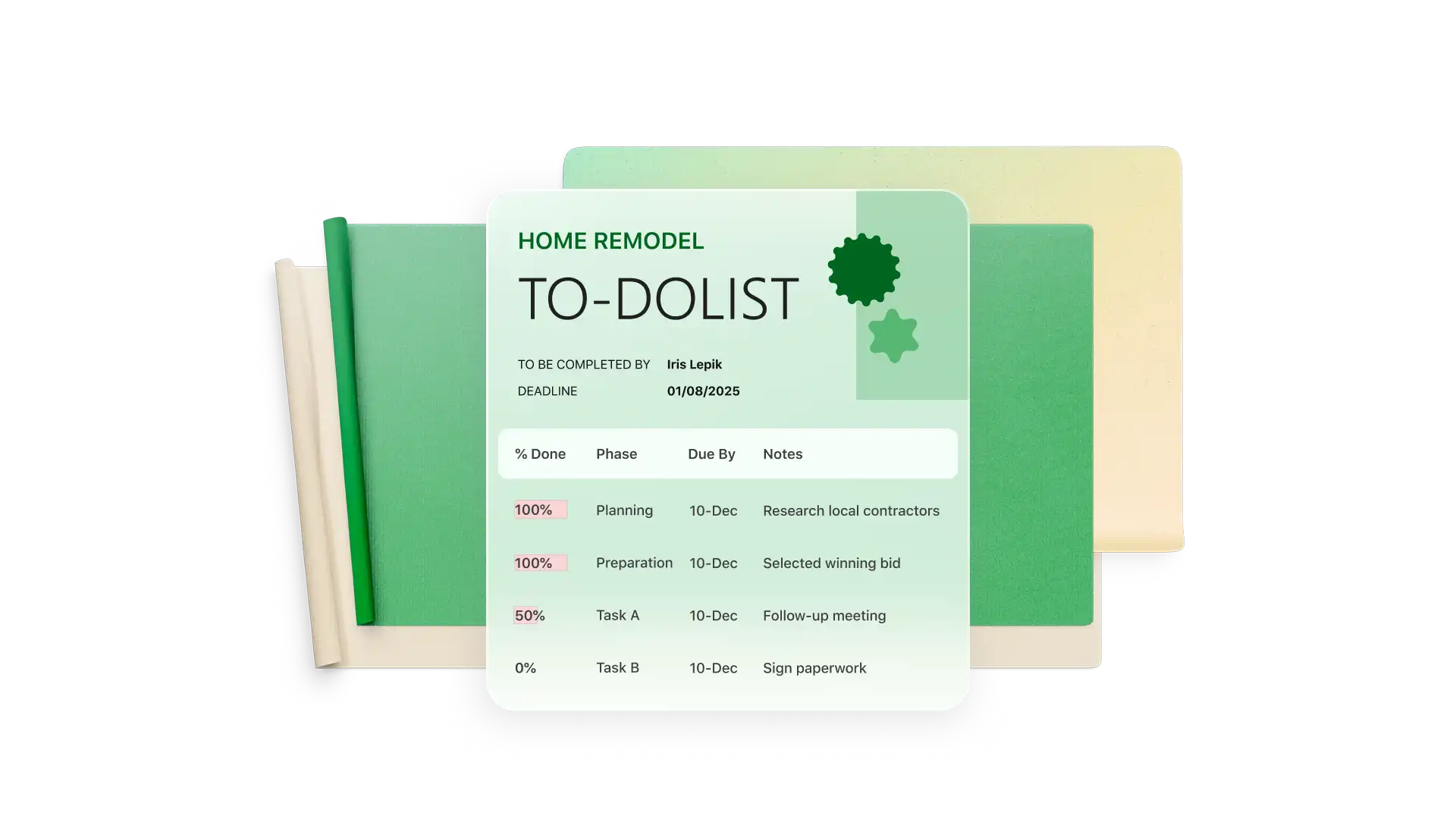
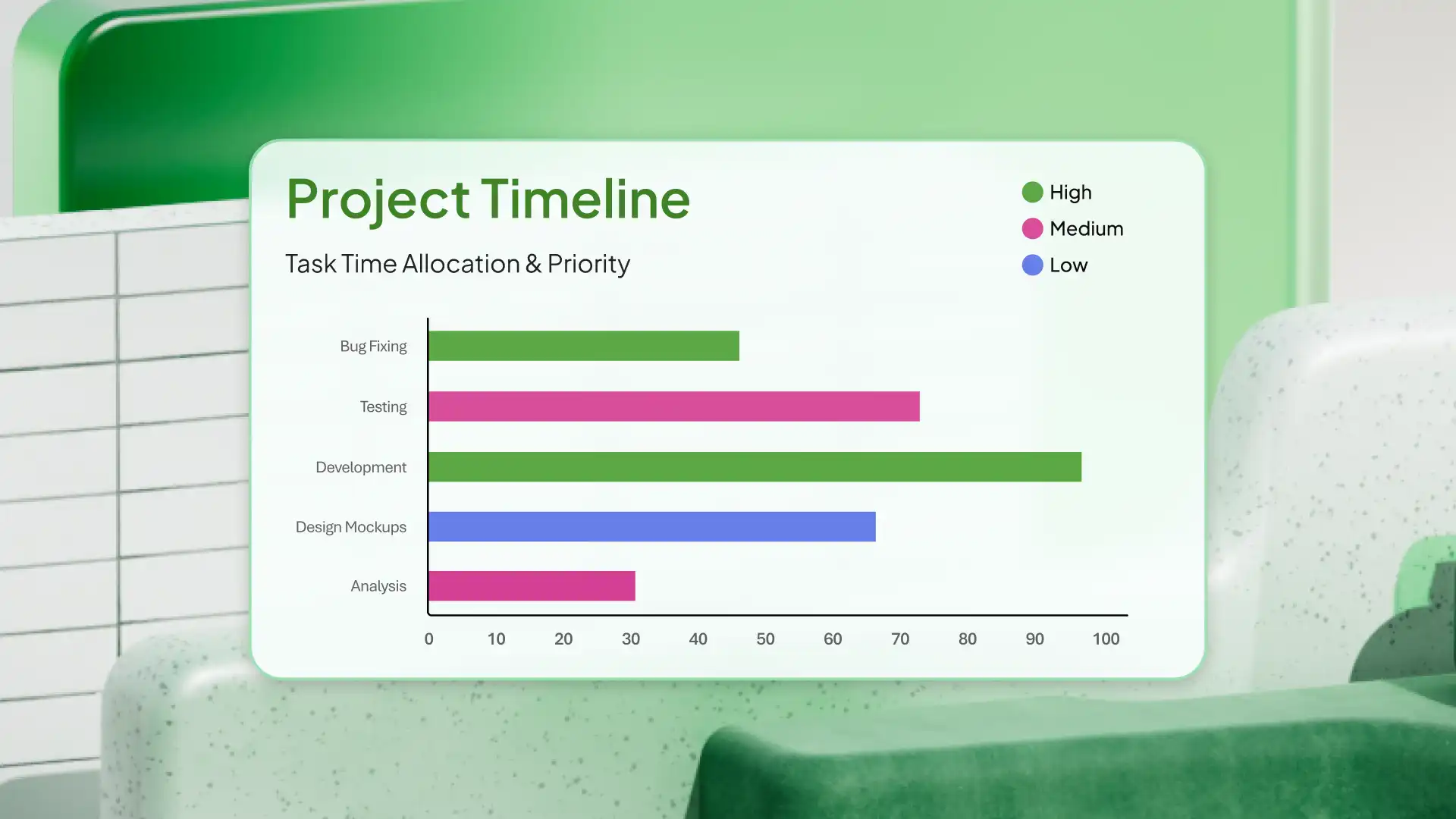
Уточніть цілі проєкту та ключові результати, категоризуючи завдання та відстежуючи пріоритети. Перенесіть терміни, бюджети, робочі навантаження та стани завдань на одну приладну дошку Excel, щоб відстежувати прогрес.
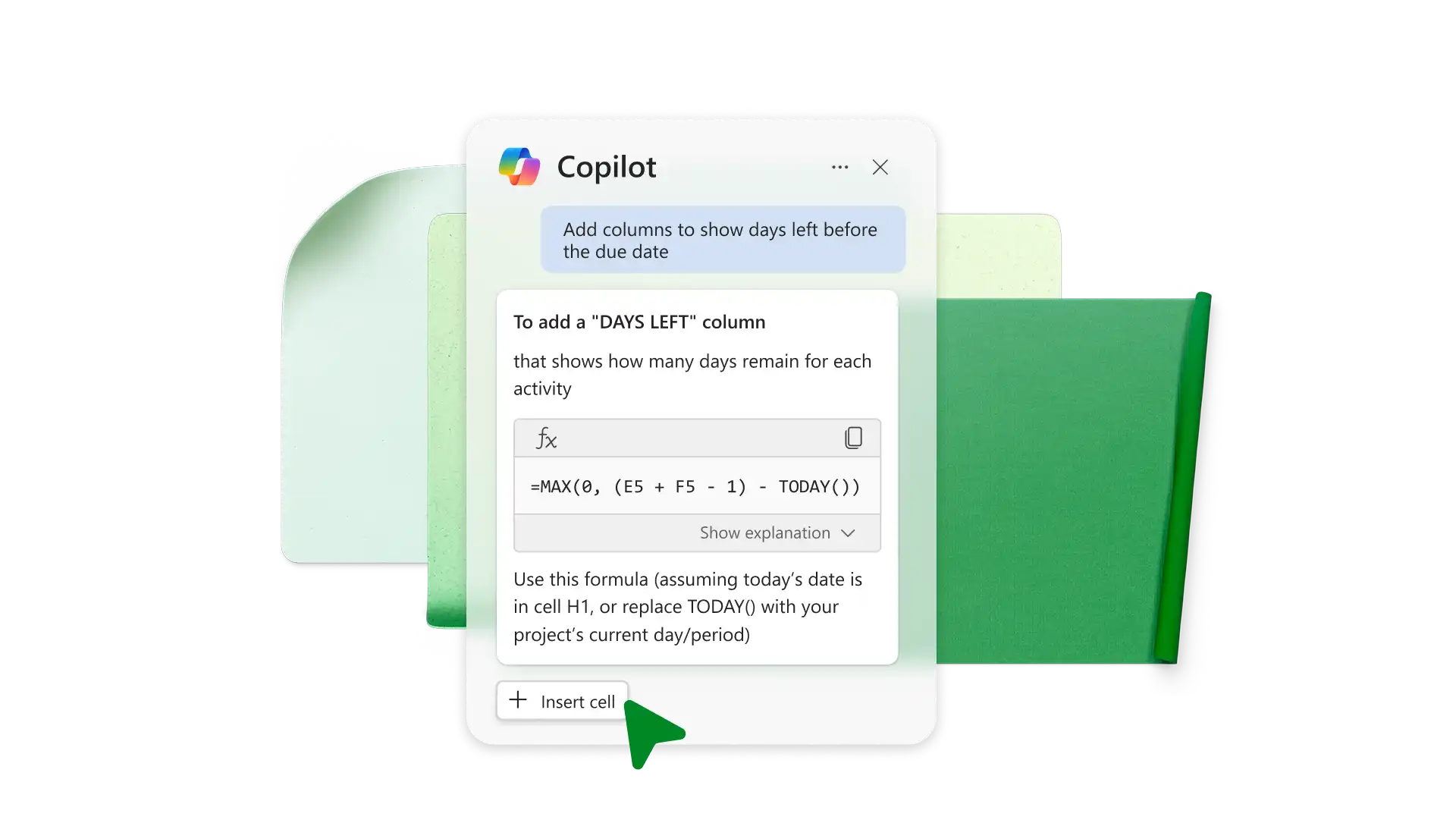
Chat with Copilot in Excel to create graphs or pivot tables analyzing expected workload or task completion rate. Have Copilot add columns to show days left before the due date or to highlight overdue tasks.

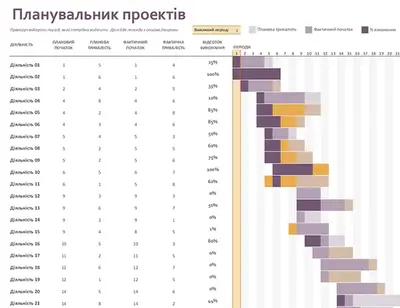
Visualize task lists over time with a Gantt chart in Excel. Decide how many hours or days you want to allot to each task and arrange them in sequence across a stacked bar chart to track completion across a timeline.
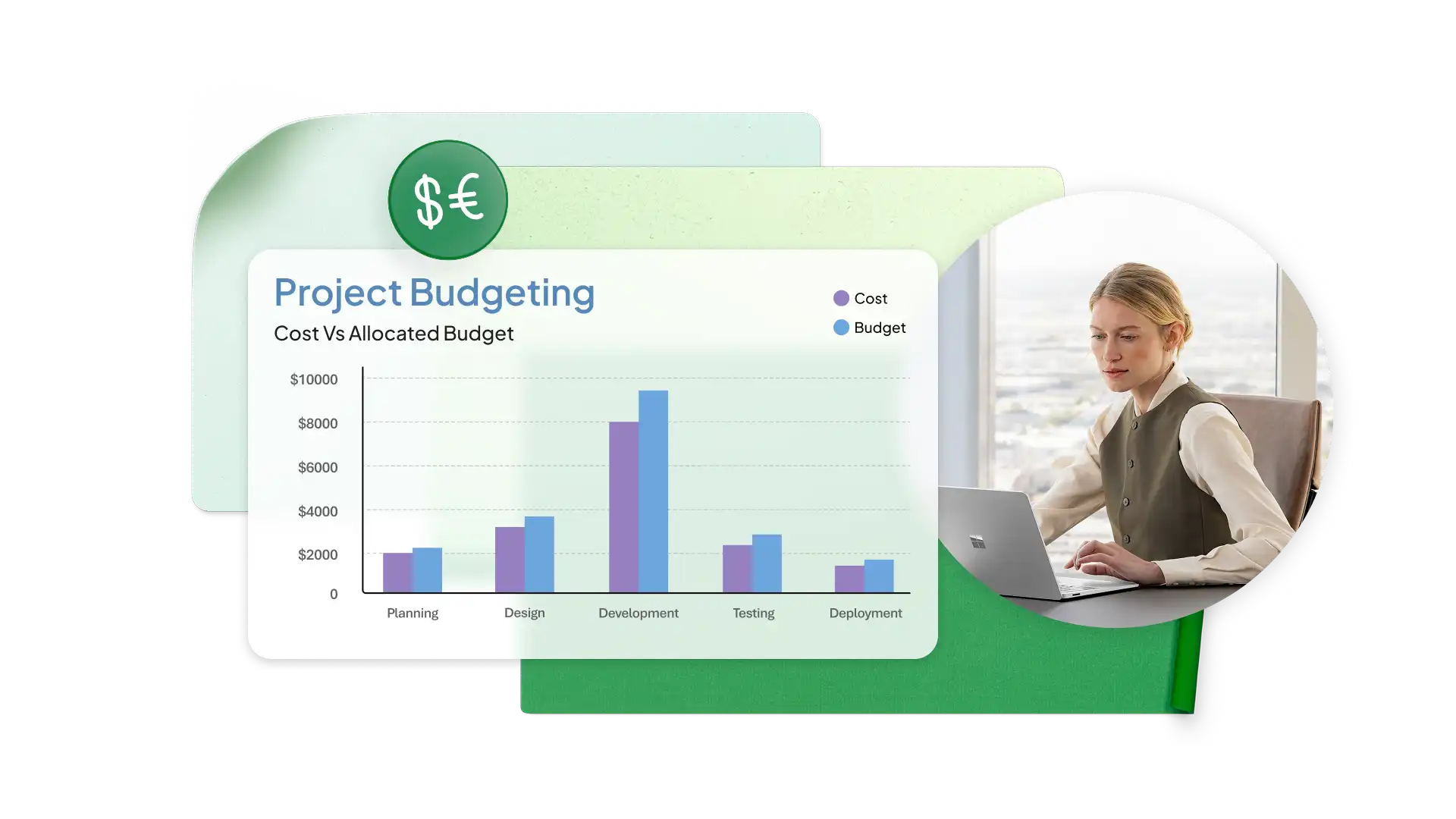
Set realistic deadlines for different tasks to outline a schedule for you or your team. Estimate any costs for materials or services and allocate funds to stay within budget.
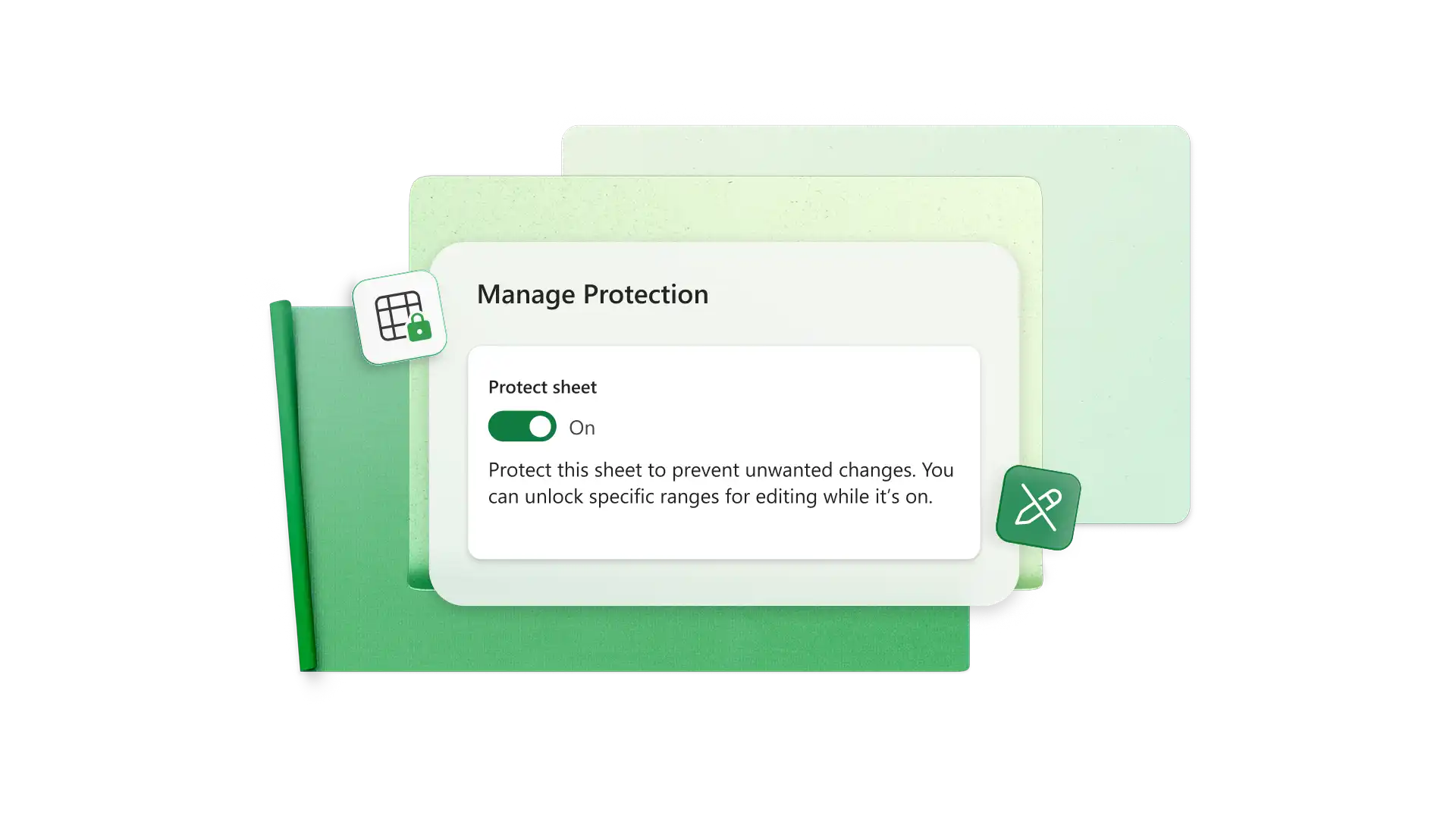
Set group and individual specific view/edit online access with project plan sharing permissions. Align collaborators on objectives, have them update task statuses in real time. Lock certain cells to prevent unwanted edits and maintain the plans' overall structure.
Project managers: track progress and assign responsibilities.
Small business owners: organize projects to meet deadlines for deliverables.
Event planners: manage event logistics and coordinate vendors.
Students: organize coursework and track assignments.
IT professionals: map out sprints and backlog items with spreadsheets.
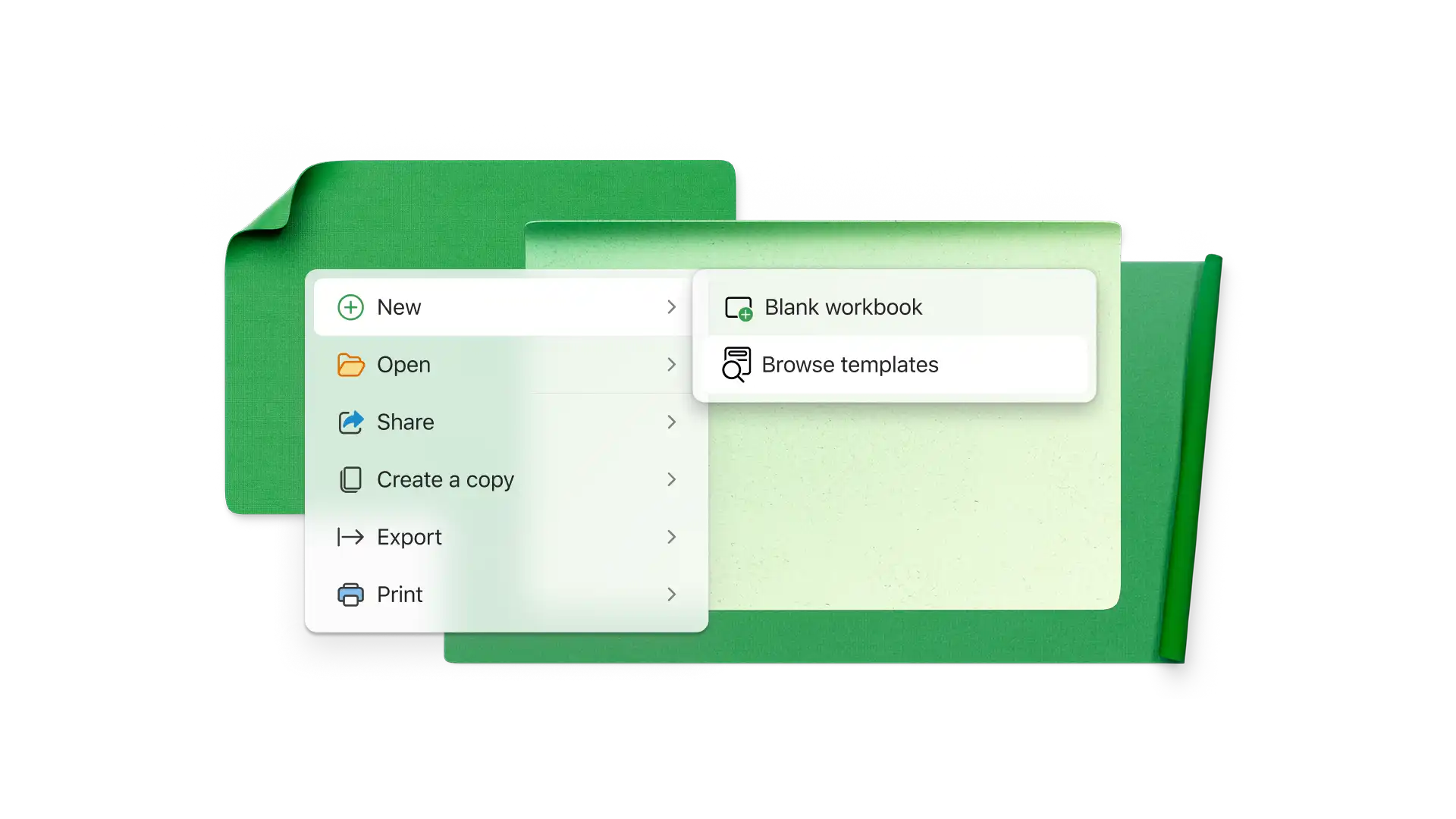
Find a project plan or to-do list template you can modify to fit your situation
Customize tables to track project specifics including priority level, task progress, and category
Enter and prioritize tasks leading to your delivery goal
Align and collaborate with others and assign tasks as needed
Regularly update task statuses and analyze overall completion
Project planning lets you accurately define scope, prioritize tasks, allocate resources, monitor progress, reduce risk, and maintain efficiency. It's more difficult (and potentially costly) to jump into a project without a plan.
To have a productive project planning meeting, make sure all attendees know the purpose, and consider providing some ideas ahead of time to get everyone thinking. Bring a general work breakdown structure of the project and ask what team members would change about it. Have a brainstorming phase to get all ideas on the table, then review and see which should turn into action items.
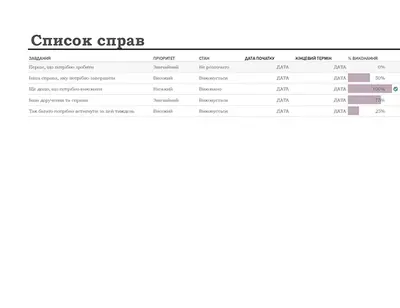
Create a quick to-do list with free templates in Excel, or build your own using columns for task, description, due date, priority, and status. Use conditional formatting to highlight completed tasks, and add bar charts to visualize task progress status.
Ви можете використовувати широкий спектр шаблонів у Excel, щоб створювати приладні дошки проєктів, планувальники завдань, засоби відстеження проміжних етапів тощо. Вбудовані функції, як-от розкривні меню, зведені таблиці, час і дата, а також умовне форматування, дають змогу легко планувати проєкт і створювати розклад завдань.