Công cụ theo dõi dự án
Sử dụng mẫu này
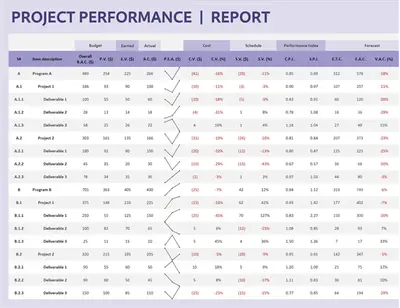
Tạo công cụ theo dõi dự án và tiến độ trong Microsoft Excel để trực quan hóa tiến độ dự án, theo dõi các mốc quan trọng và đáp ứng thời hạn.

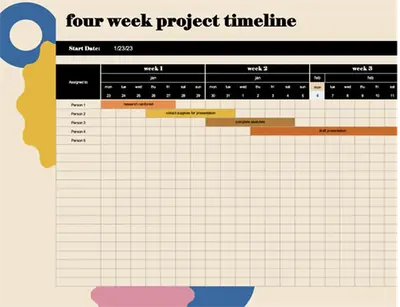
Trực quan hóa các giai đoạn, các mốc quan trọng của dự án với các mẫu trực tuyến miễn phí trong Excel. Dùng bảng trực quan và tiến độ để theo dõi tiến độ, xác định các điểm nghẽn, và phân công trách nhiệm.
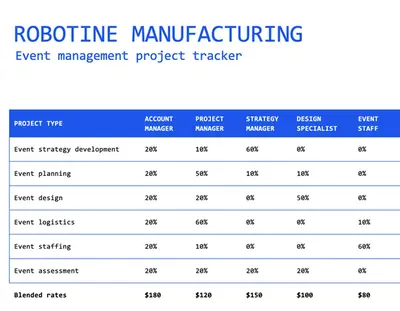
Easily customize templates to track any project, like marketing campaigns, product launches, or business events. Modify drop-down options like status and assignee, and use pre-formatted columns to track dates and times.
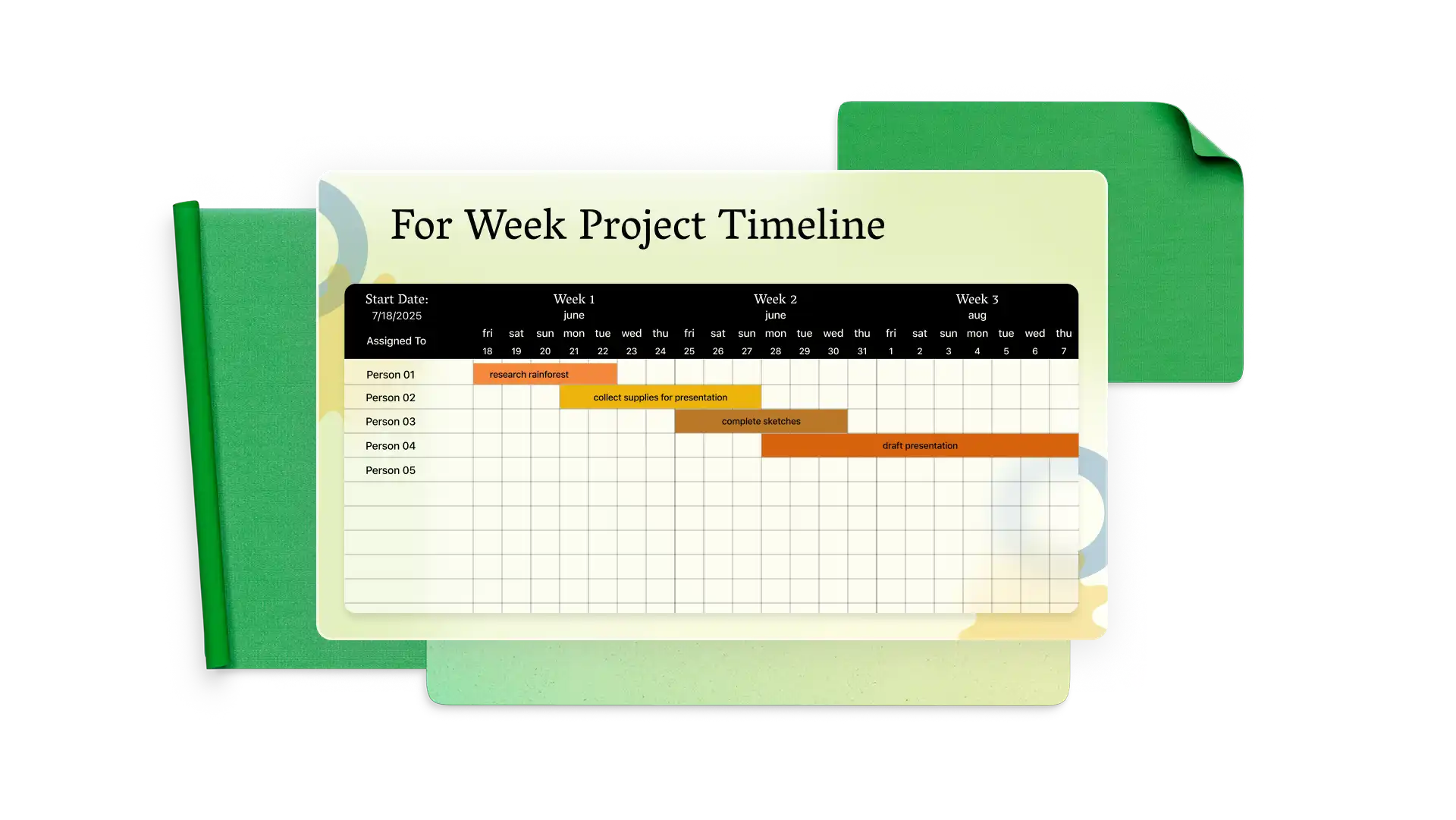

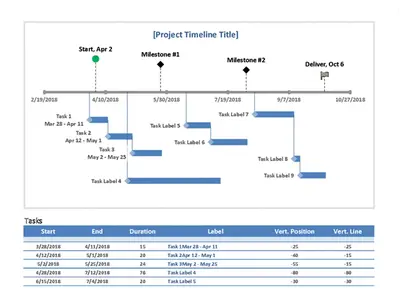
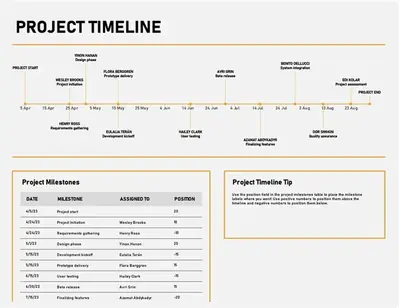
Plot key milestones on a detailed project timeline with connected date tables. Use a timeline to plan your week, month, or quarter and quickly edit event placements when priorities shift.
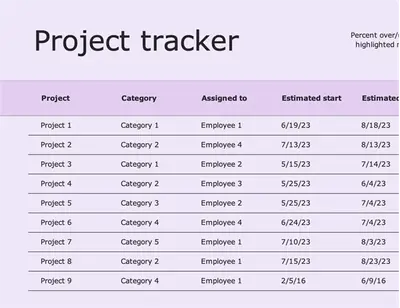
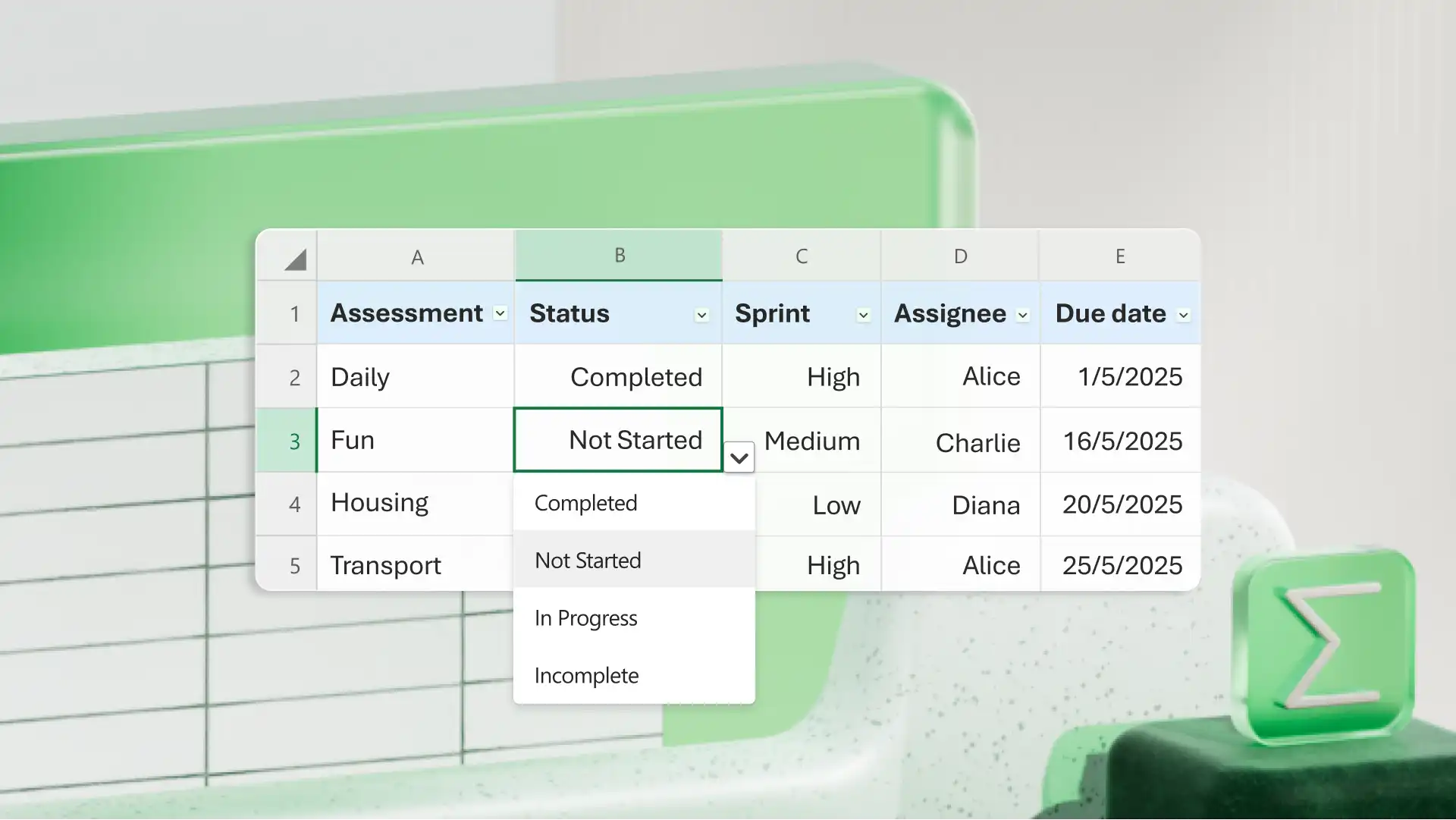
Manage team tasks with project trackers in Excel. Use custom fields and drop-downs to change assignee and status as the task moves from planned to complete. Sort tasks by status, sprint, assignee, due date, and more.
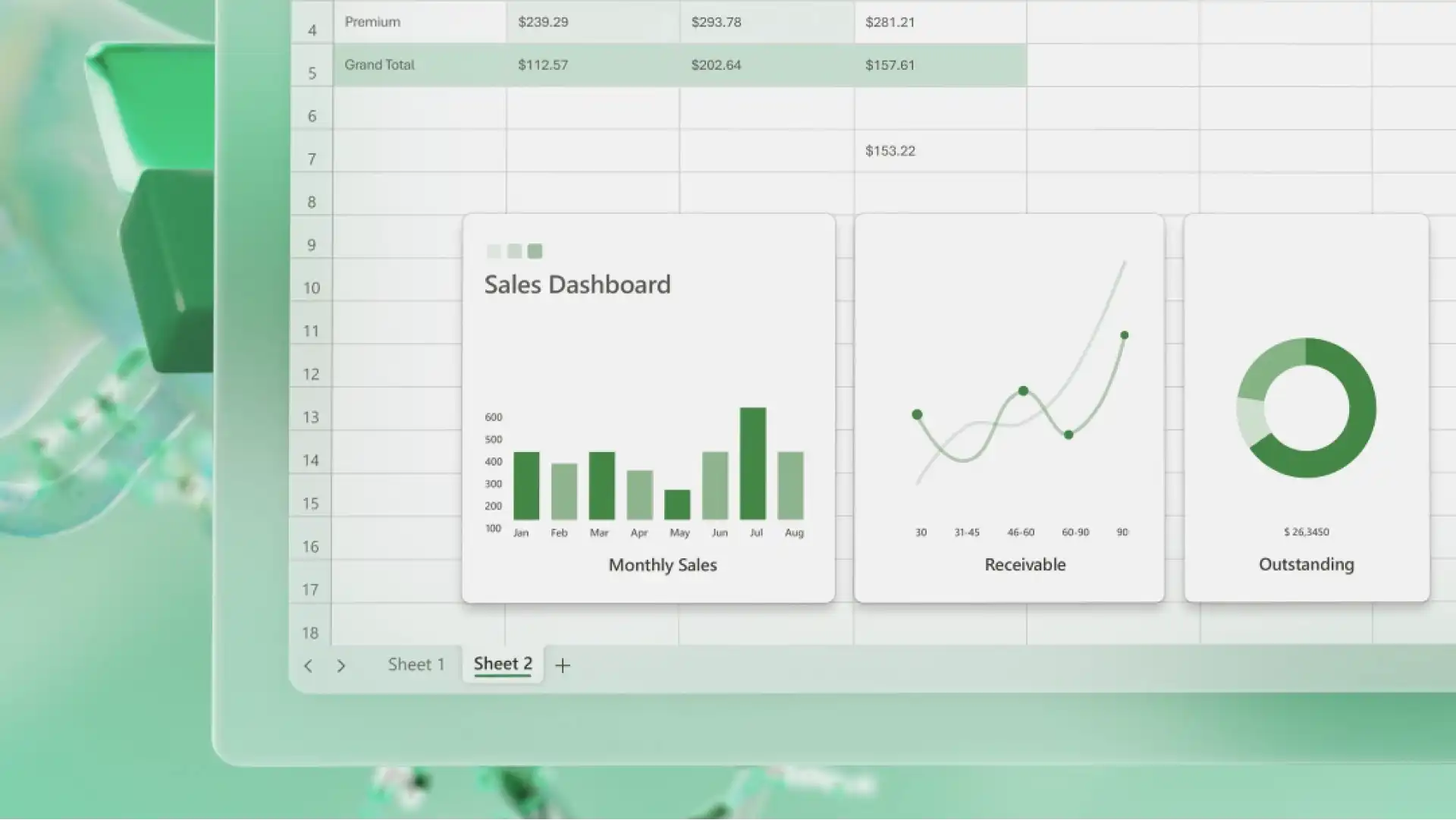
Sử dụng biểu đồ và đồ thị trong Excel để trực quan hóa tỷ lệ hoàn thành dự án, nhiệm vụ trễ, nhiệm vụ theo trạng thái và nhiều nội dung khác. Tự động tô sáng nhiệm vụ quá hạn bằng định dạng có điều kiện để xác định nhanh. Xem tác vụ theo người được giao và xem bạn có cần điều chỉnh mức năng lực dựa trên số giờ hay không, và thậm chí tạo báo cáo chi phí hỗ trợ.
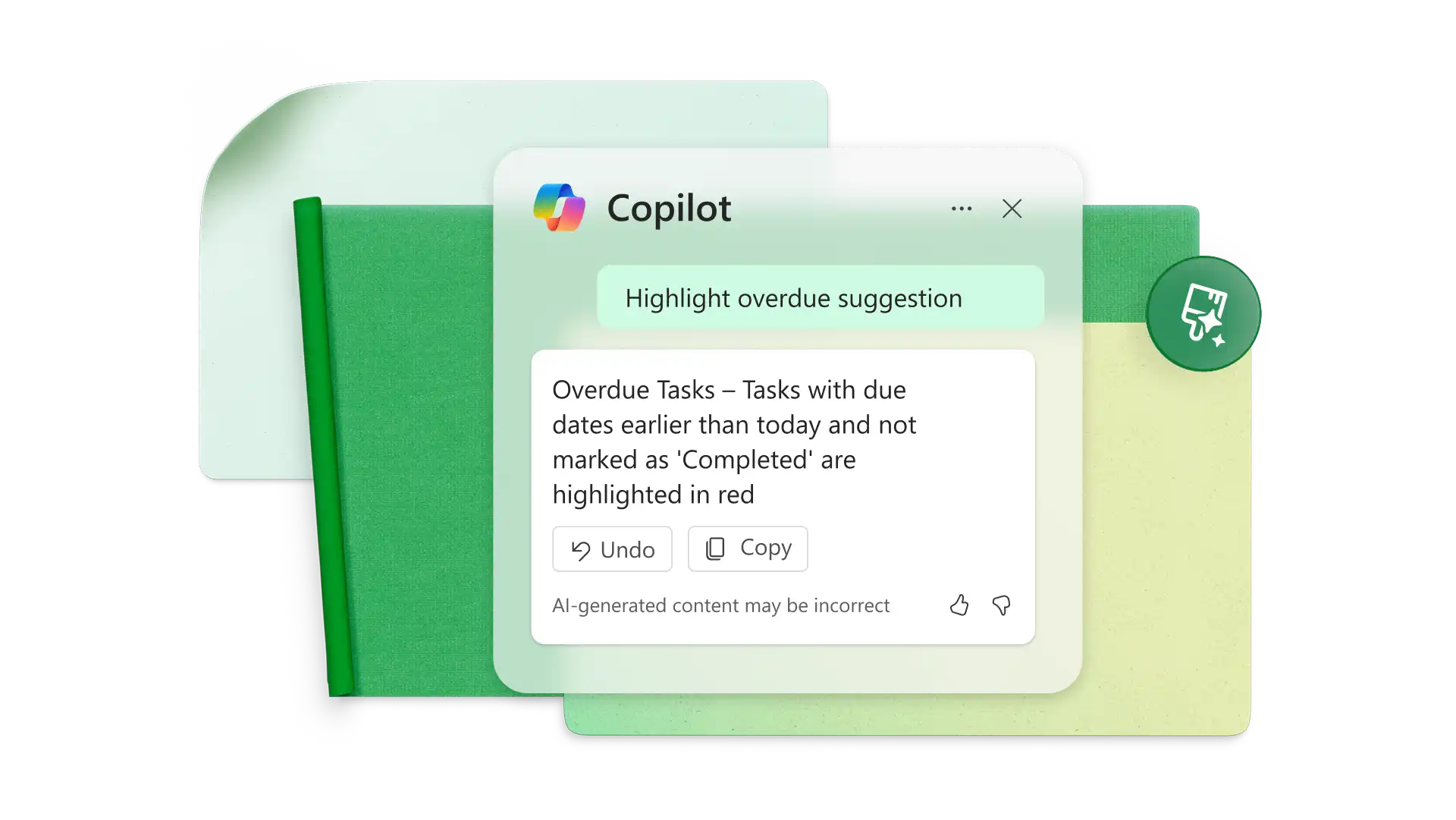
Tell Copilot what you want to accomplish and have it generate suggested formulas or add formatted table columns. Ask Copilot to highlight overdue statuses or show which task category requires the most work hours to optimize delivery timelines.

Update project timelines to customers, clients, investors, and other stakeholders with accurate report summaries. Present helpful timeline and bar graph visuals at progress check-ins.
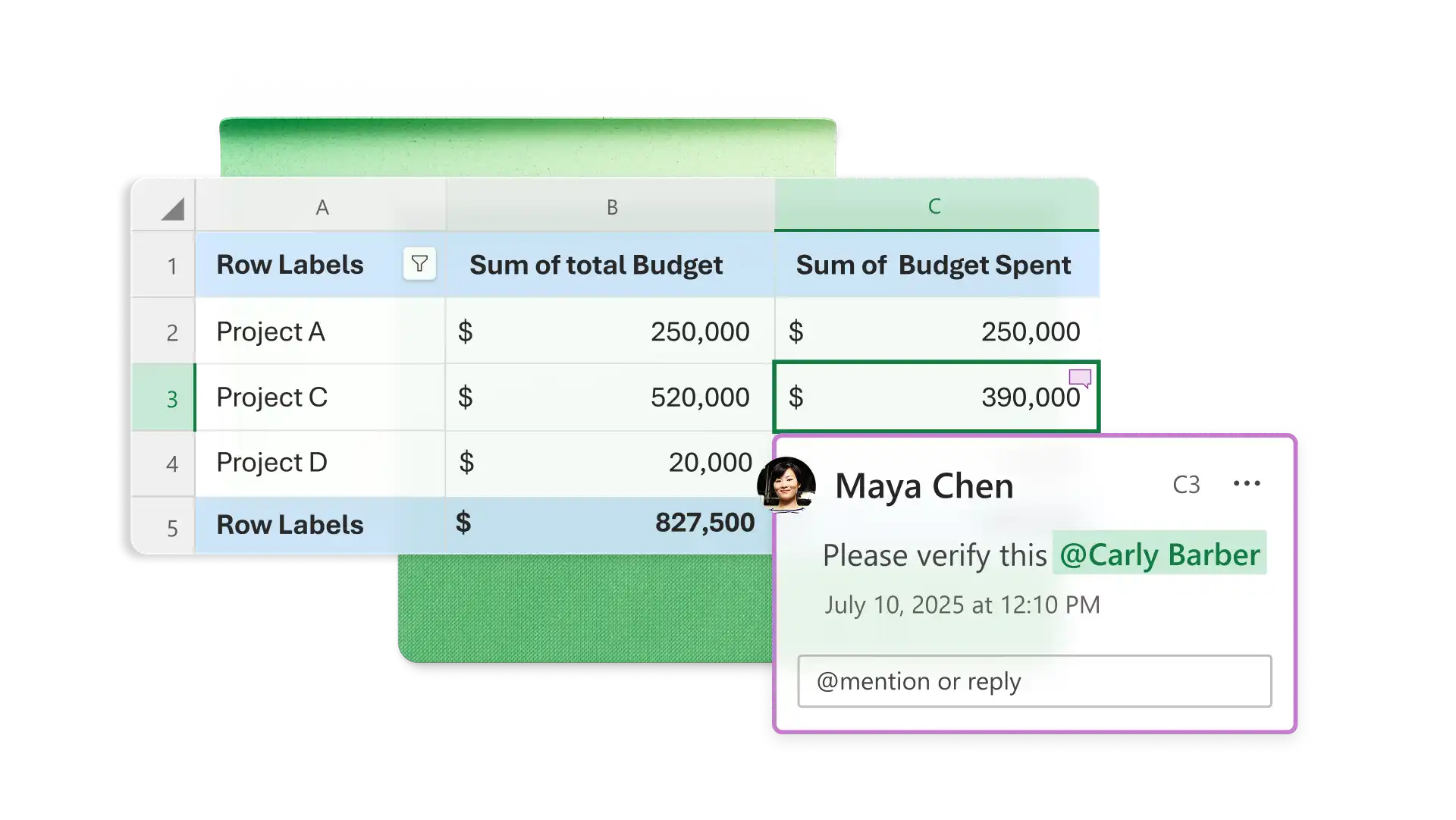
Share online spreadsheet access to allow team members to co-author status updates and reassign tasks where required. Create pivot tables for personalized assignment lists and tag users in comments to collaborate remotely.
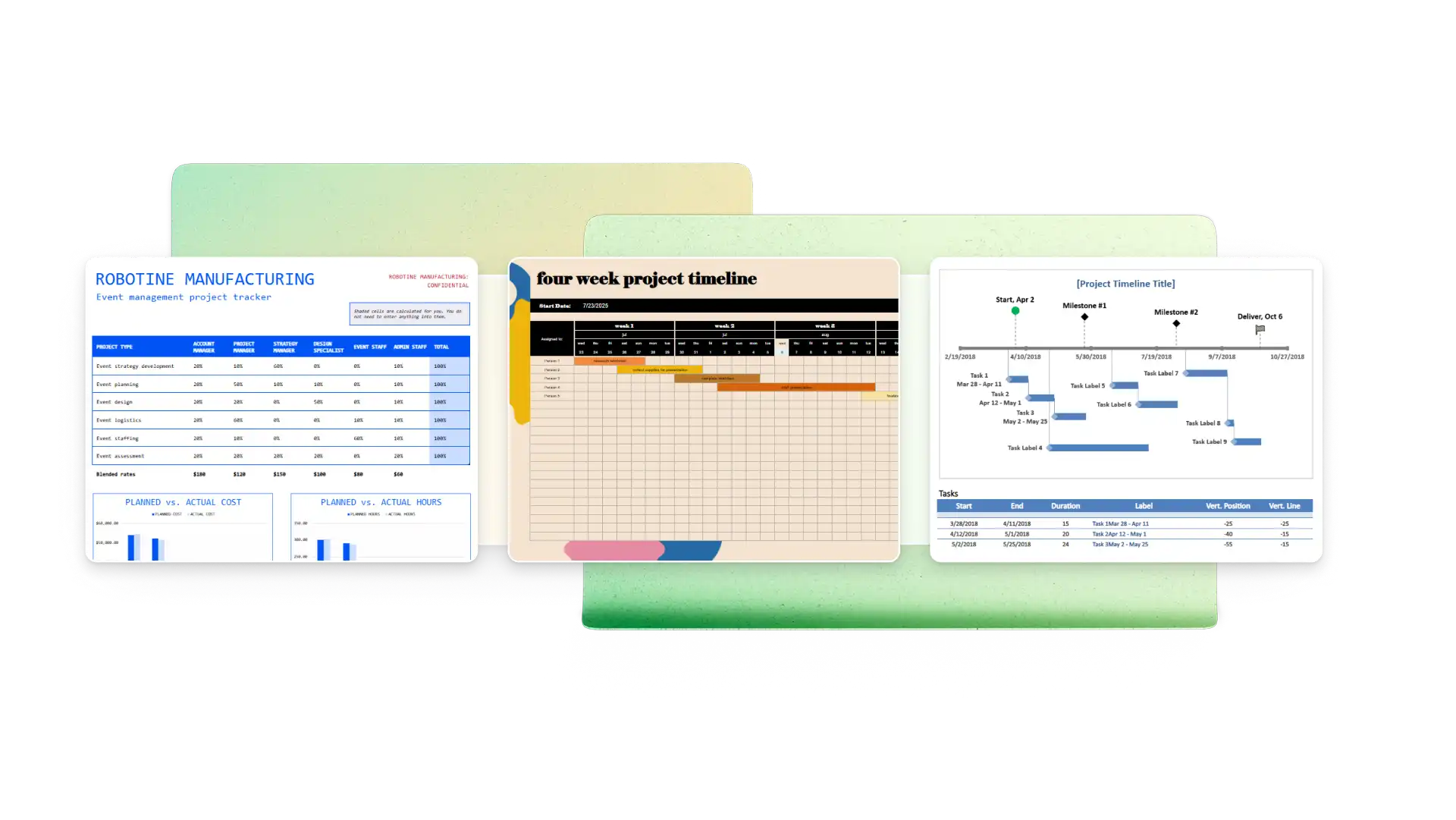
Project managers: track team performance with Gantt charts and tables.
Startups: track feature launch progress on timelines.
Construction teams: manage subcontractors and track bids.
Entrepreneurs: use touch base tracking to organize potential leads.
Nonprofits: running fundraiser campaigns and reporting to stakeholders.
Start with a project tracker or timeline template that matches your goal
Customize a timeline with your key dates and milestones
Modify project tracker parameters to include dependencies, resources, cost, and other attributes
Enter task information including priority, lead times, and completion status
Update task statuses as you or your team completes them
Công cụ theo dõi dự án là một trung tâm tập trung để giám sát các công việc, nguồn lực và hạn chót nhằm hoàn thành một dự án. Các hệ thống theo dõi dự án cho phép bạn gán cho tác vụ các thông tin như trạng thái, chủ sở hữu, chi phí, ngày đến hạn, và danh mục. Các công cụ theo dõi dự án thường bao gồm bảng điều khiển để trực quan hóa tiến độ tổng thể.
A project timeline is a visual representation of either key milestones or all tasks needed to complete your project in chronological order. Milestone-based timelines communicate major phases of the project, while task timelines arrange individual tasks in sequence. Either can help you stay organized and find potential bottlenecks preventing successful project completion.
To estimate a project timeline, break down the project into its component tasks. Estimate the time for each task and consider which are dependent on prior tasks. It can be helpful to use a Gantt chart or techniques like the critical path method or program evaluation and review technique (PERT). Then, add up realistic time estimates for the tasks that must be completed to finish your project (including time for revisions and contingencies).
The easiest way to create a milestone timeline in Excel is to start with a free template. From there, you can customize the milestone dates and information to align with your project. You can use milestones that work for you, like beta release, user acceptance testing, and project deployment in software, for example.
Choose a project timeline template in Excel to begin with a visual timeline and date table. Edit the table below to change the start and end dates, then add the dates of your milestones. Choose the text you want to display for each milestone in the timeline graphic and the height above or below the line.