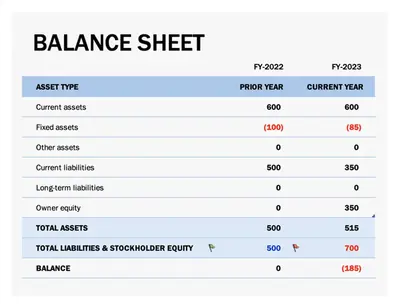
Bảng cân đối hiện đại màu lam
Sử dụng mẫu này
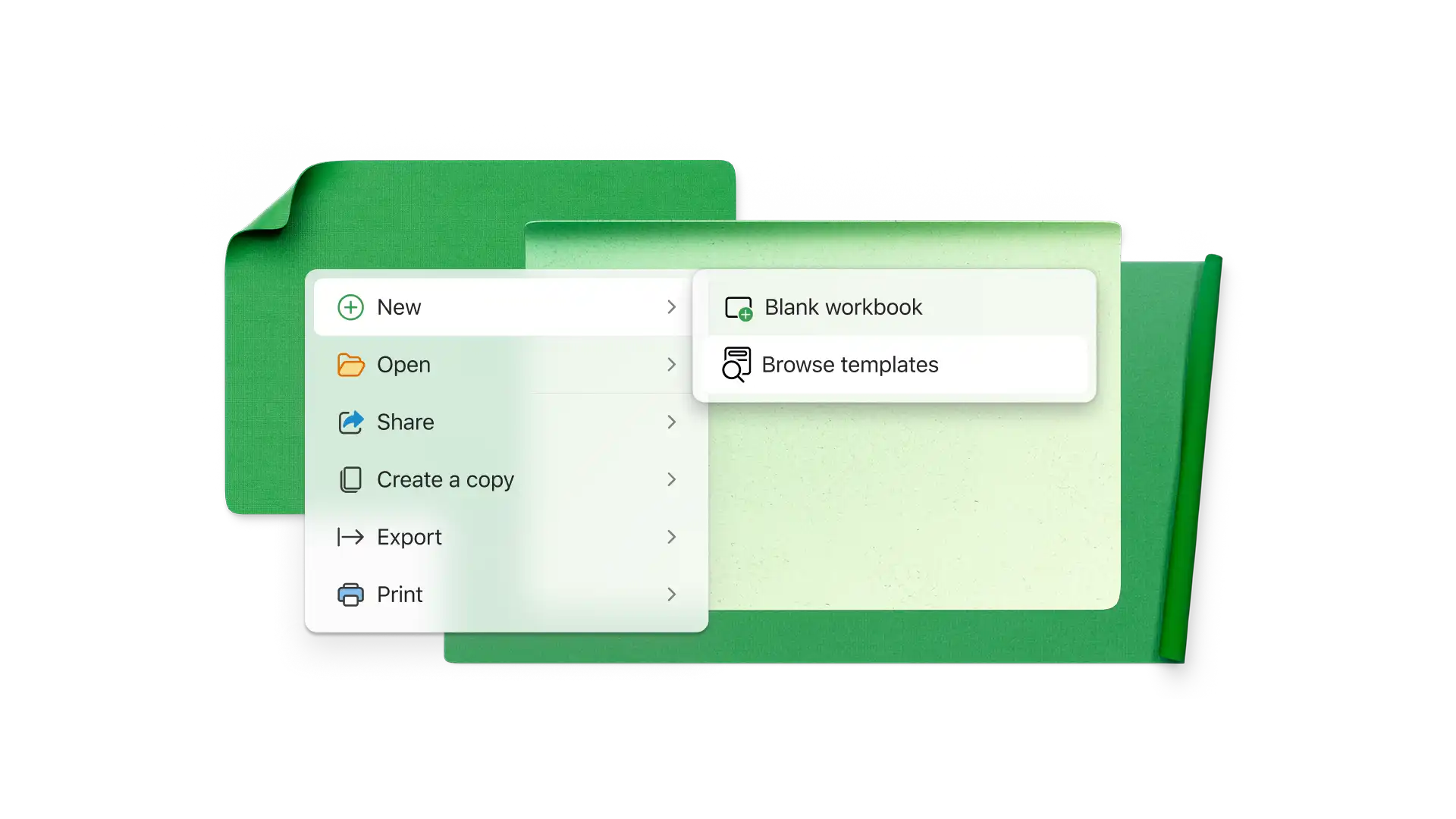
Dễ dàng tạo bảng tính kinh doanh để theo dõi ngân sách, chi phí, kế toán và nhiều hơn nữa với các mẫu trực tuyến hoàn toàn có thể tùy chỉnh miễn phí từ Microsoft Excel.

Theo dõi mọi thứ từ ngân sách, hóa đơn và giờ làm việc đến bảng cân đối kế toán và dự báo tài chính bằng bảng tính Excel. Chọn từ nhiều mẫu bảng tính có thể tùy chỉnh miễn phí và cộng tác với nhóm trực tuyến.

Track your inventory to know what items you have stocked. Stay organized, optimize stock, and keep operations running smoothly with effortless inventory tracking for smarter business decisions.
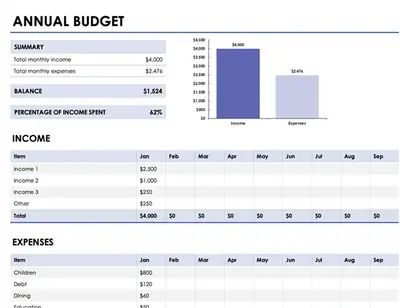
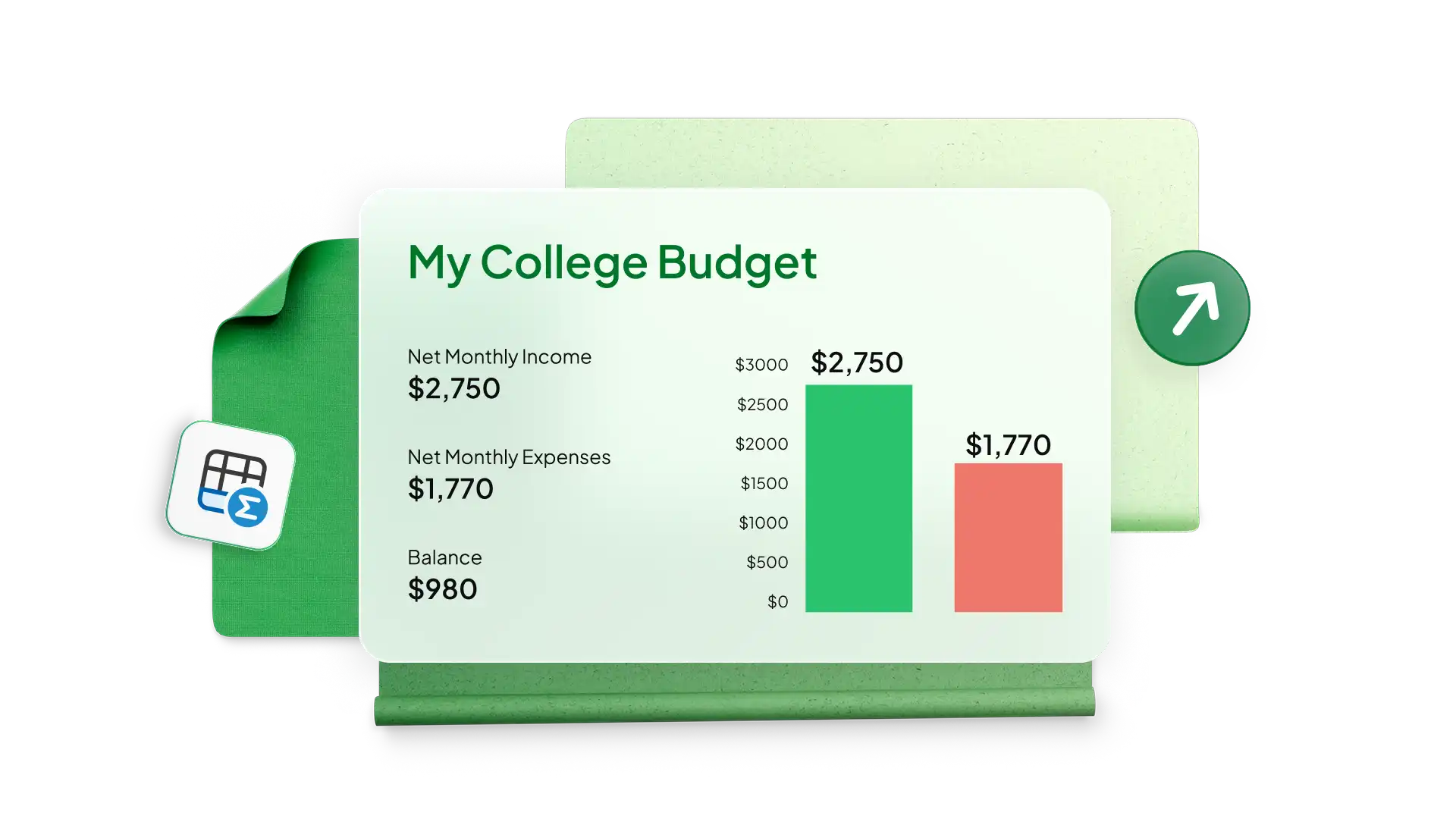
Tạo bảng tính ngân sách và dự báo doanh số cho doanh nghiệp ở mọi quy mô bằng các mẫu đơn giản trong Excel. Theo dõi chi phí để đánh giá lợi nhuận và đạt được mục tiêu tăng trưởng doanh thu và doanh số của công ty. Sử dụng ngân sách kinh doanh cho các nhóm phòng ban chuyên biệt như tiếp thị kênh phân phối hoặc chi phí sản xuất và thêm biểu đồ để phân tích chi tiêu theo thời gian.
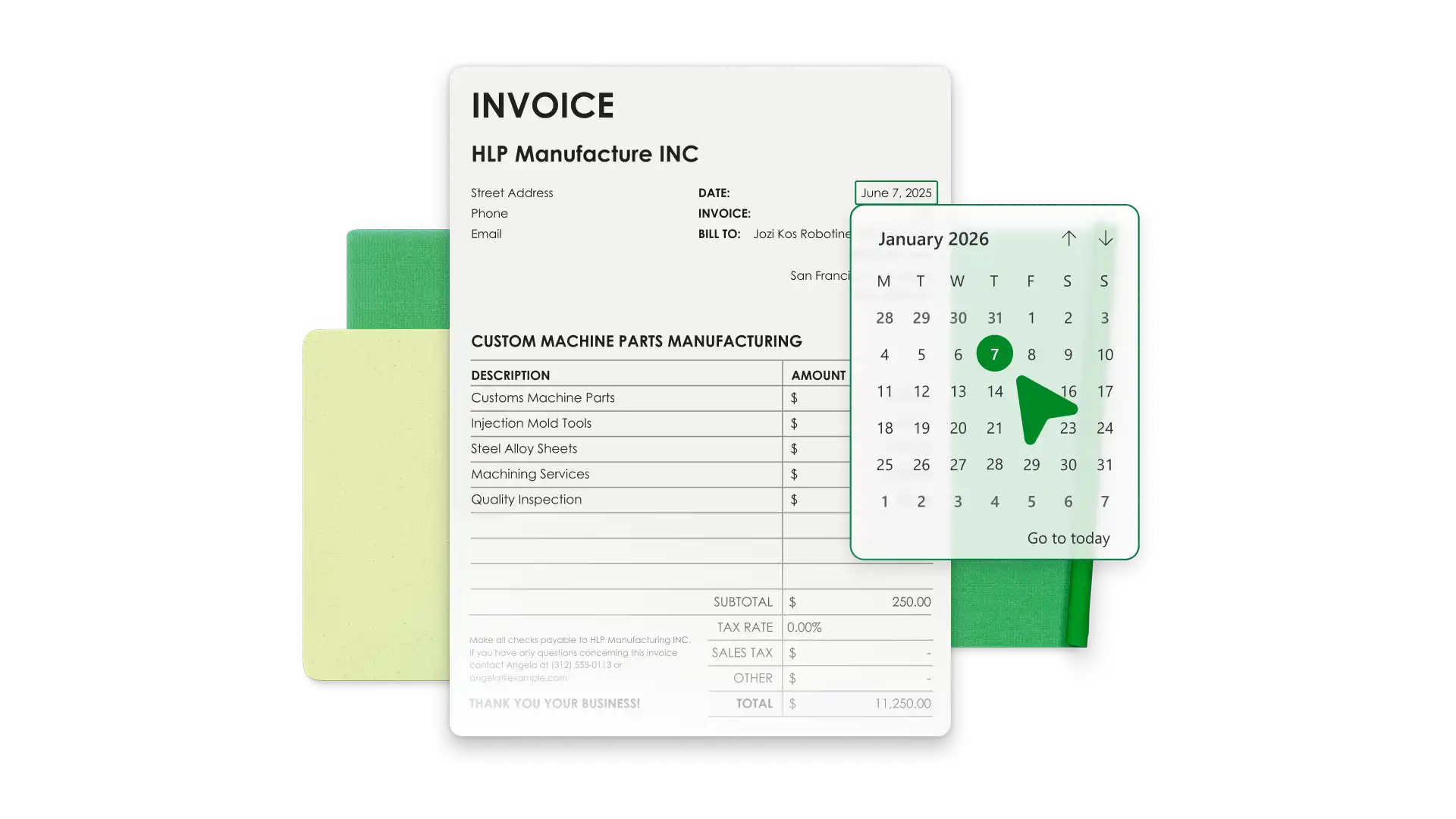
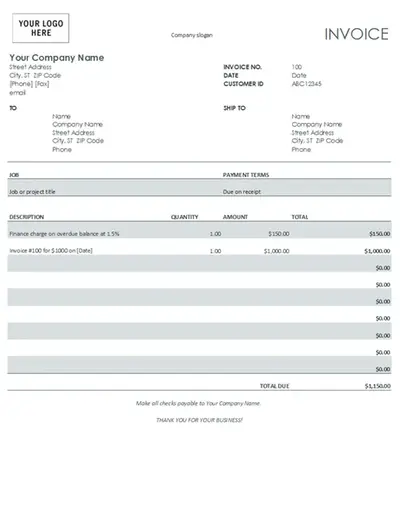
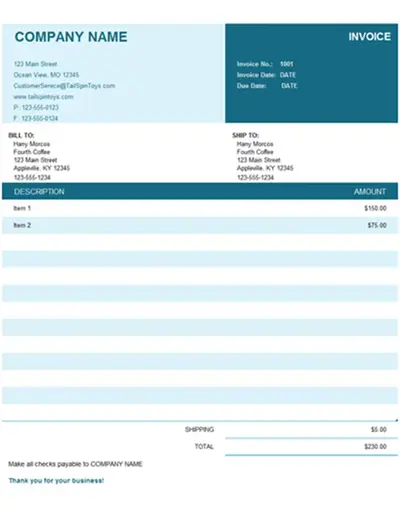
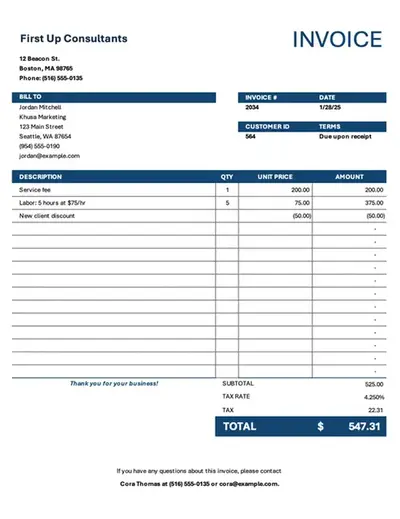
Save time with invoice templates that look professional and align with your business identity. Add your brand’s colors, logo, and payment information to make it your own. Generate invoices with accurate totals and export PDFs to send to customers.
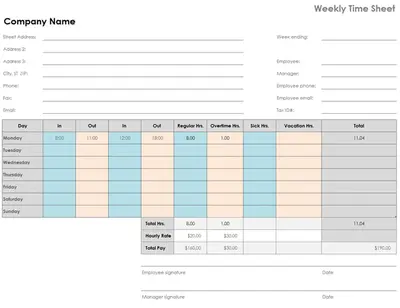
Simplify team timekeeping with timesheet templates in Excel. Modify a favorite timesheet example to calculate payroll and analyze monthly data with Copilot in Excel to manage productivity and overtime.

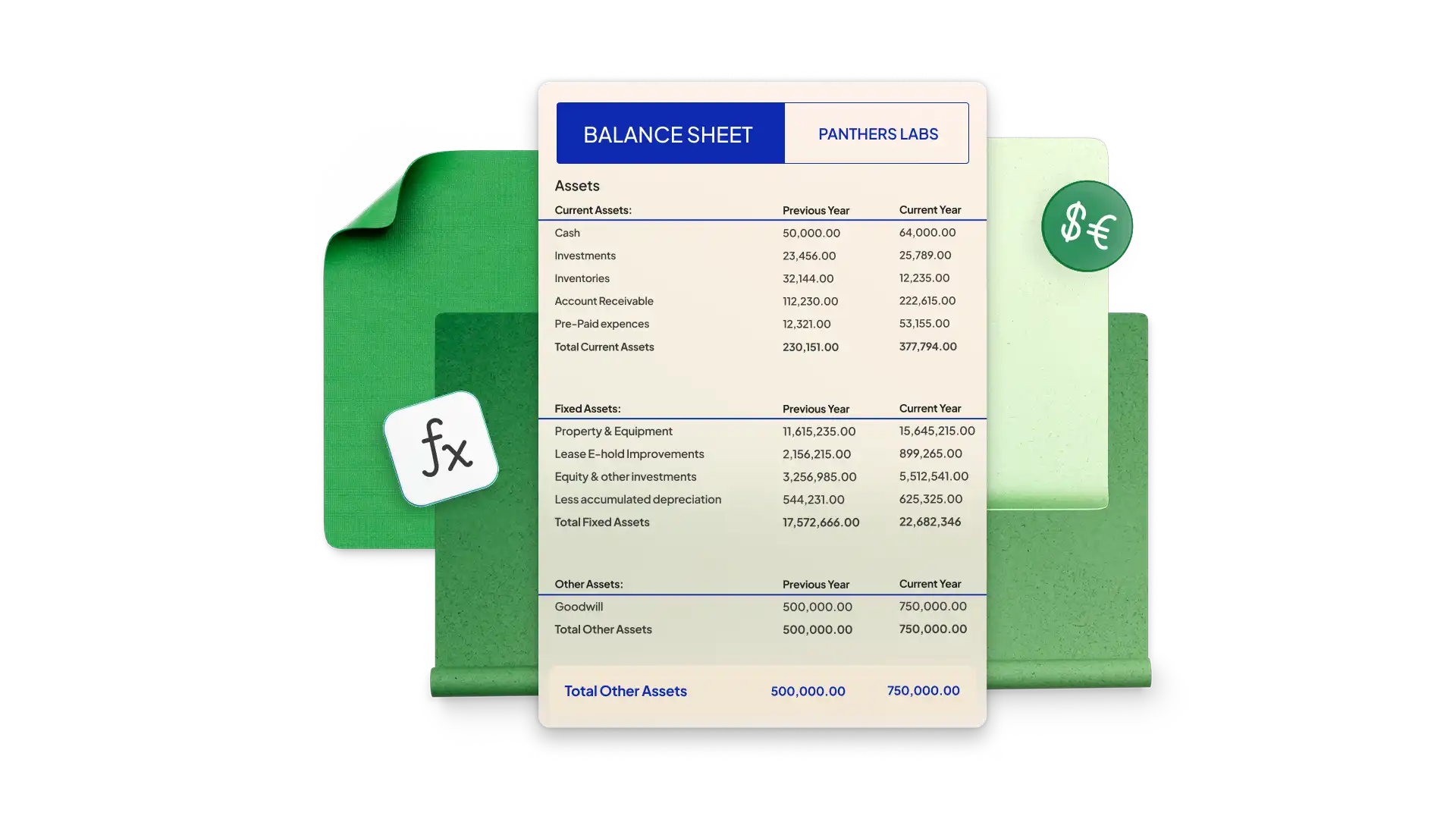
Build a balance sheet in Excel to see your company’s financial health at a specific point in time. Start with a simple template and modify it with your company’s assets, liability, and equity. Pre-formatted cells use formulas to calculate totals and generate accurate figures every time.
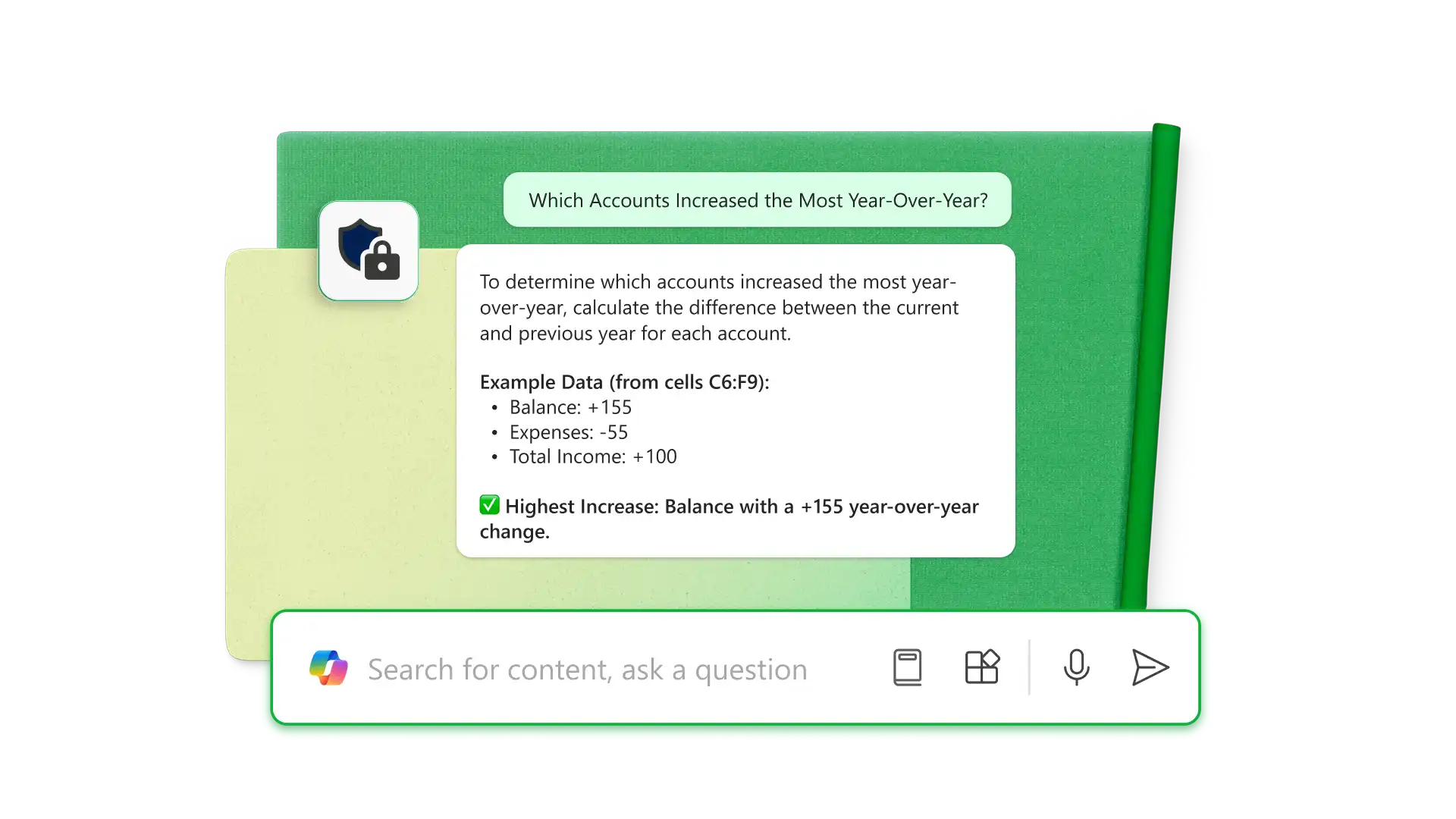
Sử dụng Copilot trong Excel (opens in a new tab) để trích xuất thông tin từ các tệp PDF, cũng như phân tích và sắp xếp dữ liệu thô ngay trong bảng tính. Sử dụng AI để phát hiện lỗi, định dạng bảng biểu cho các mục đích cụ thể (như bảng cân đối kế toán và bảng lập kế hoạch ngân sách) cũng như tạo công thức để hoàn thành công việc. Nhận thông tin chuyên sâu hơn như tài khoản nào tăng nhiều nhất so với cùng kỳ năm ngoái hoặc cách tối ưu hóa chi phí chung cho doanh nghiệp.

Share spreadsheet editing or viewing permissions with anyone online with no Microsoft account required. Editors can make changes in real time, allowing team collaboration through comments and tagging individuals by email for task updates.
Choose a spreadsheet template that best aligns with your business needs.
Customize the data for the business categories you’re analyzing.
Use formulas to calculate the required totals and compare data with graphs and charts.
Use Copilot in Excel to analyze financials or organize new data.
Share the spreadsheet with specific teams or individuals with sharing links for further collaboration.
Các doanh nghiệp nhỏ rất đa dạng, nhưng các bảng tính thông dụng thường được sử dụng để theo dõi doanh thu, chi phí, hóa đơn đã gửi, bảng lương, chấm công, tình trạng dự án, hàng tồn kho, khách hàng tiềm năng, chỉ số tăng trưởng và các sáng kiến tiếp thị.
Để bảo vệ bảng tính Excel trực tuyến, hãy chọn tab Xem lại và nhấp vào Quản lý bảo vệ. Trong thanh bên, hãy bảo vệ trang tính để khóa tất cả các ô. Bạn có thể mở khóa các ô và phạm vi cụ thể, cho phép người dùng thực hiện các tác vụ cụ thể như sắp xếp. Để bảo mật hơn, hãy đặt mật khẩu để mở bảng tính hoặc chỉnh sửa ô.
Tạo ngân sách kinh doanh, hóa đơn, bảng cân đối kế toán và các tài liệu khác trong Excel, sau đó sử dụng Copilot để tự động hóa việc tính toán, đề xuất các giải pháp tối ưu và tạo bảng điều khiển, giúp công tác quản lý tài chính trở nên nhanh chóng và hiệu quả hơn.