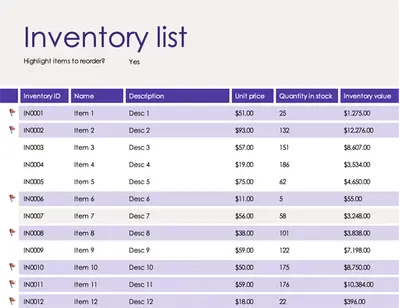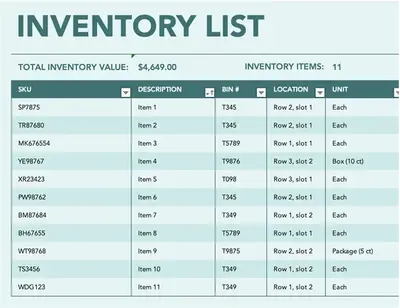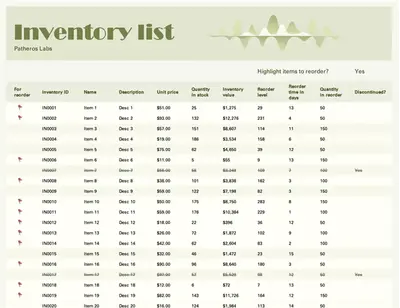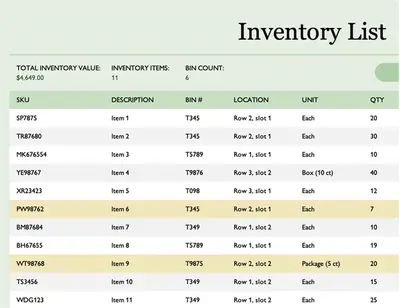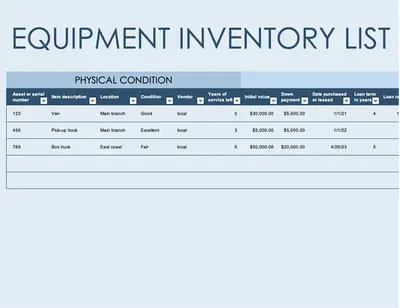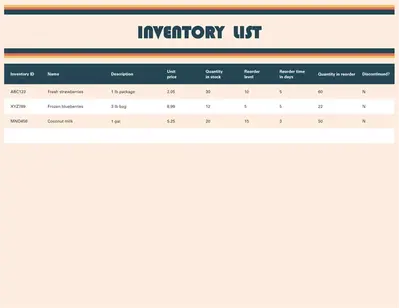
Danh sách hàng tồn kho kiểu cổ điển
Sử dụng mẫu này

Tạo bảng tính theo dõi hàng tồn kho để hỗ trợ quản lý hàng tồn kho bền vững với Microsoft Excel.

Bắt đầu với bảng tính quản lý hàng tồn kho miễn phí từ Excel để đặt hàng, quản lý và phân tích hàng tồn kho của bạn. Tối ưu hóa chi phí vận chuyển và khám phá các mẫu hình sử dụng với lịch sử hàng tồn kho để bạn có thể ứng phó với biến động nhu cầu hoặc các vấn đề về chuỗi cung ứng.
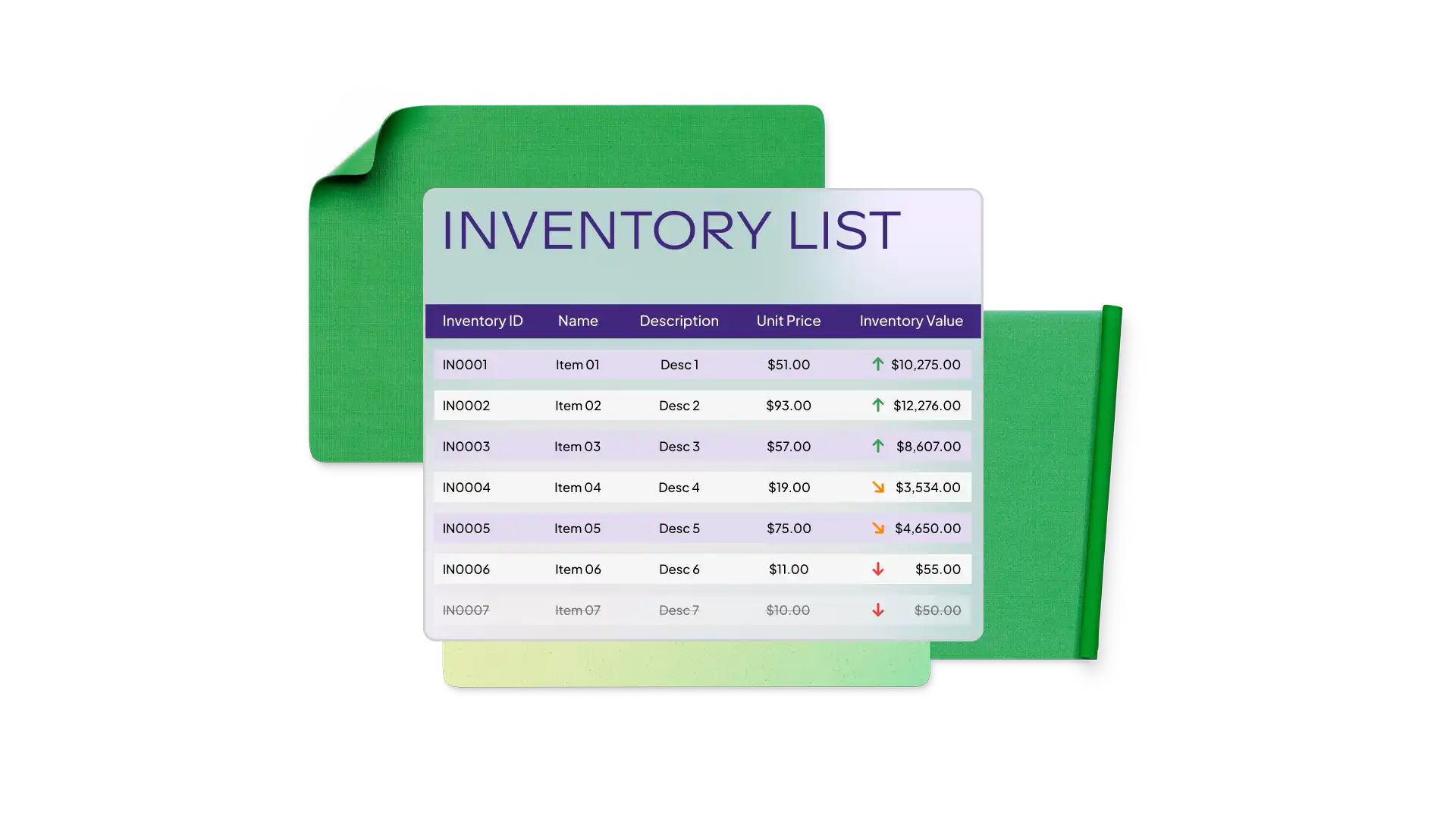
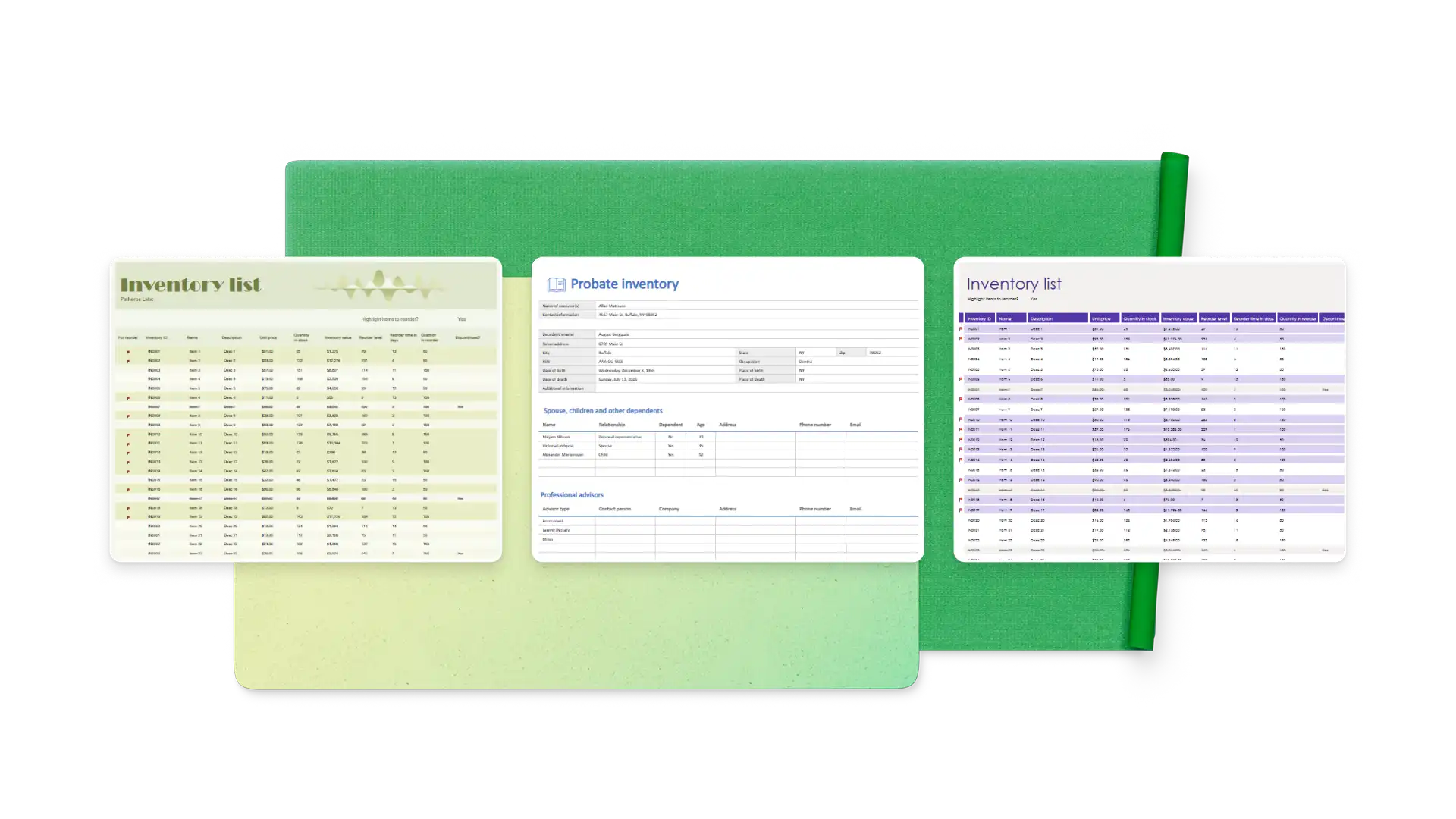
Reduce time generating inventory spreadsheets with free templates in Excel. Choose a warehouse inventory template to track stock levels or an equipment inventory template to monitor asset usage. Use templates that highlight reorder status with conditional formatting and tailored calculation formulas.
Easily customize Excel inventory templates to reflect your business operations setup and size. Track SKUs, barcodes, item names, suppliers, unit cost, reorder level, and more. Monitor across categories like raw materials and finished goods or tools and parts.

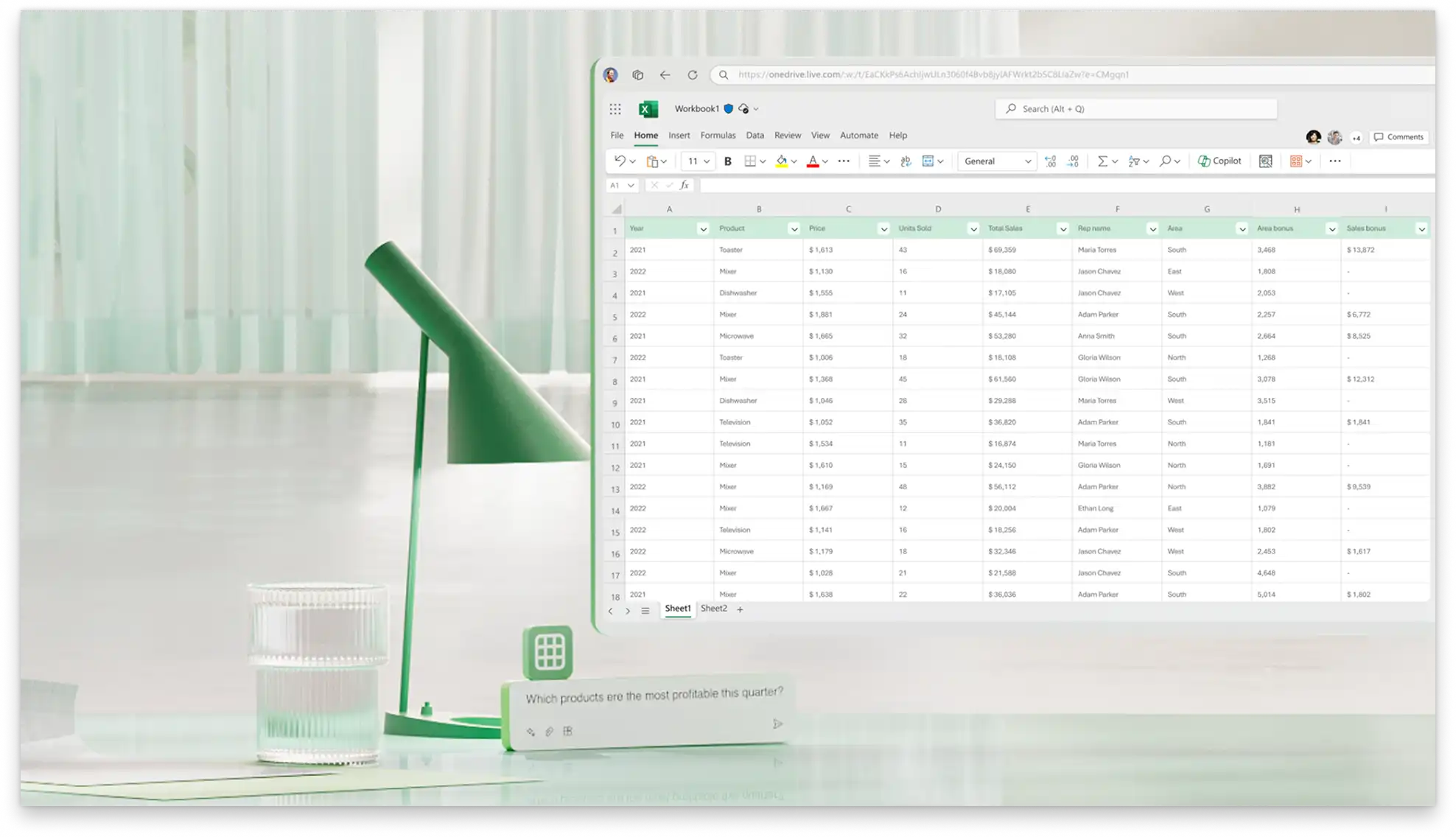
Create a linked transaction log to record every stock change and keep the inventory up to date. Record things like the date, quantity, type, and amount, then use formulas and linked cells to update the master inventory list.
Sử dụng các công thức có sẵn để đánh dấu việc nhập thêm hàng tồn kho và cộng các tổng có điều kiện một cách chính xác. Đặt các điểm đặt lại hàng của bạn và tô sáng các mục cần bổ sung với công thức IF trong Excel. Tính toán tổng số hoặc chi phí cho các mục cụ thể bằng hàm SUMIF.
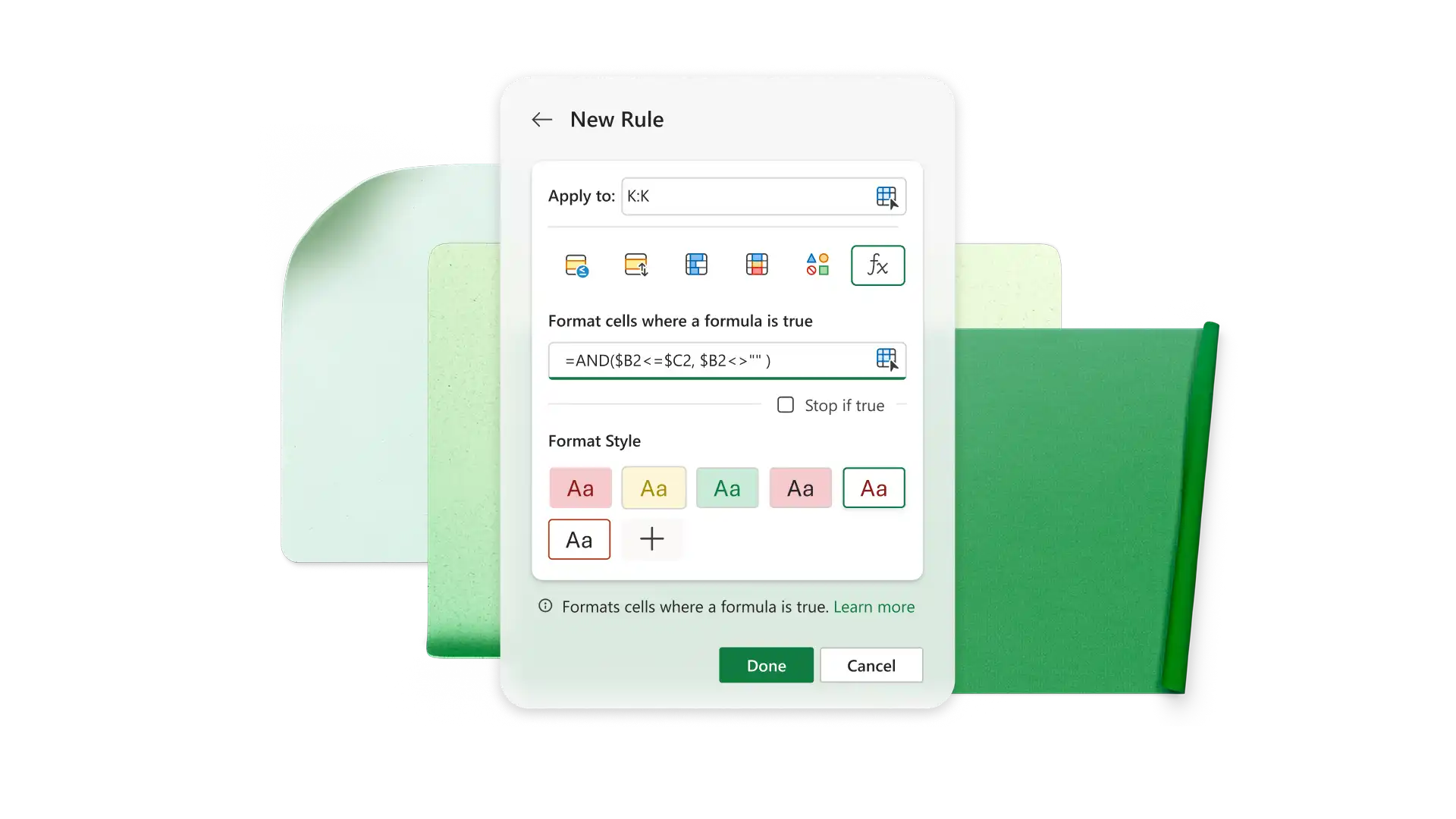
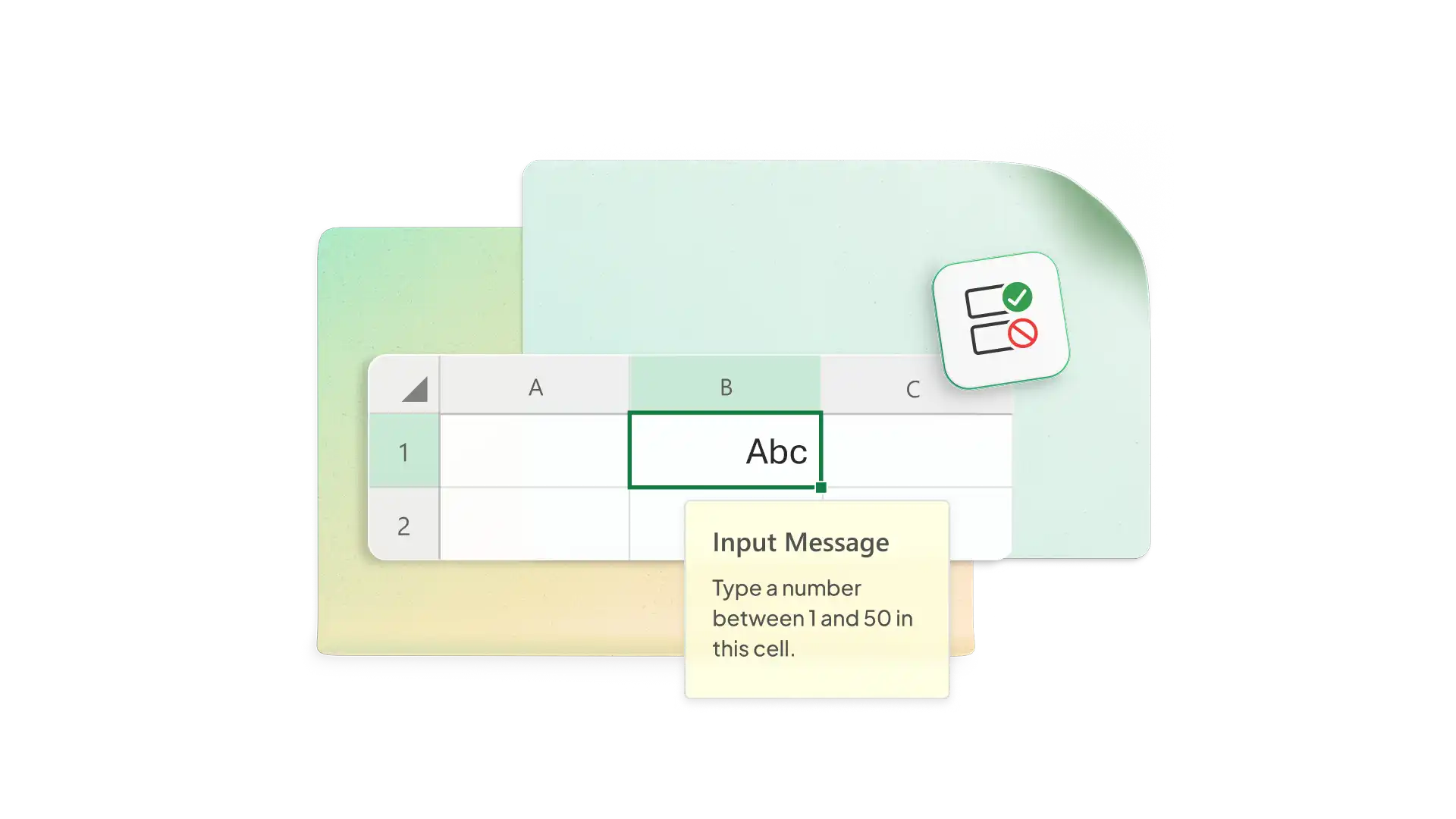
Restrict cell entries to specific values to reduce errors. Set transaction columns to accept values, or format your product column to only accept valid SKUs. Have Excel set up alerts if entries are invalid for the column transaction type.
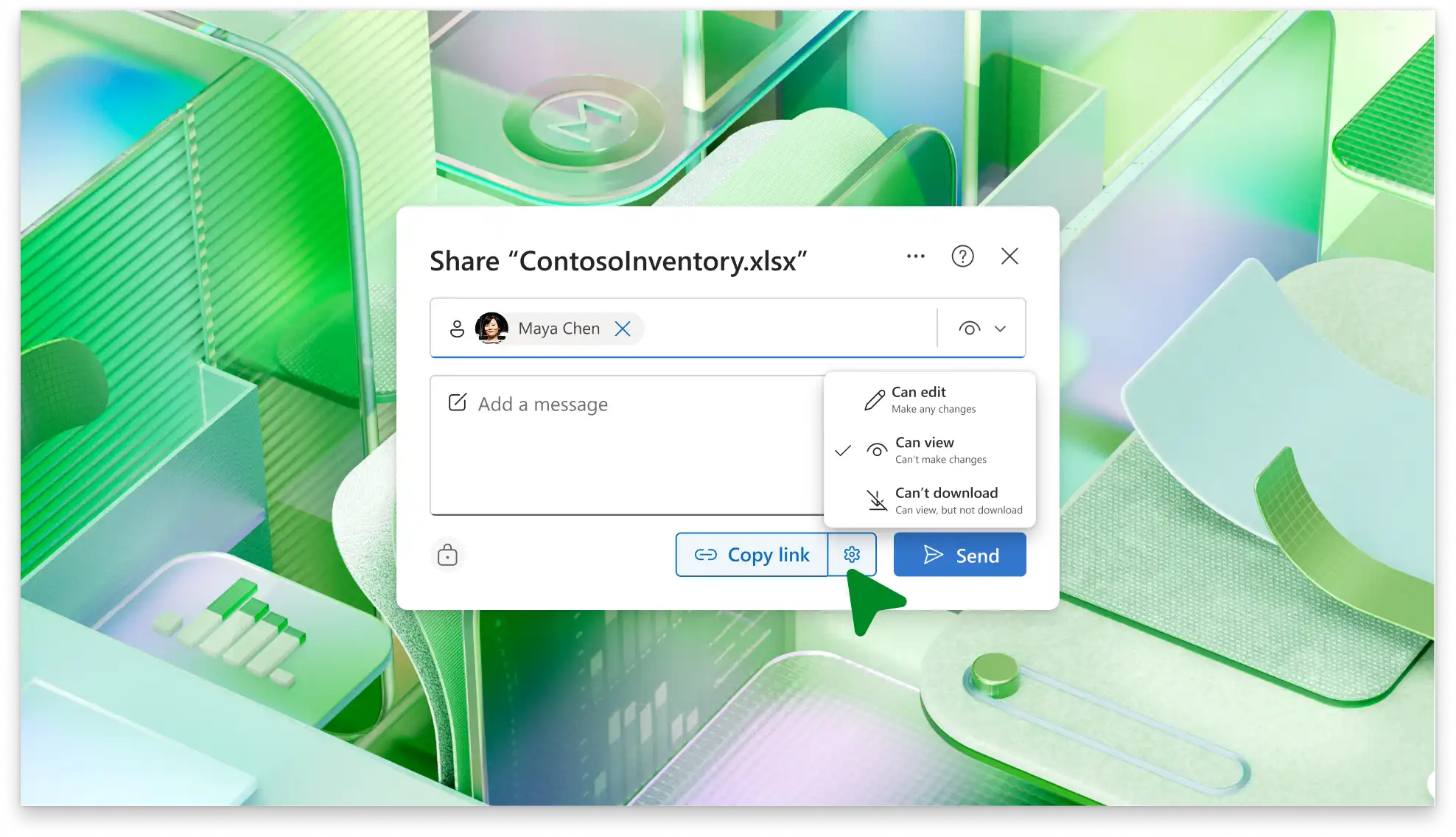
Share your inventory tracker spreadsheet with team members and co-author in real-time online (opens in a new tab). Protect the sheet and restrict access to specific ranges or cells. Give view-only access to lenders, investors, or donors to back up your growth projections.

Hãy để Copilot trong Excel đề xuất và thực thi các chức năng AI để cải thiện quy trình làm việc. Hãy để Copilot chuyển đổi tệp PDF hoặc tạo bảng kiểm kê mới dựa trên dữ liệu thô. Hãy tạo một câu lệnh để phân tích dữ liệu sử dụng trong vài tuần hoặc vài tháng qua, nhằm ước tính lượng hàng tồn kho hiện tại sẽ đủ dùng trong bao lâu.
Get real-time stock visibility for accurate inventory.
Reduce manual errors with built-in formulas.
Automate low stock alerts to reorder products in time.
Analyze inventory trends to forecast demand.
Avoid wasting resources by holding too much inventory.
Choose an inventory tracker template and add item IDs, descriptions, categories, and costs
Use data validation to control input types
Flag low or no stock items with conditional validation
Set up a transaction log to record every movement and link the sheet to your inventory
Organize your inventory by supplier or store/warehouse location
Inventory management is important to keeping your customers happy by preventing stockouts. It also supports your business’ growth by helping you reduce excess inventory and forecast your needs more accurately.
Start by totaling the relevant expenses from your business budget, like warehouse rent, utilities, insurance, and shrinkage. Then, divide the total expenses by the total inventory value to get a percentage. For example, if you had an inventory value of $100,000 and carrying costs of $15,000, your carrying cost would be 15%.
Excel offers plenty of features and flexibility for businesses of different sizes to track inventory. You can track stock, orders, and sales in linked spreadsheets that update based on transaction data.
Use an Excel inventory template or create your own with item name, SKU, quantity, cost, reorder level, and location (where applicable). Either update it manually based on sales and purchasing reports or set up a linked transaction log to update product totals automatically.