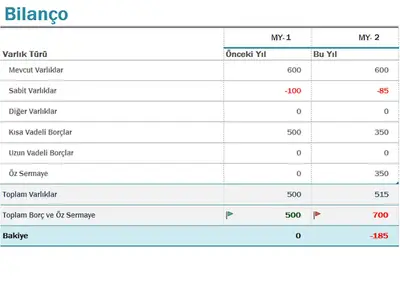
Mavi modern bilanço
Bu şablonu kullan
Microsoft Excel'den tamamen özelleştirilebilir ücretsiz çevrimiçi şablonlarla bütçeleri, giderleri, muhasebeyi ve daha fazlasını izlemek için kolayca iş elektronik tabloları oluşturun.

Excel elektronik tablolarıyla bütçelemeden faturalara, çalışma saatlerinden bilançolara ve mali tahminlere kadar her şeyi izleyin. Çok çeşitli ücretsiz özelleştirilebilir elektronik tablo şablonları arasından seçim yapın ve ekiplerle çevrimiçi işbirliği yapın.

Track your inventory to know what items you have stocked. Stay organized, optimize stock, and keep operations running smoothly with effortless inventory tracking for smarter business decisions.
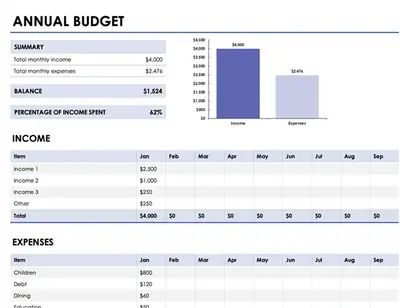
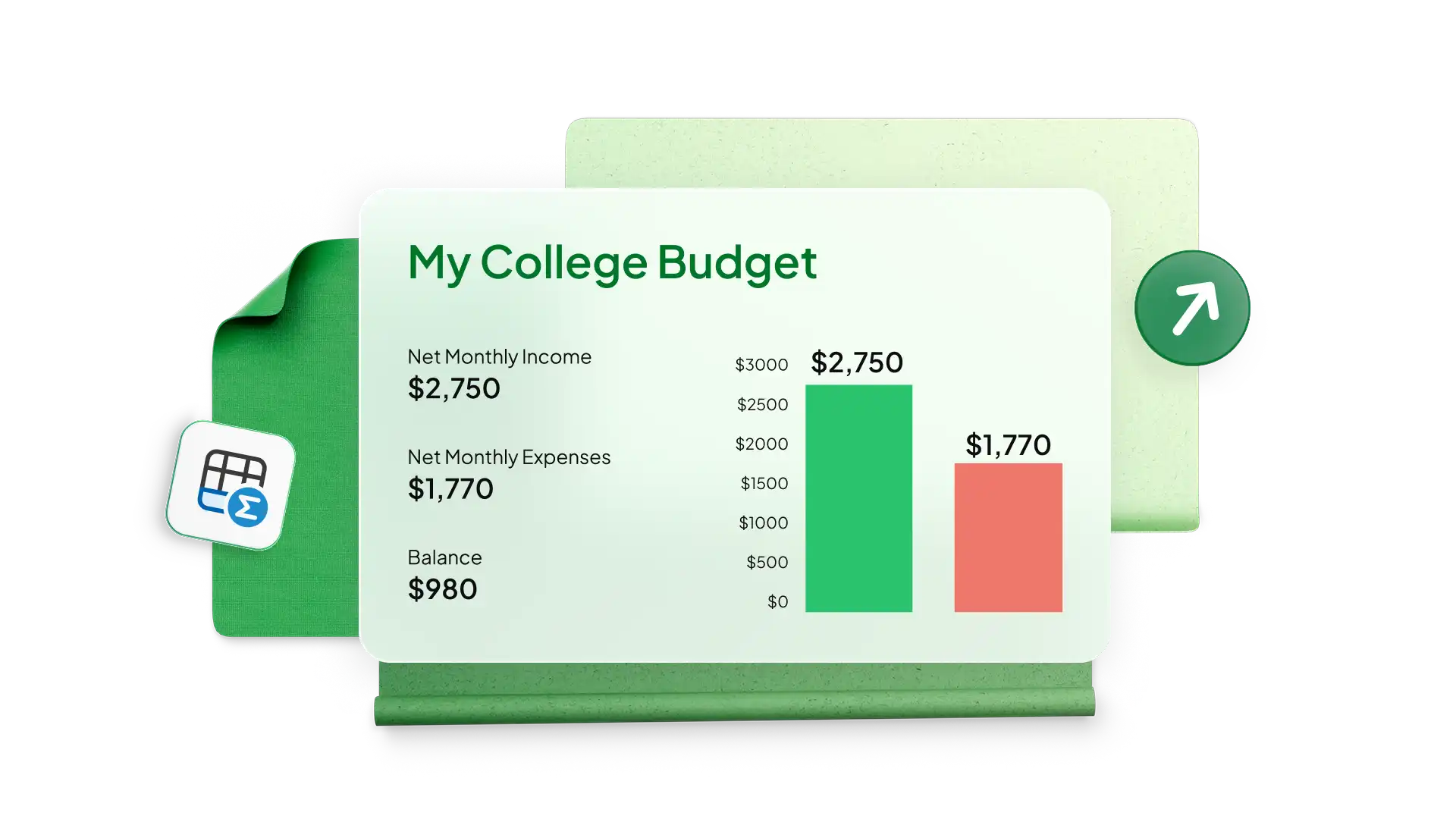
Excel'de basit şablonlarla her büyüklükteki işletme için bütçe elektronik tabloları ve satış tahminleri oluşturun. Kârlılığı takip etmek ve şirketinizin gelir ve satış büyüme hedeflerine ulaşmak için harcamalarınızı izleyin. Kanal pazarlaması veya üretim harcaması gibi özel departman ekipleri için bir işletme bütçesi kullanın ve zaman içindeki harcamayı analiz etmek için grafikler ekleyin.
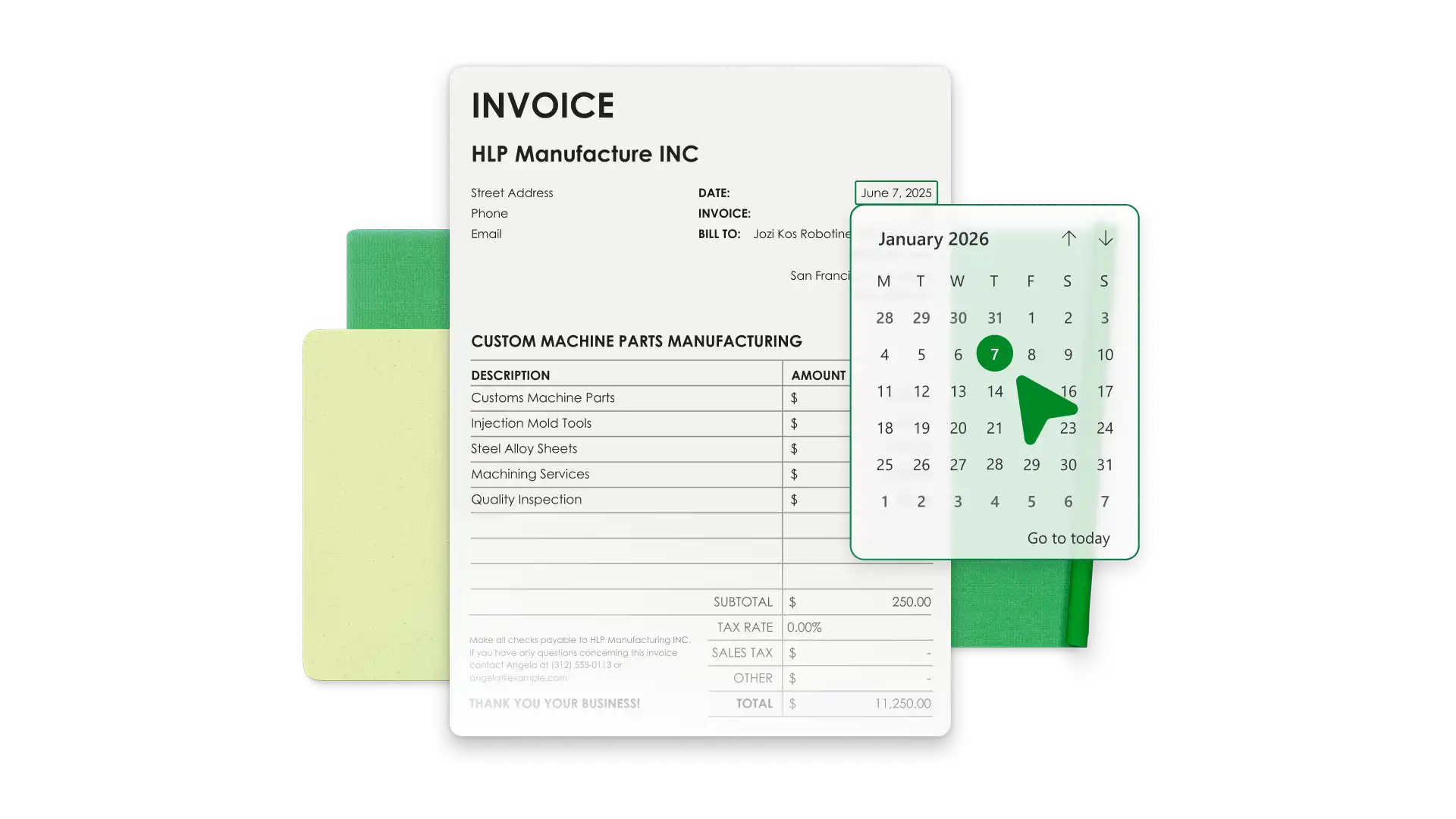
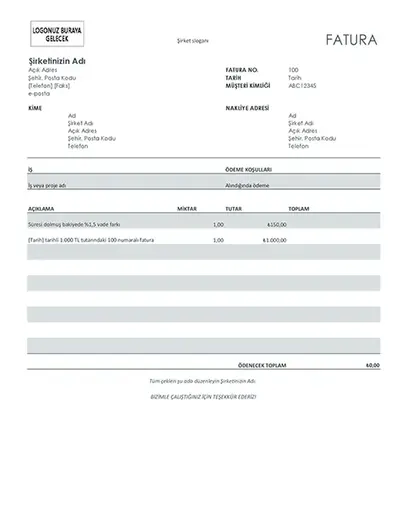
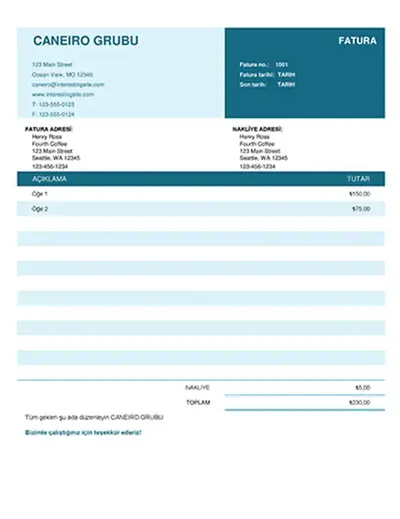
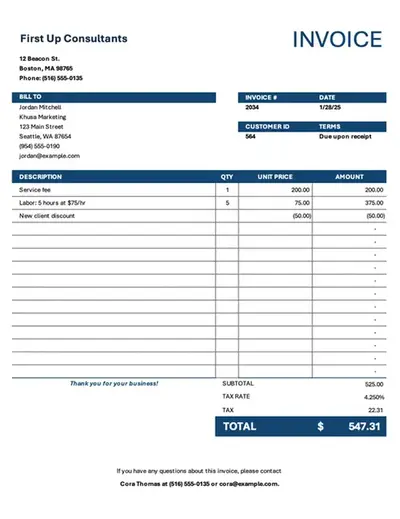
Save time with invoice templates that look professional and align with your business identity. Add your brand’s colors, logo, and payment information to make it your own. Generate invoices with accurate totals and export PDFs to send to customers.
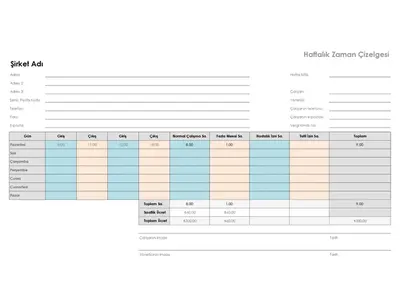
Simplify team timekeeping with timesheet templates in Excel. Modify a favorite timesheet example to calculate payroll and analyze monthly data with Copilot in Excel to manage productivity and overtime.

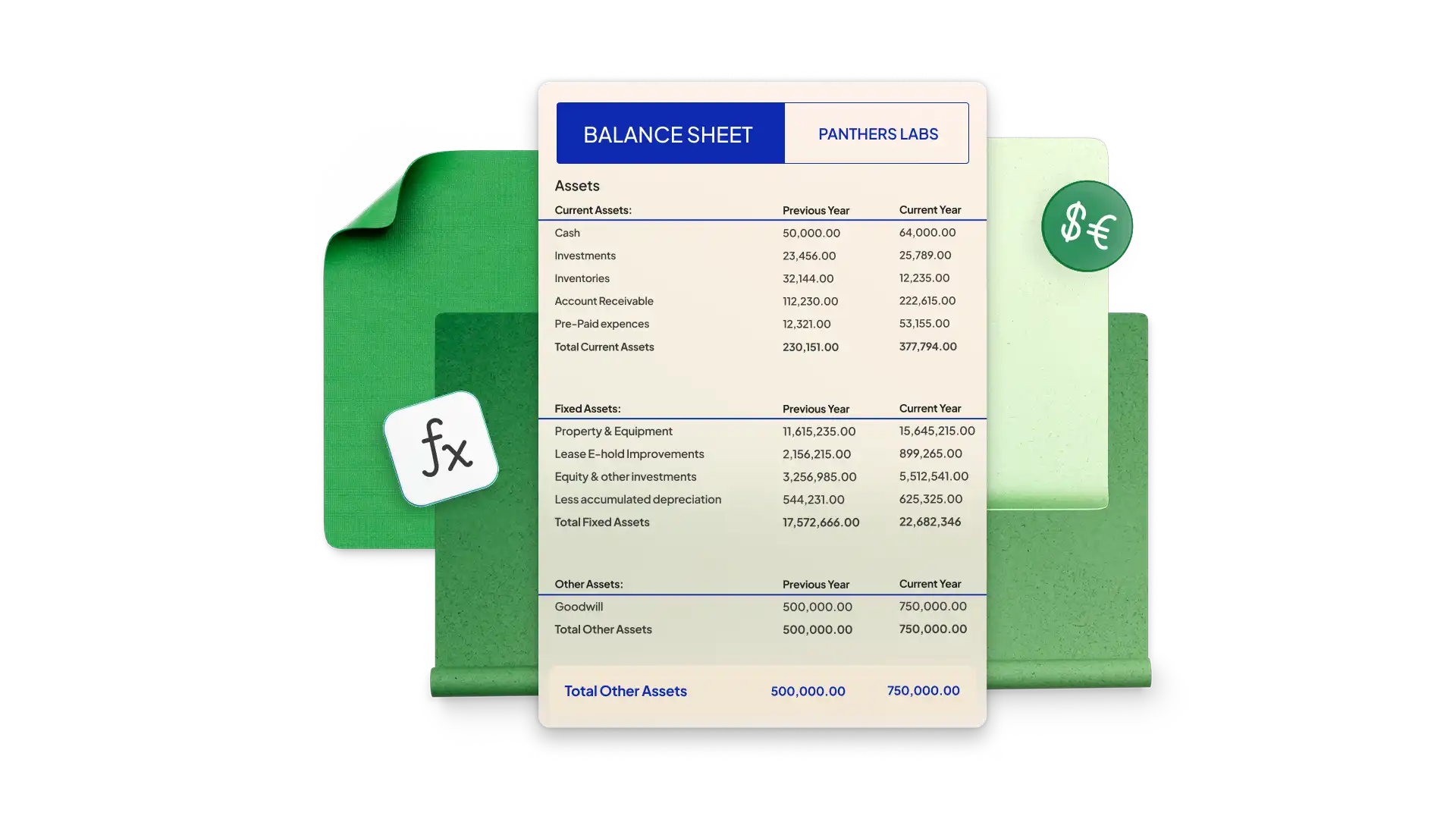
Build a balance sheet in Excel to see your company’s financial health at a specific point in time. Start with a simple template and modify it with your company’s assets, liability, and equity. Pre-formatted cells use formulas to calculate totals and generate accurate figures every time.
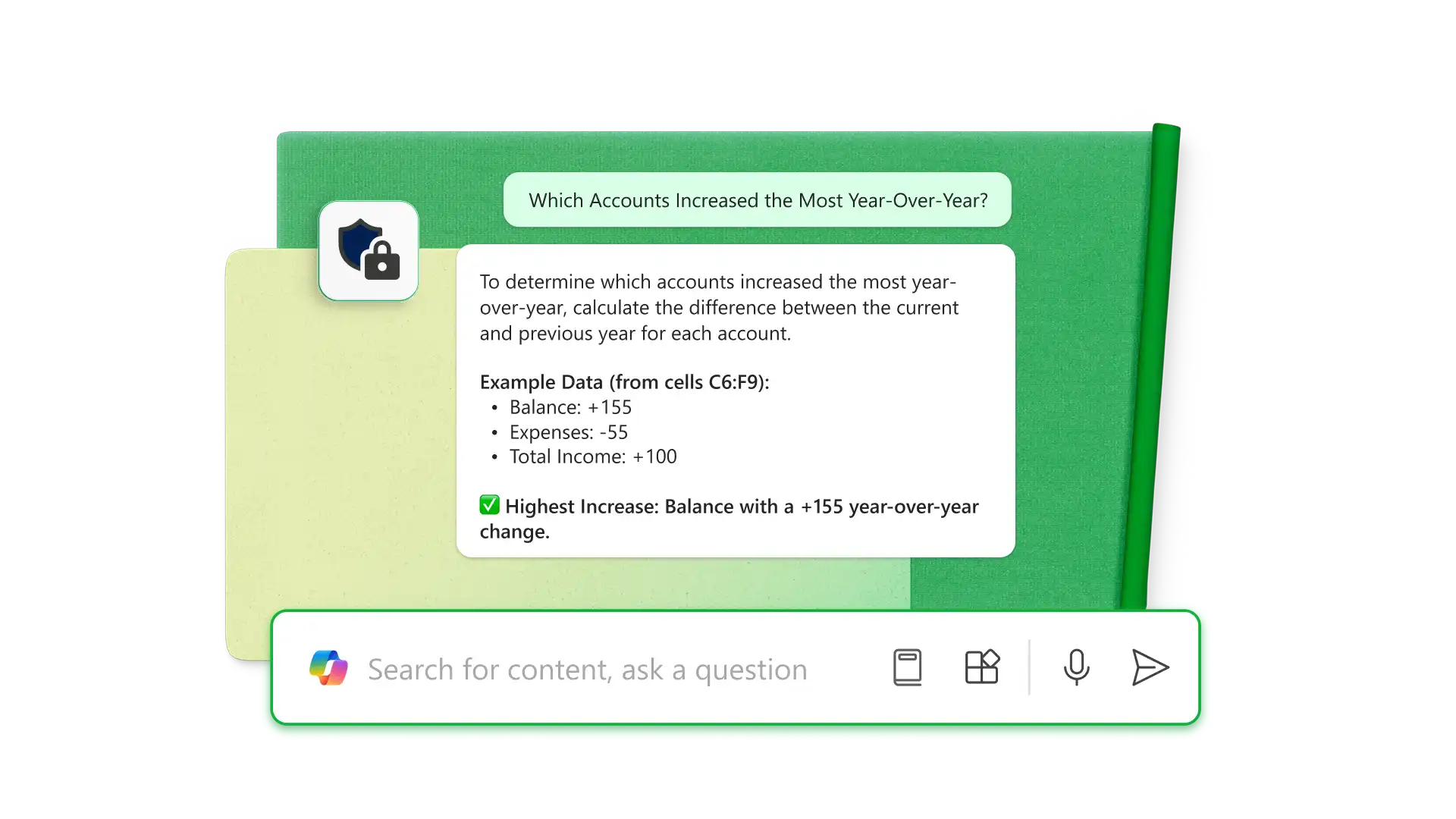
Excel’de Copilot’ı (opens in a new tab) kullanarak PDF’lerden bilgi ayıklayın ve ham verileri doğrudan hesap tablosu içinde analiz edip düzenleyin. Hataları bulmak, bilançolar ve bütçe hesaplayıcılar gibi belirli amaçlara yönelik tabloları biçimlendirmek için yapay zekayı kullanın ve görevleri tamamlamak için formüller üretin. Hangi hesapların yıl bazında en çok arttığı veya iş genel giderlerini nasıl iyileştirebileceğiniz gibi daha derin içgörüler edinin.
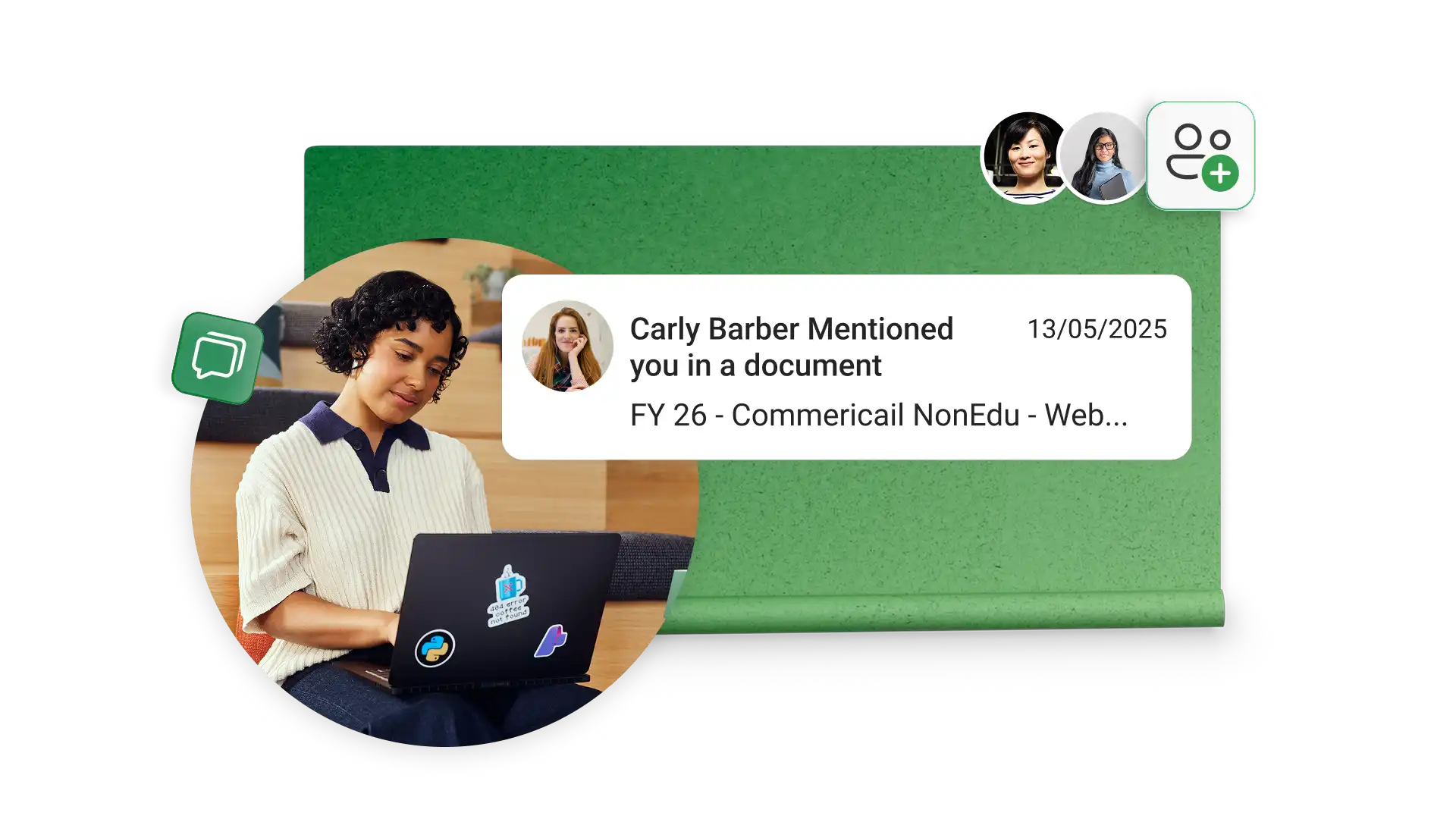
Share spreadsheet editing or viewing permissions with anyone online with no Microsoft account required. Editors can make changes in real time, allowing team collaboration through comments and tagging individuals by email for task updates.
Choose a spreadsheet template that best aligns with your business needs.
Customize the data for the business categories you’re analyzing.
Use formulas to calculate the required totals and compare data with graphs and charts.
Use Copilot in Excel to analyze financials or organize new data.
Share the spreadsheet with specific teams or individuals with sharing links for further collaboration.
Küçük işletmeler birbirinden çok farklıdır ancak yaygın elektronik tablolar gelir, giderler, gönderilen faturalar, bordro, zaman takibi, proje durumu, envanter, potansiyel müşteriler, büyüme metrikleri ve pazarlama girişimlerini takip eder.
Çevrimiçi bir Excel elektronik tablosunu korumak için Gözden Geçir sekmesini seçin ve Korumayı yönet’e tıklayın. Kenar çubuğunda, tüm hücreleri kilitlemek için sayfayı koruyun. Belirli hücrelerin ve aralıkların kilidini açabilir ve kullanıcıların sıralama gibi belirli görevleri yapmasına izin verebilirsiniz. Daha fazla güvenlik için, elektronik tabloyu açmak veya hücreleri düzenlemek üzere parolalar ayarlayın.
Excel'de işletme bütçelerinizi, faturalarınızı, bilançolarınızı oluşturun, ardından hesaplamaları otomatikleştirmek, iyileştirmeler önermek ve panolar oluşturmak için Copilot'ı kullanarak finans yönetimini daha hızlı ve verimli hale getirin.