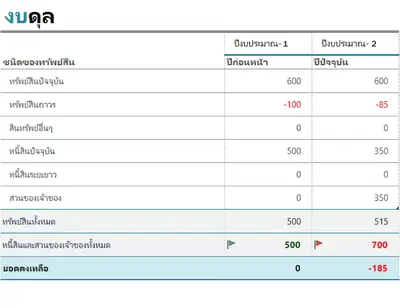
งบดุลสมัยใหม่สีน้ำเงิน
ใช้เทมเพลตนี้

สร้างสเปรดชีตธุรกิจเพื่อติดตามงบประมาณ ค่าใช้จ่าย บัญชี และอื่นๆ ได้อย่างง่ายดายด้วยเทมเพลตที่สามารถกําหนดเองได้แบบออนไลน์ได้ฟรีจาก Microsoft Excel

ติดตามทุกอย่างตั้งแต่การจัดทํางบประมาณ ใบแจ้งหนี้ และชั่วโมงทํางาน ไปจนถึงงบดุลและการคาดการณ์ทางการเงินด้วยสเปรดชีต Excel เลือกจากเทมเพลตสเปรดชีตที่สามารถกําหนดเองได้ฟรีมากมาย และทํางานร่วมกับทีมแบบออนไลน์

Track your inventory to know what items you have stocked. Stay organized, optimize stock, and keep operations running smoothly with effortless inventory tracking for smarter business decisions.
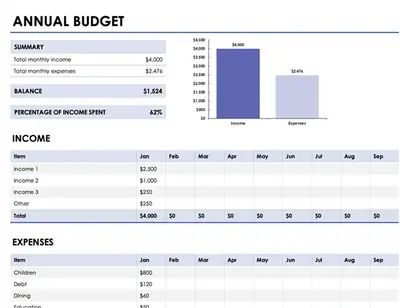
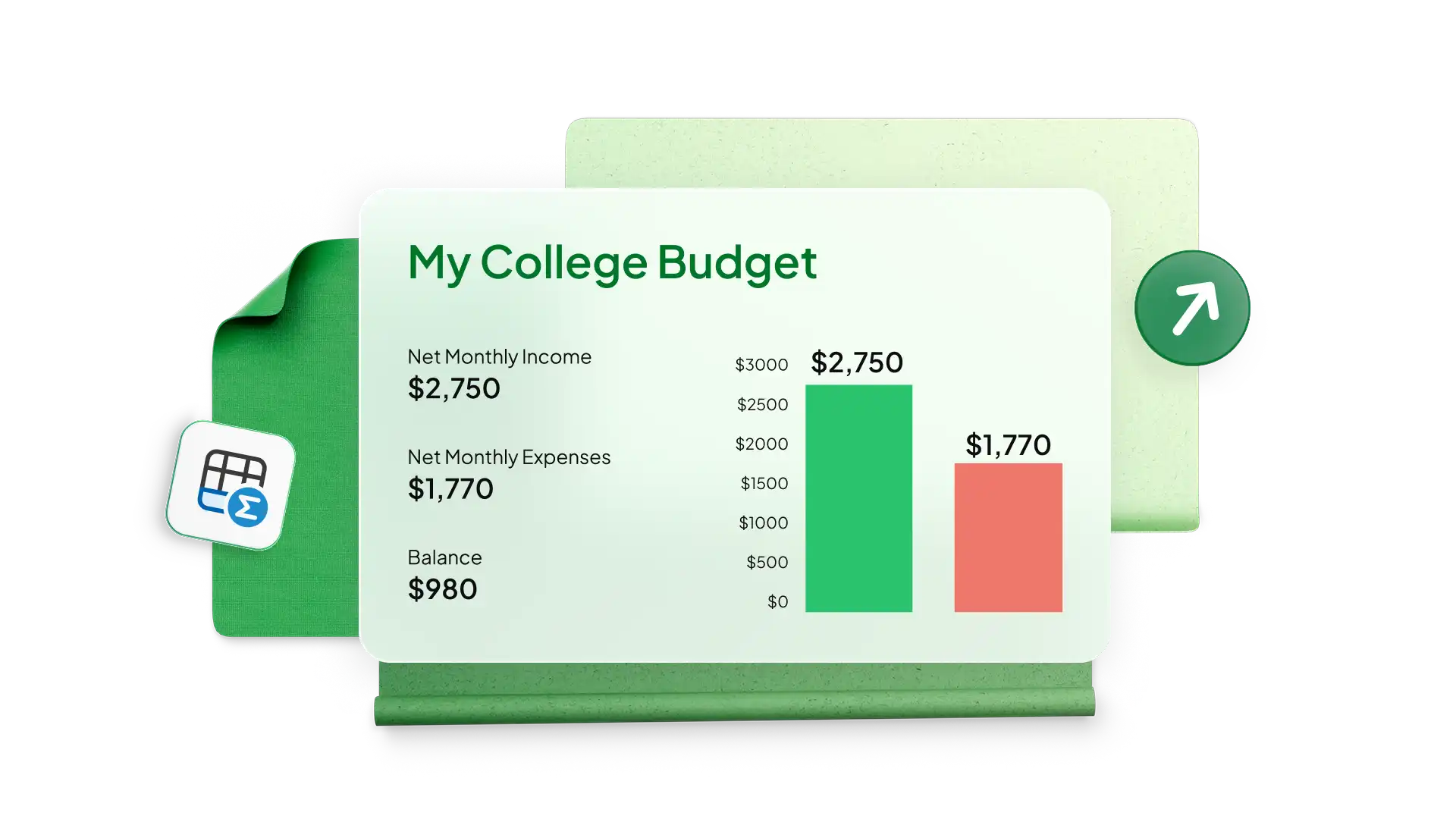
สร้างสเปรดชีตงบประมาณและการคาดการณ์การขายสำหรับธุรกิจขนาดใดก็ได้ด้วยเทมเพลตแบบง่ายใน Excelติดตามค่าใช้จ่ายของคุณเพื่อติดตามความสามารถในการทำกำไร เข้าถึงรายได้ของบริษัท และเป้าหมายการเติบโตของยอดขายใช้งบประมาณทางธุรกิจสำหรับทีมแผนกเฉพาะ เช่น การตลาดผ่านช่องทางหรือการใช้จ่ายด้านการผลิต และเพิ่มแผนภูมิเพื่อวิเคราะห์การใช้จ่ายเมื่อเวลาผ่านไป
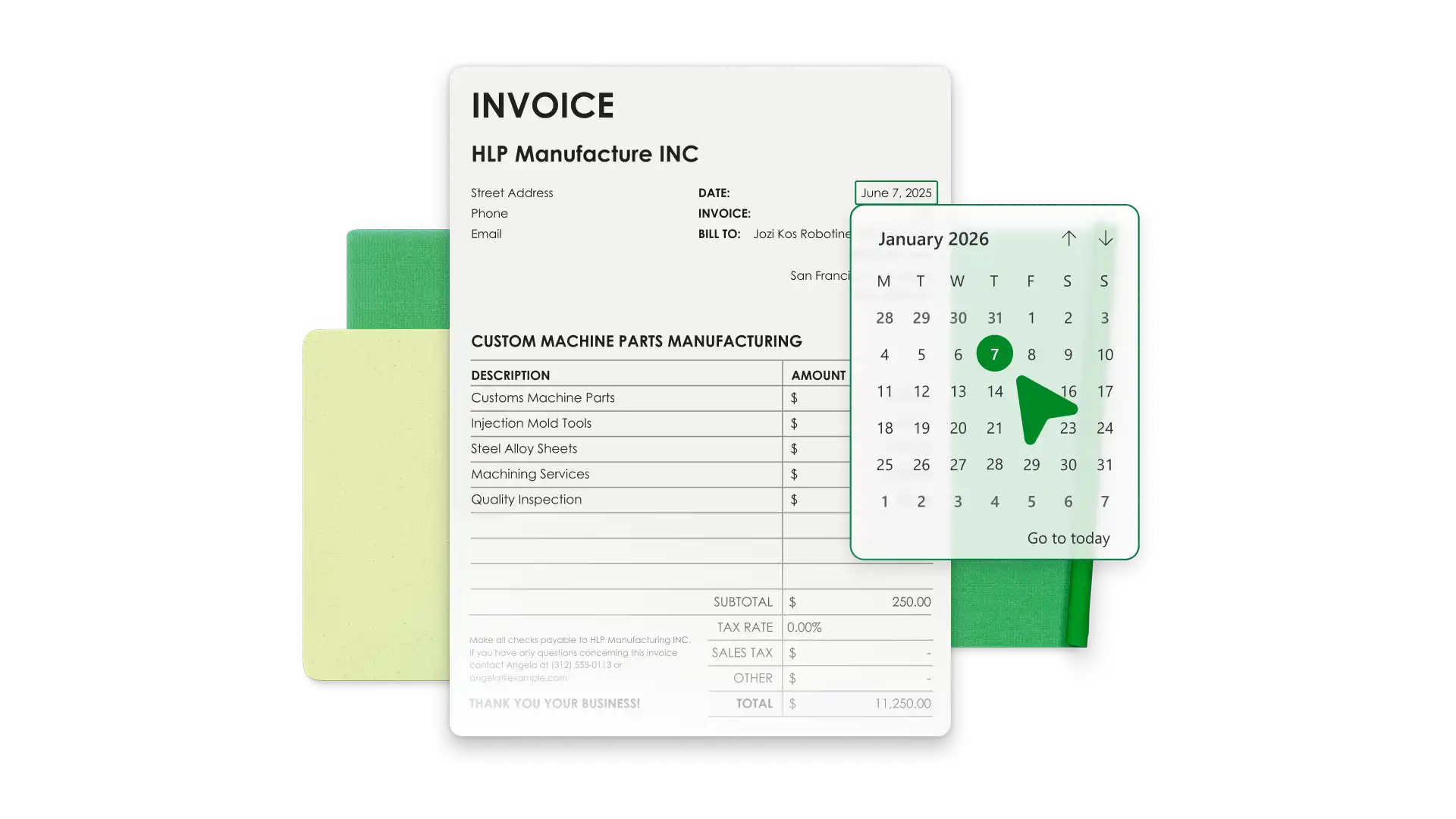
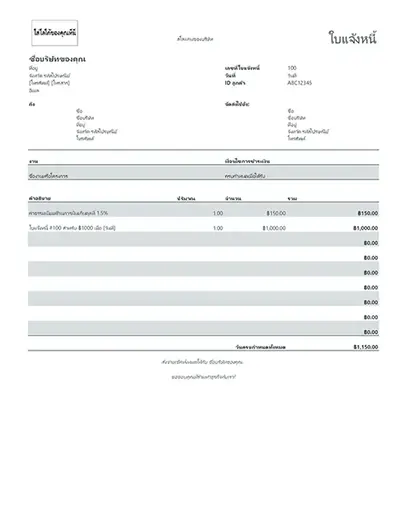
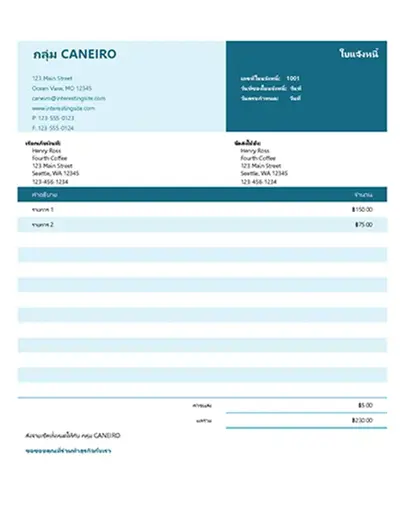
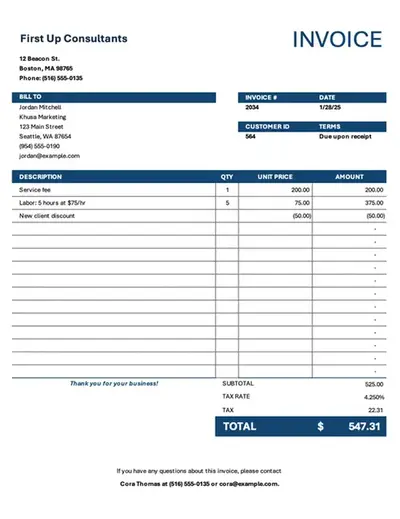
Save time with invoice templates that look professional and align with your business identity. Add your brand’s colors, logo, and payment information to make it your own. Generate invoices with accurate totals and export PDFs to send to customers.
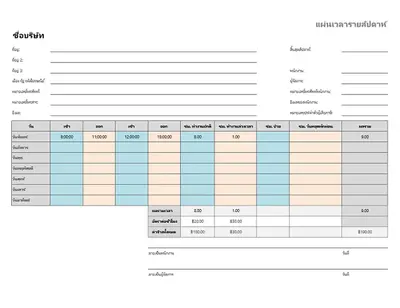
Simplify team timekeeping with timesheet templates in Excel. Modify a favorite timesheet example to calculate payroll and analyze monthly data with Copilot in Excel to manage productivity and overtime.

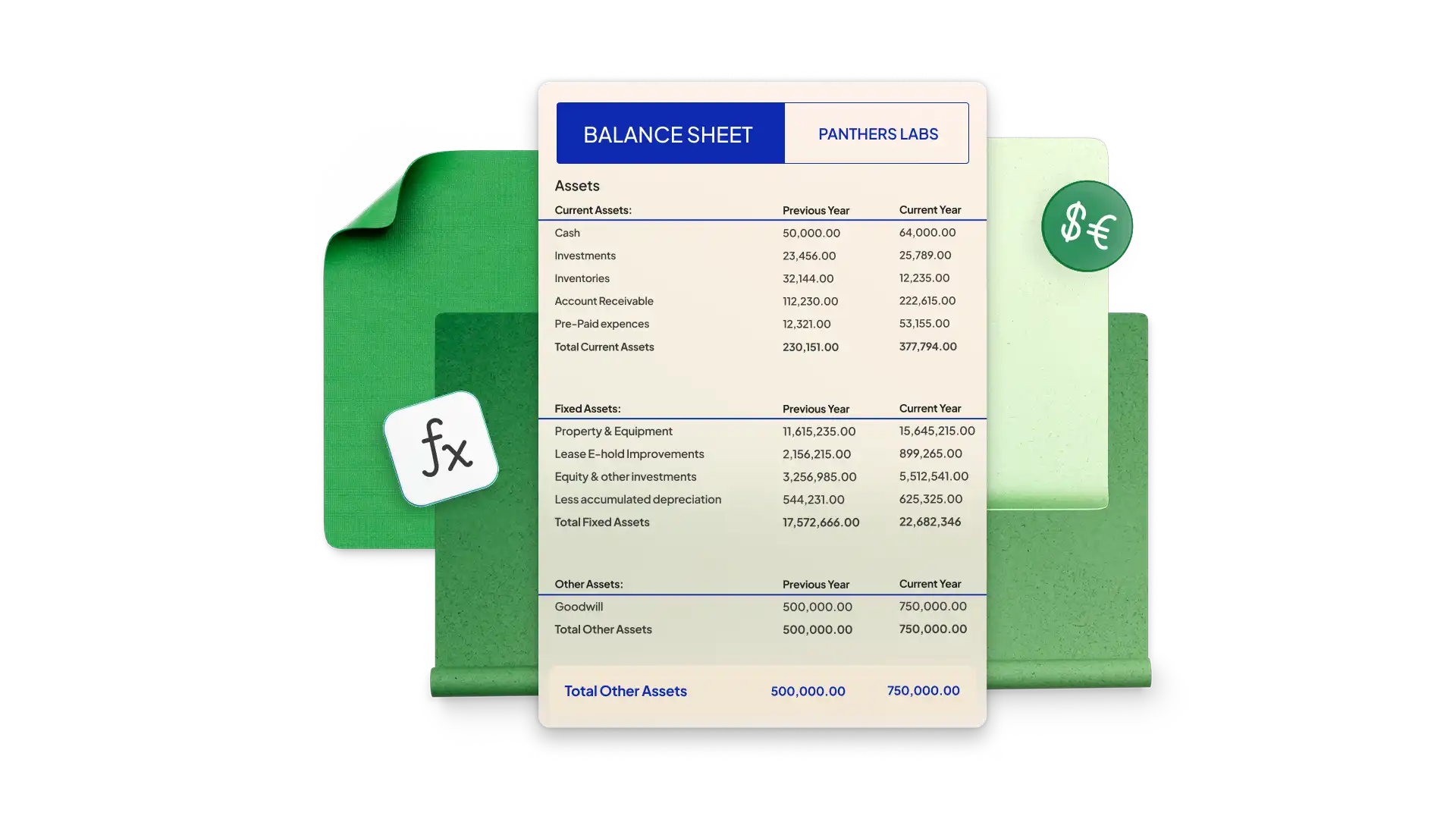
Build a balance sheet in Excel to see your company’s financial health at a specific point in time. Start with a simple template and modify it with your company’s assets, liability, and equity. Pre-formatted cells use formulas to calculate totals and generate accurate figures every time.
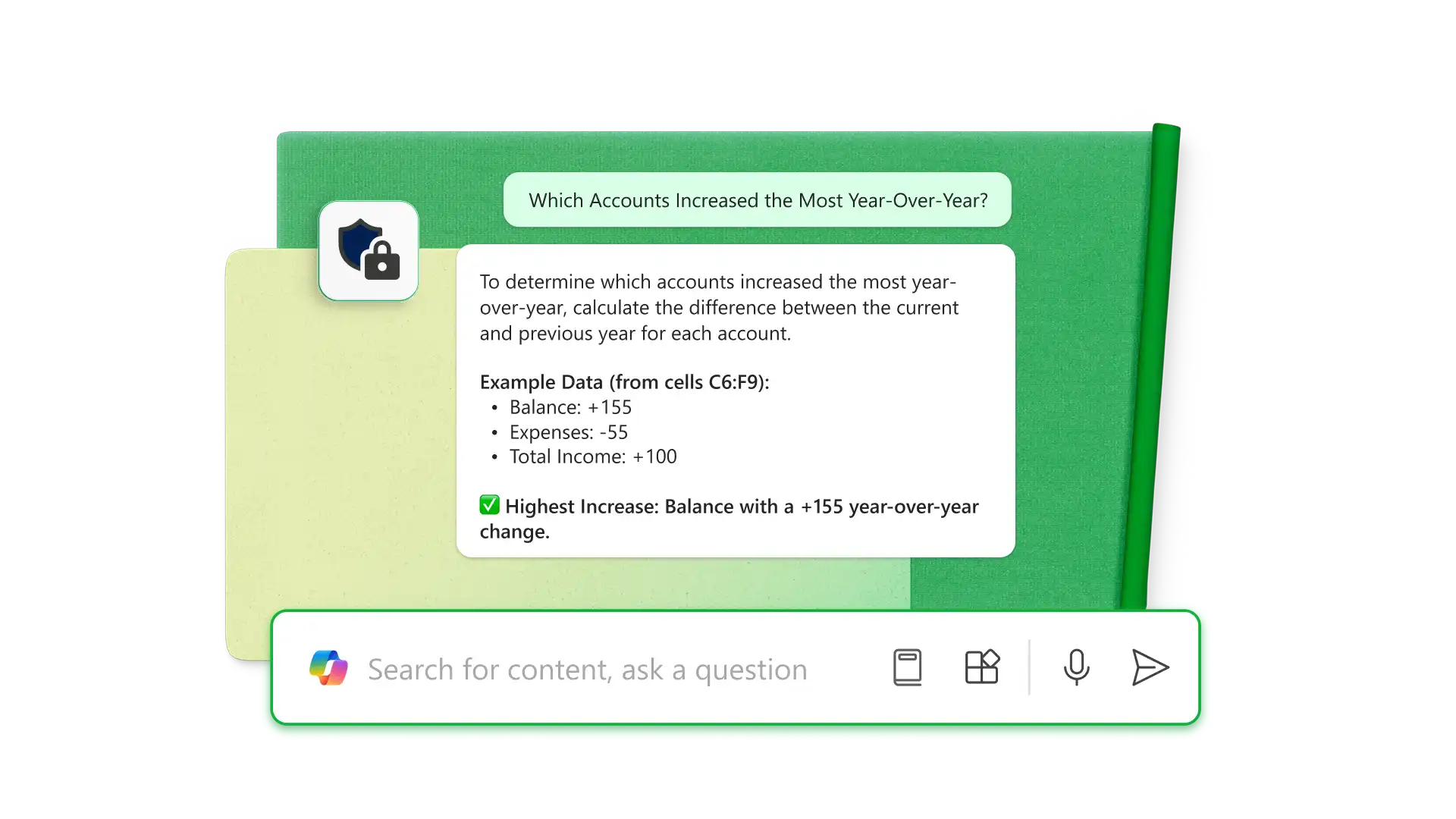
ใช้ Copilot ใน Excel (opens in a new tab) เพื่อแยกข้อมูล จาก PDF และวิเคราะห์และจัดระเบียบข้อมูลดิบได้โดยตรงภายในสเปรดชีตใช้ AI เพื่อค้นหาข้อผิดพลาด จัดรูปแบบตารางเพื่อวัตถุประสงค์เฉพาะ เช่น งบดุล และตัววางแผนงบประมาณ และสร้างสูตรเพื่อทำงานให้เสร็จสมบูรณ์รับข้อมูลเชิงลึกที่ลึกขึ้น เช่น บัญชีใดมียอดเพิ่มขึ้นสูงสุดเมื่อเทียบปีต่อปี หรือวิธีการปรับปรุงต้นทุนค่าใช้จ่ายของธุรกิจ

Share spreadsheet editing or viewing permissions with anyone online with no Microsoft account required. Editors can make changes in real time, allowing team collaboration through comments and tagging individuals by email for task updates.
Choose a spreadsheet template that best aligns with your business needs.
Customize the data for the business categories you’re analyzing.
Use formulas to calculate the required totals and compare data with graphs and charts.
Use Copilot in Excel to analyze financials or organize new data.
Share the spreadsheet with specific teams or individuals with sharing links for further collaboration.
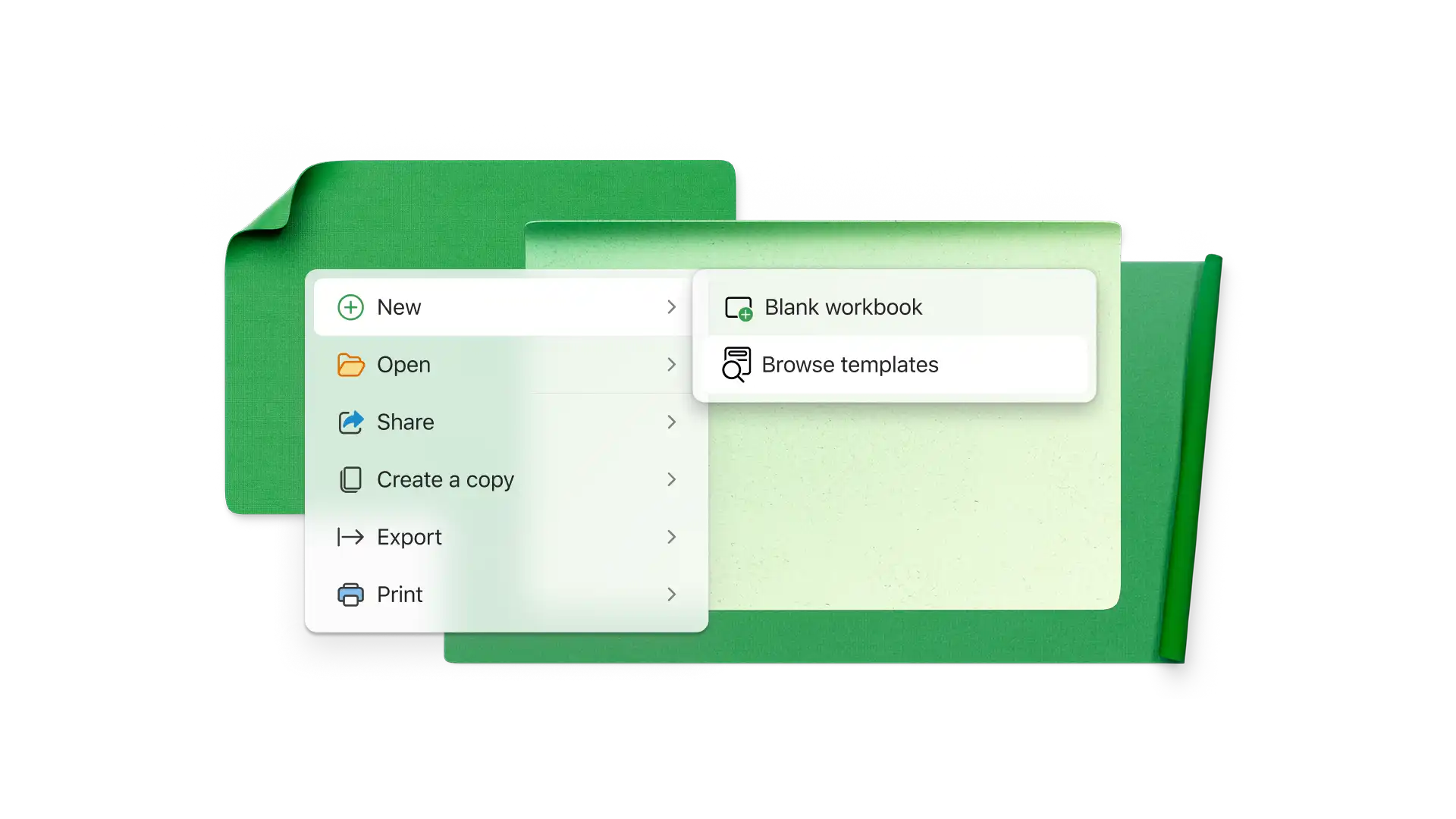
ธุรกิจขนาดเล็กแตกต่างกันอย่างมาก แต่ สเปรดชีตทั่วไป จะติดตามรายได้ ค่าใช้จ่าย ใบแจ้งหนี้ที่ส่ง ค่าจ้าง การจับเวลา สถานะโครงการ สินค้าคงคลัง ลูกค้าเป้าหมาย เมตริกการเติบโต และความคิดริเริ่มทางการตลาด
เมื่อต้องการป้องกัน สเปรดชีต Excel แบบออนไลน์ ให้เลือกแท็บ รีวิว แล้วคลิก จัดการการป้องกันในแถบด้านข้าง ให้ป้องกันแผ่นงานเพื่อล็อกเซลล์ทั้งหมดคุณสามารถปลดล็อกเซลล์และช่วงที่ระบุ และอนุญาตให้ผู้ใช้ทํางานที่เฉพาะเจาะจง เช่น การเรียงลําดับเพื่อความปลอดภัยเพิ่มเติม ให้ตั้งค่ารหัสผ่านเพื่อเปิดสเปรดชีตหรือแก้ไขเซลล์
สร้างงบประมาณของธุรกิจ ใบแจ้งหนี้ งบดุล และอื่นๆ ใน Excel จากนั้นใช้ Copilot เพื่อทําการคํานวณโดยอัตโนมัติ แนะนําการปรับให้เหมาะสม และสร้างแดชบอร์ด ทําให้การจัดการทางการเงินเร็วขึ้นและมีประสิทธิภาพมากขึ้น