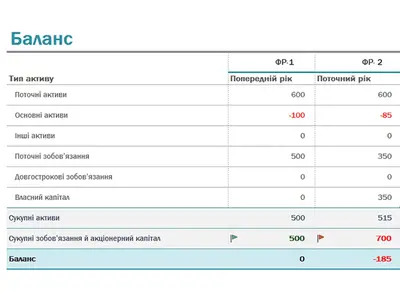
Темно-блакитний сучасний баланс
Використовувати цей шаблон

Легко створюйте електронні таблиці для бізнесу, щоб відстежувати бюджети та витрати, вести бухгалтерський облік й інших функцій за допомогою повністю налаштовуваних безкоштовних шаблонів онлайн в Microsoft Excel.

Відстежуйте все – від складення бюджету, рахунків-фактур і робочого часу до балансів і фінансового прогнозування – за допомогою електронних таблиць Excel. Обирайте з цілої низки безкоштовних налаштовуваних шаблонів електронних таблиць і співпрацюйте з командами онлайн.

Track your inventory to know what items you have stocked. Stay organized, optimize stock, and keep operations running smoothly with effortless inventory tracking for smarter business decisions.
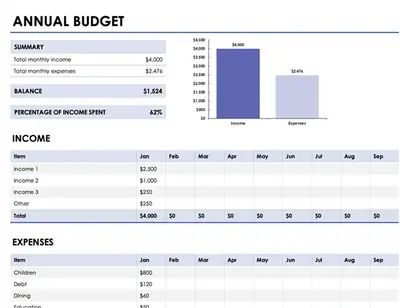
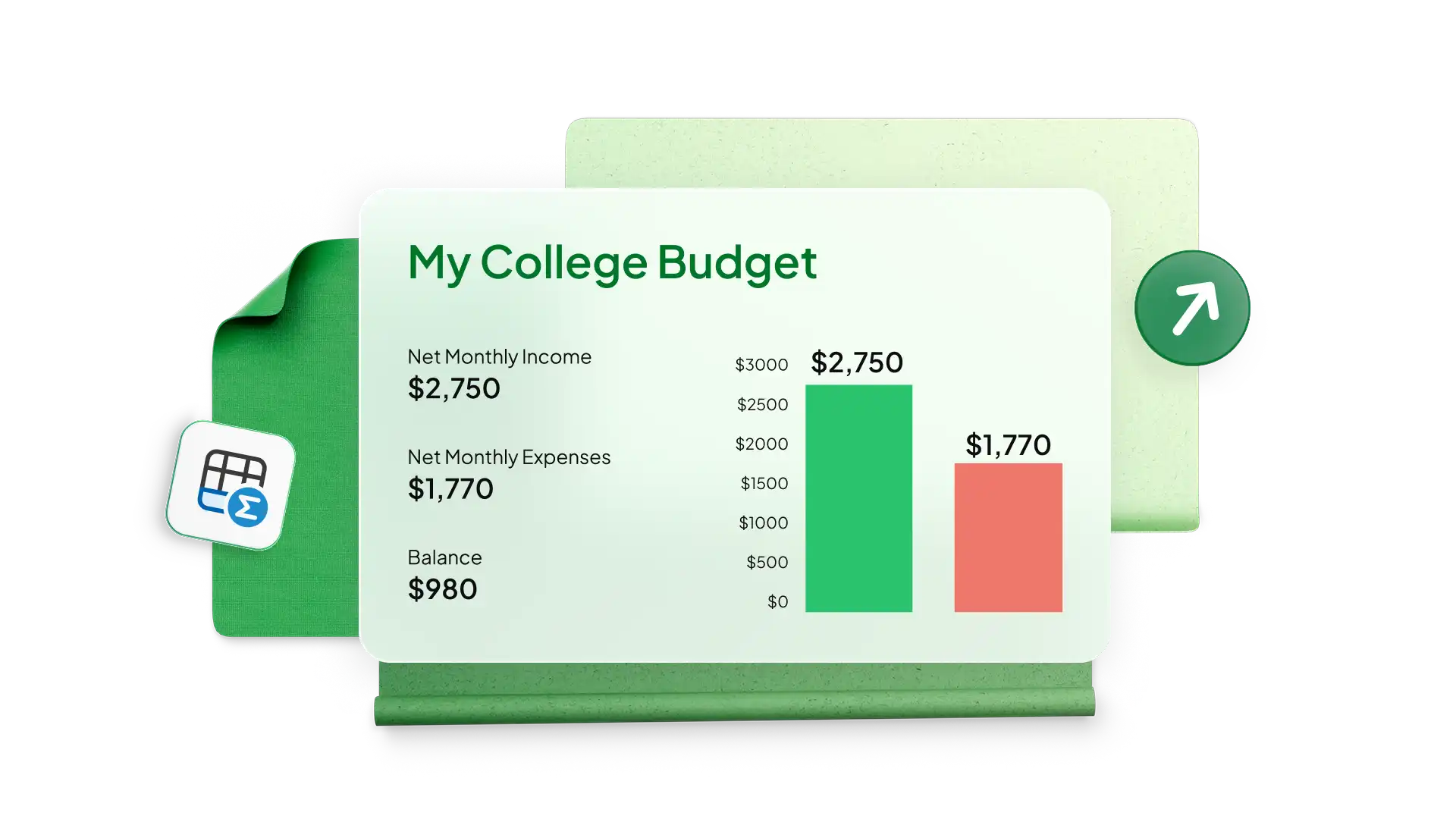
Створюйте електронні таблиці бюджету та прогнози збуту для бізнесу будь-якого розміру за допомогою простих шаблонів в Excel. Відстежуйте витрати, щоб контролювати прибутковість і досягати цілей із доходу компанії та зростання продажів. Використовуйте бюджет бізнесу для спеціалізованих відділів, як-от для маркетингу каналів розподілу або виробничих витрат, і додавайте діаграми для аналізу витрат з плином часу.
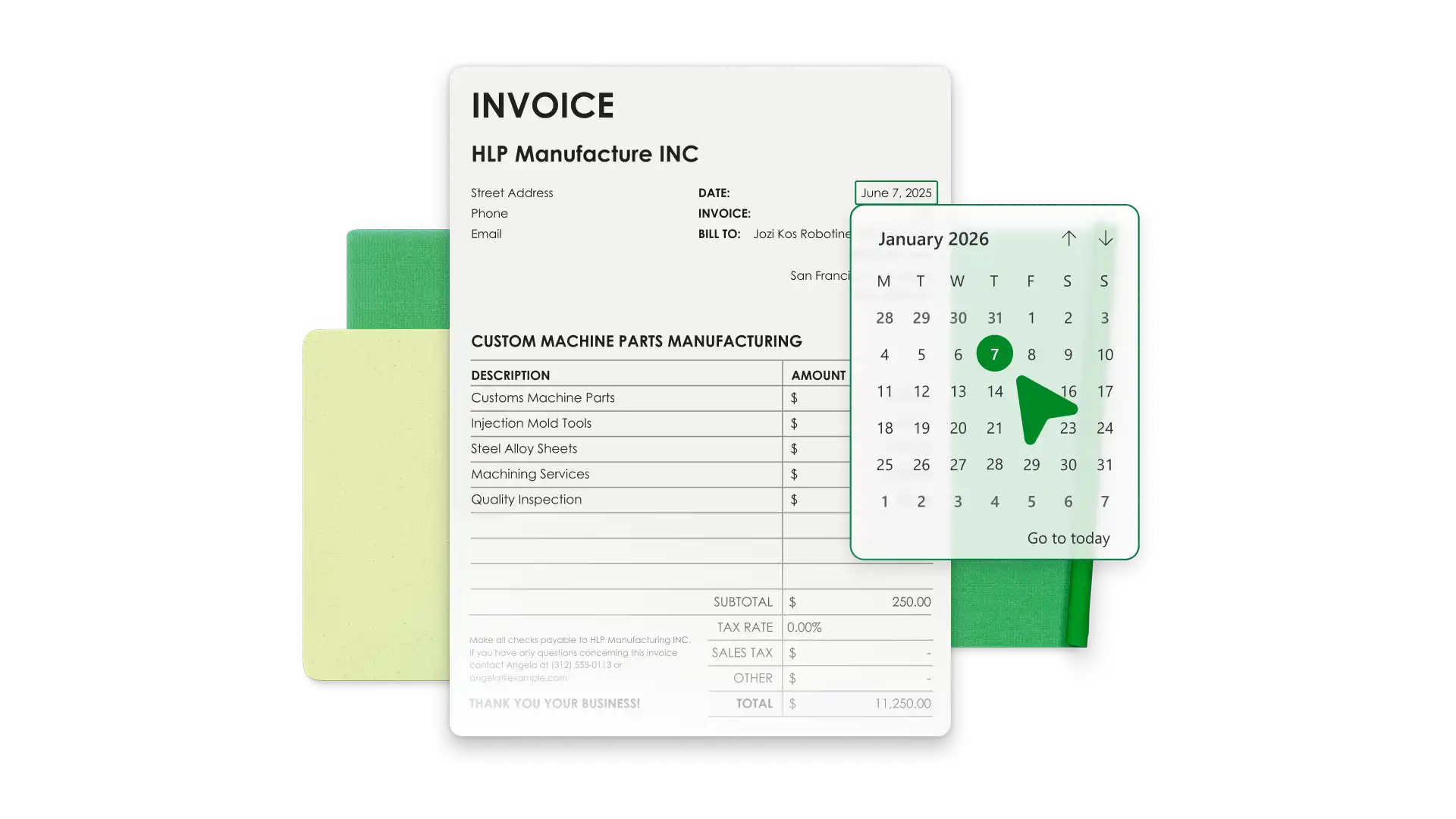
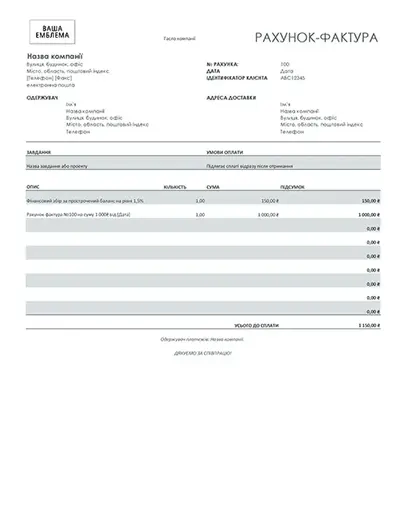
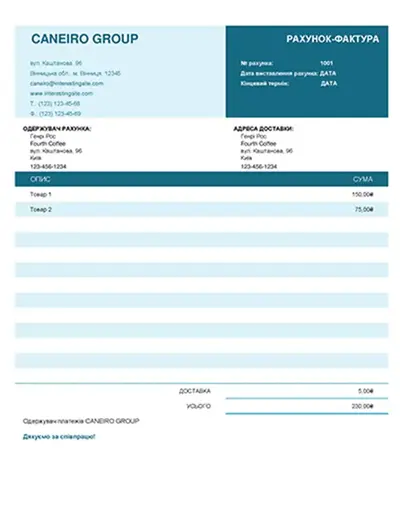
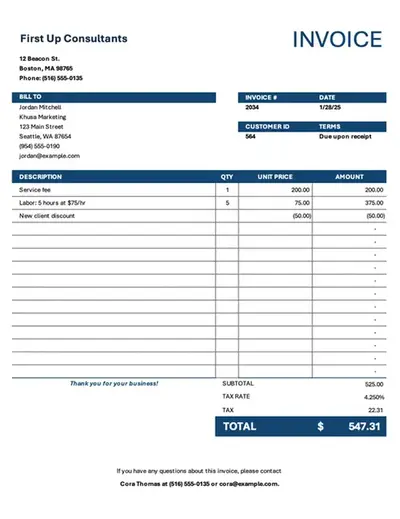
Save time with invoice templates that look professional and align with your business identity. Add your brand’s colors, logo, and payment information to make it your own. Generate invoices with accurate totals and export PDFs to send to customers.
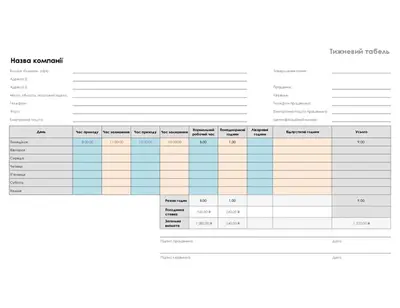
Simplify team timekeeping with timesheet templates in Excel. Modify a favorite timesheet example to calculate payroll and analyze monthly data with Copilot in Excel to manage productivity and overtime.

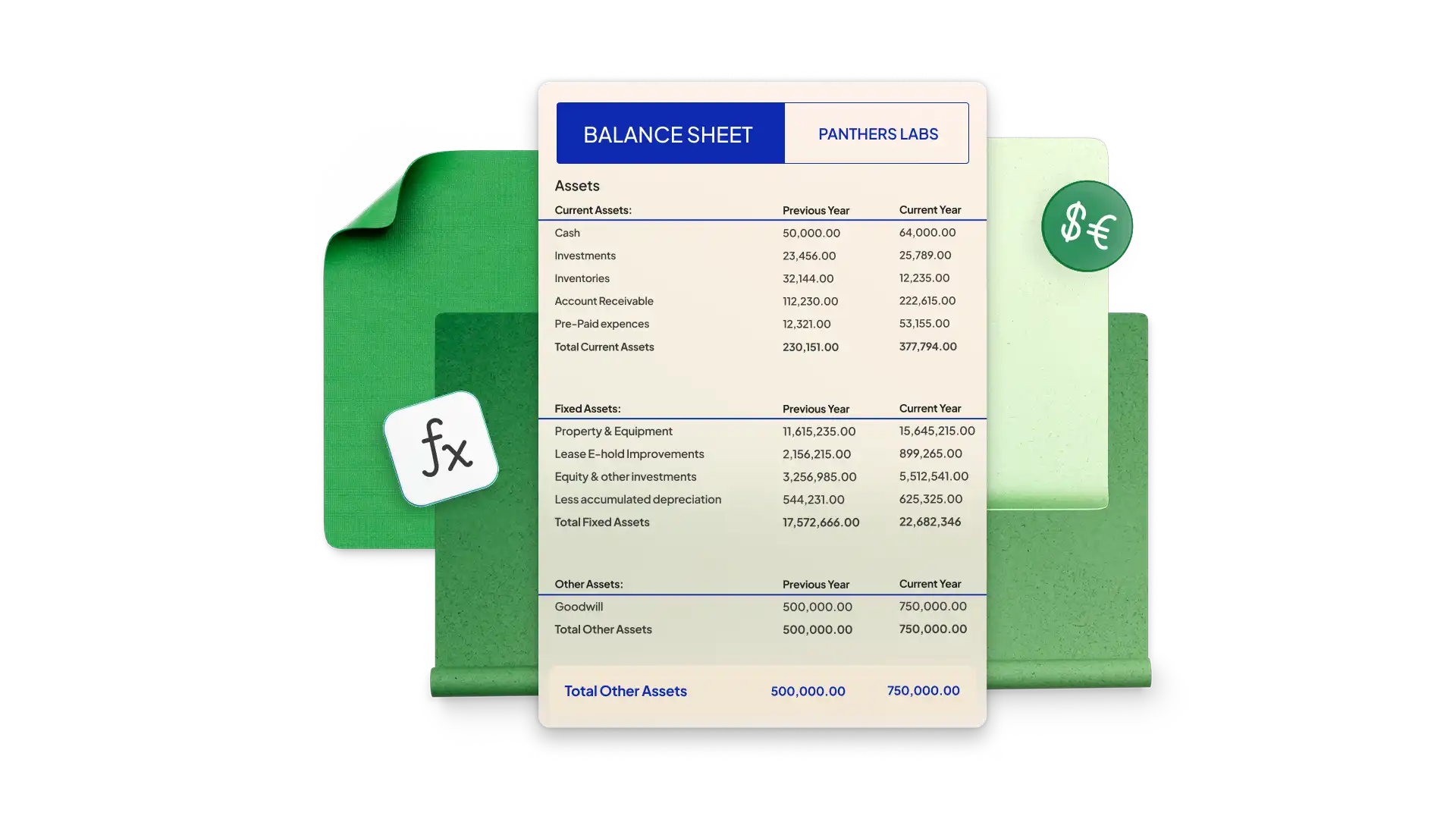
Build a balance sheet in Excel to see your company’s financial health at a specific point in time. Start with a simple template and modify it with your company’s assets, liability, and equity. Pre-formatted cells use formulas to calculate totals and generate accurate figures every time.
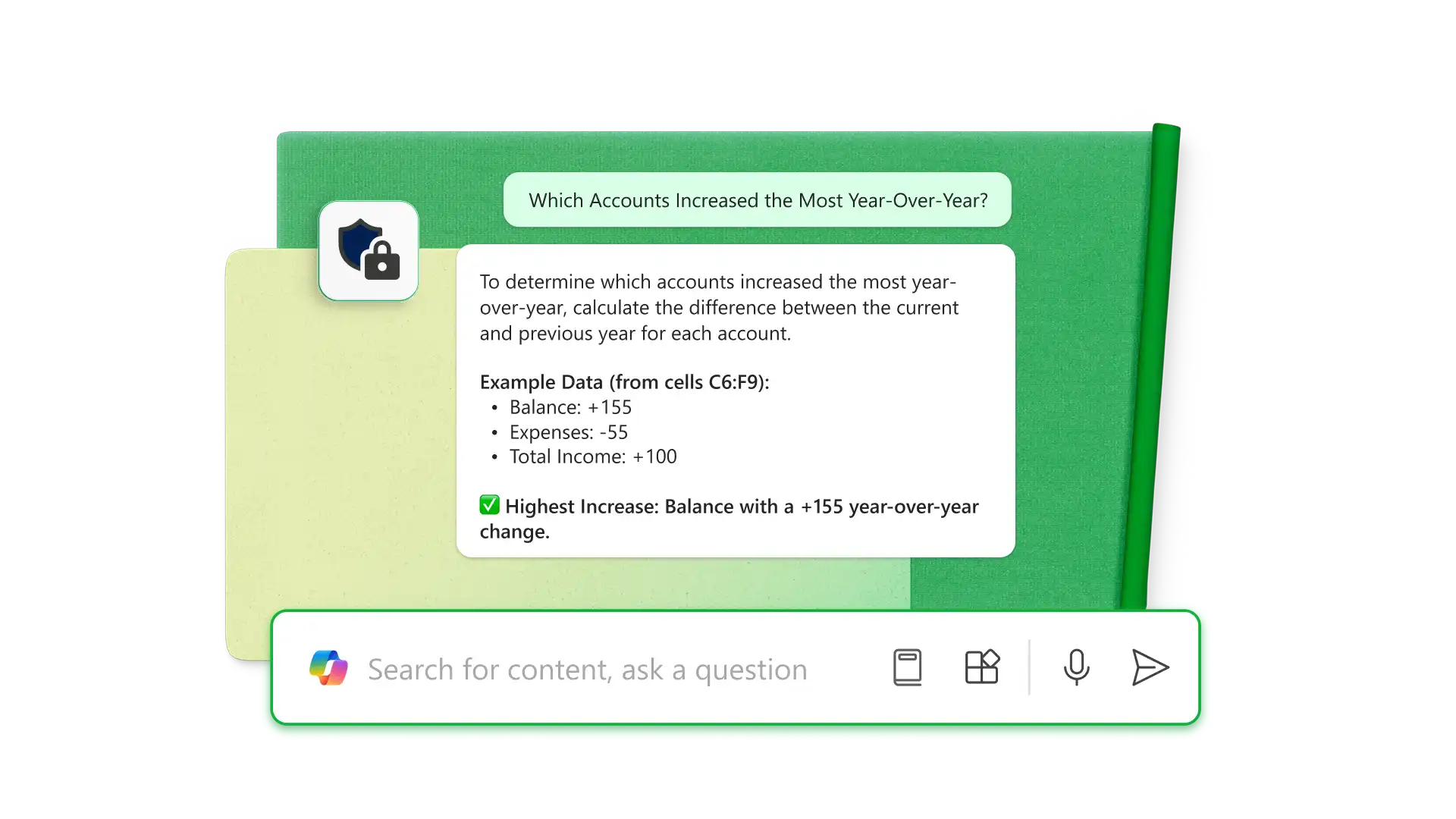
Використовуйте Copilot в Excel для вилучення інформації з PDF-файлів, а також для аналізу та впорядкування необроблених даних безпосередньо в електронній таблиці. Використовуйте ШІ, щоб знаходити помилки, форматувати таблиці для певних цілей, як-от баланси та планувальники бюджету, а також створювати формули для виконання завдань. Отримуйте детальніші аналітичні висновки, наприклад, які рахунки зросли найбільше рік у рік або як оптимізувати непрямі витрати бізнесу.

Share spreadsheet editing or viewing permissions with anyone online with no Microsoft account required. Editors can make changes in real time, allowing team collaboration through comments and tagging individuals by email for task updates.
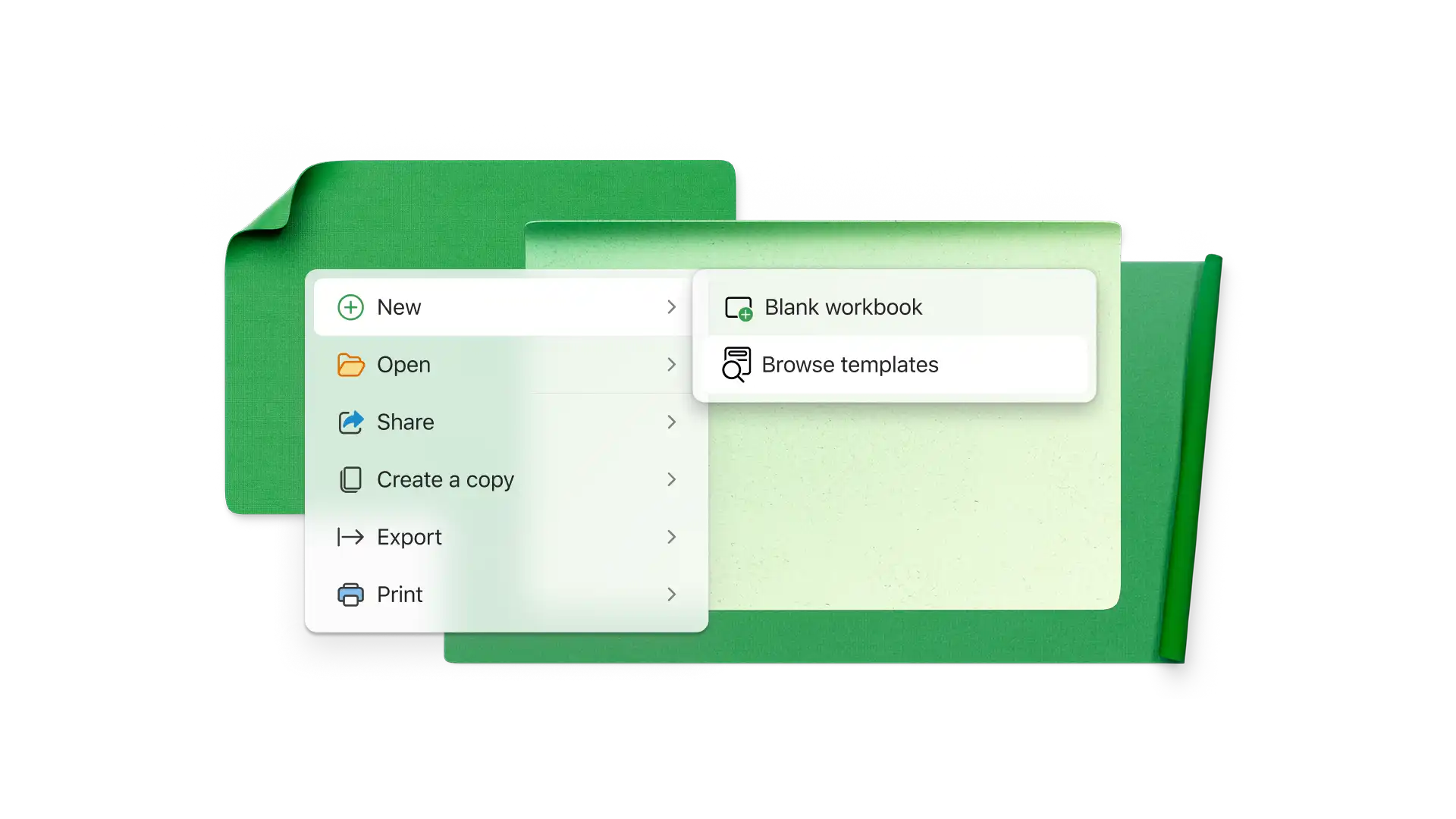
Choose a spreadsheet template that best aligns with your business needs.
Customize the data for the business categories you’re analyzing.
Use formulas to calculate the required totals and compare data with graphs and charts.
Use Copilot in Excel to analyze financials or organize new data.
Share the spreadsheet with specific teams or individuals with sharing links for further collaboration.
Малий бізнес зовсім не одноманітний, але звичайні електронні таблиці допомагають відстежувати доходи, витрати, виставлені рахунки-фактури, заробітну плату, робочий час групи, стан проєкту, запаси, потенційних клієнтів, показники зростання та маркетингові ініціативи.
Щоб захистити електронну таблицю Excel онлайн, виберіть вкладку "Рецензування" та натисніть "Керувати захистом". У бічній панелі захистіть таблицю, щоб заблокувати всі клітинки. Ви можете розблокувати окремі клітинки та діапазони й дозволити користувачам виконувати певні завдання, наприклад сортування. Для більшої безпеки задайте паролі, щоб відкривати електронні таблиці або редагувати клітинки.
Створюйте бюджети для бізнесу, рахунки-фактури, баланси та інші документи в Excel, а потім використовуйте Copilot, щоб автоматизувати обчислення, отримувати пропозиції оптимізації й створювати приладні дошки, роблячи керування фінансами швидшим і ефективнішим.